
Увод
This manual provides detailed instructions for the setup, operation, maintenance, and troubleshooting of your Escali Primo Digital Food Scale, Model P115. Designed for precise weight measurement in the kitchen, this scale is a versatile tool for cooking, baking, and portion control. Please read this manual thoroughly before using your scale to ensure optimal performance and longevity.
Производ је завршенview
The Escali Primo Digital Food Scale features a simple two-button operation, a sealed control panel for easy cleaning, and a compact design. It offers accurate measurements for various ingredients.
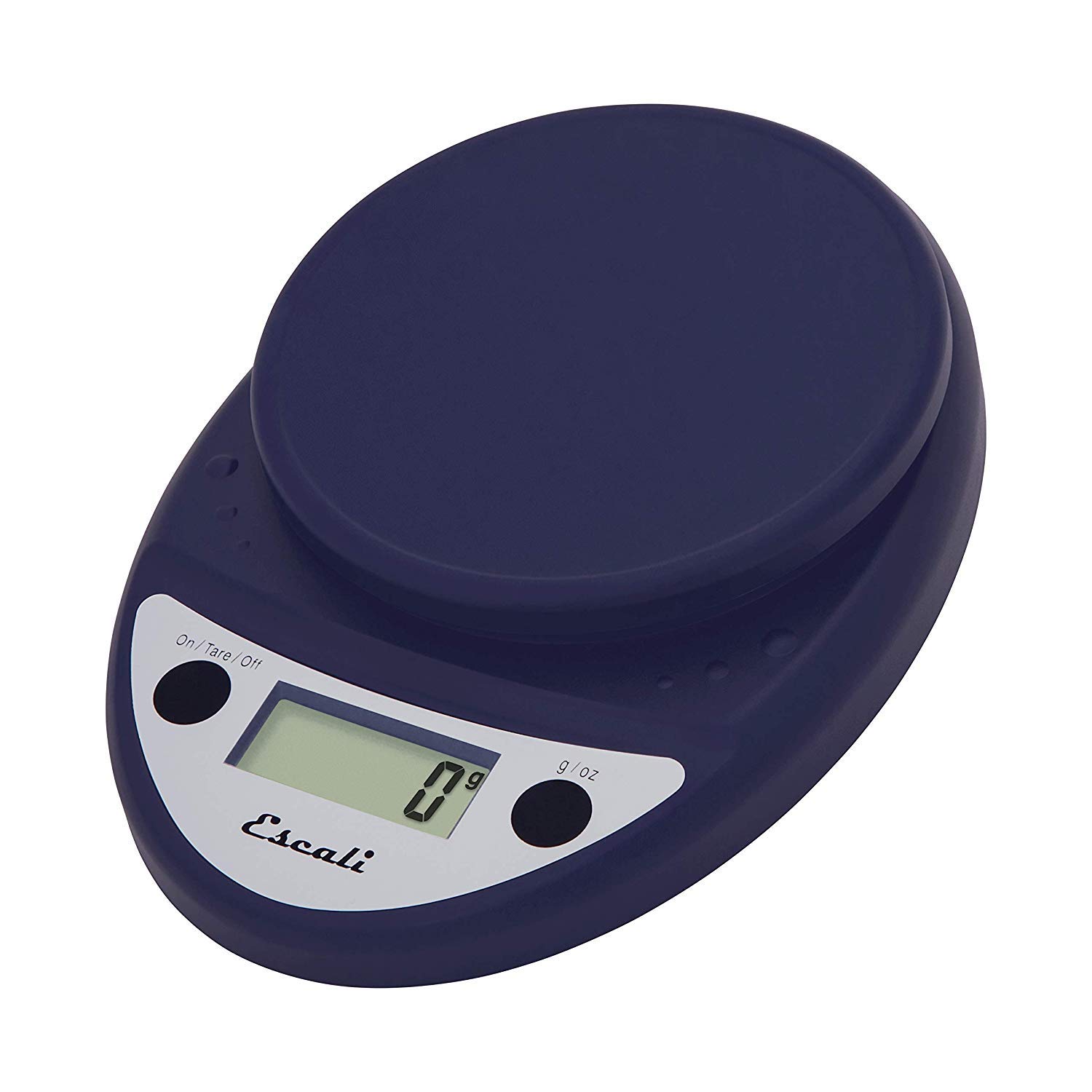
This image displays the Escali Primo Digital Food Scale in royal blue, showcasing its oval shape, weighing platform, digital display, and two control buttons.
Кључне карактеристике:
- Издржљив дизајн: Lightweight and rounded for enhanced durability.
- Accurate & Capable: Measures up to 11 lb (5,000 g) in 0.1 oz (1 g) increments.
- Карактеристика таре: Allows you to reset the scale to zero weight to measure multiple items or subtract container weight.
- Лако за читање: Features a crisp digital display.
- Избор јединице: Measures in pounds + ounces, ounces, and grams.
- Spill Guard: A clear plastic shield covers the control panel for easy cleaning.
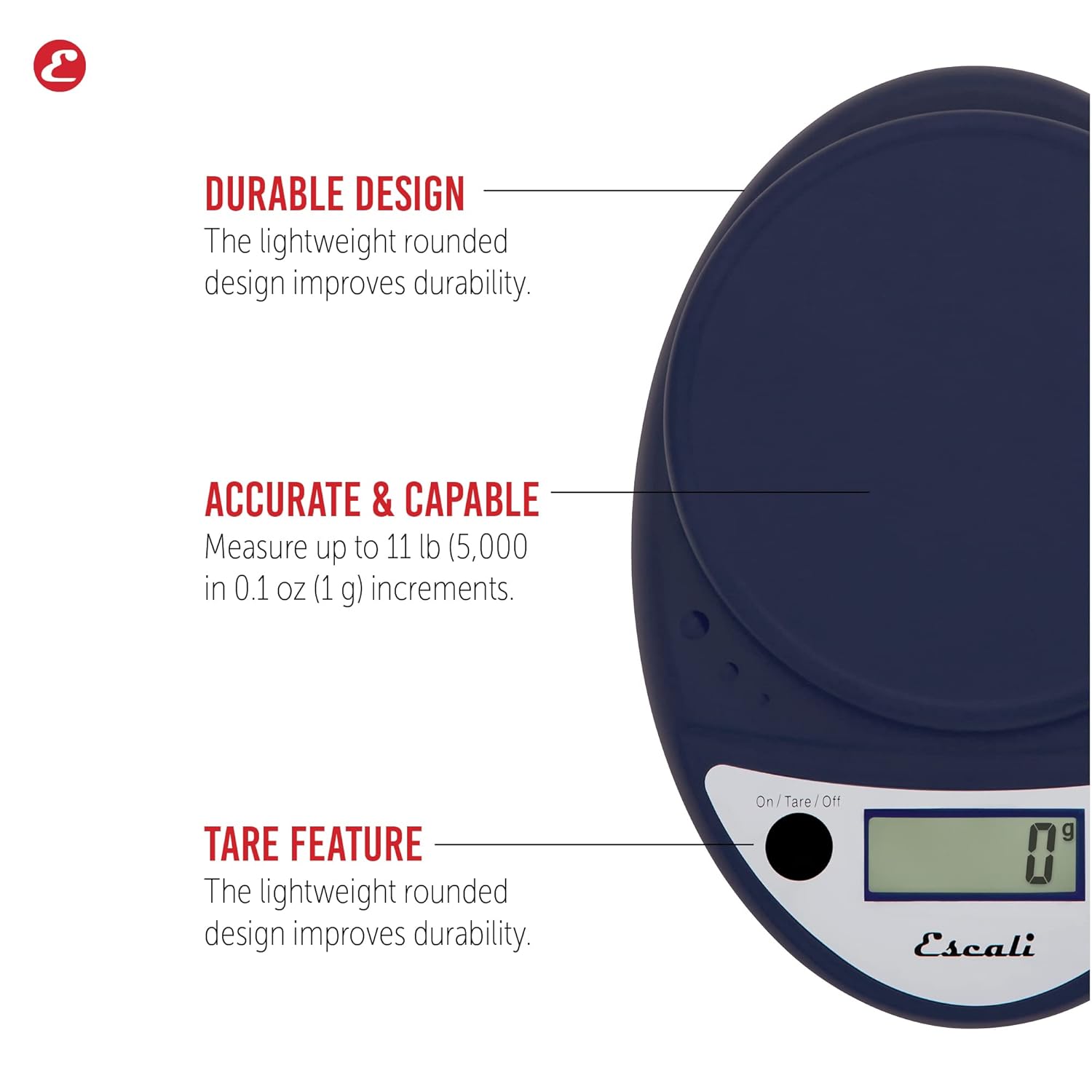
This image highlights the durable design, accurate measurement capabilities (up to 11 lbs / 5000g in 0.1 oz / 1g increments), and the tare feature of the scale.

This image illustrates the easy-to-read digital display, the unit selection function (pounds+ounces, ounces, grams), and the spill guard protecting the control panel.
Сетуп
- Инсталација батерије: The scale requires two (2) AA batteries, which are included. Open the battery compartment on the underside of the scale, insert the batteries according to the polarity indicators (+/-), and close the compartment securely.
- Пласман: Place the scale on a hard, flat, and stable surface. Uneven surfaces can affect accuracy.
Упутство за употребу
Укључивање/искључивање
- Да преокренеш вагу ON, притисните тастер On/Tare/Off button. The display will show "0".
- Да преокренеш вагу ОФФ, притисните и држите On/Tare/Off button for approximately 3 seconds. The scale also features an automatic shut-off after four minutes of inactivity to conserve battery life.
Избор јединице
- Притисните тастер г/оз button to cycle through the available measurement units: grams (g), ounces (oz), and pounds:ounces (lb:oz). Select your desired unit before weighing.
Вагање ставки
- Turn on the scale. Ensure the display shows "0" in your desired unit.
- Carefully place the item(s) to be weighed onto the center of the weighing platform.
- Прочитајте тежину приказану на екрану.
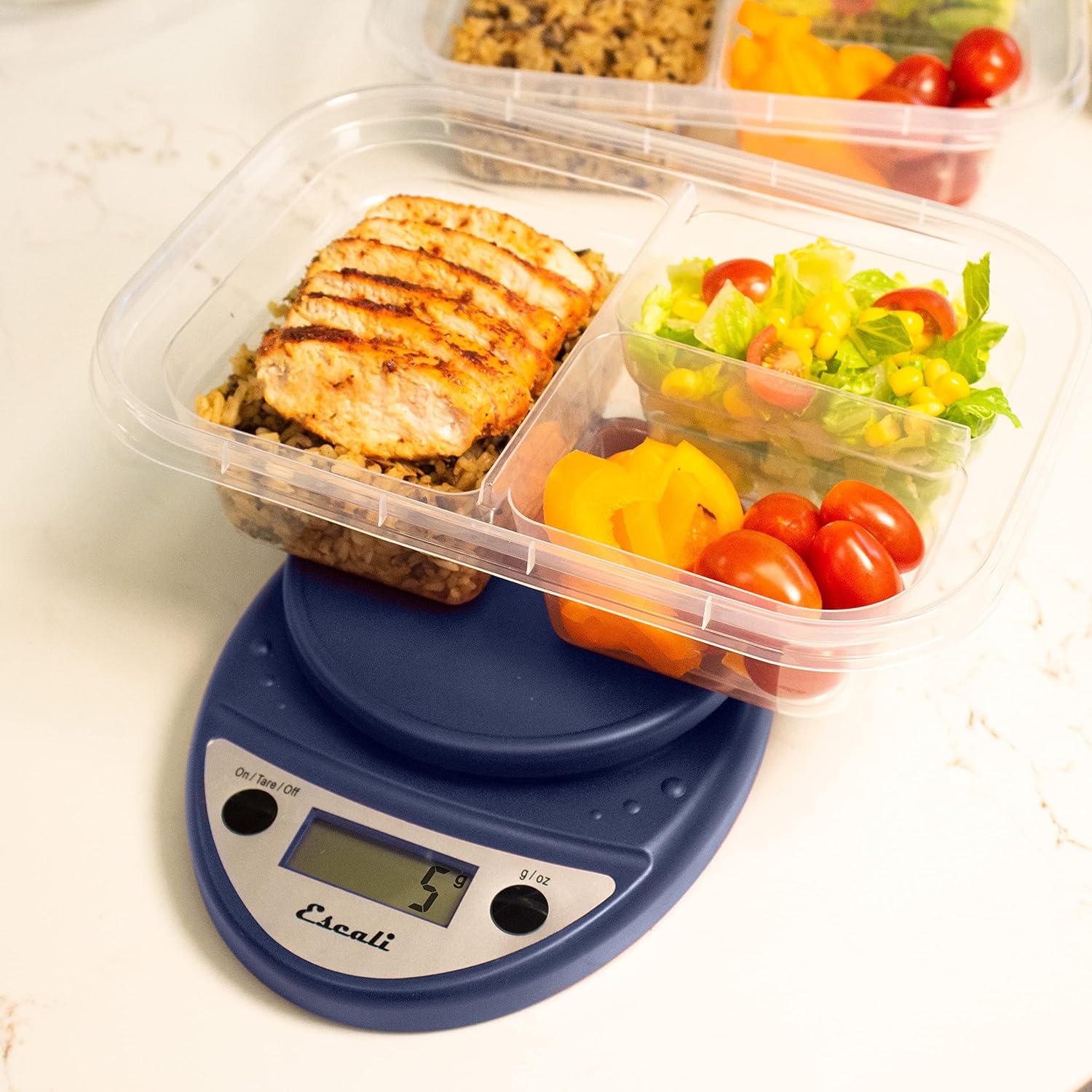
This image shows the Escali Primo Digital Food Scale being used to weigh meal prep containers filled with food, demonstrating its practical application for portion control.
Функција таре
The tare function allows you to subtract the weight of a container or to weigh multiple ingredients consecutively in the same bowl.
- Поставите празну посуду на платформу за мерење. Дисплеј ће приказати њену тежину.
- Притисните тастер On/Tare/Off button. The display will reset to "0".
- Add the ingredient(s) to the container. The display will show only the weight of the added ingredient(s).
- Repeat step 2 and 3 for additional ingredients.

This image illustrates the scale being used to weigh flour in a glass bowl, demonstrating the tare function's utility in baking by zeroing out the bowl's weight.
Одржавање и њега
- Чишћење: The sealed control panel and rounded design make the scale easy to clean. Wipe the scale with a damp тканина. Не потапајте вагу у воду нити користите абразивна средства за чишћење.
- Складиштење: Чувајте вагу на сувом месту на собној температури.
- Замена батерије: When the battery indicator appears on the display, replace the two AA batteries.
Решавање проблема
| Проблем | Могући узрок | Решење |
|---|---|---|
| Вага се не укључује | Празне или неправилно постављене батерије | Замените батерије или осигурајте исправан поларитет. |
| Нетачна очитавања | Uneven surface, overloaded scale, or interference | Place on a flat, stable surface. Do not exceed maximum capacity. Remove any electronic devices nearby. |
| На дисплеју се приказује „Грешка“ | Скала је преоптерећена | Remove items immediately. Do not exceed 11 lb (5,000 g). |
If you encounter issues not listed here, please refer to the support section for assistance.
Спецификације
- Модел: П115
- Капацитет: 11 лб (5,000 г)
- Povećanja: 0.05 оз (1 г)
- Јединице: oz, lb:oz, g
- Димензије: 8.5 к 6 к 1.5 инча
- Извор напајања: 2 АА батерије (укључене)
- Тип приказа: ЛЕД
- Посебне карактеристике: Auto Shut Off, Sealed Control Panel, Tare Function
Гаранција и подршка
Информације о гаранцији
The Escali Primo Digital Food Scale is backed by a Доживотна гаранцијаОва гаранција покрива недостатке у материјалу и изради при нормалној употреби. Молимо вас да сачувате доказ о куповини за потребе подношења захтева за гаранцију.
Корисничка подршка
For further assistance, technical support, or warranty inquiries, please visit the official Escali webсајт или контактирајте њихову службу за кориснике. Контакт информације се обично могу наћи на паковању производа или на званичном сајту бренда webсајт: ввв.есцали.цом