
Увод
Welcome to your Timex Classic Digital 34mm Watch. This timepiece combines a timeless retro design with essential modern features, including a chronograph, alarm, and the signature INDIGLO night-light. This manual will guide you through the setup, operation, and care of your watch to ensure optimal performance and longevity.
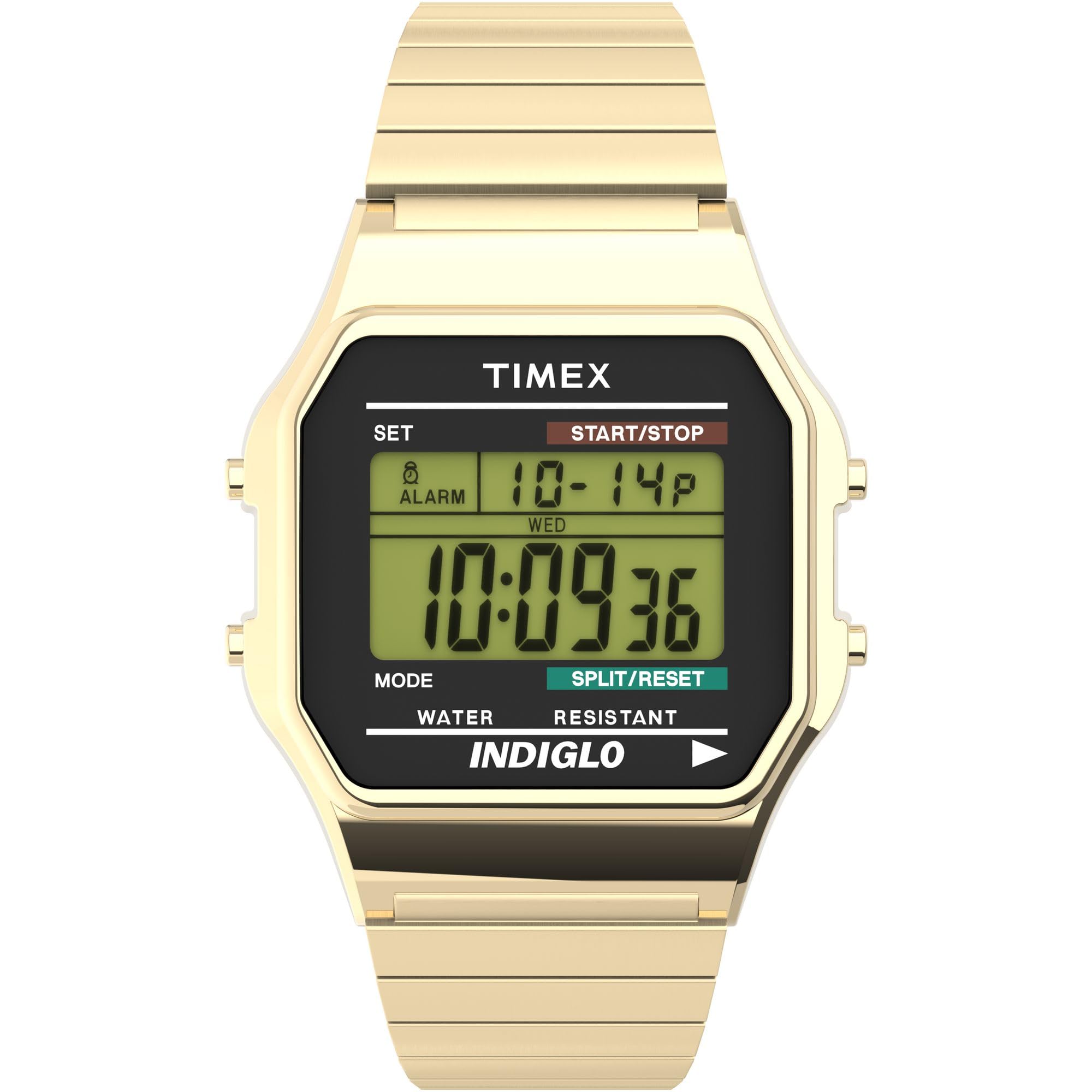
Фронт view of the Timex Classic Digital 34mm Watch, showcasing its gold-tone finish and digital display.
Сетуп
Before using your watch, it is important to set the correct time, date, and configure any desired features.
1. Подешавање времена и датума
- Притисните тастер СЕТ button (top left) once to enter time setting mode. The seconds will begin to flash.
- Притисните тастер МОДЕ button (bottom left) to cycle through the settings: seconds, hours, minutes, month, date, day of the week.
- Користите СТАРТ/СТОП дугме (горе десно) да бисте подесили вредност која трепери.
- Када су сва подешавања исправна, притисните дугме СЕТ поново притисните дугме да бисте изашли из режима подешавања.

Сиде view of the watch, highlighting the control buttons for setting and operation.
2. Подешавање аларма
- Са нормалног приказа времена, притисните дугме МОДЕ button until "ALARM" appears on the display.
- Притисните тастер СЕТ button. The alarm hour will flash.
- Користите СТАРТ/СТОП dugme za podešavanje sata alarma.
- Притисните МОДЕ to select minutes, then use СТАРТ/СТОП прилагодити.
- Притисните СЕТ да бисте потврдили и изашли из режима подешавања аларма.
- Да бисте активирали/деактивирали аларм, притисните дугме СТАРТ/СТОП button while in alarm mode. An alarm icon will appear when active.
3. Using 24-Hour (Military) Time Mode
Your watch supports both 12-hour (AM/PM) and 24-hour (military) time formats. To switch between modes, enter time setting mode (as described in "Setting Time and Date"), and when the hour is flashing, press the СТАРТ/СТОП button to toggle between 12-hour and 24-hour display.
Упутство за употребу
1. Using the INDIGLO Night-Light
The INDIGLO night-light illuminates the watch display for easy viewing in low-light conditions. To activate, press and hold the ИНДИГЛО button (bottom right). The light will remain on as long as the button is pressed.
2. Using the Chronograph (Stopwatch)
- Са нормалног приказа времена, притисните дугме МОДЕ button until "CHRONO" or "STOPWATCH" appears.
- Притисните тастер СТАРТ/СТОП button to start the chronograph.
- Да бисте снимили међувреме, притисните СПЛИТ/РЕСЕТ button (bottom right) while the chronograph is running. The display will show the split time, while the chronograph continues to run in the background. Press СПЛИТ/РЕСЕТ поново да бисте се вратили на време извршавања.
- Притисните СТАРТ/СТОП да паузирате хронограф.
- To reset the chronograph to zero, press СПЛИТ/РЕСЕТ док је хронограф паузиран.
3. Отпорност на воду
Your Timex watch is water resistant to 30 meters (100 feet). This means it is suitable for splashes, rain, or brief immersion in water. It is не препоручује се for swimming, diving, or showering, as prolonged water exposure or high-pressure water jets can compromise the water resistance seals.
Одржавање
1. Замена батерије
The watch uses one Lithium Metal battery. When the display becomes dim or the functions stop working, it's time to replace the battery. Due to the specialized tools and procedures required to maintain water resistance, it is highly recommended to have the battery replaced by an authorized Timex service center or a professional watch repairer.
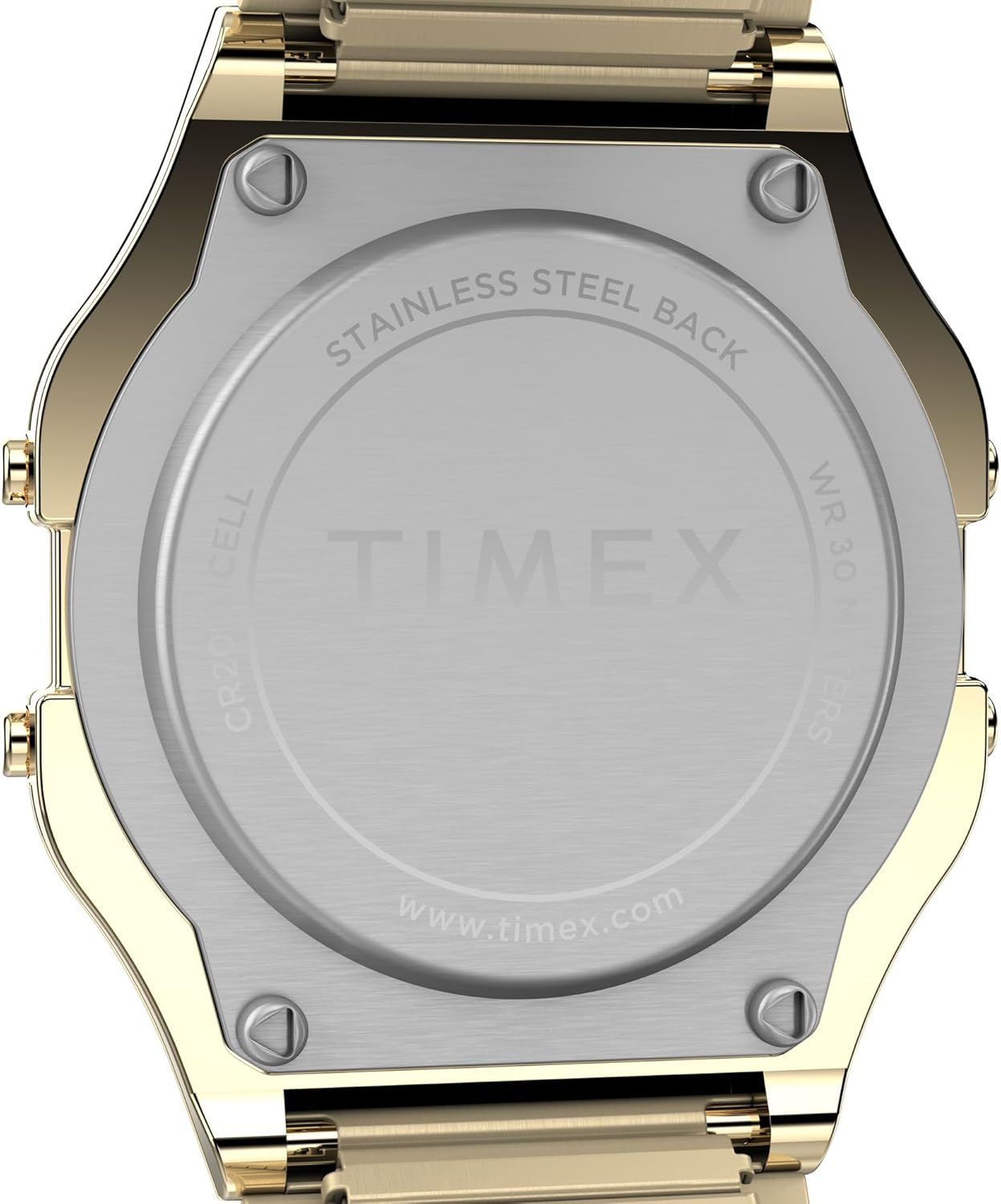
Позади view of the watch, showing the stainless steel back plate.
2. Чишћење сата
Да бисте очистили сат, нежно га обришите меком крпомamp cloth. Avoid using harsh chemicals, solvents, or abrasive cleaners, as these can damage the watch's finish or seals.
3. Band Care
The expansion band is designed for comfort and durability. To clean the band, you can gently stretch it and wipe between the links with a soft, damp cloth. Ensure it is completely dry before wearing. Avoid excessive stretching or bending that could damage the links.
Решавање проблема
- Екран је празан или блед: This usually indicates a low battery. Refer to the "Battery Replacement" section for guidance.
- Дугмад не реагују: Try pressing the buttons firmly. If the issue persists, a battery replacement might be needed, or contact customer support.
- Време је нетачно: Re-set the time and date as described in the "Setting Time and Date" section. Ensure the 12/24-hour mode is set correctly.
Спецификације
| Број модела | Т786779Ј |
| Пречник кућишта | 34mm (Resin) |
| Банд Видтх | 18mm (Stainless Steel Expansion Band) |
| Мовемент Типе | кварц |
| Дисплаи Типе | Digital (Green) |
| Отпорност на воду | 30 метара (100 стопа) |
| Посебне карактеристике | INDIGLO Night-Light, Chronograph, Alarm, Month/Day/Date Calendar, 24-Hour Mode |
| Тип батерије | 1 литијум-метал (укључена) |
| Тежина артикла | 1.6 унци |
Видео снимци производа
Timex Sizing Chart
This video provides a visual guide to Timex watch sizing, demonstrating how different case sizes appear on various wrist sizes.
Timex Men's T78677 Classic Digital Gold-Tone Stainless Steel Expansion Band Watch Overview
Званичник прекоview видео емисијаasing the features and design of the Timex Classic Digital Gold-Tone Stainless Steel Expansion Band Watch.
Гаранција и подршка
Информације о гаранцији
Your Timex watch is covered by a manufacturer's warranty. Please refer to the warranty card included with your purchase for specific terms, conditions, and duration. Keep your proof of purchase for warranty claims.
Корисничка подршка
За додатну помоћ, техничку подршку или упите о услугама, посетите званичну веб страницу компаније Timex. webсајту или контактирајте њихову службу за кориснике. Контакт информације се обично могу наћи на сајту Timex webсајту или у материјалима за паковање.