
1. Увод
The Escali Pico N115S is a compact digital kitchen and office scale designed for precise measurements. Despite its pocket-sized design, it offers an 11 lb (5 kg) capacity, making it suitable for various weighing tasks from food portioning to hobby use. Key features include tare functionality, parts counting, display hold, and automatic shut-off to conserve battery life.

Image: Escali Pico N115S Digital Scale highlighting its features such as pocket size, parts counting, unit selection, easy-to-read display, tare function, and audio control.
2. Подешавање
2.1 Инсталација батерије
The Escali Pico N115S scale requires 3 AAA batteries (included). To install or replace batteries:
- Пронађите одељак за батерије на доњој страни ваге.
- Отворите поклопац одељка за батерије.
- Уметните 3 ААА батерије, водећи рачуна о исправном поларитету (+/-).
- Добро затворите поклопац одељка за батерије.
2.2 Прва употреба
Place the scale on a flat, stable surface before turning it on to ensure accurate readings.
3. Упутство за употребу
3.1 Укључивање/искључивање
Притисните тастер ОН/ЗЕРО button to turn the scale on. The display will show '0.00' when ready. To turn the scale off, press and hold the ОН/ЗЕРО button for a few seconds, or it will automatically shut off after five minutes of inactivity.
3.2 Функција таре
The tare feature allows you to reset the scale to zero weight, enabling you to measure multiple items consecutively or subtract the weight of a container.
- Поставите празну посуду на вагу. Дисплеј ће приказати њену тежину.
- Притисните тастер ОН/ЗЕРО button. The display will reset to '0.00'.
- Add items to the container; only the weight of the added items will be displayed.
3.3 Избор јединице
The scale can measure in various units. Press the УНИТ button to cycle through available measurement units: grams (g), pounds (lb), ounces (oz), and pounds + ounces (lb:oz).
3.4 Parts Counting (PCS)
This feature allows you to count large quantities of small items with accuracy.
- Место каоample of 10 items on the scale.
- Притисните тастер ПЦС button to enter counting mode. The scale will calibrate based on the sampле.
- Add the remaining items; the display will show the total quantity.
3.5 Приказ на чекању
The display hold function allows you to view weight measurements on screen even after removing large items that might obstruct the display.
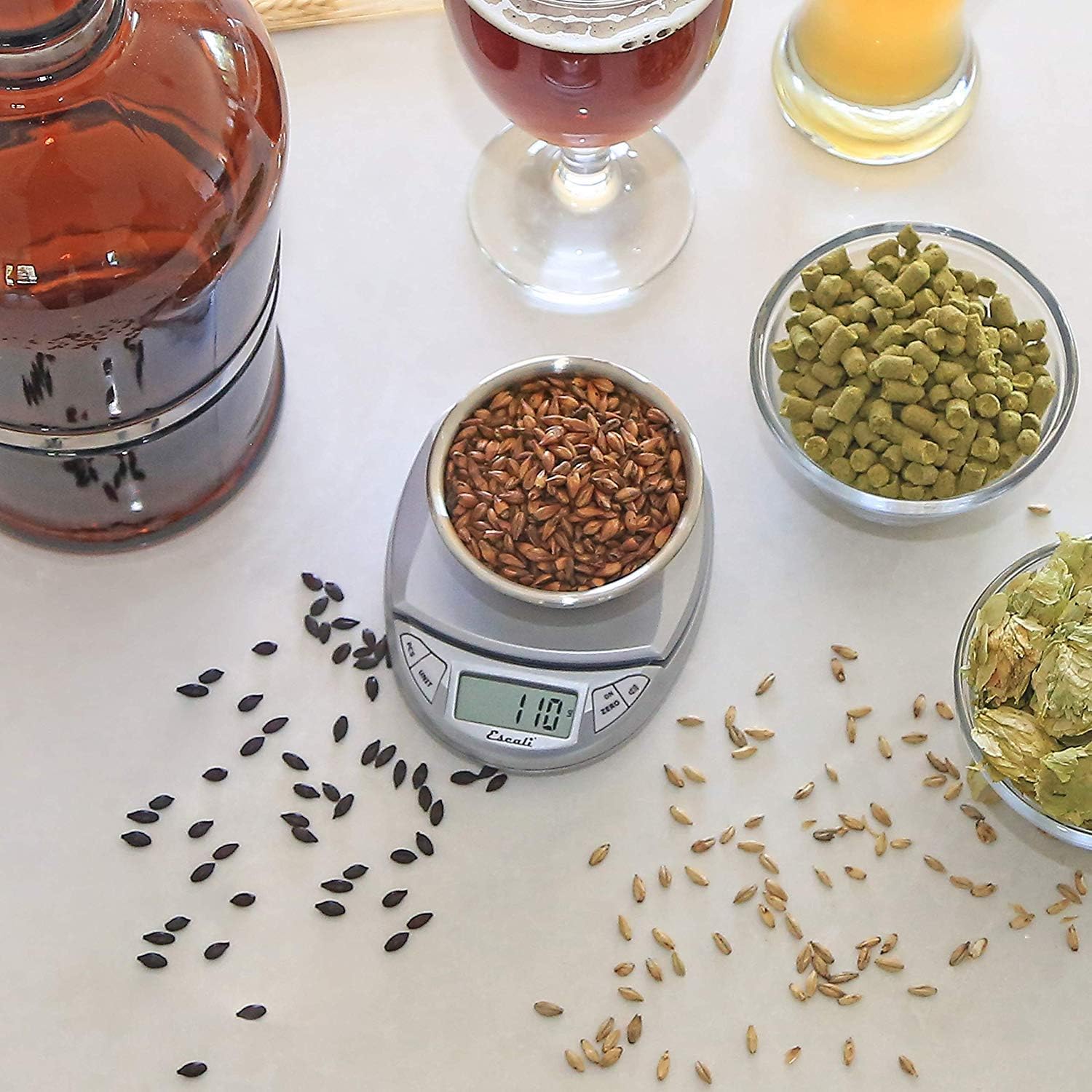
Image: Escali Pico N115S Digital Scale accurately weighing grains in a bowl, demonstrating its use for precise ingredient measurement in brewing.
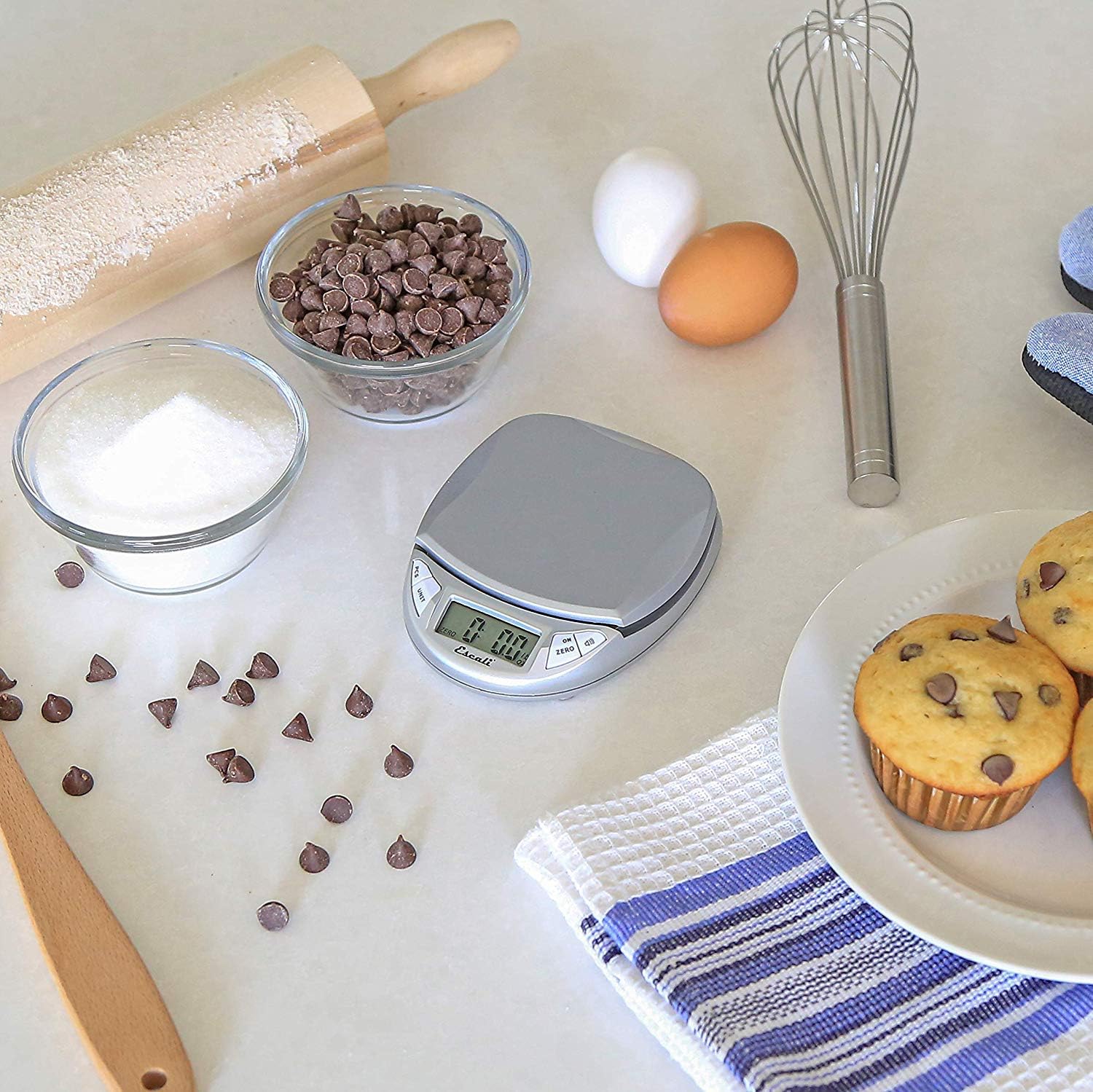
Image: Escali Pico N115S Digital Scale weighing sugar in a bowl, surrounded by other baking ingredients like chocolate chips, eggs, and muffins, illustrating its utility in baking.
3.6 Званични видео снимци производа
Видео: Оверview of the Escali Pico Digital Scale, demonstrating its compact design, tare function, unit conversion, and parts counting capabilities. This video highlights the scale's versatility for various weighing needs.
Video: A detailed demonstration of the Escali Pico Scale's features, including how to use the tare function, switch between measurement units (grams, pounds, ounces), and utilize the parts counting feature for small items. The video emphasizes the scale's ease of use and accuracy.
4. Одржавање
4.1 Чишћење
Да бисте очистили вагу, обришите је огласомamp cloth. Do not immerse the scale in water or use abrasive cleaners, as this can damage the electronic components.
4.2 Складиштење
Store the scale in a dry, cool place. Its compact design allows for easy storage in a drawer or cabinet.
КСНУМКС. Решавање проблема
5.1 Нетачна очитавања
- Ensure the scale is placed on a flat, stable, and level surface.
- Avoid placing the scale near strong electromagnetic fields or vibrating equipment.
- Check battery level; replace batteries if the low battery indicator appears.
5.2 Екран не ради
- Verify that the batteries are correctly installed and not depleted.
- If the display shows an error message, refer to the specific error codes in the full product manual (if available) or contact customer support.
6. Спецификације
- Бренд: Есцали
- Модел: Н115С
- Боја: Сребрно сива
- Ограничење тежине: 11 фунти (5 кг)
- Тачност очитавања: 0.1 унци
- Тип приказа: ЛЦД
- Материјал: Пластика
- Димензије производа: 4.5 к 3.75 к 1 инча
- Тежина артикла: 6.2 унци
- батерије: Потребне су 3 ААА батерије (укључене)
- Посебне карактеристике: Auto Shut Off, Tare Feature, Parts Counting, Display Hold
7. Гаранција и подршка
7.1 Информације о гаранцији
The Escali Pico N115S Digital Kitchen Scale is backed by a Доживотна ограничена гаранција, reflecting its superior build quality and design for lasting performance. For detailed warranty terms and conditions, please refer to the official Escali webсајту или контактирајте корисничку подршку.
7.2 Корисничка подршка
For further assistance, technical support, or warranty claims, please visit the official Escali webсајт или контактирајте њихову службу за кориснике. Контакт информације се обично могу наћи на паковању производа или на произвођачевој webсајту.