Увод
Thank you for choosing the ClearSounds ANS3000 Amplified Digital Answering Machine. This device is designed to provide clear, amplified message playback and efficient call management for analog telephone landlines. Please read this manual thoroughly to understand the features and ensure proper operation.

Слика 1: ClearSounds ANS3000 Amplified Digital Answering Machine. This image shows the overall design of the answering machine, including its buttons and display.
Садржај пакета
- ClearSounds ANS3000 Answering Machine
- АЦ адаптер
- Кабл за телефонску линију
- Кориснички приручник (овај документ)
Сетуп
Follow these steps to set up your ANS3000 answering machine:
- Connect the AC Power Adapter: Plug the small end of the AC power adapter into the "AC Adapter" jack on the back of the ANS3000. Plug the other end into a standard electrical outlet.
- Connect to the Telephone Line: Plug one end of the telephone line cord into the "Phone Line" jack on the back of the ANS3000. Plug the other end into your wall telephone jack.
- Connect Your Telephone (Optional): If you wish to connect a telephone directly to the answering machine, plug one end of a telephone line cord into the "Telephone Unit" jack on the back of the ANS3000. Plug the other end into your telephone.
- Укључено: The unit will power on automatically once connected to power. The display will illuminate.

Слика 2: The ANS3000 unit, ready for connection. This image illustrates the device's placement and suggests its readiness for connection to a telephone line and power source.
Упутство за употребу
Контроле и дисплеј

Слика 3: Enlarged buttons for easy operation. This image highlights the large, clearly labeled buttons on the ANS3000, designed for user convenience.
The ANS3000 features an intuitive layout with enlarged buttons and a clear display.
- Он/Офф: Powers the answering machine on or off.
- БЕЛЕШКА: Records a personal memo.
- OGM1 / OGM2: Selects and records Outgoing Message 1 or 2.
- Play/Stop (►▮): Plays or stops messages.
- Repeat (↺): Repeats the current message.
- Skip (►►): Skips to the next message.
- Избриши: Брише тренутну поруку.
- Hour / VOL+: Adjusts the hour during time setting or increases playback volume.
- Minute / VOL-: Adjusts the minute during time setting or decreases playback volume.
- Ringer, Language, Day, Speed: Buttons for setting these respective functions.
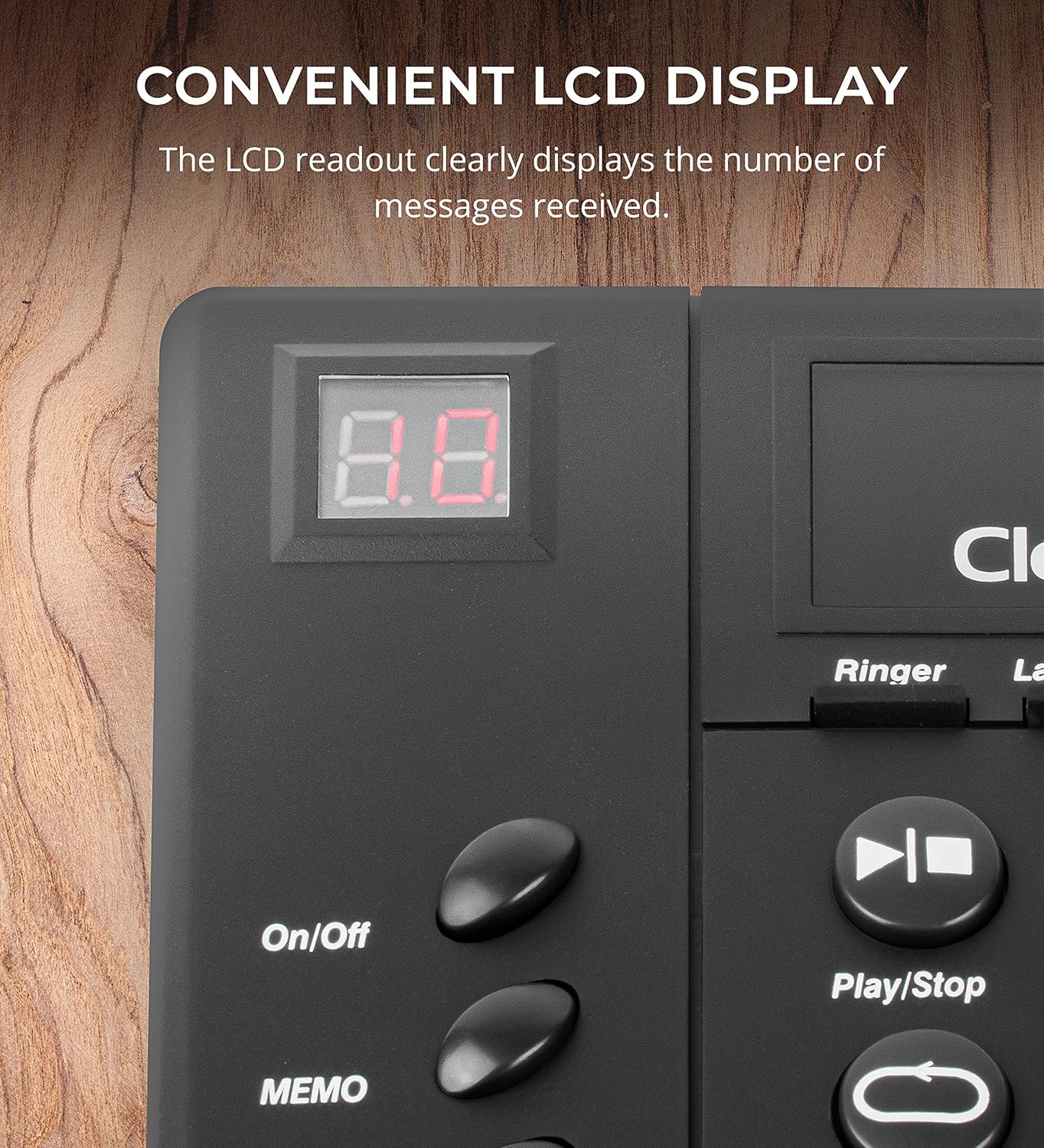
Слика 4: Convenient LCD display. This image shows a close-up of the digital display, which indicates the number of messages received and other operational statuses.
Подешавање времена и дана
To ensure accurate time/day stamps for messages, set the current time and day using the "Hour", "Minute", and "Day" buttons. Refer to the on-screen prompts for guidance. Note: A Caller ID subscription may be required for the time/day stamp feature to function correctly.
Recording Outgoing Messages (OGM)
The ANS3000 allows you to record up to two distinct outgoing messages (OGM1 and OGM2), each up to 3 minutes in length.
- Притисните или тастер OGM1 or OGM2 дугме.
- Пратите гласовне инструкције да бисте снимили своју поруку.
- Притисните изабрано ОГМ дугме поново да бисте зауставили снимање.
Играње порука
Притисните тастер Пусти/Заустави button to listen to recorded messages. Use the Понови button to replay the current message or the Скип button to move to the next message.
Amplification and Speech Speed

Слика 5: Подесиво amplification for personalized hearing needs. This image visually represents the ANS3000's ability to adjust playback volume up to 30 dB, catering to various hearing requirements.
- Порука Ampослобођење: The ANS3000 amplifies message playback up to 30dB. Use the ВОЛ+ и ВОЛ- buttons to adjust the volume to one of 10 available levels during message playback.
- Speech Playback Speed: The device offers 3 selectable slow speech playback levels. Press the Брзина button to cycle through the options and select a slower playback speed for improved comprehension.
Провера позива
The call screening feature allows you to listen to incoming messages as they are being recorded without answering the call. This enables you to decide whether to pick up the phone or let the answering machine complete the recording.
Ремоте Аццесс
You can access your messages and change outgoing messages remotely from any touch-tone phone.
- Dial your home phone number.
- When the answering machine picks up, enter your 4-digit security code (default code can be found in the full user manual or set during initial setup).
- Follow the voice prompts to manage your messages or change your OGM.
Одржавање
- Чишћење: Обришите уређај меком, сувом крпом. Не користите абразивна средства за чишћење или раствараче.
- Складиштење: If storing the unit for an extended period, disconnect it from power and the telephone line. Store in a cool, dry place.
- Услови животне средине: Избегавајте излагање уређаја екстремним температурама, директној сунчевој светлости или прекомерној влази.
Решавање проблема
| Проблем | Могући узрок | Решење |
|---|---|---|
| No power/Unit not turning on. | АЦ адаптер није правилно повезан или утичница није активна. | Ensure the AC adapter is securely plugged into the unit and a working electrical outlet. |
| Poor sound quality during playback. | Volume too low, poor line quality, or microphone interference during recording. | Adjust playback volume using VOL+ button. Check telephone line connection. Ensure clear speaking during OGM recording. |
| Time/Day stamp is incorrect or not appearing. | Time/Day not set, or Caller ID service is not active. | Manually set the time and day. Verify that you have Caller ID service from your telephone provider. |
| Cannot record outgoing messages. | Memory full or incorrect procedure. | Delete old messages to free up memory. Follow the OGM recording steps carefully. |
| Feedback or static during calls. | Interference with other devices or line issues. | Ensure the unit is not too close to other electronic devices. Check telephone line for damage. |
Спецификације
| Феатуре | Детаљ |
|---|---|
| Димензије производа | 7 к 5.25 к 2.25 инча |
| Тежина артикла | 9.6 унце (0.6 фунте) |
| Ampосвешћење | Up to 30dB (10 adjustable levels) |
| Speech Speed Levels | 3 selectable slow playback speeds |
| Капацитет снимања | Up to 30 minutes total (incoming and outgoing messages) |
| Outgoing Messages (OGM) | Supports 2 distinct OGMs, each up to 3 minutes |
| Подржани језици | енглески, француски, шпански |
| Повер Инпут | 100~240V 50/60Hz 150mA |
| Излазна снага | 9В ДЦ 300мА |
| Извор напајања | АЦ адаптер |
| Connector Jacks | AC Adapter, Phone Line, Telephone Unit |
| Опције монтаже | Desk or Wall Convertible |
| Тип система за одговор | Дигитал |
| Боја | Црно |
| Материјал | Пластика |
Информације о гаранцији
Specific warranty details for the ClearSounds ANS3000 are typically provided with the product packaging or available on the manufacturer's official website. Please refer to the documentation included with your purchase or visit the ClearSounds webсајт за најактуелније услове гаранције.
Корисничка подршка
For further assistance, technical support, or inquiries regarding your ClearSounds ANS3000, please contact ClearSounds customer service. Contact information can usually be found on the product packaging, the manufacturer's website, or in the included warranty documentation.