
Увод
The Ozeri 4x3motion Digital Pocket 3D Pedometer is designed to accurately track your physical activity. It utilizes advanced Tri-Axis technology and a Digital 3D Acceleration Sensor, allowing for precise measurement of steps, distance, speed, calories burned, and exercise time, regardless of the pedometer's orientation. The device features a clear LCD with a backlight for visibility in various lighting conditions. It is engineered to filter out incidental vibrations, ensuring that only continuous steps are counted for improved accuracy. The pedometer includes a Lithium battery and a bonus strap.
Кључне карактеристике укључују:
- Tri-Axis Technology for accurate tracking in any position.
- Digital 3D Acceleration Sensor for enhanced precision.
- Records steps, distance, average speed, calories burned, and time spent exercising.
- Bright LCD with night view позадинско осветљење.
- Vibration filtering to prevent miscounts.
- Компактан и танак дизајн.
- 7-Day Memory for activity data.
- Built-in Clock, Calendar, and Sports Timer.
- Auto Sleep technology to conserve battery.
Садржај пакета
- Ozeri 4x3motion Digital Pocket 3D Pedometer
- CR2032 Lithium Battery (pre-installed or included)
- Bonus Strap / Lanyard
- Упутство за употребу
Девице Оверview
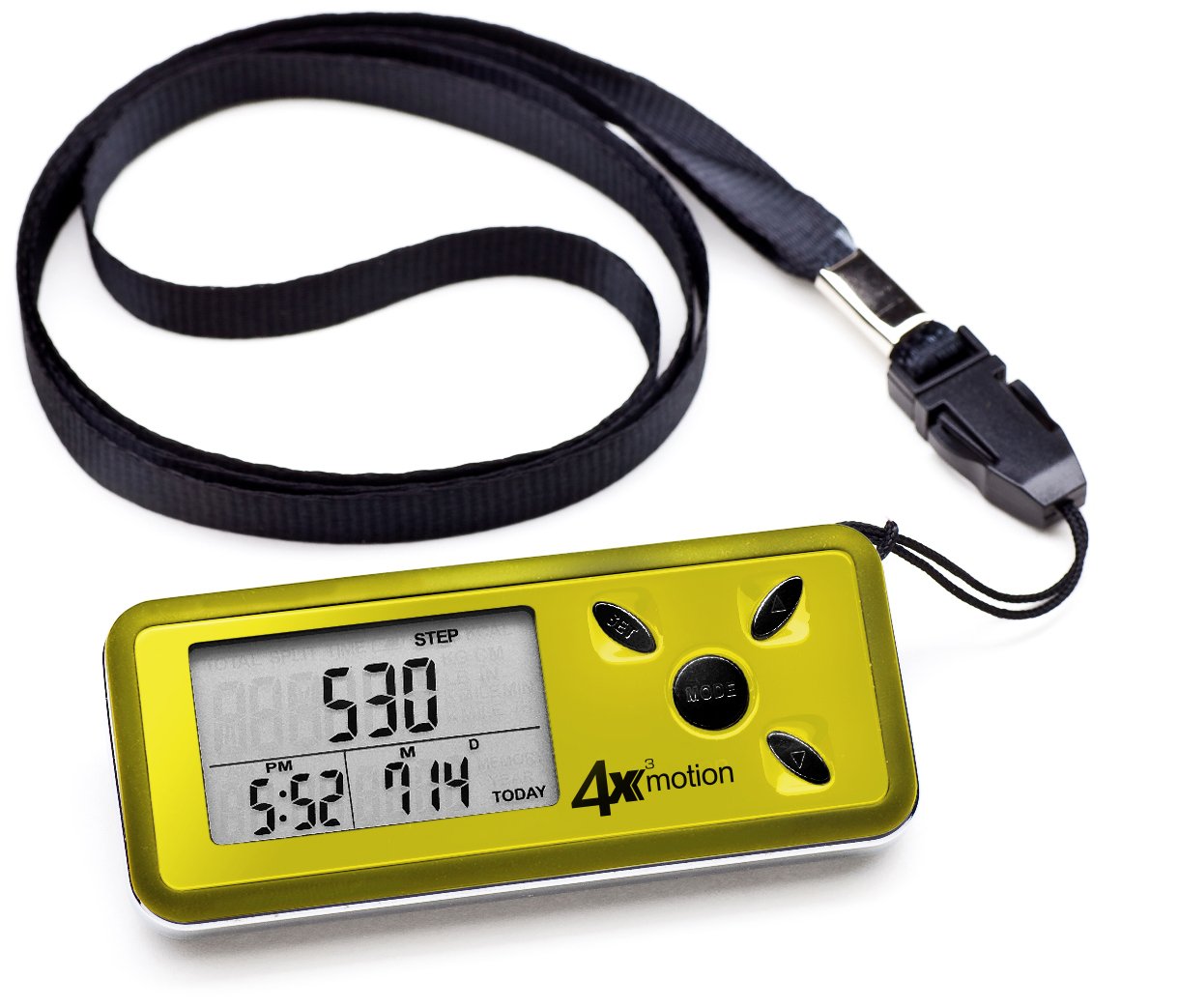
слика: Фронт view of the Ozeri 4x3motion Pedometer. The display shows "STEP 530" and the time "PM 6:26". Buttons labeled "SET", "MODE", and arrow buttons are visible on the right side.
The pedometer features a clear LCD screen and several control buttons:
- Дугме МОДЕ: Used to switch between different display modes (Steps, Distance, Calories, Speed, Exercise Time, Split). Also used to confirm settings.
- СЕТ дугме: Used to enter and exit setup mode for personal data and time.
- Up/Down Arrow Buttons: Used to adjust values during setup or navigate options.
Сетуп
1. Инсталација батерије
The pedometer typically comes with a CR2032 Lithium battery pre-installed. If the display is blank or dim, you may need to replace the battery. To install or replace the battery:
- Пронађите одељак за батерију на задњој страни уређаја.
- Use a small coin or screwdriver to open the battery cover.
- Insert a new CR2032 Lithium battery with the positive (+) side facing up.
- Добро затворите поклопац батерије.
2. Почетна подешавања
After battery installation or a reset, the pedometer will prompt you to set your personal data. This information is crucial for accurate calorie and distance calculations.
- Јединице: Притисните тастер СЕТ button to select between Metric (cm/kg) or Imperial (inches/lbs) units. Use the arrow buttons to change, then МОДЕ потврдити.
- Висина: Enter your height. Use arrow buttons to adjust, МОДЕ потврдити.
- Тежина: Enter your weight. Use arrow buttons to adjust, МОДЕ потврдити.
- Дужина корака: Measure your average stride length (distance covered in one step) and enter it. This is vital for accurate distance tracking. Use arrow buttons to adjust, МОДЕ потврдити.
- Формат времена: Select 12-hour or 24-hour format. Use arrow buttons to adjust, МОДЕ потврдити.
- време: Set the current time (hours and minutes). Use arrow buttons to adjust, МОДЕ to confirm each segment.
- Датум: Set the current date (Year, Month, Day). Use arrow buttons to adjust, МОДЕ to confirm each segment.
The pedometer will now be ready for use.
Упутство за употребу
Wearing the Pedometer
Thanks to its Tri-Axis technology, the Ozeri 4x3motion Pedometer can be worn in various positions while maintaining accuracy. You can place it in your pocket, bag, or wear it around your neck using the included strap.
Режими приказа
Притисните тастер МОДЕ button repeatedly to cycle through the following display screens:
- Кораци: Displays the total number of steps taken for the current day.
слика: Display showing "STEP 530".
- Удаљеност: Shows the total distance walked or run for the current day.
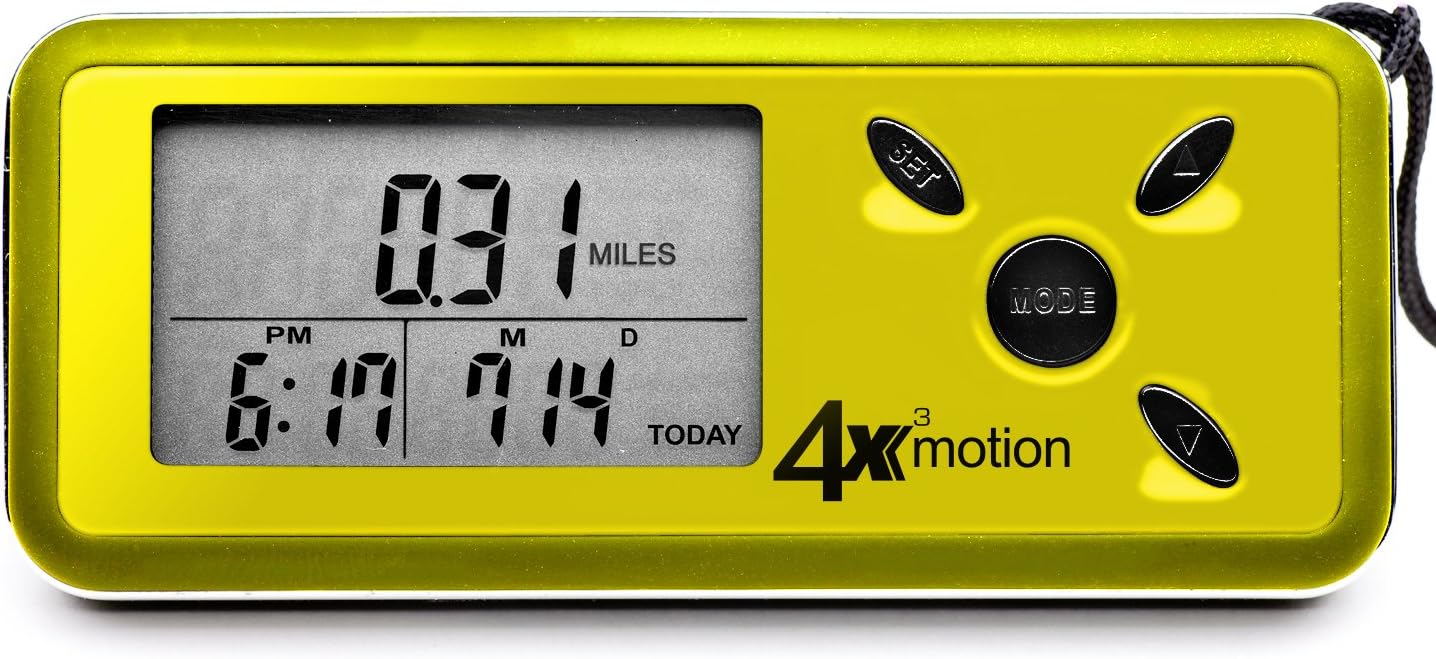
слика: Display showing "0.31 MILES".
- Сагореле калорије: Displays the estimated calories burned for the current day.

слика: Display showing "KCAL 10.6".
- Просечна брзина: Shows your average speed during activity for the current day.

слика: Display showing "4.41 MILES /H".
- Време вежбања: Displays the total active time for the current day.
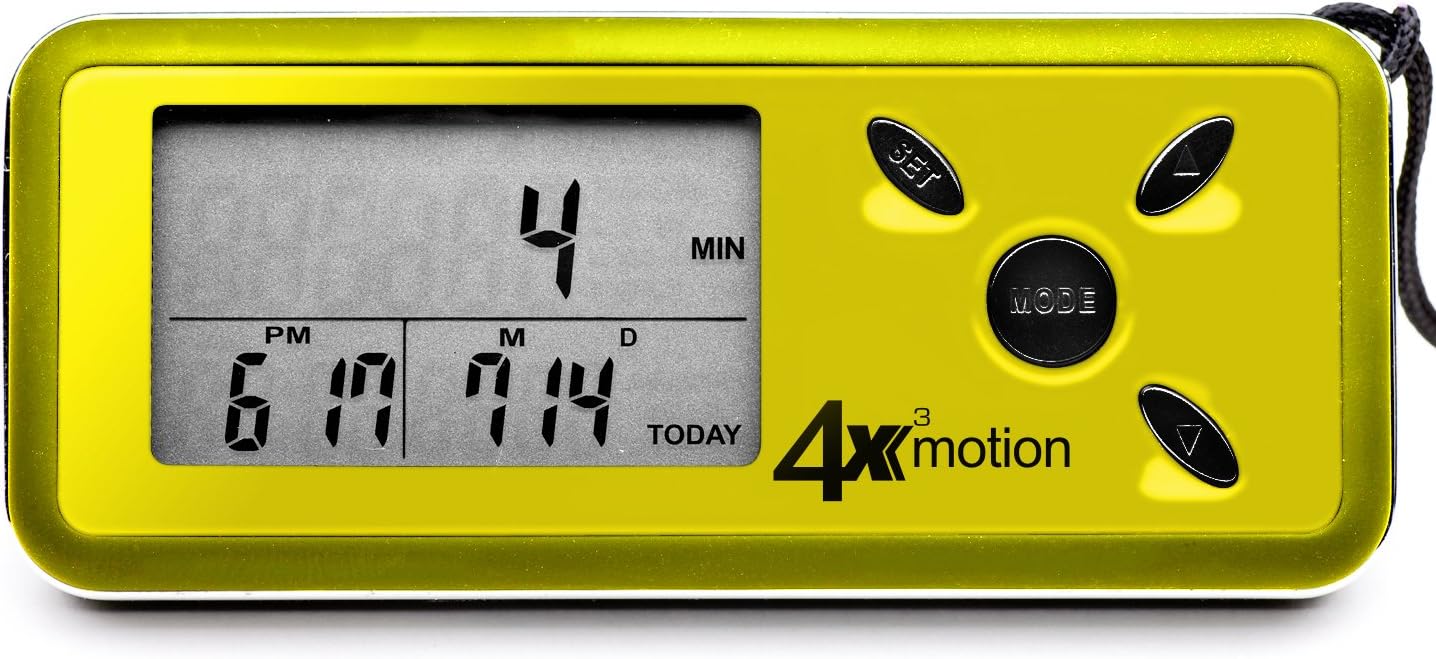
слика: Display showing "4 MIN".
- Сплит режим: Allows you to track a specific segment of activity independently. Press СЕТ to start/stop the split timer and reset split data. The main display will continue to track total daily activity.
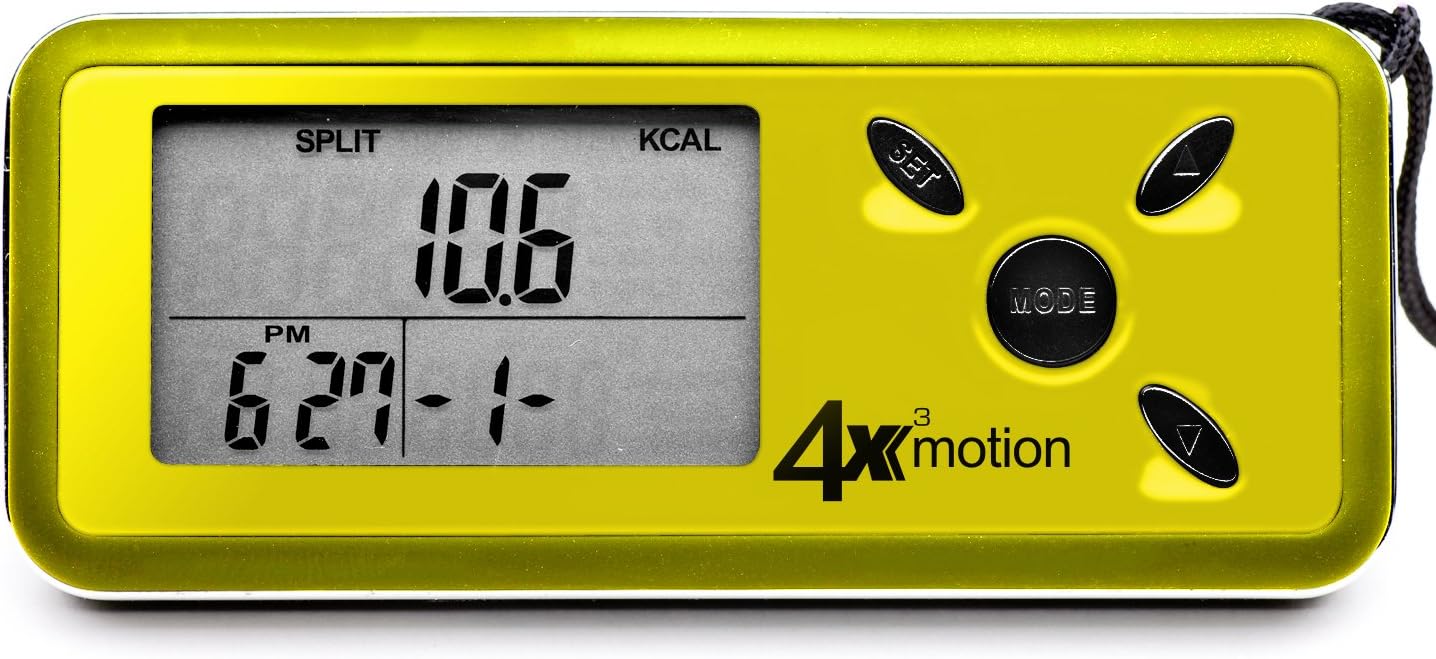
слика: Display showing "SPLIT KCAL 10.6".
Daily Reset and Memory
The pedometer automatically resets daily activity data to zero at midnight. It stores up to 7 days of historical data, which can be accessed by pressing the arrow buttons while in the main display modes (Steps, Distance, etc.).
Позадинско осветљење
To activate the blue backlight for night viewing, press any button. The backlight will remain on for a few seconds.
Одржавање
Чишћење
Wipe the pedometer with a soft, dry cloth. Do not use abrasive cleaners or immerse the device in water.
Замена батерије
When the display becomes dim or the device stops responding, it's time to replace the CR2032 Lithium battery. Refer to the "Battery Installation" section under Setup for instructions.
Складиштење
Store the pedometer in a cool, dry place away from direct sunlight and extreme temperatures.
Решавање проблема
- Pedometer not counting steps:
- Ensure the battery is properly installed and has sufficient charge. Replace if necessary.
- The pedometer is designed to filter out incidental movements and only begins counting after a sequence of continuous steps. Try walking for a short period to see if it registers.
- Verify that your personal settings (height, weight, stride length) are correctly entered. Incorrect stride length can affect accuracy.
- Inaccurate readings (distance/calories):
- Ensure your stride length, height, and weight settings are accurate. Recalibrate if needed.
- The pedometer's accuracy relies on consistent movement. Very short, sporadic movements may not be fully captured.
- Екран је празан или замагљен:
- Replace the CR2032 Lithium battery.
- Ensure the battery is inserted with the correct polarity (+ side up).
- Device resets unexpectedly:
- This could indicate a low battery. Replace the CR2032 Lithium battery.
- Ensure buttons are not being accidentally pressed for extended periods while in a pocket or bag.
Спецификације
| Феатуре | Детаљ |
|---|---|
| Број модела | ПД4Кс3И |
| Бранд | Озери |
| Сензорна технологија | Tri-Axis, Digital 3D Acceleration Sensor |
| Дисплаи Типе | ЛЦД са позадинским осветљењем |
| Величина екрана | 0.96 инча |
| Меморија | 7-Day Activity Data |
| Тип батерије | ЦР2032 литијумска батерија |
| Процењени век трајања батерије | Приближно 1 година (у зависности од употребе) |
| Тежина артикла | 0.06 фунти (приближно 27 грама) |
| Материјал | Пластика |
| Боја | Жута |
| УПЦ | 815817010247, 885354199231 |
Гаранција и подршка
For warranty information or technical support, please contact Ozeri customer service. Refer to the product packaging or the official Ozeri webсајт за најновије контакт информације.