
A4tech N-500F
A4Tech V-Track N-500F-1 Glossy Grey USB Mouse User Manual
Model: N-500F
Увод
Thank you for choosing the A4Tech V-Track N-500F-1 Glossy Grey USB Mouse. This manual provides essential information for setting up, operating, and maintaining your new mouse. The contoured design ensures maximum comfort and support during extended use, and the sturdy scroll wheel with a rubberized surface prevents slippage for precise control.
Сетуп
Follow these steps to set up your A4Tech V-Track N-500F-1 mouse:
- Повежите миш: Locate an available USB port on your computer. Insert the USB connector of the mouse firmly into the USB port.
- Инсталација драјвера: Your operating system (Windows XP, Windows 7, Linux, etc.) should automatically detect and install the necessary drivers for the mouse. No additional software installation is typically required for basic functionality.
- Проверите функционалност: Once connected, move the mouse to check if the cursor responds on your screen. Test the left and right click buttons, and the scroll wheel.
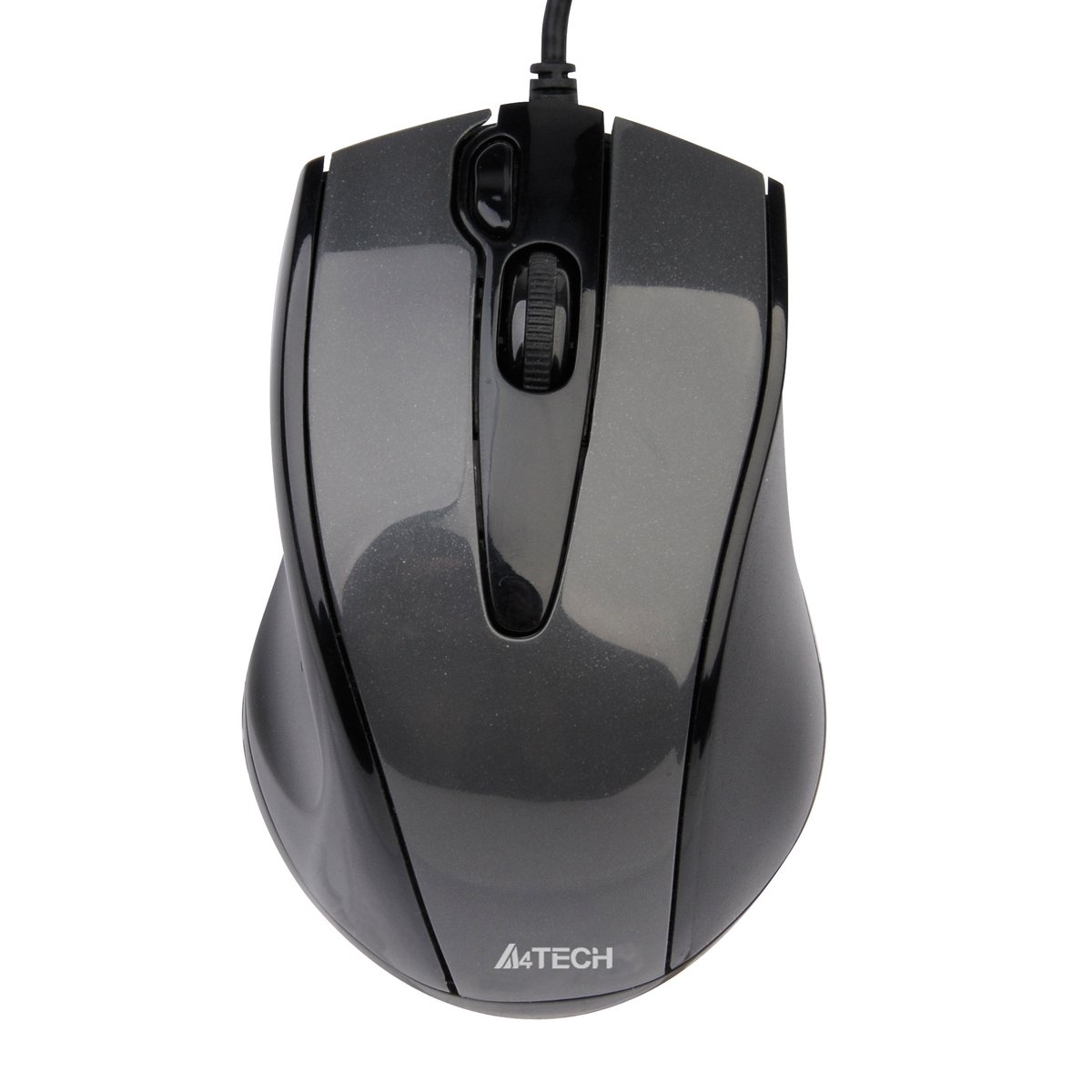
This image displays the A4Tech V-Track N-500F-1 mouse from a top-down perspective. It features a glossy grey finish, a central scroll wheel, and standard left and right click buttons. A USB cable extends from the front of the mouse.
Управљање мишем
The A4Tech V-Track N-500F-1 mouse is designed for intuitive use with standard computer functions.
- Леви клик: Use the left button for selecting items, opening fileи активирање линкова.
- Десни клик: Use the right button to access context menus, offering additional options for selected items.
- Точак за померање: Окрећите точак горе или доле да бисте се кретали кроз документе и web pages. The scroll wheel can also be pressed down for a middle-click function, often used for opening links in new tabs or auto-scrolling.
- Додатно дугме: This mouse features an additional button, typically located near the scroll wheel or on the side. This button can often be customized through your operating system's mouse settings or A4Tech's proprietary software (if available) to perform various functions, such as screen capture, quick access to applications, or specific commands. Refer to your computer's settings for customization options.
Одржавање и њега
Да бисте осигурали дуготрајност и оптималне перформансе вашег миша, пратите ова упутства за одржавање:
- Чишћење: Користите меку, суву крпу да обришете површину миша. За тврдокорну прљавштину, благо обришитеampОперите крпу водом или благим, неабразивним средством за чишћење. Избегавајте употребу јаких хемикалија или абразивних материјала.
- Чишћење сензора: Occasionally, dust or debris may accumulate around the optical sensor on the underside of the mouse. Use a cotton swab or compressed air to gently clean the sensor area.
- Избегавајте течности: Не потапајте миш у воду или га излажите прекомерној влази.
- Складиштење: Када се не користи, чувајте миш на чистом и сувом месту, даље од екстремних температура.
Решавање проблема
If you encounter issues with your A4Tech V-Track N-500F-1 mouse, refer to the table below for common problems and solutions:
| Проблем | Могући узрок | Решење |
|---|---|---|
| Курсор миша се не помера. | Loose USB connection, faulty USB port, dirty sensor. | Ensure USB cable is securely plugged in. Try a different USB port. Clean the optical sensor. Restart your computer. |
| Дугмад или точкић за скроловање не реагују. | Software conflict, debris under buttons. | Restart your computer. Check for any conflicting software. Gently clean around the buttons. |
| Кретање курсора је неправилно или скачкасто. | Прљави сензор, неодговарајућа површина подлоге за миш. | Clean the optical sensor. Use a clean, uniform mouse pad or surface. |
| Mouse is not detected by the computer. | Driver issue, hardware malfunction. | Try connecting to another computer to rule out mouse malfunction. Check Device Manager for driver status. |
Техничке спецификације
Below are the technical specifications for the A4Tech V-Track N-500F-1 mouse:
| Феатуре | Детаљ |
|---|---|
| Бранд | A4tech |
| Модел | Н-500Ф |
| Технологија повезивања | УСБ |
| Хардверски интерфејс | УСБ 2.0 |
| Број дугмади | 4 |
| Оријентација руке | Тачно |
| Боја | Греи |
| Компатибилан ОС | Линукс, Виндоус XP, Виндоус 7 |
| Димензије производа | 23.01 к 5.99 к 8.99 цм |
| Тежина артикла | 158.76 г |
| Врста извора напајања | Цордед Елецтриц |
Гаранција и подршка
A4Tech products are manufactured to high-quality standards. For information regarding warranty coverage, technical support, or service, please refer to the warranty card included with your product or visit the official A4Tech webсајт. Сачувајте рачун као доказ о куповини за потребе гаранције.
Ask a question about this manual
Ask about setup, troubleshooting, compatibility, parts, safety, or missing instructions. Manuals+ will review the question and use this page’s manual context to help answer it.