
Увод
This manual provides detailed instructions for the setup, operation, and maintenance of your La Crosse Technology Atomic Wall/Table Clock, Model 513-1211. This digital clock features a large LCD display, automatic time setting via atomic signal, indoor temperature monitoring, and a perpetual calendar. It is designed for easy viewing and can be used as a wall-mounted or tabletop device.
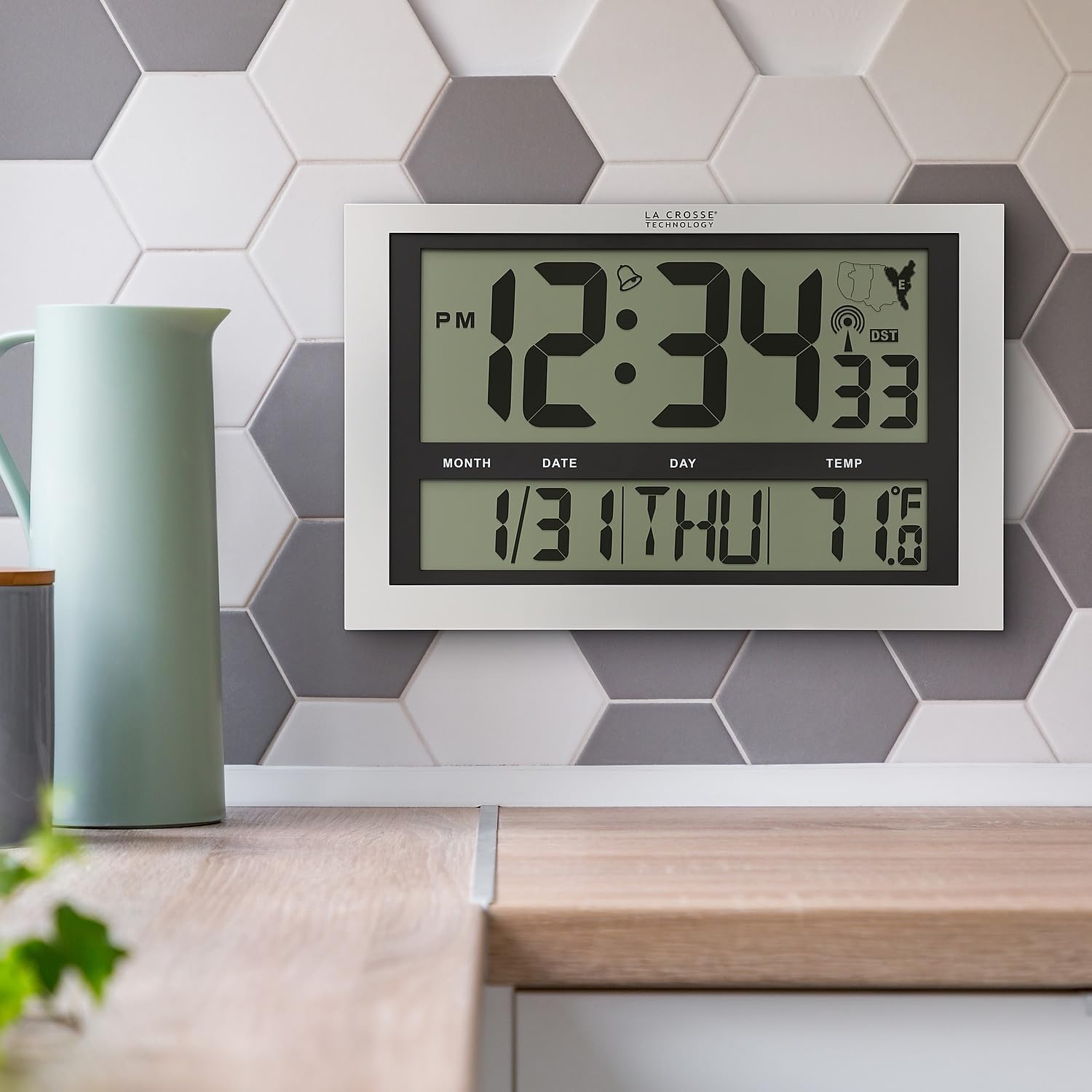
Image: La Crosse Technology Atomic Wall/Table Clock (Model 513-1211) mounted on a kitchen wall, showing the large digital display with time, date, and indoor temperature.
Безбедносне информације
Please read and understand the following safety precautions before using your clock:
- Користите само наведени тип батерија (3 АА алкалне батерије).
- Немојте мешати старе и нове батерије или различите типове батерија.
- Уверите се да су батерије уметнуте са исправним поларитетом (+/-).
- Одмах уклоните истрошене батерије како бисте спречили цурење.
- Do not expose the clock to extreme temperatures, direct sunlight, or moisture.
- Keep the clock away from strong magnetic fields.
Садржај пакета
Проверите да ли су све ставке присутне у вашем пакету:
- La Crosse Technology Atomic Wall/Table Clock (Model 513-1211)
- Упутство за употребу (овај документ)
Сетуп
1. Инсталација батерије
The clock requires 3 AA alkaline batteries (not included).
- Пронађите одељак за батерије на полеђини сата.
- Slide up and pull out the battery cover.
- Insert 3 new AA alkaline batteries according to the polarity markings (+ and -).
- Вратите поклопац батерије безбедно.

Слика: Позади view of the clock, highlighting the battery compartment, control buttons (SET, WAVE/+, DST/-, SNOOZE), and time zone switch.
2. Initial Setup and Atomic Signal Reception
After battery installation, the clock will automatically begin searching for the atomic time signal (WWVB). This process may take several minutes to several hours, depending on your location and environmental conditions. For best reception, place the clock near a window, facing generally towards Fort Collins, Colorado (USA).
- Изаберите временску зону: Use the time zone selector switch (PST, MST, CST, EST) on the back of the clock to choose your desired time zone.
- The clock will attempt to synchronize with the atomic signal. A signal strength indicator will appear on the display.
- Manual Time Setting (Optional): If the atomic signal is not received, or if you prefer to set the time manually, press and hold the СЕТ button for 3 seconds to enter settings. Use the WAVE/+ и DST/- buttons to adjust values, and СЕТ потврдити.
3. Опције монтаже
The clock can be displayed on a flat surface or mounted on a wall.
- Употреба стола: Extend the foldout legs located on the back of the clock to stand it upright on a desk or shelf.
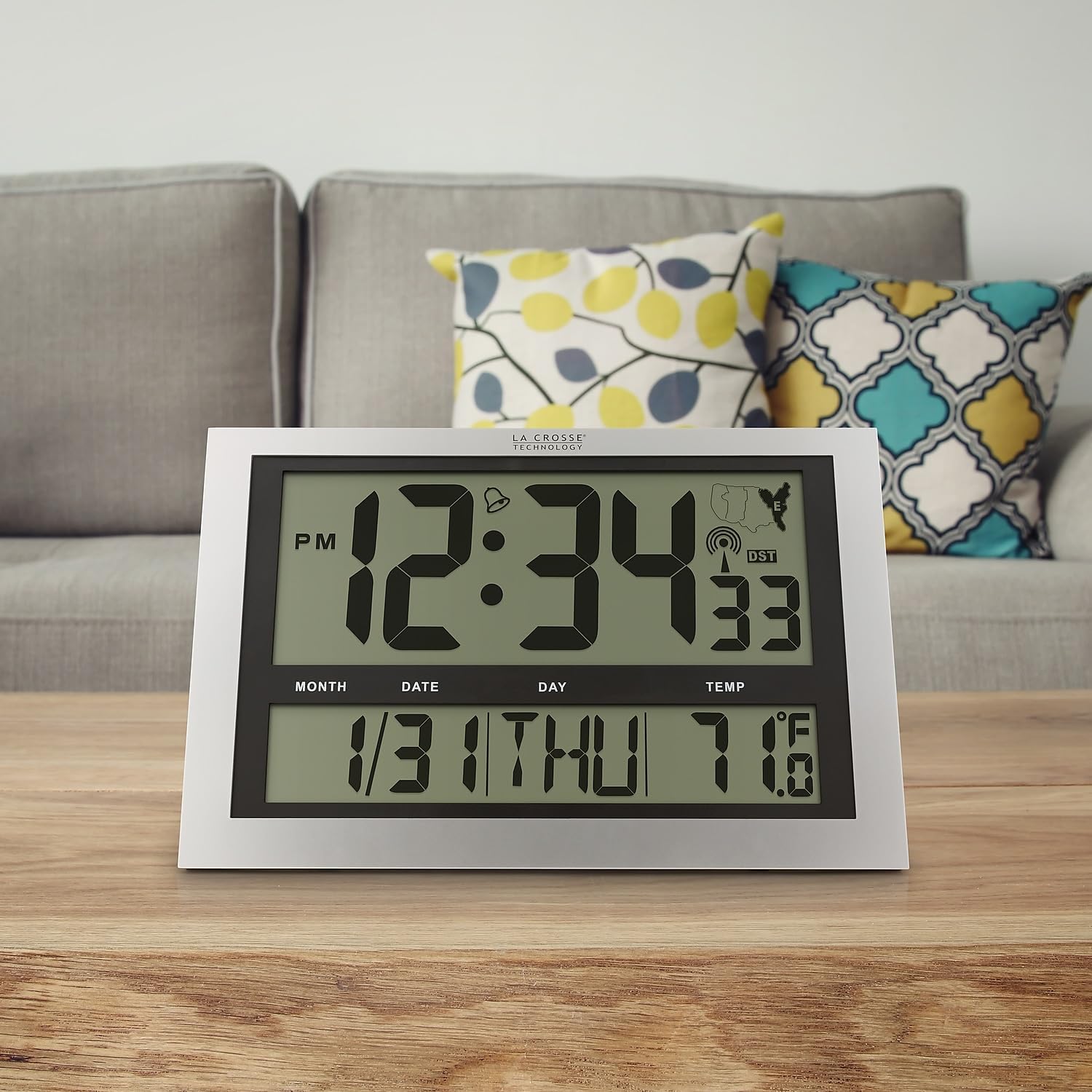
Image: La Crosse Technology Atomic Wall/Table Clock (Model 513-1211) standing on a wooden table, showcasing its use as a tabletop clock.
- Монтажа на зид: Collapse the foldout legs. Use the integrated hanging hole on the back of the clock to mount it securely on a wall using a screw (not included).
Упутство за употребу
1. Time and Date Display
The large LCD display shows the current time, date, and day of the week.
- Time Digits: The main time digits are approximately 4.25 inches tall for easy readability.
- Формат 12/24 сата: Притисните тастер СЕТ button briefly to toggle between 12-hour (AM/PM) and 24-hour (military) time formats.
- Вечни календар: The clock automatically displays the month, date, and weekday (English only).
2. Приказ температуре
The clock monitors and displays the indoor temperature.
- Фаренхајт/Целзијус: Притисните и држите ° Ц/° Ф button for 3 seconds to switch between Fahrenheit (°F) and Celsius (°C) temperature units.
- Температурни опсег: The indoor temperature range is 14°F to 122°F (-10°C to 50°C).
3. Функција аларма
The clock includes an alarm with a snooze feature.
- Подесите аларм: Притисните и отпустите СЕТ button to switch from TIME MODE to ALARM MODE. In ALARM MODE, press and hold СЕТ to adjust the alarm time using the WAVE/+ и DST/- дугмад. Притисните СЕТ потврдити.
- Активирај/деактивирај аларм: In ALARM MODE, press the WAVE/+ button to turn the alarm ON or OFF. An alarm icon will appear on the display when activated.
- Одгода: Када се огласи аларм, притисните СНООЗЕ дугме за утишавање аларма на 5 минута.
4. Летње рачунање времена (ДСТ)
The clock can automatically adjust for Daylight Saving Time.
- DST On/Off: Притисните тастер DST/- button to enable or disable the automatic DST adjustment. The DST indicator will show on the display when enabled.
5. Manual Signal Search
You can initiate a manual search for the atomic time signal.
- WAVE Button: Притисните и држите WAVE/+ button to start a manual signal search. The signal strength icon will flash during the search.
Одржавање
1. Замена батерије
When the low battery indicator appears on the display, replace all 3 AA alkaline batteries promptly to ensure continuous operation and accurate timekeeping. Refer to the "Battery Installation" section for detailed steps.
2. Чишћење
To clean your clock, use a soft, damp cloth. Do not use abrasive cleaners or chemicals, as these may damage the display or casing.
Решавање проблема
| Проблем | Решење |
|---|---|
| Нема дисплеја или је дисплеј замагљен | Проверите поларитет батерија. Замените их новим алкалним батеријама типа АА. |
| Clock not receiving atomic signal | Ensure correct time zone is selected. Place the clock near a window, away from electronic interference. Initiate a manual signal search using the WAVE button. Allow up to 24 hours for signal acquisition. |
| Нетачно време или датум | Verify time zone setting. Perform a manual signal search. If issues persist, manually set the time and date. |
| Очитавање температуре делује нетачно | Ensure the clock is not exposed to direct sunlight or heat sources, which can affect temperature readings. |
Спецификације
| Феатуре | Детаљ |
|---|---|
| Број модела | 513-1211 |
| Димензије (Ш к В к Д) | 16.75" W x 10.75" H x 1.38" D (approximate) |
| Приказ времена | Digital, 12/24 Hour selectable |
| Временске зоне | PST, MST, CST, EST |
| Температурни опсег | 14°Ф до 122°Ф (-10°Ц до 50°Ц) |
| Јединице температуре | Fahrenheit (°F) / Celsius (°C) selectable |
| Извор напајања | 3 АА алкалних батерија (нису укључене) |
| Материјал | Пластика |
| Опције монтаже | Зидни носач или стони носач |

Image: Display dimensions of the clock, showing the 4.25-inch height of the main time digits and 1.88-inch height of other display segments.
Гаранција
This La Crosse Technology product is backed by a Једногодишња ограничена гаранција произвођача from the date of purchase. This warranty covers manufacturing defects in materials and workmanship. It does not cover damage caused by misuse, accident, unauthorized modifications, or improper installation. For warranty claims, please retain your proof of purchase and contact La Crosse Technology customer support.
Подршка
For additional assistance, troubleshooting tips, or to contact customer support, please visit the official La Crosse Technology webсајт или погледајте контакт информације које се налазе на паковању производа.
You can also visit the La Crosse Technology store on Amazon for more products and information: Продавница техничке опреме у Ла Кросу