
1. Водич за подешавање
Follow these steps to set up your BlueDriver Bluetooth Pro OBDII Scan Tool:
- Download the BlueDriver App: Тражи "BlueDriver OBD2 Scan Tool" on the Apple App Store (for iOS devices) or Google Play Store (for Android devices) and install the application.
- Пронађите OBDII порт: The OBDII port is typically located under the dashboard on the driver's side of your vehicle. Refer to your vehicle's owner's manual if you have difficulty locating it.
- Plug in the BlueDriver Device: Firmly plug the BlueDriver scan tool into your vehicle's OBDII port. The device will power on automatically, indicated by a blue light.
- Укључите паљење возила: Turn your vehicle's ignition to the 'ON' position (do not start the engine).
- Омогући Блуетоотх: Уверите се да је Блутут омогућен на вашем паметном телефону или таблету.
- Повежите се путем апликације: Open the BlueDriver app. The app will automatically detect and connect to the BlueDriver device via Bluetooth. Follow any on-screen prompts within the app to complete the connection.

Image: The BlueDriver device is designed for easy plug-and-play installation into your vehicle's OBDII port, requiring no tools.
2. Упутство за употребу
Once connected, the BlueDriver app provides a comprehensive interface for vehicle diagnostics:
- Read and Clear Codes: Access the 'Read Codes' section to view confirmed, pending, and permanent diagnostic trouble codes (DTCs) for your vehicle. Use the 'Clear Codes' function to turn off the Check Engine Light and other warning indicators after repairs. The tool supports enhanced codes for ABS, Airbag (SRS), and TPMS systems, among others.
- Access Repair Reports: For each DTC, the app provides detailed repair reports, including code definitions, possible causes, and reported fixes specific to your vehicle. These reports are compiled from a vast database of verified repairs.
- View Подаци уживо: Monitor various vehicle sensors and parameters in real-time. This feature allows you to observe engine RPM, coolant temperature, fuel system status, and more, which can be crucial for diagnosing intermittent issues.
- Smog Check Readiness: Determine if your vehicle is ready for an emissions test by checking the status of various emission monitors.
- Подаци замрзнутог кадра: When a DTC is stored, the tool captures a 'snapshot' of vehicle conditions (e.g., engine speed, coolant temperature) at the moment the fault occurred, providing valuable context for diagnosis.
- Repair Videos: The app provides access to a large database of repair videos with step-by-step directions for common vehicle issues.
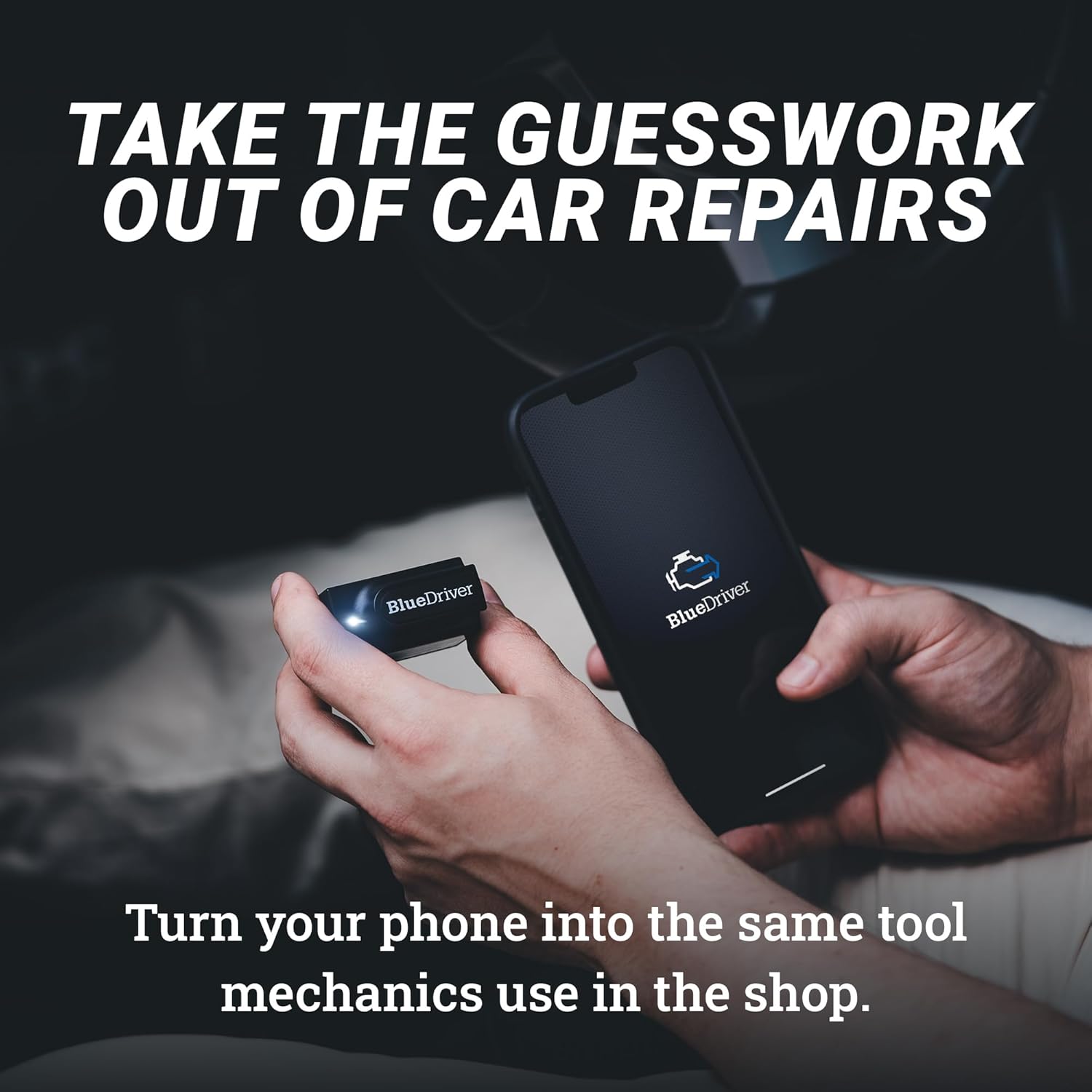
Image: The BlueDriver device and app allow your phone to function as a professional diagnostic tool.

Image: The BlueDriver app translates over 9000 diagnostic codes instantly, providing clear information on vehicle issues.

Image: Access certified repair guides and videos directly through the BlueDriver app for comprehensive repair assistance.

Image: The app offers real-time tracking with live data, check engine light snapshots with freeze frame, smog check functionality, and the ability to order auto parts.
Напомена: Ниједан званични видео снимак продавца није био доступан за уграђивање у овај приручник.
3. Одржавање
To ensure the longevity and optimal performance of your BlueDriver device:
- Чишћење: Обришите уређај меком, сувом крпом. Избегавајте употребу јаких хемикалија или абразивних средстава за чишћење.
- Складиштење: Store the device in a cool, dry place away from direct sunlight and extreme temperatures when not in use. Prolonged exposure to high heat (e.g., inside a hot car) can damage the electronics.
- Ажурирања софтвера: The BlueDriver app and device firmware receive regular, free updates. Ensure your app is always updated to the latest version to access new features, vehicle compatibility improvements, and bug fixes.
КСНУМКС. Решавање проблема
If you encounter issues with your BlueDriver device, consider the following:
- Уређај се не укључује: Ensure the device is firmly seated in the OBDII port and your vehicle's ignition is in the 'ON' position. Check your vehicle's fuse for the OBDII port if the issue persists.
- App Not Connecting to Device:
- Проверите да ли је Bluetooth омогућен на вашем мобилном уређају.
- Ensure the BlueDriver app has Bluetooth permissions enabled in your phone's settings.
- Try restarting your mobile device and the BlueDriver app.
- Unplug and re-plug the BlueDriver device from the OBDII port.
- Inaccurate Readings or Missing Data: Ensure your vehicle is compatible with the BlueDriver device (gas vehicles 1996+). Update the BlueDriver app to the latest version.
- Difficulty Interpreting Codes: Utilize the app's built-in repair reports for detailed explanations and suggested fixes for diagnostic trouble codes.
For persistent issues, refer to the 'Warranty & Support' section for contact information.
5. Спецификације
| Феатуре | Детаљ |
|---|---|
| Бранд | БлуеДривер |
| Модел | ЛСБ2 |
| Димензије производа | 2.2 cm D x 1.9 cm Š x 1 cm V |
| Тежина артикла | 2.08 унци |
| Компатибилност оперативног система | иОС и Андроид |
| Повезивање | Блуетоотх |
| Supported Vehicle Years | All gas vehicles 1996+ |
| Supported Diagnostics | Check Engine Light (CEL), ABS, Airbag (SRS), Transmission, TPMS, and more. |
| Посебне карактеристике | Freeze Frame, Repair Reports, Live Data, Smog Check |
6. Гаранција и подршка
BlueDriver is committed to providing exceptional customer service and product support:
- Доживотна бесплатна ажурирања: The BlueDriver app and its features receive continuous updates, which are provided free of charge for the lifetime of the product.
- Професионална подршка 24/7: Access highly trained technicians for assistance anytime, anywhere.
Контакт информације:
- Телефон: 1-866-302-0054
- Webсајт: www.bluedriver.com
- In-App Chat: Available directly within the BlueDriver application.

Image: BlueDriver offers 24/7 support and free lifetime updates, ensuring continuous assistance and product improvement.