
Lexon LA87N
Lexon Prism Speaker LA87N Instruction Manual
Model: LA87N
Увод
Thank you for choosing the Lexon Prism Speaker. This portable Bluetooth speaker is designed to deliver quality audio with convenient connectivity. This manual provides detailed instructions on how to set up, operate, and maintain your speaker to ensure optimal performance and longevity.
Молимо вас да пажљиво прочитате ово упутство пре употребе производа и сачувате га за будуће потребе.
Садржај пакета
Уверите се да су све ставке присутне у пакету:
- Lexon Prism Speaker (Model LA87N)
- УСБ кабл за пуњење
- Кориснички приручник (овај документ)
Сетуп
1. Пуњење звучника
Before first use, fully charge the Lexon Prism Speaker.
- Locate the USB charging port on the speaker.
- Повежите један крај приложеног УСБ кабла за пуњење са портом за пуњење звучника.
- Повежите други крај USB кабла са компатибилним USB адаптером за напајање (није укључен) или USB портом рачунара.
- The charging indicator light will illuminate, typically red, during charging. It will turn off or change color (e.g., blue or green) when fully charged.
- Потпуно пуњење обично траје отприлике 2-3 сата.
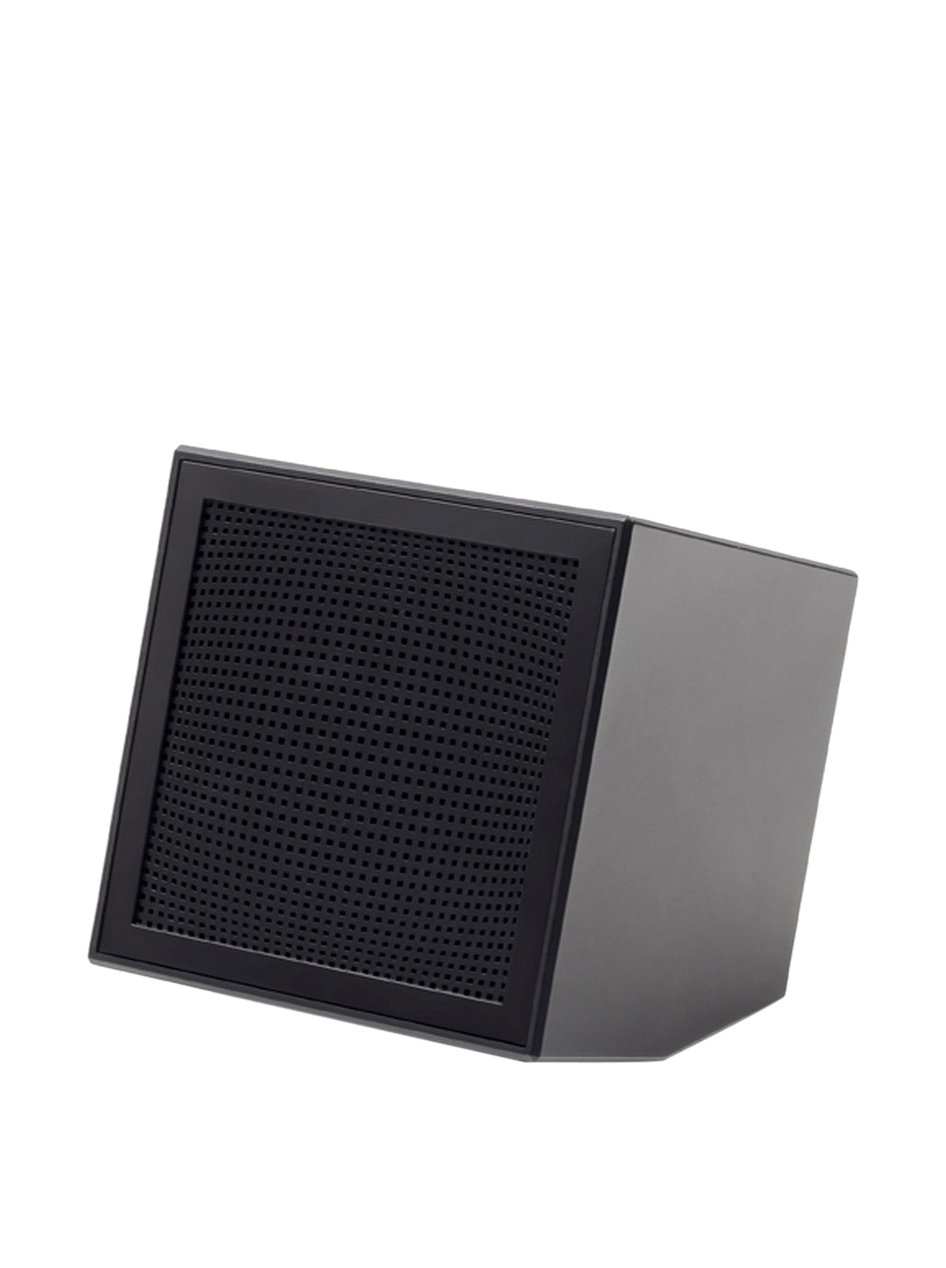
Image: The Lexon Prism Speaker, a compact black cube with a speaker grille, ready for use.
Упутство за употребу
1. Укључивање/искључивање
- To power on: Press and hold the power button (usually marked with a power symbol) for a few seconds until you hear an audible tone or see an indicator light.
- To power off: Press and hold the power button again for a few seconds until you hear an audible tone or the indicator light turns off.
2. Блуетоотх упаривање
Pair your Lexon Prism Speaker with a Bluetooth-enabled device (e.g., smartphone, tablet, computer).
- Ensure the speaker is powered on and in pairing mode. The Bluetooth indicator light will typically flash rapidly.
- На свом уређају идите на Блуетоотх подешавања и омогућите Блуетоотх.
- Тражи available devices. The speaker should appear as "Lexon Prism" or a similar name.
- Select "Lexon Prism" from the list to connect.
- Once successfully paired, you will hear a confirmation tone, and the Bluetooth indicator light will stop flashing and remain solid.
- Звучник ће аутоматски покушати да се поново повеже са последњим упареним уређајем када се укључи.
3. Аудио репродукција
After successful pairing, you can play audio from your connected device. Use your device's controls for:
- Playing/Pausing music
- Подешавање јачине звука
- Skipping tracks (if supported by speaker controls)
The speaker itself may have basic controls for volume and playback, refer to the physical buttons on your device.
Одржавање и њега
- Чишћење: Use a soft, dry cloth to wipe the surface of the speaker. Do not use abrasive cleaners, alcohol, or chemical solvents, as these may damage the finish.
- Складиштење: Чувајте звучник на хладном и сувом месту, даље од директне сунчеве светлости и екстремних температура када се не користи дуже време.
- Изложеност води: Овај звучник није водоотпоран. Избегавајте излагање води, киши или прекомерној влази.
- Утицај: Avoid dropping the speaker or subjecting it to strong impacts, which can damage internal components.
Решавање проблема
| Проблем | Могуће решење |
|---|---|
| Звучник се не укључује. | Ensure the speaker is fully charged. Connect it to a power source using the USB cable and allow it to charge for at least 30 minutes before attempting to power on again. |
| Није могуће упарити са Блуетоотх уређајем. |
|
| Нема звука или је јачина звука ниска. |
|
| Изобличење звука. |
|
Спецификације
| Феатуре | Детаљ |
|---|---|
| Број модела | ЛА87Н |
| Бранд | Лекон |
| Излазна снага | 3 Ваттс |
| Технологија повезивања | Блуетоотх, УСБ |
| Извор напајања | Баттери Поверед |
| Материјал | АБС |
| Димензије (Д к Ш к В) | 8 к 8 к 8 цм |
| Тежина | 405 грама |
| Боја | Црно |
Гаранција и подршка
Lexon products are manufactured to the highest quality standards. For information regarding warranty coverage, terms, and conditions, please refer to the warranty card included with your purchase or visit the official Lexon webсајту.
If you encounter any issues not covered in the troubleshooting section or require further assistance, please contact Lexon customer support through their official webсајт или контакт информације које сте добили уз документацију о производу.
Please have your model number (LA87N) and proof of purchase ready when contacting support.
Ask a question about this manual
Ask about setup, troubleshooting, compatibility, parts, safety, or missing instructions. Manuals+ will review the question and use this page’s manual context to help answer it.