
Увод
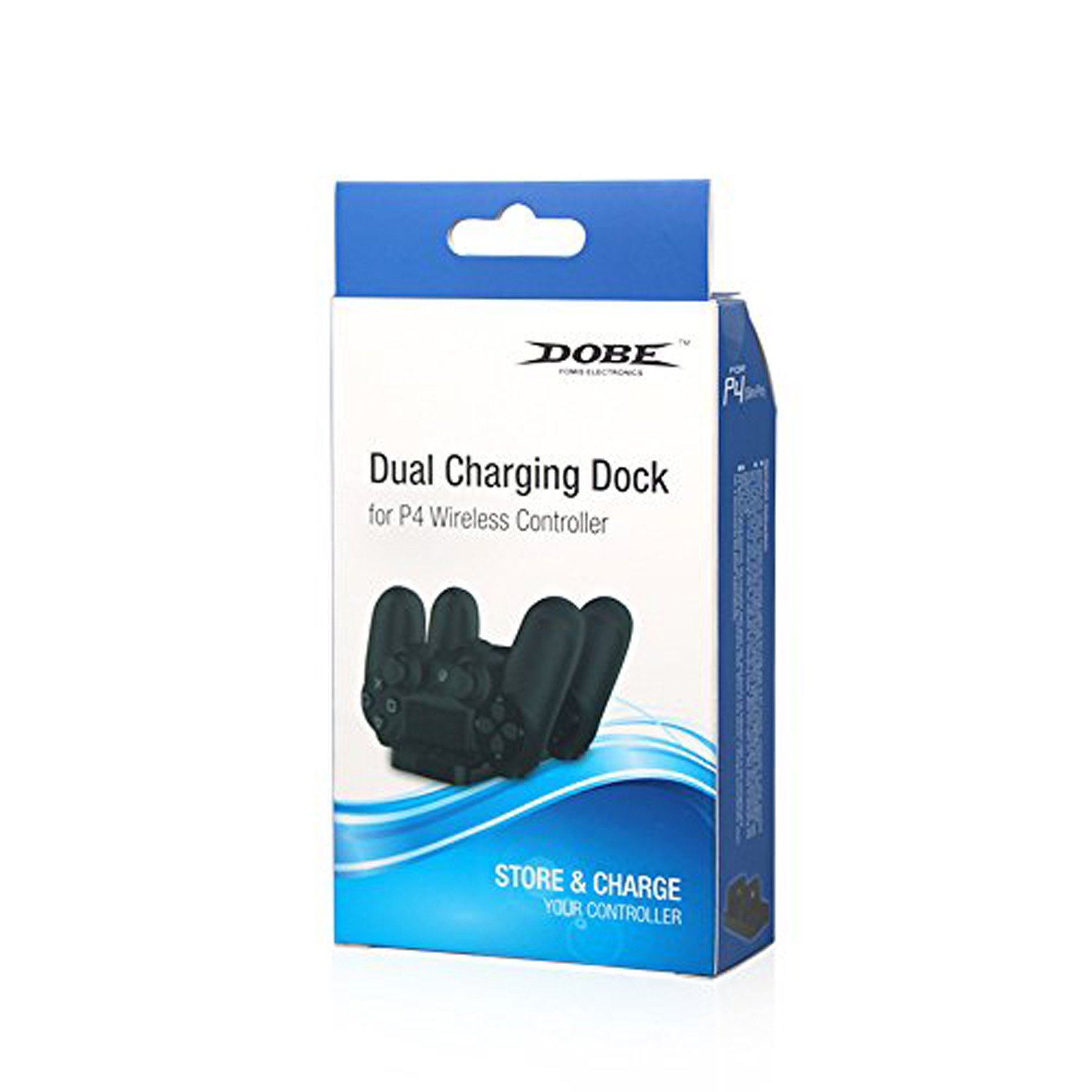
The DOBE FOMIS ELECTRONICS PS4 Dual Charging Dock is designed to provide a convenient and efficient solution for charging your PlayStation 4 wireless controllers. This dock allows for simultaneous charging of two PS4 controllers, featuring a charging light indicator to display the charging status. Its compact and lightweight design ensures ease of use and portability. The standard DC5V input voltage allows for flexible power sourcing via a PS4 console USB port, computer USB port, or other compatible 5V power adapters.
Безбедносне информације
- Keep the charging dock away from water, moisture, and extreme temperatures.
- Не покушавајте да растављате или модификујете уређај. То може поништити гаранцију и проузроковати оштећење.
- Use only the provided charging cable or a compatible DC5V USB cable.
- Ensure proper ventilation around the charging dock during use.
- Чувати ван домашаја деце.
Садржај пакета
Молимо вас да проверите садржај пакета како бисте били сигурни да су сви предмети присутни:
- 1 x DOBE FOMIS ELECTRONICS PS4 Dual Charging Dock
- 1 x Кабл за пуњење (USB)
Сетуп
- Распакујте прикључну станицу за пуњење: Carefully remove the charging dock and its accessories from the packaging.
- Прикључите напајање: Insert the small end of the provided charging cable into the DC5V input port on the back of the charging dock.
- Повежите се на извор напајања: Plug the USB-A end of the charging cable into a compatible DC5V USB power source, such as a PS4 console USB port, a computer USB port, or a 5V USB wall adapter (not included).
- Пласман: Поставите пуњач на стабилну, равну површину.
Упутство за употребу
- Insert Controllers: Gently align the charging port of your PS4 wireless controller with one of the charging slots on the dock. Push down firmly until the controller is securely seated.
- Индикатор пуњења: The charging light indicator on the dock will illuminate to show that the controller is charging. The specific color or behavior of the light indicates the charging status (e.g., red for charging, blue/green for fully charged, or off when not charging/fully charged, refer to controller manual for exact light behavior).
- Истовремено пуњење: You can charge two PS4 controllers simultaneously by inserting them into both available slots.
- Remove Controllers: Once charging is complete, gently lift the controller from the charging slot.

Одржавање
- Чишћење: Use a soft, dry cloth to wipe the surface of the charging dock. Do not use liquid cleaners or abrasive materials.
- Складиштење: When not in use, store the charging dock in a cool, dry place, away from direct sunlight and dust.
- Нега каблова: Avoid bending or twisting the charging cable excessively to prevent damage.
Решавање проблема
| Проблем | Могући узрок | Решење |
|---|---|---|
| Контролер се не пуни. |
|
|
| Индикаторска лампица пуњења не ради. |
|
|
Спецификације
- Број модела: Dobe PS4
- Улазни волtage: ДЦ5В
- Капацитет пуњења: 2 x PS4 Controllers simultaneously
- Димензије производа (ДкШкВ): 20 к 12 к 4 цм
- Тежина артикла: 0.28 г
- Земља порекла: Кина
- Произвођач: Dobe, yinghong information co ltd, Guangdong, China
- Укључене компоненте: КСНУМКС кабел за пуњење
Гаранција и подршка
For product support or warranty inquiries, please contact your retailer or the manufacturer directly. While this product does not explicitly state a manufacturer's warranty in the provided information, extended warranty options may be available from third-party providers, such as the "1 Year Extended Warranty by Onsitego" mentioned during purchase. Please retain your proof of purchase for any warranty claims.
За додатну помоћ, можете посетити DOBE FOMIS ELECTRONICS Store.