
Увод
This manual provides comprehensive instructions for the safe and effective use of your Dorcy Pro Series 200-Lumen Weather Resistant LED Magnetic Headlight, Model 41-2614. Please read this manual thoroughly before operating the device and retain it for future reference.
Карактеристике производа
- 200-Lumen LED Output: Provides bright illumination for various tasks.
- Отпорност на временске услове (IPX4): Дизајниран да издржи прскање и лагану кишу.
- Магнетна база: Strong magnets allow attachment to metal surfaces for hands-free use.
- Подесива трака за главу: Осигурава сигурно и удобно приањање.
- 180-Degree Swivel Head: Directs light precisely where needed.
- Три нивоа осветљености: Low, Medium, and High settings for varied lighting requirements.
- Уклоњиво сочиво: For maintenance or specific lighting needs.
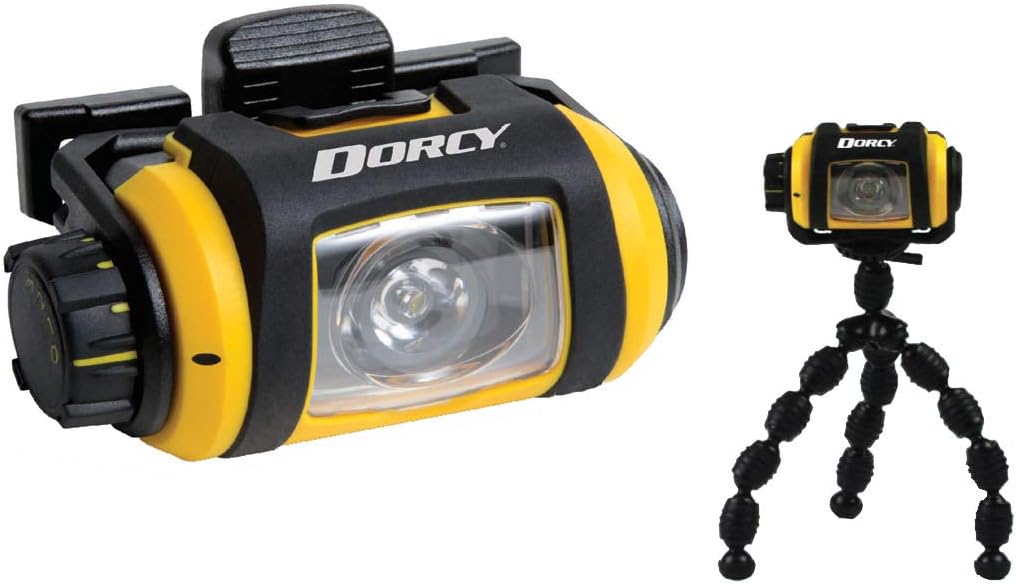
- Mini Tripod Included: For stable, freestanding illumination.
- Built-in Battery Power Indicator: Monitors battery status.
- Safety Lock/Off Feature: Prevents accidental activation during storage.
Садржај пакета
- Dorcy Pro Series LED Magnetic Headlight (Model 41-2614)
- Подесива трака за главу
- Мини троножац
- 2 к АА алкалне батерије
Сетуп
1. Инсталација батерије
- Locate the battery compartment cover on the side of the headlight.
- Окрените или померите поклопац да бисте га отворили.
- Insert two (2) AA alkaline batteries, ensuring correct polarity (+/-) as indicated inside the compartment.
- Сигурно затворите поклопац одељка за батерије.
2. Headband Attachment and Adjustment
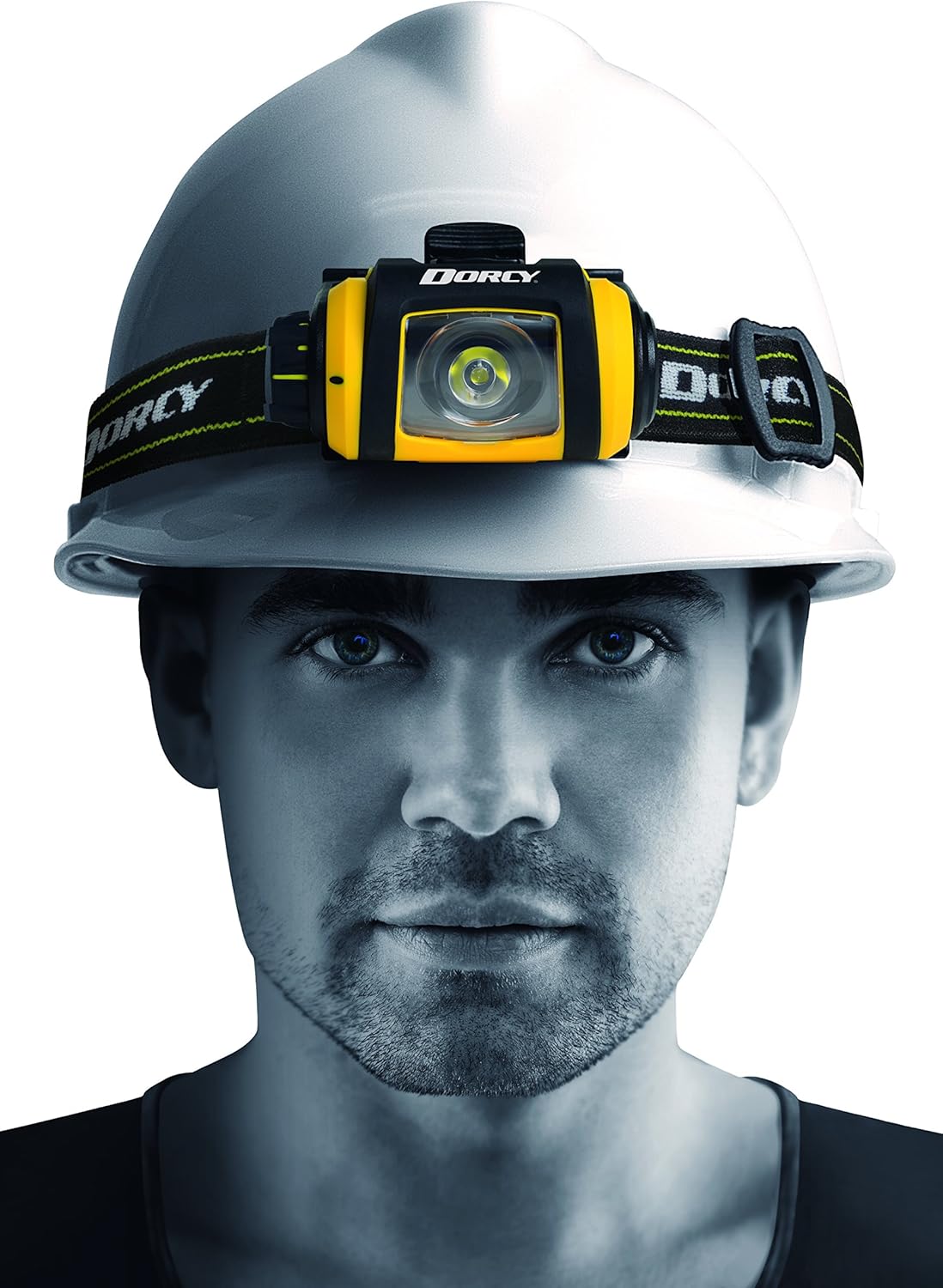
- Thread the adjustable headband through the slots on the headlight's mounting bracket.
- Adjust the strap length to ensure a snug and comfortable fit around your head or hard hat.

3. Прикључак за статив
- Locate the mounting point on the bottom of the headlight.
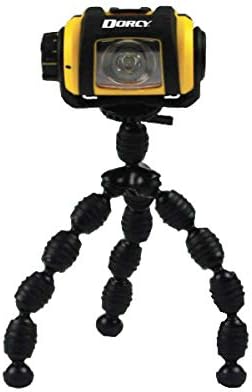
- Screw the mini tripod onto this mounting point until secure.
- Adjust the flexible legs of the tripod to position the light as desired on a flat surface or wrapped around an object.
Упутство за употребу
1. Power On/Off and Brightness Control
- To turn the headlight ON, rotate the control dial located on the side of the unit.
- Continue rotating the dial to cycle through the three brightness levels: Ниско, Средње, и Високо.
- To turn the headlight ОФФ, rotate the dial back to the "0" position.
- The built-in safety lock/off feature prevents accidental activation when the dial is in the "0" position.

2. Функција окретања
The headlight unit can be swiveled up to 180 degrees on its mounting bracket. Gently tilt the light head to adjust the beam angle as needed.
3. Magnetic Attachment
Utilize the strong magnets on the back of the headlight to attach it to any suitable metal surface for hands-free illumination. Ensure the surface is clean and provides a secure hold before releasing the light.

Одржавање
- Чишћење: Wipe the exterior of the headlight with a soft, damp тканина. Немојте користити абразивна средства за чишћење или раствараче.
- Замена батерије: Replace batteries when the light dims significantly or the battery indicator shows low power. Always use fresh AA alkaline batteries.
- Складиштење: When storing the headlight for extended periods, remove the batteries to prevent leakage and corrosion. Store in a cool, dry place.
- Уклоњиво сочиво: The lens can be carefully removed for cleaning if necessary. Reattach securely to maintain weather resistance.

Решавање проблема
| Проблем | Могући узрок | Решење |
|---|---|---|
| Светлост се не пали. |
|
|
| Светло је слабо. |
|
|
| Headlight does not swivel smoothly. |
|
|
Спецификације
- Модел: 41-2614
- Извор светлости: ЛЕД
- Осветљеност: 200 Lumens (High)
- Удаљеност ширине: 100 метара
- Време извођења:
- Висока: 8 сата
- Средње: 11 сати
- Ниско: 46 сати
- Извор напајања: 2 x AA алкалних батерија (укључених)
- Отпорност на воду: IPX4 (отпоран на временске услове)
- Димензије: Approximately 3.25" x 2" (headlight unit)
- Тежина: 6.7 унци (са батеријама)
- Посебне карактеристике: Adjustable, Durable, Lightweight, Portable, Removable Lens, Magnetic Base, 180-degree Swivel, Tripod Mount.
Гаранција и подршка
The Dorcy Pro Series 200-Lumen LED Magnetic Headlight (Model 41-2614) comes with a доживотна гаранција against any manufacturing defects. For warranty claims or technical support, please contact Dorcy customer service through their official webсајт или продавницу где је производ купљен.
For more information, visit the official Dorcy store: Dorcy Store on Amazon.