
Увод
The Rocketek FBA_RT-CR7 is a versatile USB 3.0 7-in-1 multi-memory card reader designed for efficient data transfer from various memory card types to your computer. It supports simultaneous reading and writing of up to 5 cards, offering high-speed performance and broad compatibility across multiple operating systems.
Карактеристике производа
- 7-у-1 читач картица: Supports CF, XD, MS, SD, and Micro SD card types.
- Simultaneous Read/Write: Capable of reading and writing to 5 different memory cards concurrently.
- USB 3.0 SuperSpeed: Achieves data transfer speeds up to 5Gbps, significantly faster than USB 2.0.
- Широка компатибилност: Works with Mac OS, Linux, Chrome OS, and Windows XP/Vista/7/8/8.1/10.
- Плуг & Плаи: No drivers required for installation.
- Компактан дизајн: Portable and easy to carry, ideal for travel.
- Уграђена заштита: Features over-current, over-voltagе, и заштита од кратког споја.
- ЛЕД индикатор: A blue LED light indicates connection and data activity.
Садржај пакета
- 1 x Rocketek FBA_RT-CR7 USB 3.0 7-in-1 Multi Memory Card Reader
- 1 x USB 3.0 Cable (with USB-C to USB-A adapter)
Упутства за подешавање
- Повежите читач картица: Plug the USB 3.0 cable from the card reader into an available USB port on your computer. If your computer has a USB-C port, use the provided USB-C to USB-A adapter.
- Индикатор напајања: The blue LED indicator on the card reader will light up when successfully connected to your computer.
- Уметните меморијску картицу: Carefully insert your memory card into the corresponding slot on the card reader. Ensure the card is inserted correctly according to its orientation. The LED indicator will flicker during data transfer.
- Приступ подацима: Your computer will automatically detect the card reader and the inserted memory card. You can then access the card's contents through your file explorer (Windows) or Finder (Mac OS).

Слика 1: Завршеноview of card reader slots and supported card types.
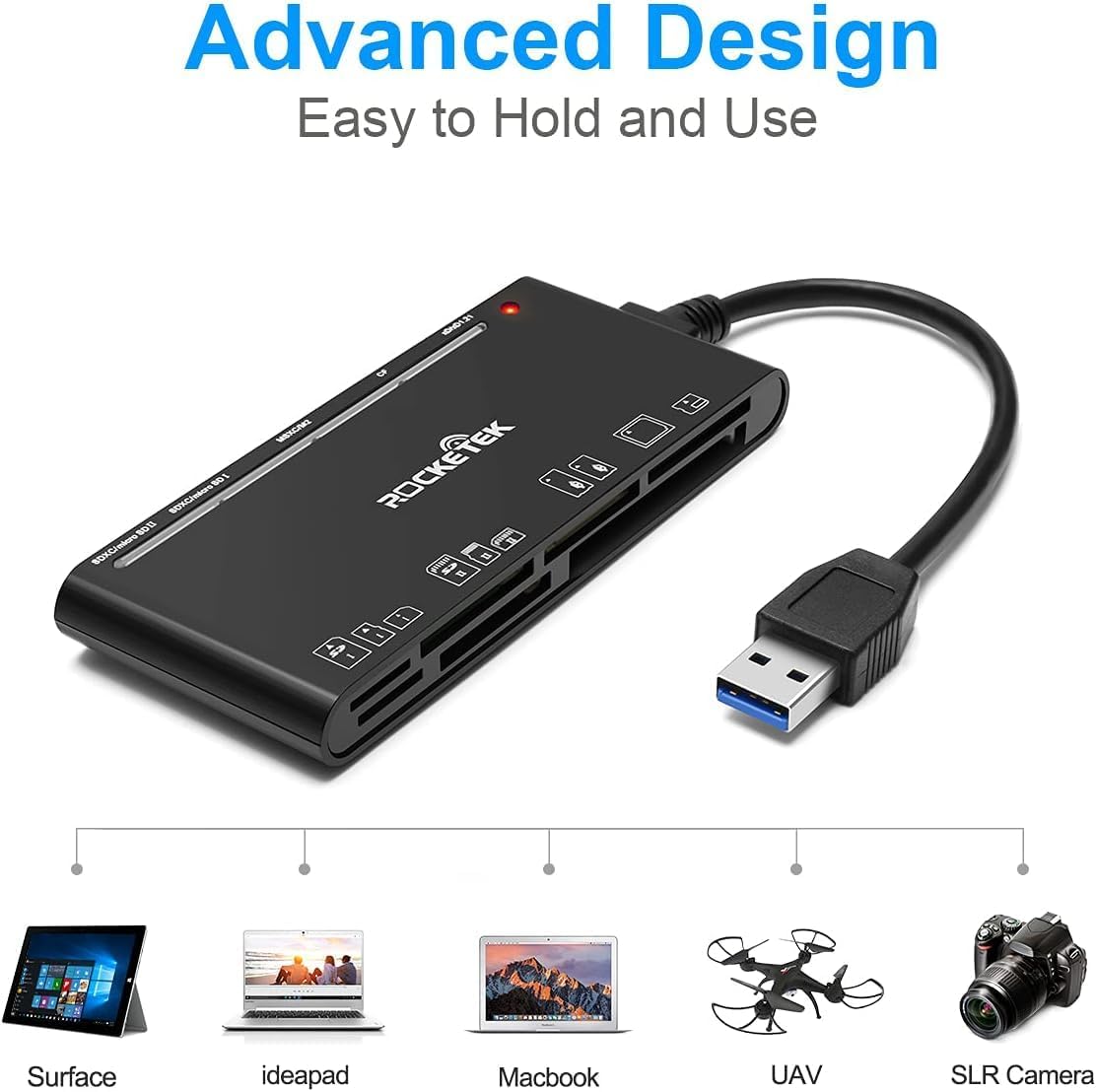
Figure 2: Card reader connected to a laptop, showing operating system compatibility.
Video 1: Demonstration of the Rocketek 7-in-1 Multi Memory Card Reader, showcasing its various card slots, USB 3.0 connectivity, and LED indicator light during operation.
Упутство за употребу
- Убацивање картица: Gently push the memory card into the appropriate slot until it clicks into place. Do not force the card.
- Читање/записивање података: Once the card is inserted and detected, you can drag and drop files to and from the card. The blue LED indicator will blink during active data transfer.
- Истовремена употреба: The card reader supports reading and writing to multiple cards simultaneously. Ensure proper file management to avoid data conflicts.
- Ejecting Cards: Before removing a memory card, always safely eject it from your computer's operating system to prevent data corruption.

Figure 3: Multiple memory cards inserted into the reader, demonstrating simultaneous access.
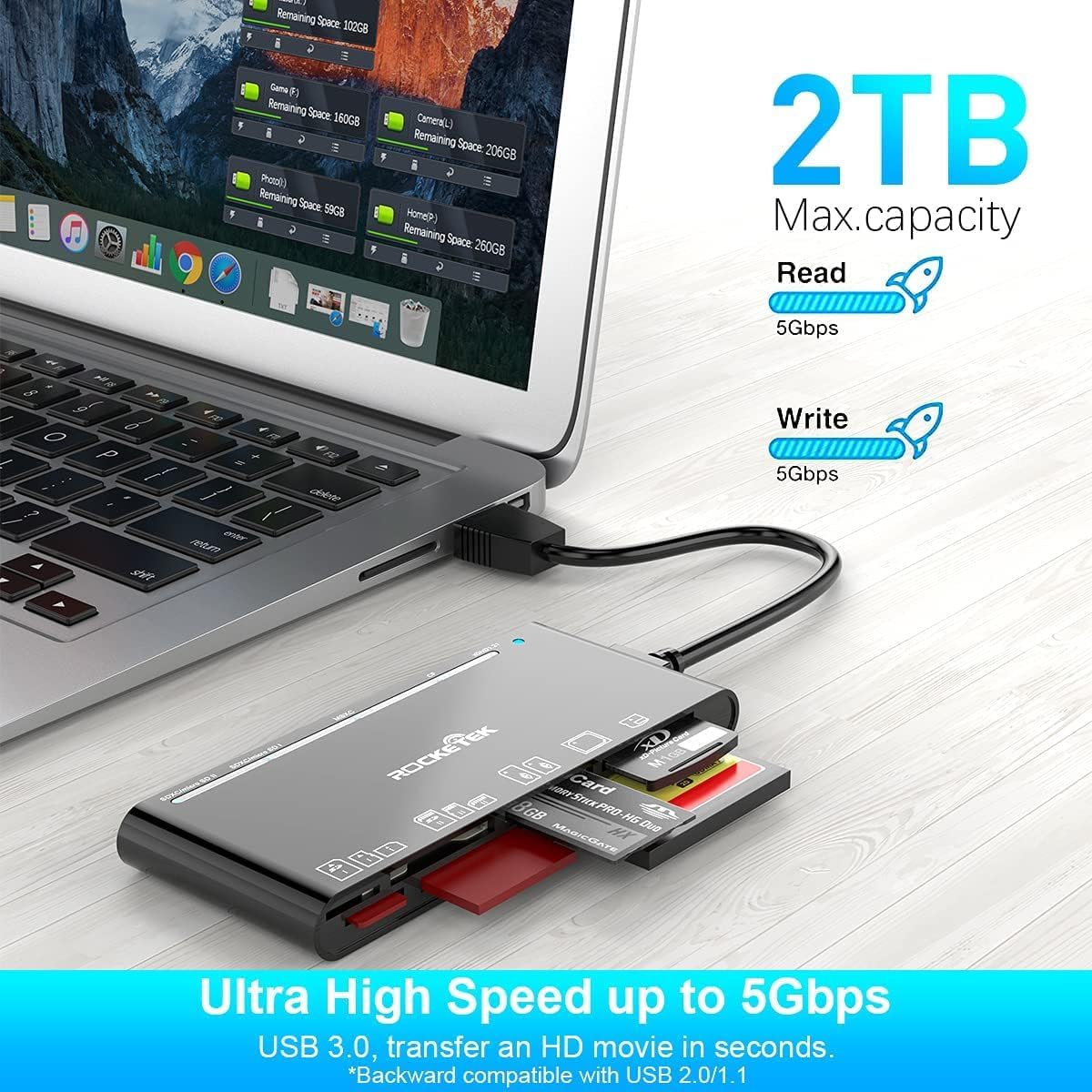
Figure 4: Highlighting the 5Gbps data transfer speed and 2TB maximum capacity.
Компатибилност
Подржани оперативни системи:
- Виндовс КСП / Виста / 7 / 8 / 8.1 / 10
- Mac OS (including MacBook Pro/Air)
- Линук
- Цхроме ОС
Подржани типови медија:
- CompactFlash (CF card, high-speed CF UDMA)
- SD Card (SD, SDXC up to 2TB, SDHC, RS-MMC, miniSD)
- Micro SD (Micro SD, Micro SDXC, Micro SDHC)
- Memory Stick (MS, M2, MSXC, Memory Stick PRO Duo, Memory Stick Pro)
- xD Picture Card
Спецификације
| Бранд | Rocketek |
| Назив модела | FBA_RT-CR7 |
| Технологија повезивања | УСБ тип А |
| Хардверски интерфејс | УСБ 3.0 |
| Брзина преноса података | 5 Гбпс |
| Slot Count | 7 (supporting 5 simultaneous reads/writes) |
| Боја | Црно |
| Димензије артикла (Д к Ш к В) | 6.1 cm x 2.9 cm x 0.4 cm |
| Тежина артикла | 9.07 г |
Одржавање и њега
- Чишћење: Use a soft, dry cloth to clean the exterior of the card reader. Avoid using liquid cleaners or solvents.
- Складиштење: Читач картица чувајте на хладном и сувом месту, даље од директне сунчеве светлости и екстремних температура.
- Руковање: Avoid dropping the device or subjecting it to strong impacts. Do not bend or twist the cable excessively.
- Заштита луке: Keep the card slots free from dust and debris.
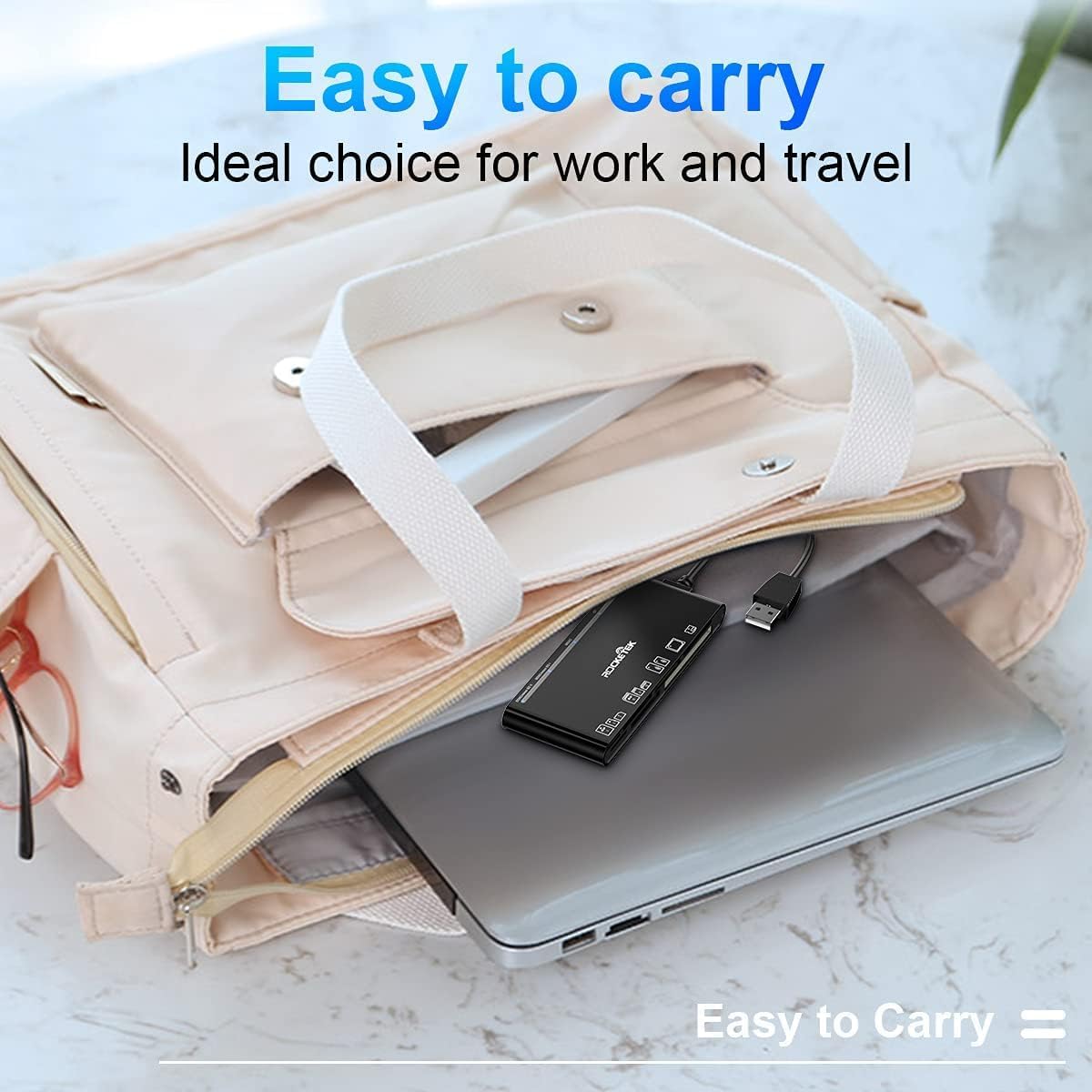
Figure 5: The card reader's compact size, suitable for portability.
Решавање проблема
- Уређај није откривен:
- Ensure the USB cable is securely connected to both the card reader and your computer.
- Покушајте да се повежете на други УСБ порт на рачунару.
- Поново покрените рачунар.
- Memory Card Not Recognized:
- Verify that the memory card is fully inserted into the correct slot.
- Check if the memory card is damaged or corrupted. Try it in another device if possible.
- Ensure your operating system supports the file систем меморијске картице.
- Спори пренос података:
- Ensure the card reader is connected to a USB 3.0 port on your computer for optimal speed.
- Verify that your memory card itself supports high-speed data transfer.
- Избегавајте покретање више захтевних апликација током великих file трансфери.
- ЛЕД индикатор не светли:
- Confirm the card reader is properly connected to a powered USB port.
- If using a USB hub, ensure it is powered.
Гаранција и подршка
The Rocketek FBA_RT-CR7 USB 3.0 7-in-1 Multi Memory Card Reader comes with a 2-годишња гаранција from the date of purchase. This warranty covers manufacturing defects and ensures the product performs as described under normal use.
For technical support, warranty claims, or any inquiries regarding your product, please contact Rocketek customer service through the retailer's platform or visit the official Rocketek webсајт за контакт информације.