
MIOPS MIOPS-SM-C1
MIOPS Smart+ Camera and Flash Trigger
Упутство за употребу
Увод
Welcome to the MIOPS Smart+ User Manual. This guide provides comprehensive instructions for setting up, operating, and maintaining your MIOPS Smart+ camera and flash trigger. The MIOPS Smart+ is a versatile device designed to enhance your photography by enabling high-speed capture, time-lapse sequences, and various other creative triggering modes.
Производ је завршенview
The MIOPS Smart+ is a sophisticated camera and flash trigger that connects to your DSLR or mirrorless camera. It features a high-quality optical sensor and can operate as a standalone unit or be controlled via a smartphone app. Its robust design and multiple triggering modes make it an essential tool for advanced photography.

Figure 1: MIOPS Smart+ Device
Кључне карактеристике
- High-Speed Capture: Equipped with a high-quality optical sensor, the MIOPS Smart+ can detect events like lightning strikes and trigger your camera simultaneously, turning your DSLR into a high-speed capture device.
- Самостална операција: The Smart+ can function independently when connected to a DSLR or external flash, utilizing its built-in sensors without requiring the mobile app.
- Multiple Standalone Modes: Offers 6 configurable modes including Lightning, Sound, Laser, Time Lapse, HDR, and DIY.
- Advanced App Control: The MIOPS Mobile App unlocks additional features such as Cable Release, Press and Lock, and Timed Release, providing comprehensive control from your smartphone via Bluetooth.
- Широка компатибилност: Compatible with various Canon DSLR and mirrorless models (e.g., EOS 10D, 1D Mark II, 5D Mark IV, 6D, 7D, etc.). Refer to the MIOPS website for an updated list.

Figure 2: Unique Features of MIOPS Smart+
Сетуп
- Напуните уређај: Ensure your MIOPS Smart+ is fully charged using the provided USB cable. The device requires 1 Lithium Ion battery.
- Повежи се са камером: Use the appropriate MIOPS camera connecting cable (e.g., Canon C1 cable included) to connect the MIOPS Smart+ to your camera's remote port.
- Укључено: Press and hold the power button on the MIOPS Smart+ until the screen illuminates.
- Install Mobile App (Optional but Recommended): Download the MIOPS Mobile App from your smartphone's app store. This app unlocks advanced features and provides a user-friendly interface for controlling the device.
- Упарите са паметним телефоном: Open the MIOPS Mobile App and follow the on-screen instructions to pair your smartphone with the MIOPS Smart+ via Bluetooth.

Figure 3: Smartphone Control via MIOPS App
Оперативни режими
The MIOPS Smart+ offers a variety of operating modes, accessible directly on the device or through the mobile app.
Standalone Modes (Device Control)
- Режим муње: Utilizes the optical sensor to detect lightning flashes and trigger the camera instantly for capturing storms.
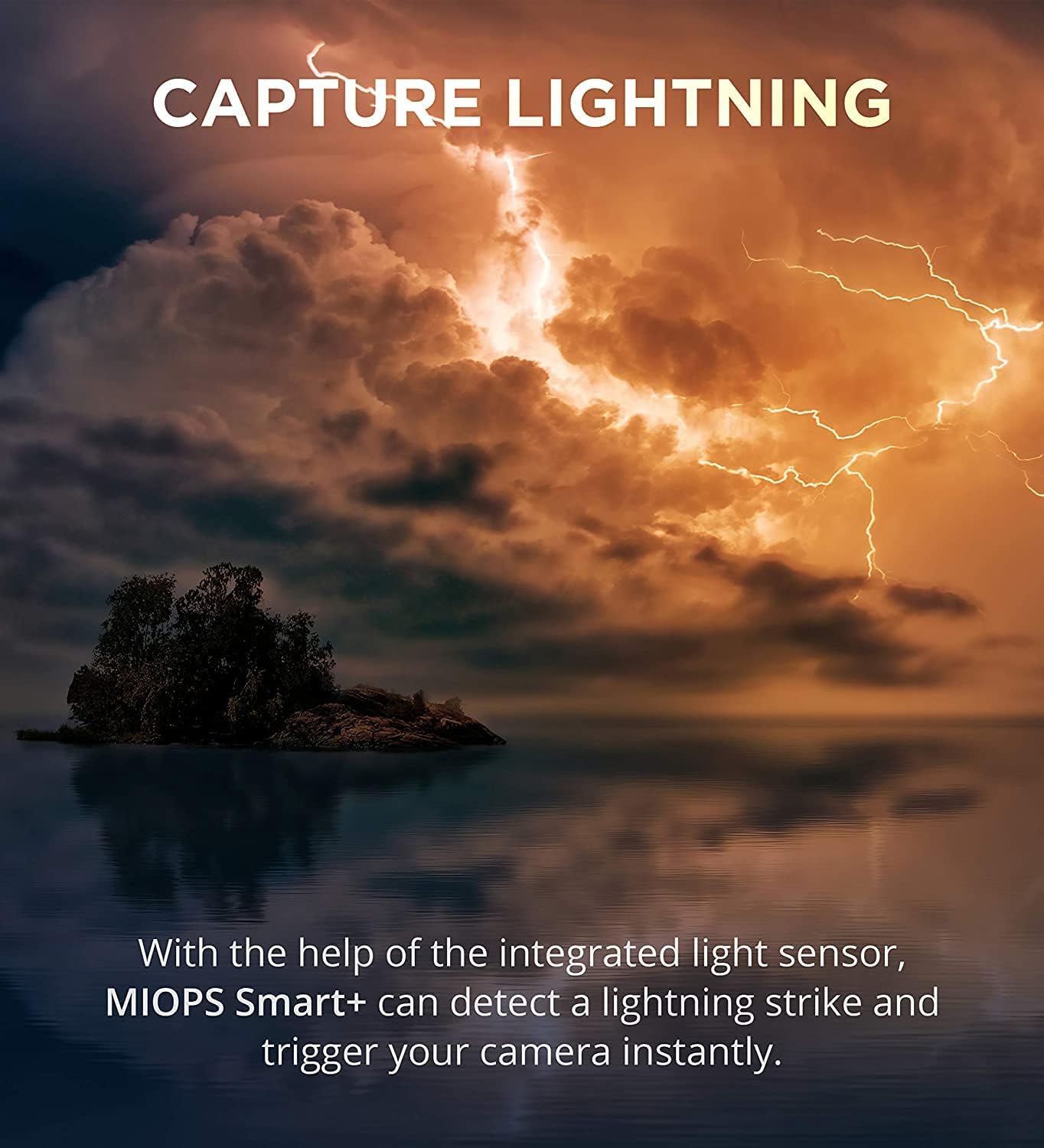
Figure 4: Capturing Lightning with MIOPS Smart+
- Режим звука: Triggers the camera or flash based on sound detection, ideal for capturing events like breaking glass or popping balloons.
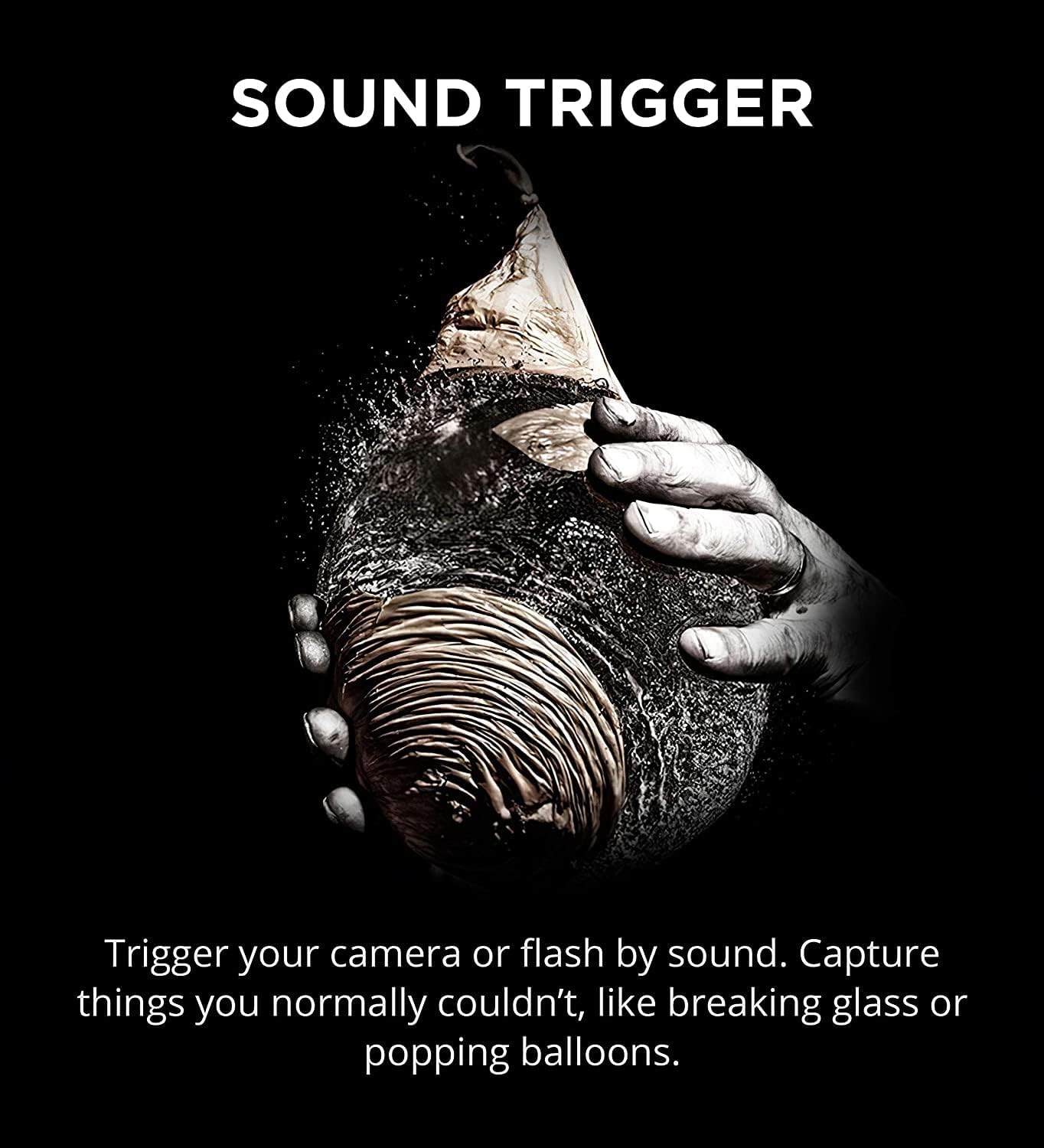
Figure 5: Sound Trigger for High-Speed Events
- Laser Mode: Triggers the camera when a laser beam (external laser source required) is broken, perfect for wildlife or splash photography.

Figure 6: Laser Precision for Capturing Motion
- Тиме Лапсе режим: Allows you to specify interval times and the number of photos to be taken, enabling time-lapse sequences over extended periods.

Figure 7: Time-lapse Photography
- ХДР режим: Facilitates High Dynamic Range photography by automatically taking multiple exposures, even if your camera lacks built-in bracketing.

Figure 8: HDR Photography
- ДИИ режим: Customize triggering scenarios based on specific sensor inputs and conditions.
Advanced App-Controlled Functions
When connected to the MIOPS Mobile App, the Smart+ offers enhanced control and additional features:
- Cable Release: Remote shutter control from your smartphone.
- Press and Lock: Keeps the shutter open for long exposures.
- Timed Release: Set precise delays for shutter activation.
- And more advanced time-lapse and scenario combinations.
Видео 1: Крајview of MIOPS Smart+ Camera and Lightning Trigger capabilities, including long exposure, lightning capture, enhanced time-lapse, and sound mode.
Одржавање
- Чишћење: Користите меку, суву крпу за чишћење уређаја. Избегавајте абразивна средства за чишћење или раствараче.
- Складиштење: Store the MIOPS Smart+ in a cool, dry place away from direct sunlight and extreme temperatures.
- Одржавање батерије: The device uses a Lithium Ion battery. For optimal battery life, avoid fully discharging the battery frequently and store it with a partial charge if not used for extended periods.
- Нега каблова: Handle connecting cables with care to prevent damage to the connectors.
Решавање проблема
| Проблем | Могући узрок | Решење |
|---|---|---|
| Уређај се не укључује. | Слаба батерија или дугме за напајање није правилно притиснуто. | Напуните уређај у потпуности. Притисните и држите дугме за напајање неколико секунди. |
| Камера се не активира. | Incorrect cable connection, incompatible camera settings, or faulty cable. | Ensure the cable is securely connected to both the MIOPS Smart+ and the camera. Check camera settings for remote trigger compatibility. Try a different cable if available. Verify camera compatibility on the MIOPS webсајту. |
| Smartphone app cannot connect to device. | Bluetooth is off, device is out of range, or app needs restart. | Ensure Bluetooth is enabled on your smartphone. Bring the device closer to your phone. Close and reopen the MIOPS app. Restart the MIOPS Smart+. |
| Sensor modes (e.g., Lightning, Sound) are not triggering. | Incorrect sensitivity settings or environmental conditions. | Adjust the sensitivity settings for the specific mode in the device menu or app. Ensure the sensor is not obstructed. For Laser mode, confirm the external laser source is working and aligned. |
Спецификације
| Атрибут | Валуе |
|---|---|
| Димензије производа | 3.94 к 0.2 к 0.2 инча |
| Тежина артикла | 6.4 унци |
| Број модела | MIOPS-SM-C1 |
| Батерије | Потребна је 1 литијум-јонска батерија |
| Бранд | МИОПС |
| Посебна карактеристика | Cable based trigger |
| Боја | Црна, наранџаста |
| Максимални број подржаних уређаја | 1 |
| Компатибилни уређаји | Камера |
Гаранција и подршка
For detailed warranty information, product registration, and the most up-to-date compatibility lists for cameras, please visit the official MIOPS website. You can also find additional resources, FAQs, and contact support there.
Шта је у кутији:
- MIOPS Smart+ Device
- Miops Camera Connecting Cable for Canon C1
- УСБ кабл за пуњење
For further assistance, please refer to the MIOPS official support channels.
Ask a question about this manual
Ask about setup, troubleshooting, compatibility, parts, safety, or missing instructions. Manuals+ will review the question and use this page’s manual context to help answer it.