
Увод
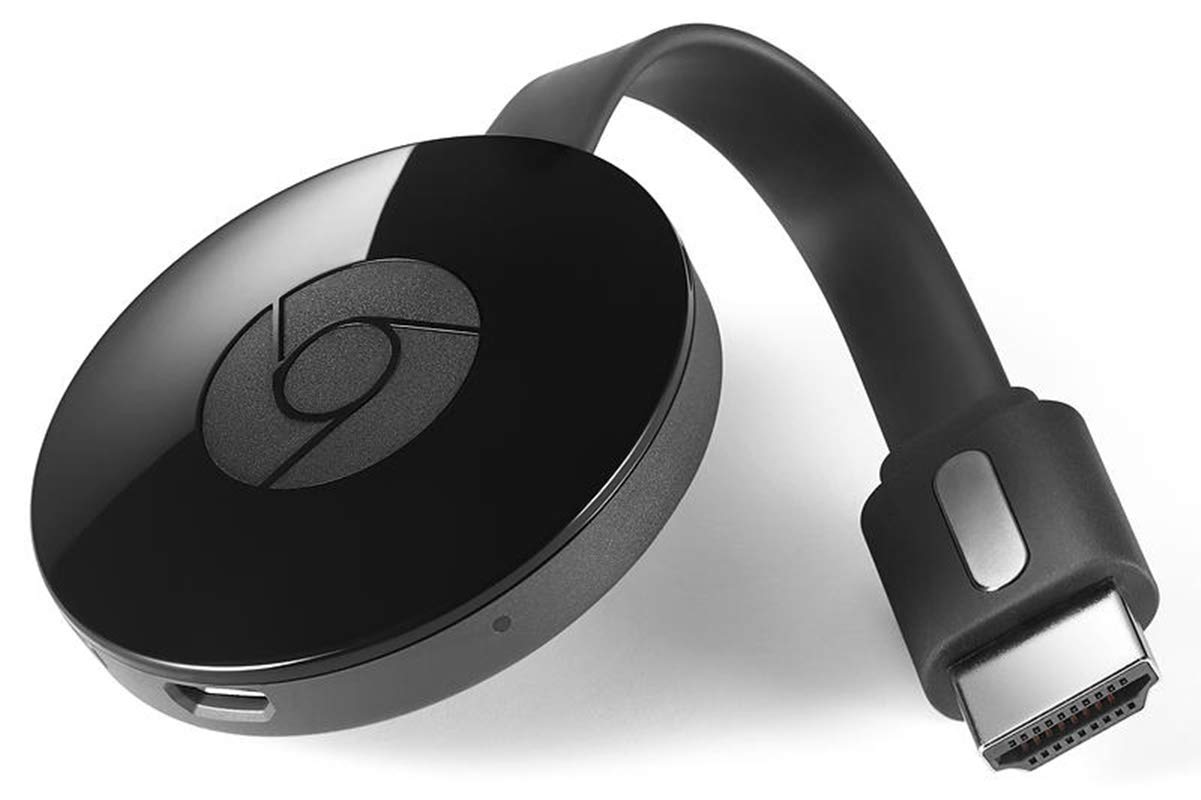
The Google NC2-6A5 Chromecast is an HDMI streaming media player designed to bring online content to your television. This compact device allows you to cast videos, music, and other media from your smartphone, tablet, or laptop directly to any HDTV with an HDMI port. It offers a simple and convenient way to transform your existing television into a smart TV, providing access to a wide range of streaming services and applications.
Сетуп
Шта је укључено
- Google Chromecast device
- Адаптер за напајање
- УСБ кабл за напајање
Кораци повезивања
- Plug Chromecast into your HDTV: Locate an available HDMI port on your television and firmly insert the Chromecast device.
- Повежите се са напајањем: Use the provided USB power cable and power adapter to connect the Chromecast to a power outlet. Ensure the device powers on, indicated by a small LED light.
- Изаберите HDMI улаз: On your TV, use your remote control to select the HDMI input corresponding to the port where your Chromecast is connected.
Почетна конфигурација
- Download Google Home app: On your smartphone or tablet, download and open the Google Home app.
- Повежите се на Ви-Фи: Follow the on-screen instructions in the Google Home app to connect your Chromecast to your home Wi-Fi network.
- Повежи Google налог: Sign in with your Google account to personalize your Chromecast experience.
Упутство за употребу
Цастинг Цонтент
Once setup is complete, you can cast content from compatible apps on your smartphone, tablet, or computer. Look for the Cast icon (a rectangle with a Wi-Fi symbol in the corner) within your favorite streaming apps (e.g., YouTube, Netflix, Hulu) and tap it to select your Chromecast device.
Коришћење даљинског управљача
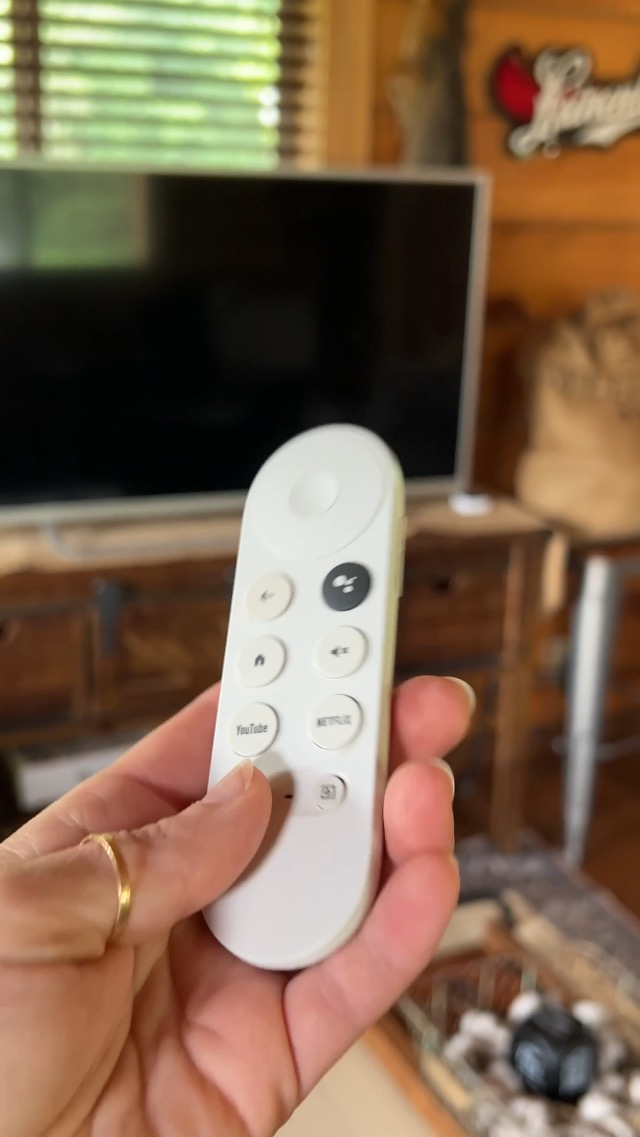
The included remote control allows for easy navigation and control of your Chromecast. It features directional buttons, volume control, and dedicated buttons for popular streaming services like YouTube and Netflix.

Воице Цонтрол
The Chromecast supports voice control through Google Assistant. Press the microphone button on your remote and speak commands to search for content, control playback, or get information.
Одржавање
Општа нега
- Држите уређај у добро проветреном простору како бисте спречили прегревање.
- Clean the device with a soft, dry cloth. Avoid liquid cleaners.
- Не излажите уређај екстремним температурама или влази.
Ажурирања софтвера
The Chromecast will automatically download and install system software updates to ensure optimal performance and access to the latest features. Ensure the device remains connected to power and the internet during update periods.
Решавање проблема
Нема сигнала на ТВ-у
- Ensure the Chromecast is firmly plugged into the HDMI port.
- Проверите да ли је ваш телевизор подешен на исправан HDMI улазни извор.
- Check that the Chromecast is receiving power and its LED indicator is on.
Casting Issues
- Ensure your casting device (smartphone, tablet, laptop) is connected to the same Wi-Fi network as your Chromecast.
- Restart your Chromecast by unplugging it from the power source for 30 seconds and then plugging it back in.
- Рестартујте свој Wi-Fi рутер.
Спецификације
| Феатуре | Детаљ |
|---|---|
| Бранд | Гоогле |
| Назив модела | H2G2-42 |
| Технологија повезивања | ХДМИ |
| Тип конектора | ХДМИ |
| Резолуција | 720p (Video Output Resolution: 1280x720) |
| Подржане Интернет услуге | Цхромецаст |
| Тип контролера | Контрола дугмета |
| Форм Фацтор | ТВ Стицк |
| Боја | Црно |
| Компатибилни уређаји | Телевизор, паметни телефон, лични рачунар, лаптоп, таблет |
| Видео Цодец | H.264, H.265/HEVC |
| Тежина артикла | 0.35 фунти |
Гаранција
For detailed warranty information, please refer to the official Google product documentation included with your Chromecast or visit the Google support website. Standard warranty terms typically cover manufacturing defects for a limited period from the date of purchase.
Подршка
For further assistance, troubleshooting tips, or to access the full user manual, please visit the official Google Chromecast support website. You can also find community forums and FAQs to help resolve common issues.
Повезани видео снимци
No relevant official seller videos for this specific product were found in the provided data.