
ARRIS NVG589
Frontier Arris NVG 589 User Manual
Model: NVG589
Увод
The Arris NVG589 is a versatile DSL Modem and Wireless Router designed to provide high-speed internet access and home networking capabilities. This device integrates modem, router, and voice capabilities into a single unit, supporting DSL connections, wireless networking (802.11a/b/g/n), and multiple Ethernet ports. It is equipped to handle various home networking needs, including data over coaxial (HPNA) and Voice over IP (VoIP) lines.
This manual provides detailed instructions for setting up, operating, and maintaining your NVG589 device, along with troubleshooting tips for common issues.
Безбедносне информације
Please read all safety instructions before using this product. Failure to follow these instructions could result in injury or damage to the device.
- Не излажите уређај води или влази.
- Не постављајте уређај близу извора топлоте као што су радијатори, грејни регистри, пећи или други апарати (укључујући ampлифиерс) који производе топлоту.
- Користите само адаптер за напајање који сте добили уз уређај.
- Обезбедите одговарајућу вентилацију; не блокирајте ниједан вентилациони отвор.
- This device may include a backup battery slot (battery not included). Maintaining the battery is the customer's responsibility. Failure to replace a worn-out battery may lead to a loss of voice service during power outages and may damage the device. For replacement battery specifications and disposal information, contact ARRIS support.
- Овај производ је намењен само за унутрашњу употребу.
Legal Disclaimer: This device is in good working condition but may require specific configuration or compatibility adjustments for certain telecommunication systems. The seller cannot guarantee universal compatibility with all telco systems.
Садржај пакета
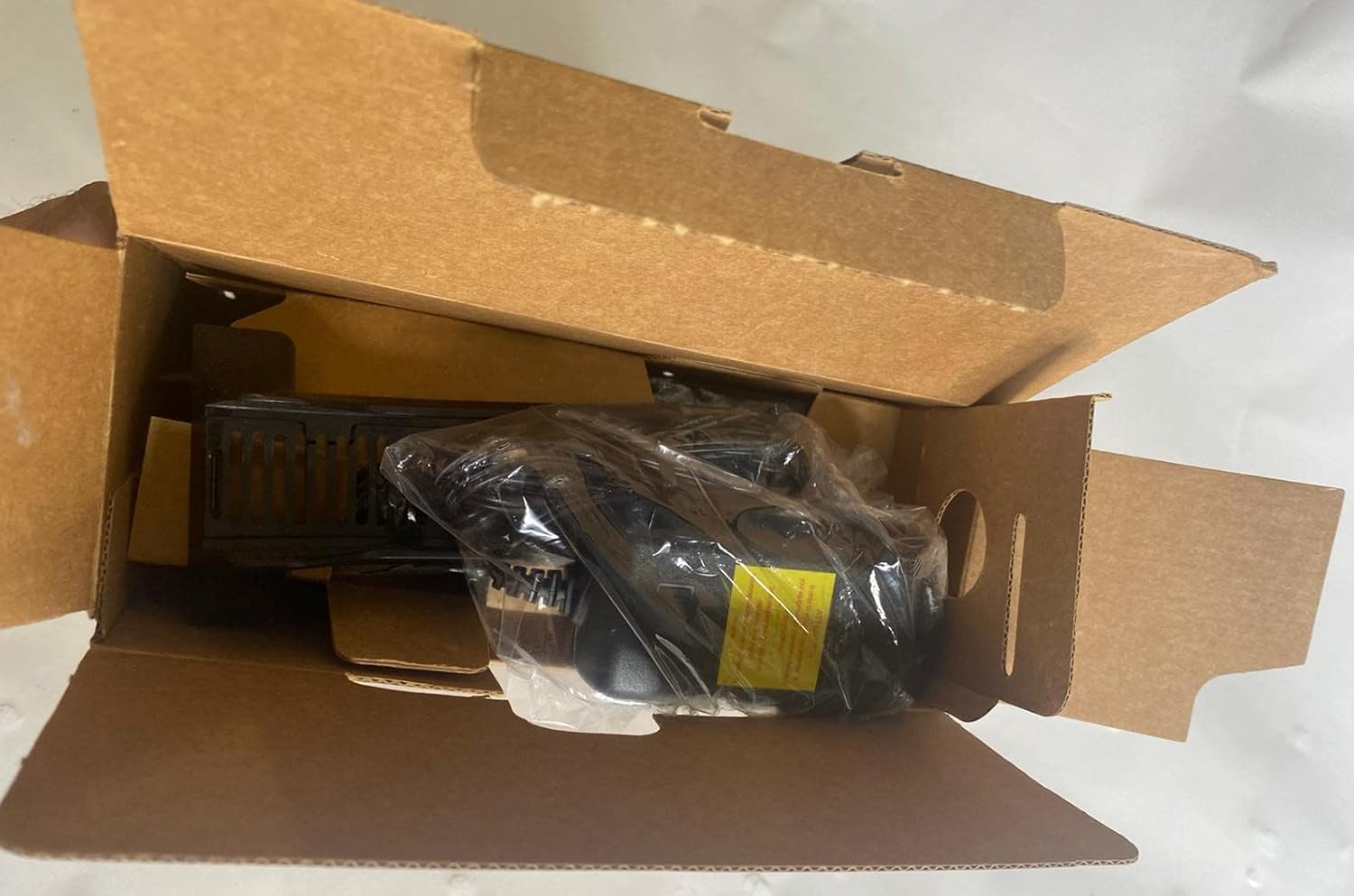
Проверите да ли су сви предмети укључени у ваш пакет:
- Arris NVG589 DSL Modem/Wireless Router
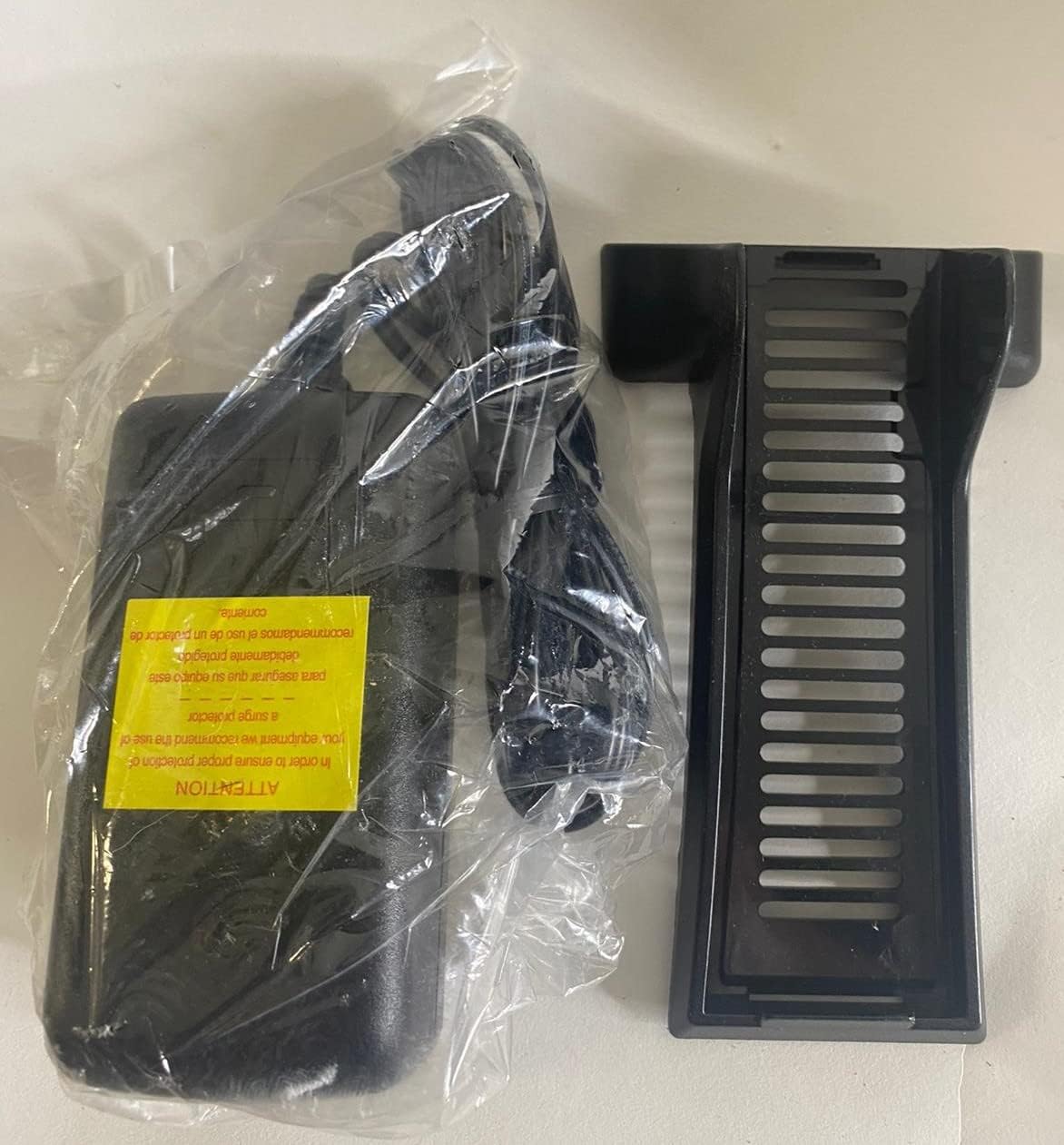
- Повер Адаптер
- Етхернет Цабле
- RJ11 Cable (for DSL connection)
- Vertical Stand (optional, for upright placement)

Image: Contents of the Arris NVG589 package, showing the modem, power adapter, and included cables.

Image: The power adapter and the optional vertical stand for the Arris NVG589.
Производ је завршенview
Familiarize yourself with the various components and indicators of your Arris NVG589.
Индикатори на предњој плочи
Слика: Са стране view of the Arris NVG589, highlighting the status indicator lights.
- Снага: Означава статус напајања уређаја.
- батерија: (If battery installed) Indicates battery status (charging, low, etc.).
- Етхернет: Indicates activity on the Ethernet LAN ports.
- бежични: Indicates the status of the Wi-Fi network.
- HomePNA: Indicates activity on the HomePNA (coaxial) port.
- Broadband 1 & 2: Indicate the status of the DSL broadband connection(s).
- Услуга: Indicates the status of the internet service connection.
- Phone 1 & 2: Indicate the status of the VoIP phone lines.
- УСБ: Означава активност на УСБ порту.
Портови на задњој плочи
Слика: Позади view of the Arris NVG589, displaying all connectivity ports.
- Снага: Повезује се на адаптер за напајање.
- Ресетовати: Small button to reset the device (use a paperclip).
- Phone Lines (1 & 2): RJ-11 ports for connecting analog telephones for VoIP service.
- Кабловска линија: F-connector for HomePNA (coaxial) data devices.
- Ethernet (1-4): RJ-45 ports for connecting wired devices (computers, gaming consoles, etc.).
- ДСЛ: RJ-11 port for connecting to the DSL line from your wall jack.
- УСБ: USB port for future use or connecting compatible devices.
- ONT: Optical Network Terminal port (typically for fiber connections, may not be used for DSL).
Доња табла

Слика: Доња страна view of the Arris NVG589, displaying product information and warnings.
The bottom panel contains important information such as the default Wi-Fi Network Name (SSID), Wi-Fi Password, and Device Access Code. It also includes a warning regarding the optional backup battery.
Водич за подешавање
Follow these steps to set up your Arris NVG589 modem/router:
- Поставите уређај: Place the NVG589 in a central location in your home, away from obstructions and heat sources, to ensure optimal Wi-Fi coverage.
- Connect the DSL Line: Connect one end of the RJ11 cable (phone cable) to the DSL port on the rear of the NVG589 and the other end to your wall's DSL jack.
- Прикључите напајање: Plug the power adapter into the Power port on the rear of the NVG589, then plug the other end into an electrical outlet. The Power indicator on the front panel should light up.
- Сачекајте иницијализацију: Allow several minutes for the device to power on and establish a connection. The Broadband 1, Broadband 2, and Service indicators should eventually turn solid green, indicating a successful internet connection.
- Повежите жичане уређаје (опционо): For wired connections, connect an Ethernet cable from one of the yellow Ethernet ports (1-4) on the rear of the NVG589 to the Ethernet port on your computer or other network device.
- Connect Wireless Devices: On your wireless device (smartphone, laptop, tablet), search for available Wi-Fi networks. Select the network name (SSID) found on the bottom label of your NVG589. Enter the Wi-Fi Password (also on the bottom label) when prompted.
- Connect Phone Lines (Optional): If you have VoIP service, connect your analog telephone(s) to the Phone Lines 1 & 2 ports using standard phone cables.
Операција
Once your Arris NVG589 is set up, it will automatically manage your internet connection and local network. Here are some basic operational aspects:
- Приступ интернету: The device provides internet access to all connected wired and wireless devices.
- Ви-Фи мрежа: The NVG589 broadcasts a Wi-Fi network. You can find the default network name (SSID) and password on the label on the bottom of the device. For security, it is recommended to change the default Wi-Fi password via the device's web интерфејс.
- VoIP Service: If configured, the device supports two VoIP lines for phone service.
- Web Интерфејс: You can access the modem's configuration settings by typing its IP address (usually 192.168.1.254) into a web browser. You will need the Device Access Code from the bottom label to log in.
Одржавање
Regular maintenance helps ensure the longevity and optimal performance of your NVG589.
- Чишћење: Dust the device regularly with a soft, dry cloth. Do not use liquid cleaners or aerosols.
- вентилација: Уверите се да отвори за вентилацију нису блокирани. Правилан проток ваздуха спречава прегревање.
- Ажурирања фирмвера: Периодично проверавајте произвођачеве website for firmware updates. Firmware updates can improve performance, add features, and fix bugs.
- Поновно покретање: If you experience slow performance or connectivity issues, try restarting the device by unplugging the power cord for 10 seconds and then plugging it back in.
Решавање проблема
Ево решења за уобичајене проблеме на које можете наићи:
| Проблем | Могући узрок | Решење |
|---|---|---|
| Индикаторска лампица без напајања | Адаптер за напајање није повезан или је утичница неисправна. | Ensure power adapter is securely plugged into the device and a working electrical outlet. Try a different outlet. |
| Broadband/Service Lights Not Solid Green | DSL line not connected, service issue, or modem not synced. | Check RJ11 cable connection to DSL port and wall jack. Restart the modem. If issue persists, contact your internet service provider. |
| No Internet Access (Wired) | Ethernet cable loose, network adapter issue, or modem not providing internet. | Ensure Ethernet cable is securely connected to both the modem and your device. Check modem's internet status lights. Restart both modem and computer. |
| No Internet Access (Wireless) | Incorrect Wi-Fi password, Wi-Fi disabled, or signal interference. | Verify Wi-Fi password. Check if Wireless indicator is on. Move closer to the modem. Restart the modem. |
| Phone Service Not Working | Phone cable loose, VoIP service not active, or modem issue. | Ensure phone cables are securely connected to the Phone Lines ports. Check Phone 1/2 indicators. Restart the modem. Contact your service provider if VoIP service is not active. |
| Спора брзина интернета | Network congestion, Wi-Fi interference, or service plan limitations. | Reduce number of active devices. Optimize Wi-Fi channel. Consider upgrading your internet plan. Restart the modem. |
Техничке спецификације
| Феатуре | Спецификација |
|---|---|
| Назив модела | Arris NVG589 |
| Вирелесс Типе | 802.11а/б/г/н |
| Класа фреквенцијског опсега | Сингле-Банд |
| Технологија повезивања | Ethernet, USB, HPNA, WiFi, Optical Network Port |
| Тежина артикла | 1.8 фунти |
| Димензије производа (ДкШкВ) | 10.2 к 7.7 к 3.5 инча |
| Боја | Црно |
| Волtage | 12 Волтс |
| Оперативни систем | Arris proprietary firmware |
| Укључене компоненте | Ethernet cable, RJ11 cable, power cord |
Гаранција и подршка
This Arris NVG589 device typically comes with a limited manufacturer's warranty. Please refer to the original purchase documentation or contact your service provider for specific warranty terms and conditions.
For technical support, troubleshooting assistance beyond this manual, or warranty claims, please contact your internet service provider or visit the official ARRIS support website. You can often find additional resources, FAQs, and contact information on their support pages.
ARRIS подршка: ввв.аррис.цом/цонсумер