
НОКО ГБ40
NOCO Boost GB40 User Manual
Model: GB40 | Brand: NOCO
Увод
The NOCO Boost GB40 is a compact, yet powerful, 1000-amp lithium jump starter designed to safely jump start a dead car battery in seconds. This portable device is suitable for a wide range of vehicles, including cars, trucks, motorcycles, ATVs, boats, SUVs, and vans. It incorporates advanced safety features and offers additional functionalities such as a portable power bank and an integrated LED flashlight.
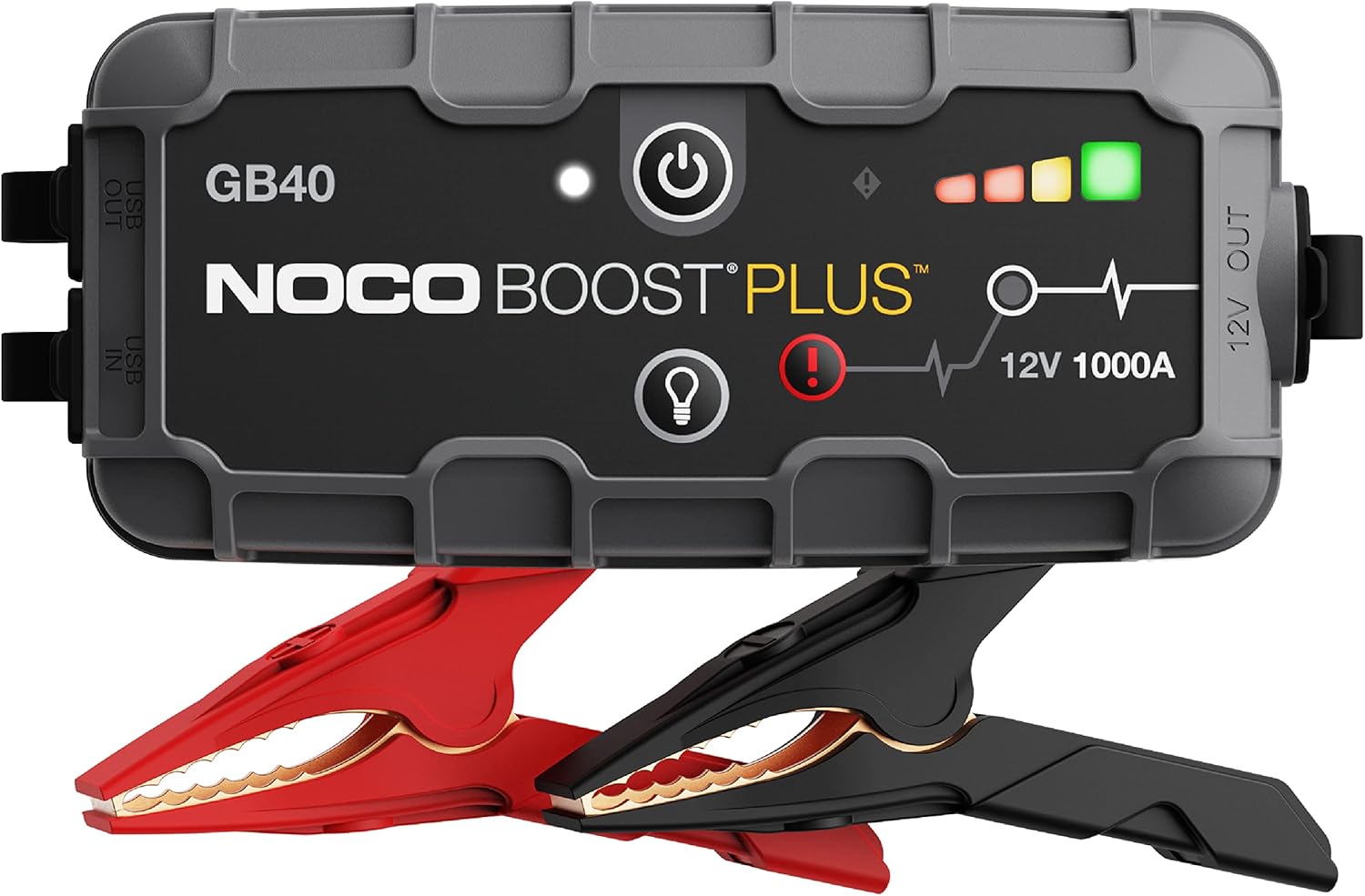
The NOCO Boost GB40 unit with its included heavy-duty clamps.
Безбедносне информације
WARNING: Read and understand all safety information before using this product. Failure to follow these safety instructions may result in electrical shock, explosion, fire, which may result in serious injury, death, or property damage.
- Безбедност батерије: Do not attempt to jump start a frozen battery. If the battery fluid is frozen, do not use the device.
- вентилација: Ensure adequate ventilation when operating in an enclosed area.
- Везе отпорне на варнице: The GB40 features spark-proof technology and reverse polarity protection. However, always ensure correct connection to battery terminals.
- деца: Држати ван домашаја деце. Ово није играчка.
- Пуњење: Only charge the device using the provided USB-C cable. Do not use damaged cables or chargers.
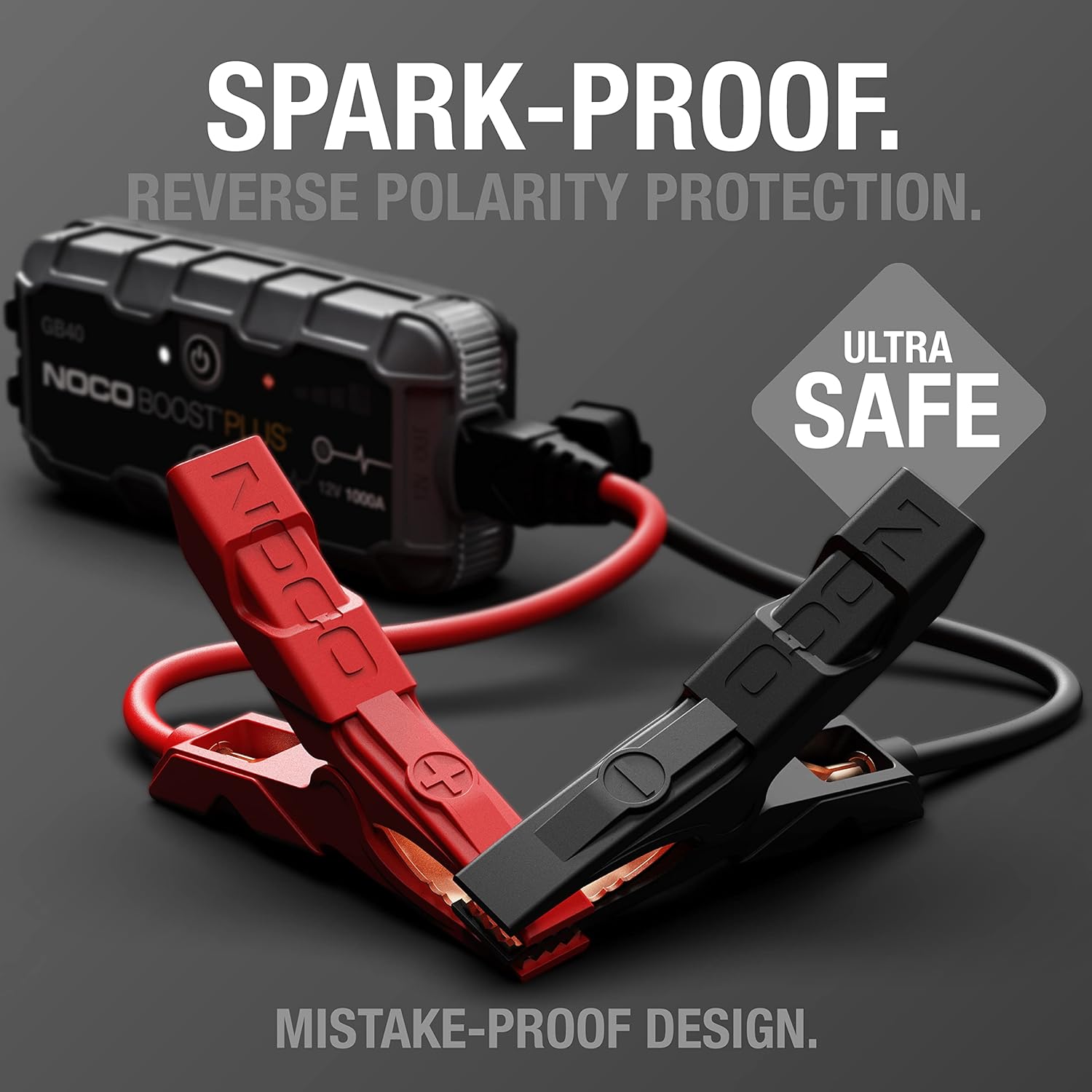
The UltraSafe technology ensures spark-proof connections and reverse polarity protection for safe operation.
Шта је у кутији
Проверите да ли су све компоненте присутне и у добром стању:
- GB40 Portable Car Battery Jump Starter Pack
- Heavy-Duty Booster Clamps
- УСБ-Ц кабл за пуњење
- Microfiber Storage Bag
- User Guide for Jump Starter
- Информације о 1-годишњој ограниченој гаранцији

All items included in the NOCO Boost GB40 package.
Сетуп
Иницијална наплата
Before first use, fully charge the GB40. The unit comes partially charged from the factory. It is recommended to fully charge the unit before use to ensure optimal performance.
- Connect the included USB-C charging cable to the USB-C IN port on the GB40.
- Connect the other end of the USB-C cable to a USB wall charger (not included) or a powered USB port.
- The Charge LEDs will illuminate, indicating the charging status. All four LEDs will be solid white when fully charged.
- Потпуно пуњење обично траје отприлике 3 сата.

Understanding the LED indicators on the GB40 for charge status and operation.
Упутство за употребу
Скочи са покретањем возила
- Цоннецт Цлamps: Attach the heavy-duty booster clamps to the GB40. Ensure a secure connection.
- Повежите се са батеријом: Повежите црвени (позитивни) клamp to the positive (+) battery terminal and the black (negative) clamp на негативни (-) терминал батерије.
- Укључено: Press the Power Button on the GB40. The Power LED will illuminate white. The Charge LEDs will indicate the GB40's battery level.
- Покрени возило: Attempt to start your vehicle. If the vehicle does not start after 1-3 seconds, wait 15-30 seconds and try again.
- Прекини везу: Once the vehicle starts, disconnect the battery clamps from the vehicle battery first, then disconnect the clamps from the GB40.
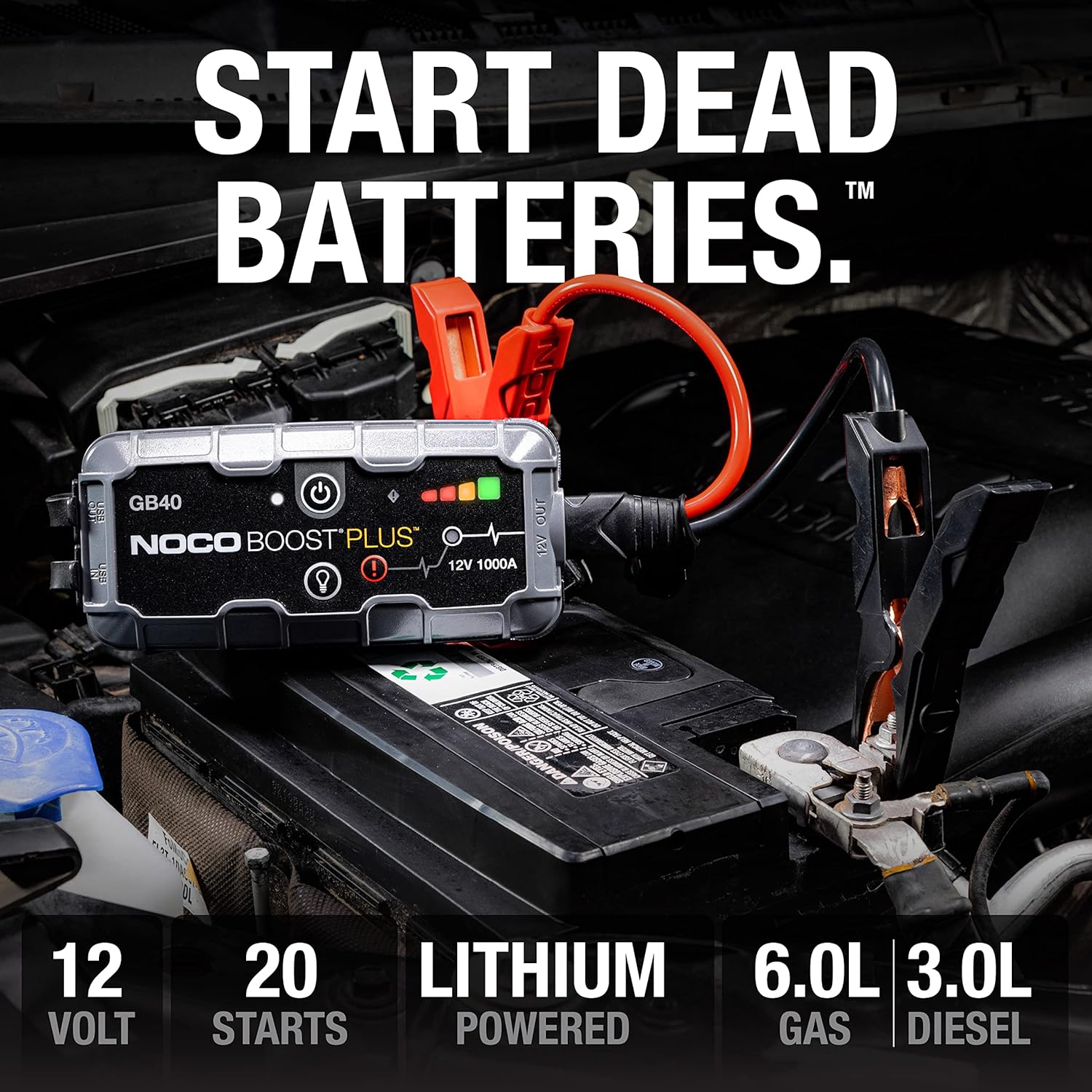
The GB40 is designed to instantly start dead batteries, providing up to 20 jump starts on a single charge for engines up to 6.0L gas and 3.0L diesel.

Simple four-step process for jump starting your vehicle with the GB40.
Користи се као преносиви Повер Банк
The GB40 can be used to charge USB devices such as smartphones, tablets, and other portable electronics.
- Connect your device's USB charging cable to the USB OUT port on the GB40.
- The GB40 will automatically begin charging your device.

The GB40 functions as a portable power bank with 2.1A USB-A output and 10W USB-C input for recharging.
Using the Integrated LED Flashlight
The GB40 features a powerful 100-lumen LED flashlight with multiple modes for various situations.
- Press the Light Mode Button to cycle through the seven light modes: 100% > 50% > 10% > SOS > Blink > Strobe > Off.
- Hold the Light Mode Button for 3 seconds to activate the SOS or Strobe modes directly.

The integrated 100-lumen LED flashlight offers multiple modes for illumination during repairs, emergencies, or in low-light environments.
Одржавање
- Чишћење: Clean the exterior of the GB40 with a soft, damp тканина. Немојте користити јаке хемикалије или абразивне материјале.
- Складиштење: Store the GB40 in a cool, dry place when not in use. Avoid extreme temperatures.
- Пуњење: For optimal battery life, recharge the GB40 every 2-3 months, even if not used.
- Нега каблова: Прегледајте клamps and cables for any damage before each use. Replace if damaged.
Решавање проблема
| Проблем | Могући узрок | Решење |
|---|---|---|
| GB40 does not turn on. | Батерија је потпуно испражњена. | Charge the GB40 using the USB-C cable. |
| Возило се не пали помоћу каблова. | Poor connection to battery terminals. | Osigurati clamps are securely connected to clean battery terminals. |
| Возило се не пали помоћу каблова. | Battery is severely discharged or damaged. | Try using the Manual Override feature (refer to full user guide for details). If still unsuccessful, the battery may need replacement. |
| Error LED is blinking. | Веза обрнутог поларитета. | Дисцоннецт цлamps and reconnect correctly (red to positive, black to negative). |
| Error LED is blinking. | Short circuit detected. | Osigurati clamps are not touching each other or other metal surfaces. |
Спецификације
| Феатуре | Детаљ |
|---|---|
| Модел | ГБ40 |
| Пеак Ampераге | 1000 Amps |
| Тип батерије | Литијум-јонски |
| Волtage | 12В |
| Компатибилност мотора | До 6.0 литара бензина, 3.0 литара дизела |
| УСБ излаз | 2.1А (УСБ-А) |
| USB Input (Recharge) | 10 В (УСБ-Ц) |
| ЛЕД лампа | 100 Lumens, 7 Modes |
| Димензије (Д к Ш к В) | 4.61 cm x 8.19 cm x 4.21 cm |
| Тежина артикла | 7.94 унци |
| Отпорност на воду | IP65 (Rugged, water-resistant enclosure) |
| Сигурносне карактеристике | Spark-Proof, Reverse Polarity Protection |
Гаранција и подршка
Информације о гаранцији
The NOCO Boost GB40 comes with a 1-Year Limited Warranty. This warranty covers defects in material and workmanship under normal use. For specific terms and conditions, please refer to the warranty card included in your product packaging or visit the official NOCO webсајту.
Корисничка подршка
For technical assistance, troubleshooting, or warranty claims, please contact NOCO Customer Support. You can find contact information on the official NOCO webсајту или преко продавца где сте купили производ.
Онлине ресурси:
- Official NOCO Webсајт: но.цо
- Product Support Page (if available): Refer to the official website for dedicated product support pages, FAQs, and additional resources.
Ask a question about this manual
Ask about setup, troubleshooting, compatibility, parts, safety, or missing instructions. Manuals+ will review the question and use this page’s manual context to help answer it.