
Увод
Thank you for choosing the ShhhMouse Wireless Silent Optical Mouse. This manual provides detailed instructions for setting up, operating, and maintaining your new mouse. Designed for comfort and efficiency, this mouse features silent clicks, adjustable DPI settings, and broad compatibility, making it ideal for various computing environments.
Упутства за подешавање
1. Инсталирајте батерије
Locate the battery compartment on the underside of the mouse. Open the cover and insert two AAA batteries, ensuring correct polarity. Close the battery compartment cover securely.

Image: The underside of the mouse with the battery compartment and USB receiver slot clearly visible.
2. Повежите УСБ пријемник
The USB nano receiver is stored inside the battery compartment for convenience. Remove the receiver and plug it into an available USB port on your computer. The computer should automatically detect and install the necessary drivers.
3. Укључите напајање
Flip the power switch on the underside of the mouse to the "ON" position. The mouse is now ready for use.
Упутство за употребу
ДПИ Адјустмент
The ShhhMouse features three adjustable DPI (Dots Per Inch) levels: 1000, 1200, and 1600. To change the cursor sensitivity, press the DPI button located on the top of the mouse, just below the scroll wheel. Each press cycles through the available DPI settings.

Image: A visual representation of the three DPI settings (1000, 1200, 1600) and the mouse.
Silent Click Feature
This mouse is designed with 90% noise reduction for its clicks, providing a quiet working environment. This feature is beneficial in shared spaces or during late-night use.

Image: An illustration highlighting the silent click feature, showing a quiet environment.
Аутоматски режим спавања
Да би се уштедела батерија, миш ће аутоматски прећи у режим спавања након 8 минута неактивности. Да бисте пробудили миш, једноставно притисните било које дугме.
Компатибилност
The ShhhMouse is compatible with most devices that have a USB port. It supports operating systems such as Windows 7/8/10/XP, Vista 7/8, and Linux. It is also compatible with MacBooks and Chromebooks.

Image: The mouse shown with various operating system logos, illustrating its broad compatibility.
Surface Tracking
Equipped with optical tracking technology, the mouse works effectively on various surfaces without requiring a mouse pad.
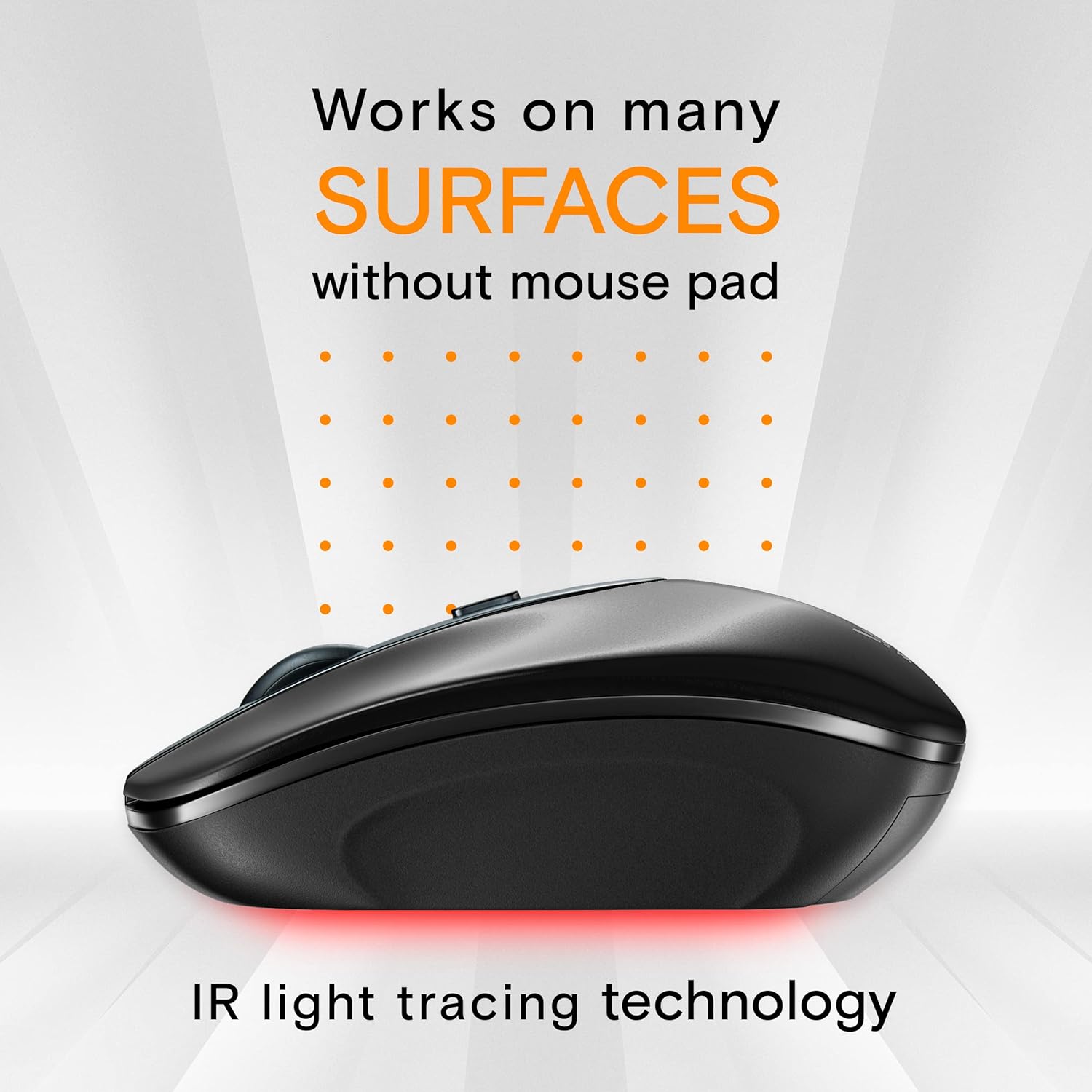
Image: The mouse on a surface, with light rays indicating its optical tracking capability.
Одржавање
Чишћење
To clean your mouse, gently wipe its surface with a soft, dry cloth. For stubborn dirt, slightly dampen the cloth with water. Avoid using harsh chemicals or abrasive materials, as these can damage the mouse's finish.
Замена батерије
When the mouse's performance degrades or the low-power indicator (if present) illuminates, it's time to replace the batteries. Follow the battery installation steps in the Setup section.
Решавање проблема
- Миш не реагује:
Ensure the mouse is powered on. Check that the USB receiver is securely plugged into a working USB port. Try plugging the receiver into a different USB port. Replace the batteries if they are low. - Курсор је неправилан или се не креће глатко:
Ensure the mouse is on a clean, non-reflective surface. Avoid using the mouse on glass or highly reflective surfaces. Clean the optical sensor on the underside of the mouse with a soft cloth. Check for any obstructions around the sensor. - Проблеми са повезивањем:
Move the mouse closer to the USB receiver to ensure it is within the 2.4GHz wireless range (up to 39 feet). Avoid using the mouse near other wireless devices that might cause interference.
Спецификације
| Феатуре | Детаљ |
|---|---|
| Бранд | ShhhMouse |
| Број модела | 314 |
| Боја | Црно |
| Технологија повезивања | бежични (2.4 ГХз) |
| Откривање покрета | Оптицал |
| ДПИ Левелс | 1000, 1200, 1600 |
| Број дугмади | 2 |
| Оријентација руке | Десноруки |
| Извор напајања | 2 к ААА батерије |
| Аутоматски режим спавања | После 8 минута неактивности |
| Тежина | 52.7 грама |
| Компатибилан ОС | Windows 7/8/10/XP, Vista 7/8, Linux, Mac |
Информације о гаранцији
The ShhhMouse Wireless Silent Optical Mouse Model 314 comes with a 1-year limited warranty from the date of purchase. This warranty covers manufacturing defects and workmanship. It does not cover damage caused by misuse, accidents, unauthorized modifications, or normal wear and tear. Please retain your proof of purchase for warranty claims.
Подршка
For further assistance, technical support, or warranty inquiries, please refer to the contact information provided with your product packaging or visit the official ShhhMouse website. Our customer service team is available to help you with any questions or issues you may encounter.