
Schneider KSW5
Schneider KSW5 Cam for Rotary Nock Switch
Упутство за употребу корисника
Увод
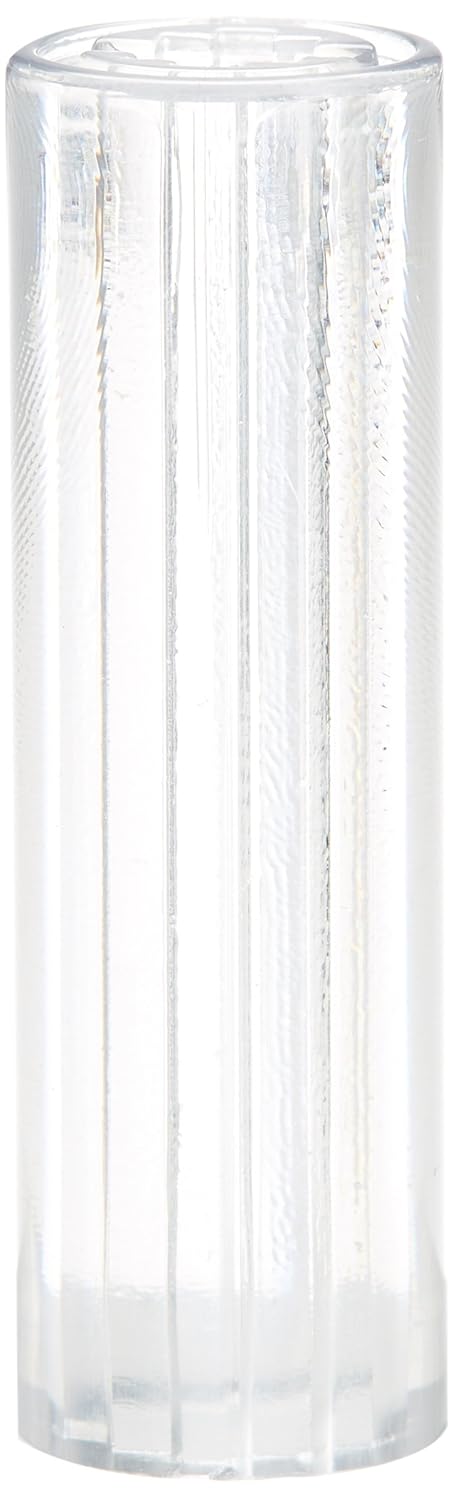
The Schneider KSW5 Cam is a precision component designed for integration into rotary nock switch assemblies. It plays a crucial role in defining the switching positions and operational characteristics of the switch. This manual provides essential information for the proper installation, operation, and maintenance of the KSW5 Cam to ensure optimal performance and longevity.
Производ је завршенview
Сетуп
- Безбедност на првом месту: Ensure all power to the rotary switch assembly is disconnected before beginning installation.
- Идентификујте компоненте: Locate the designated slot or shaft within the rotary nock switch mechanism where the KSW5 Cam is to be installed.
- Align Cam: Carefully align the KSW5 Cam with the corresponding grooves or keyways in the switch assembly.
- Insert Cam: Gently push the cam into place until it is securely seated. Do not force the cam, as this may cause damage.
- Проверите седишта: Ensure the cam is fully engaged and does not wobble or move freely.
- Reassemble Switch: Reassemble any covers or housing components of the rotary switch according to the switch manufacturer's instructions.
- Тест функционалност: After reassembly, carefully test the rotary switch's operation to confirm the cam functions as expected before restoring power.
Упутство за употребу
The KSW5 Cam itself is a passive component that dictates the mechanical action of a rotary nock switch. Its operation is directly tied to the rotation of the switch's actuator.
- When the rotary switch actuator is turned, the internal mechanism interacts with the cam's profile.
- The specific contours of the KSW5 Cam determine the precise points at which the switch contacts open or close, defining the switch's various positions (e.g., ON/OFF, multiple selections).
- Always operate the rotary switch smoothly and deliberately to ensure proper engagement with the cam. Avoid excessive force or rapid movements that could damage the cam or switch mechanism.
Одржавање
- Редовна инспекција: Periodically inspect the KSW5 Cam for any signs of wear, cracks, or deformation.
- Чишћење: If necessary, gently clean the cam and surrounding switch mechanism with a dry, lint-free cloth. Avoid using abrasive cleaners or solvents that could damage the plastic material.
- подмазивање: The KSW5 Cam typically does not require lubrication. Refer to the rotary switch manufacturer's guidelines for any lubrication requirements of the overall switch assembly.
- Замена: If the cam shows significant wear or damage, replace it with an original Schneider KSW5 Cam to maintain proper switch functionality.
Решавање проблема
| Иссуе | Могући узрок | Решење |
|---|---|---|
| Rotary switch feels stiff or does not rotate smoothly. | Cam misalignment or obstruction. | Disconnect power, disassemble the switch, and re-verify the cam's seating and ensure no debris is present. |
| Switch positions are inconsistent or incorrect. | Damaged or worn cam profile. | Inspect the cam for wear. If damaged, replace the KSW5 Cam. |
| Switch does not "click" into position firmly. | Cam or detent mechanism wear. | Check the cam for wear. If the cam is intact, the issue might be with the switch's internal detent mechanism, requiring switch replacement. |
Спецификације
| Атрибут | Валуе |
|---|---|
| Бранд | Сцхнеидер |
| Тип прекидача | Ротари |
| Димензије артикла Д к Ш к В | 37.7 к 12.8 к 12.3 центиметара |
| Тип актуатора | Ротари |
| Међународни рејтинг заштите | ИП00 |
Гаранција и подршка
For warranty information and technical support regarding the Schneider KSW5 Cam, please refer to the official Schneider Electric webсајт или директно контактирајте њихову корисничку службу. Конкретни гарантни услови могу се разликовати у зависности од региона и производа.
Ask a question about this manual
Ask about setup, troubleshooting, compatibility, parts, safety, or missing instructions. Manuals+ will review the question and use this page’s manual context to help answer it.