
1. Увод
The Goal Zero Lighthouse Micro Flash is a compact, USB-rechargeable LED lantern and flashlight designed for portability and versatility. It provides reliable illumination for emergency situations, outdoor activities, and general use, featuring adjustable light settings and multiple charging options.
This manual provides essential information for the safe and effective use of your Lighthouse Micro Flash. Please read it thoroughly before operation.
2. Карактеристике производа
- Двострука функционалност: Operates as both a lantern and a flashlight.
- Подесива осветљеност: Dimmable settings for both lantern and flashlight modes.
- Интегрисано УСБ пуњење: Built-in USB plug for convenient recharging.
- Long Run Times: Up to 170 hours on low lantern setting.
- Компактан и лаган: Designed for easy transport and storage.
- Отпоран на временске услове: IPX6 rated for protection against strong water jets.
3. Почетак рада (Подешавање)
Before first use, fully charge your Lighthouse Micro Flash. The device features an integrated USB charging plug.
- Locate the USB Plug: The USB plug is located at the base of the lantern. Gently pull it out to extend it.
- Повежите се са напајањем: Insert the USB plug into any standard USB port (e.g., computer, wall adapter, power bank).
- Индикација пуњења: Four blue LED indicators on the top of the lantern will illuminate to show the charging status. When all four LEDs are solid, the device is fully charged.
- Време пуњења: A full charge typically takes approximately 3.5 hours from a USB source or compatible solar panel.
Once fully charged, retract the USB plug back into the base for protection.

Image: The Lighthouse Micro Flash with its integrated USB charging plug extended, ready for connection to a power source.
4. Операција
The Lighthouse Micro Flash offers multiple lighting modes and adjustable brightness.
4.1. Укључивање/искључивање и избор режима
A single button controls all functions. The button is located on the top of the lantern, near the flashlight lens.
- Режим лампе: Press the button once to activate the flashlight.
- Full Lantern Mode: Press the button a second time to switch to full 360-degree lantern mode (both sides lit).
- Half Lantern Mode: Press the button a third time to activate half 180-degree lantern mode (one side lit).
- Искључивање: Press the button a fourth time to turn the device off.
4.2. Функција затамњивања
To adjust the brightness in any active mode (flashlight, full lantern, or half lantern):
- While the light is on, press and hold the power button. The brightness will gradually decrease.
- Release the button at your desired brightness level.
- To increase brightness, press and hold the button again. The brightness will gradually increase.

Image: Two Lighthouse Micro Flash lanterns providing ambient light inside a tent, demonstrating their utility in outdoor settings.
5. Пуњење
The Lighthouse Micro Flash can be recharged via its integrated USB plug.
- УСБ порт: Connect the integrated USB plug to any powered USB port (e.g., computer, wall adapter, Goal Zero power bank).
- Соларни панел: For off-grid charging, connect the Lighthouse Micro Flash to a compatible Goal Zero solar panel.
The blue LED indicators on top of the lantern will show the charge level. Each LED represents approximately 25% of the battery capacity.
6. Нега и одржавање
- Чишћење: Обришите уређај меком, дamp тканина. Немојте користити абразивна средства за чишћење или раствараче.
- Складиштење: Store in a cool, dry place away from direct sunlight. For long-term storage, ensure the battery is charged every 3-6 months to maintain battery health.
- Изложеност води: While IPX6 rated, avoid submerging the device in water. Ensure the USB plug is retracted when not in use to protect it from elements.
- температура: Избегавајте излагање уређаја екстремним температурама.
КСНУМКС. Решавање проблема
| Проблем | Могући узрок | Решење |
|---|---|---|
| Светлост се не пали. | Батерија је празна. | Charge the Lighthouse Micro Flash using a USB port or solar panel. |
| Светло је слабо. | Brightness is set to low or battery is low. | Increase brightness by pressing and holding the power button. If still dim, recharge the device. |
| Уређај се не пуни. | USB connection issue or faulty power source. | Ensure the USB plug is fully inserted. Try a different USB port or charging cable. |
| ЛЕД индикатори не раде. | Device is off or a malfunction. | Turn the device on. If still unresponsive, contact customer support. |
8. Спецификације
| Феатуре | Детаљ |
|---|---|
| Број модела | 32005 |
| Димензије | 3.5"L x 1.5"W x 1.5"H (93 x 37.75 mm) |
| Тежина | 2.56 унци (0.16 лбс) |
| Brightness (Lantern) | 150 лумена (макс.) |
| Brightness (Flashlight) | 120 лумена (макс.) |
| Run Time (Flashlight) | 8.5 сати (високо), 100 сати (ниско) |
| Run Time (Lantern, one side) | 15 сати (високо), 170 сати (ниско) |
| Run Time (Lantern, both sides) | 7 сати (високо), 80 сати (ниско) |
| Улаз за пуњење | Integrated USB (5V, up to 1A) |
| Време пуњења | Approx. 3.5 hours (USB or solar) |
| Отпорност на воду | ИПКС6 |
| Тип батерије | Internal Lithium-ion (non-replaceable) |
9. Гаранција и подршка
Goal Zero is committed to providing quality products and customer satisfaction.
9.1. Информације о гаранцији
The Goal Zero Lighthouse Micro Flash is backed by a 2 година гаранције од датума куповине. Ова гаранција покрива недостатке у материјалу и изради при нормалној употреби. Молимо вас да сачувате доказ о куповини за потребе подношења захтева за гаранцију.
9.2. Корисничка подршка
For technical assistance, warranty claims, or general inquiries, please contact Goal Zero customer support. Our U.S.-based team is available to assist you.
- Webсајт: Visit the official Goal Zero webсајт за ресурсе подршке и контакт информације.
- Телефон: Refer to the Goal Zero webсајт за тренутне бројеве телефона корисничке службе.
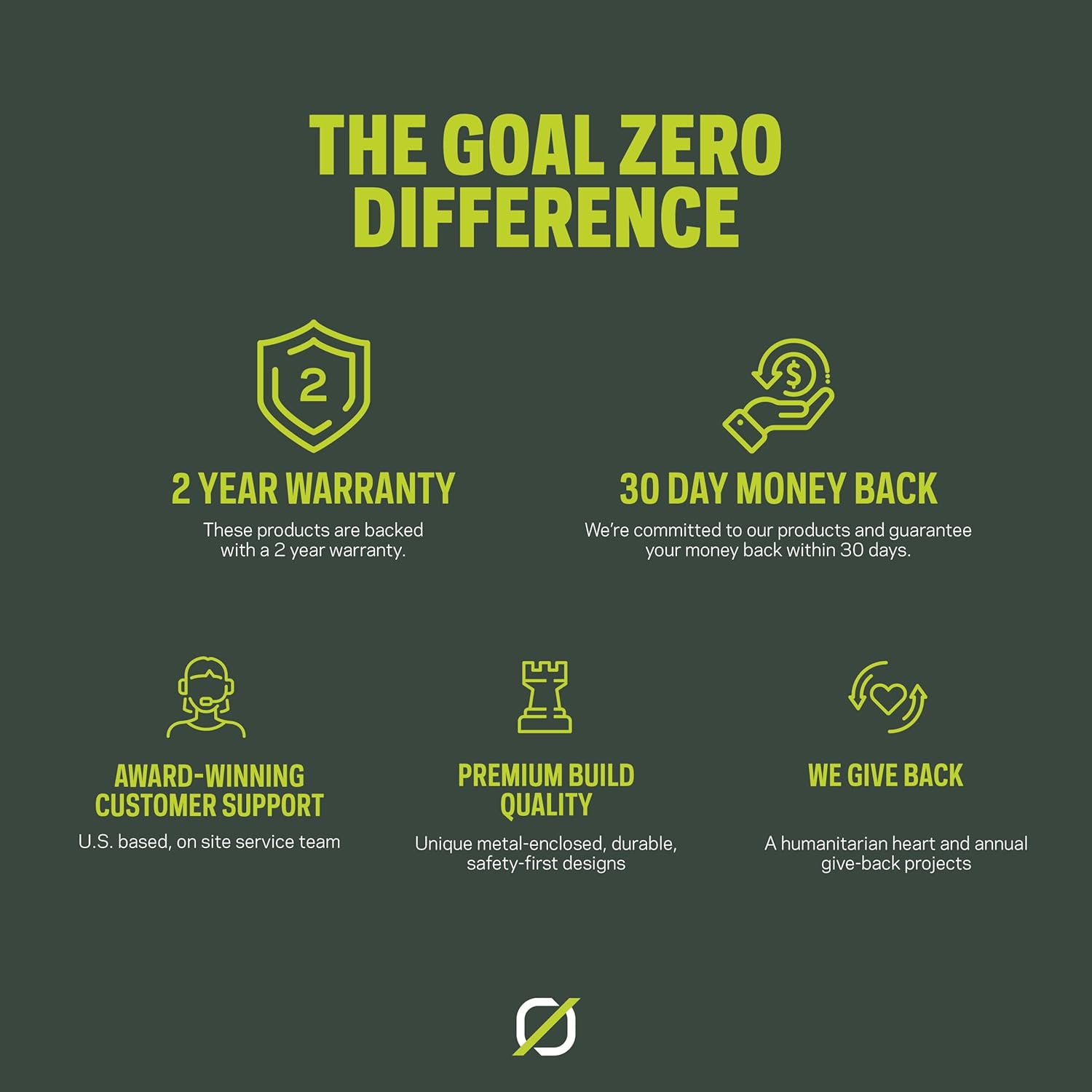
Image: An infographic highlighting Goal Zero's commitment to product quality and customer service, including a 2-year warranty and dedicated support.