
Увод
This manual provides instructions for the proper setup, operation, and maintenance of your Targus W600 Wireless Optical Mouse. Please read this manual thoroughly before using the device to ensure optimal performance and longevity.
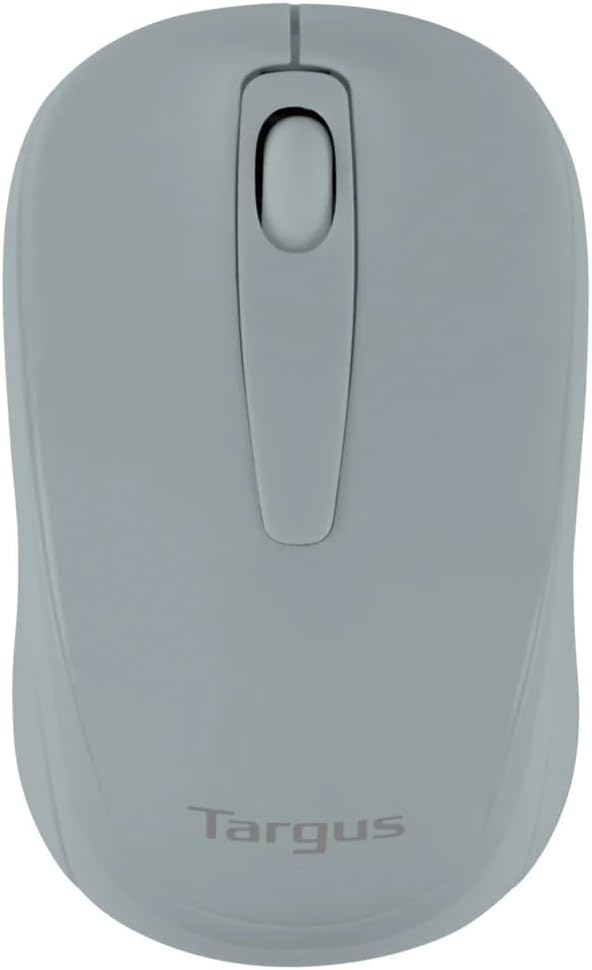
Figure 1: Targus W600 Wireless Optical Mouse (Quarry Gray)
Садржај пакета
Уверите се да су све ставке присутне у пакету:
- Targus W600 Wireless Optical Mouse
- УСБ пријемник
- Кориснички приручник (овај документ)
Note: 1 AA battery is required and sold separately.
Карактеристике производа
- 2.4 GHz Wireless Technology for reliable connection
- 1600 DPI Optical Sensor for precise tracking
- Ергономски дизајн за удобну употребу
- Компатибилан са Виндовс и Мац оперативним системима
- Integrated USB receiver storage compartment
Сетуп
1. Инсталирање батерије
- Turn the mouse over to locate the battery compartment cover.
- Gently slide the cover off.
- Уметните једну (1) АА батерију, водећи рачуна о исправном поларитету (+/-).
- Вратите поклопац одељка за батерије.
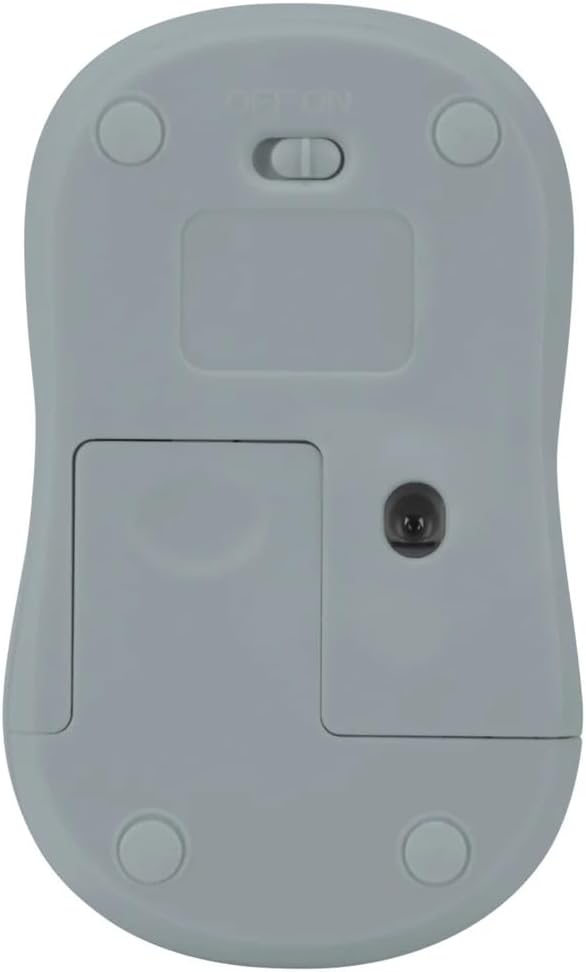
Слика 2: Дно view of the mouse with battery compartment and power switch.
2. Повезивање USB пријемника
- Locate the USB receiver, typically stored inside the mouse's battery compartment or a dedicated slot.
- Укључите УСБ пријемник у слободан УСБ порт на рачунару.
- Ваш рачунар би требало аутоматски да детектује и инсталира потребне драјвере. Ово може потрајати неколико тренутака.
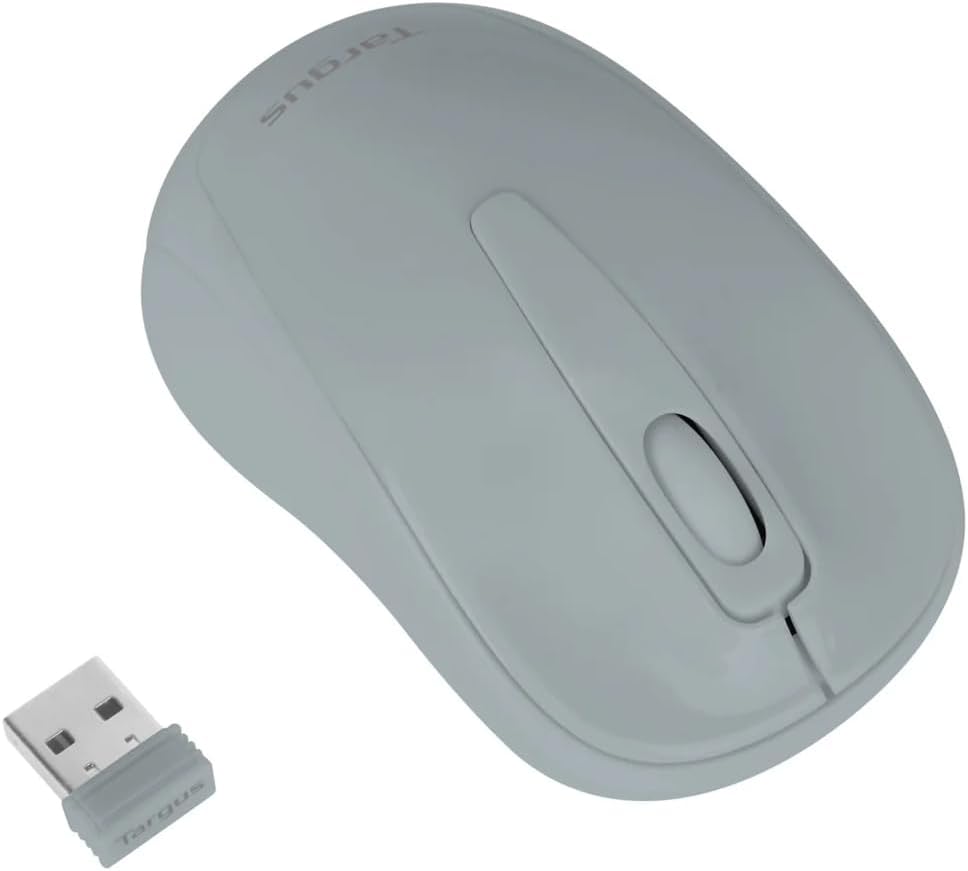
Figure 3: Targus W600 mouse and its USB receiver.

Figure 4: USB receiver plugged into a laptop, with the mouse nearby.
3. Укључивање миша
On the bottom of the mouse, slide the ON/OFF switch to the "ON" position. The mouse is now ready for use.
Управљање мишем
The Targus W600 Wireless Optical Mouse functions like a standard 3-button mouse. It features a left button, a right button, and a scroll wheel that also acts as a middle button.
- Леви клик: Primary action, selection, opening items.
- Десни клик: Отвара контекстуалне меније.
- Точак за померање: Скролује документе и web pages vertically. Pressing the scroll wheel acts as a middle click, often used for opening links in new tabs or specific application functions.
The 1600 DPI optical sensor provides smooth and accurate cursor control on most surfaces. For best performance, use on a mouse pad or a non-reflective, uniform surface.
Одржавање
Чишћење
To clean your mouse, gently wipe the surface with a soft, damp cloth. Avoid using harsh chemicals or abrasive cleaners, as these can damage the finish or internal components. Ensure no liquid enters the mouse.
Замена батерије
When the mouse performance degrades or stops responding, it may be time to replace the battery. Follow the steps outlined in the "Installing the Battery" section to replace the AA battery. Dispose of used batteries responsibly according to local regulations.
Решавање проблема
| Проблем | Решење |
|---|---|
| Миш не реагује |
|
| Неправилно кретање курсора |
|
| Кратак бежични домет |
|
Спецификације
| Број модела | AMW60006AP-55 |
| Повезивање | 2.4 GHz бежични (USB пријемник) |
| Сензорна технологија | Оптицал |
| ДПИ | 1600 ДПИ |
| Број дугмади | 3 (леви, десни, точкић за скроловање/средњи клик) |
| Извор напајања | 1 к АА батерија (није укључена) |
| Компатибилни оперативни системи | Виндовс, Мац |
Напомена: Спецификације се могу променити без најаве.
Гаранција и подршка
For warranty information and technical support, please refer to the official Targus webсајт или контактирајте њихову корисничку службу. Сачувајте рачун као доказ о куповини за потребе гаранције.
Targus Official Webсајт: ввв.таргус.цом