
Цекотек 05050
Conga Excellence 990 Robot Vacuum Cleaner User Manual
Модел: 05050 | Марка: Cecotec
1. Производ је готовview
The Cecotec Conga Excellence 990 is a versatile 4-in-1 robot vacuum cleaner designed to sweep, vacuum, mop, and wipe floors. It features intelligent navigation, programmable cleaning schedules, and multiple cleaning settings to ensure thorough cleaning of your home.

Слика 1.1: Врх view of the Conga Excellence 990 Robot Vacuum Cleaner, showcasing its sleek gray design and central power button.
2. Безбедносна упутства
Пажљиво прочитајте сва безбедносна упутства пре употребе уређаја. Сачувајте ово упутство за будуће потребе.
- Do not use the robot vacuum cleaner on wet surfaces or to clean up liquids.
- Ensure all loose cables, rugs, and small objects are cleared from the floor before operation to prevent entanglement.
- Држите децу и кућне љубимце даље од робота током рада.
- Не користите робота ако је оштећен или неисправан. Контактирајте корисничку подршку.
- Use only the original charging station and power adapter provided with the device.
- Не блокирајте отворе за вентилацију или издув робота.
- The robot is equipped with anti-drop sensors. However, exercise caution near stairs or elevated surfaces.
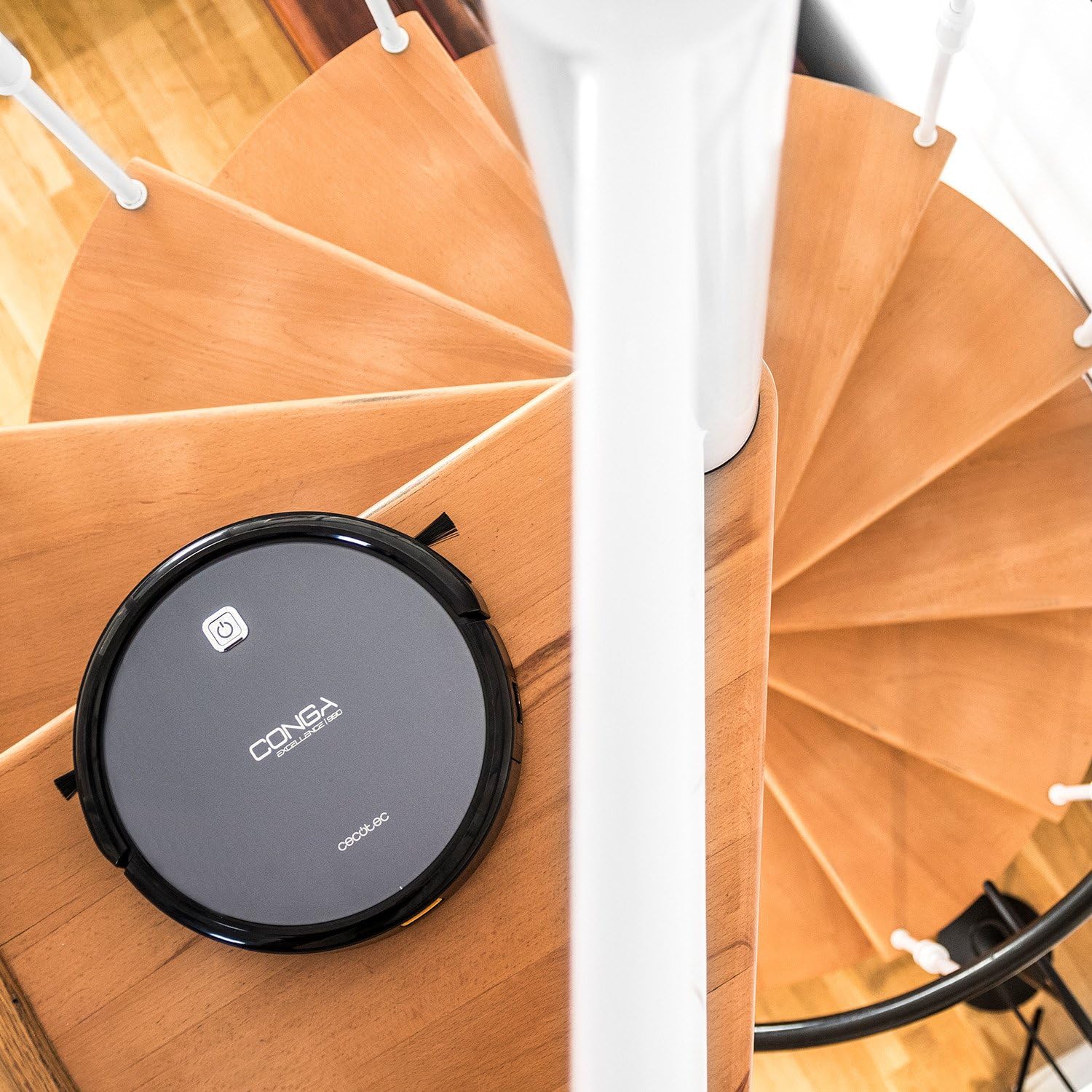
Figure 2.1: The robot vacuum positioned near a spiral staircase, demonstrating its ability to navigate edges while highlighting the importance of anti-drop sensor functionality.
3. Карактеристике
The Conga Excellence 990 offers a range of features for efficient home cleaning:
- 4-у-1 функционалност: Sweeps, vacuums, mops, and wipes simultaneously.
- Интелигентна навигација: Calculates optimal routes for comprehensive cleaning, stopping at surface boundaries.
- Програмабилно: Schedule cleaning for up to 24 hours a day.
- 5 подешавања чишћења: Adaptable modes for various cleaning needs.
- ХЕПА филтер: Captures allergens and fine dust particles.
- Тих рад: Дизајниран за минималну буку током употребе.
- Снажно усисавање: Ensures effective dirt and debris removal.
- Аутоматско пуњење: Returns to the charging station when battery is low.

Figure 3.1: The robot vacuum demonstrating its cleaning capability by approaching spilled nuts and dried fruit on a carpet, highlighting its powerful suction.
4. Подешавање
4.1 Распакивање
Пажљиво извадите све компоненте из паковања. Уверите се да су присутни сви делови наведени у листи паковања.
4.2 Постављање станице за пуњење
Place the charging station against a wall in an open, uncluttered area. Ensure there is at least 1 meter (3 feet) of clear space on either side and 2 meters (6 feet) in front of the station. Plug the power adapter into the charging station and then into a wall outlet.
4.3 Почетно пуњење
Place the robot onto the charging station, ensuring the charging contacts align. The robot will begin charging automatically. For first use, charge the robot for at least 4-5 hours until fully charged.

Figure 4.1: The robot vacuum automatically navigating back to its charging station, indicated by a white path on the floor.
5. Управљање роботским усисивачем
5.1 Покретање циклуса чишћења
Press the power button on the robot or the "Clean" button on the remote control to start a cleaning cycle. The robot will automatically select a cleaning mode based on its intelligent navigation.
5.2 Коришћење даљинског управљача
The remote control allows you to manually control the robot, select cleaning modes, set schedules, and send the robot back to its charging station.

Figure 5.1: A hand holding the remote control for the robot vacuum, showing its various buttons for control and programming.
5.3 Programming Cleaning Schedules
Refer to the remote control section in the full manual for detailed instructions on setting daily or weekly cleaning schedules. The robot can be programmed to clean at specific times, even when you are not home.

Figure 5.2: The robot vacuum cleaning a living room carpet, demonstrating its quiet operation as two dogs and a person relax nearby.

Figure 5.3: The robot vacuum cleaning a carpet, with a visual representation of its intelligent cleaning path, ensuring thorough coverage.
6. Режими чишћења
The Conga Excellence 990 offers 5 distinct cleaning settings to suit various needs:
- Аутоматски режим: Робот интелигентно навигира и чисти целокупно приступачно подручје.
- Едге Моде: Робот чисти дуж зидова и ивица намештаја.
- Спот режим: For concentrated cleaning of a specific dirty area. The robot cleans in a spiral pattern.
- Режим једнокреветне собе: Cleans a single room thoroughly before stopping.
- Максимални режим: Increases suction power for deeper cleaning on carpets or heavily soiled areas.
6.1 Mopping and Wiping Function
To use the mopping function, attach the microfiber mop cushion to the water tank and fill the tank with clean water. The robot will spray and wipe the floor as it cleans. This function is ideal for hard floors.
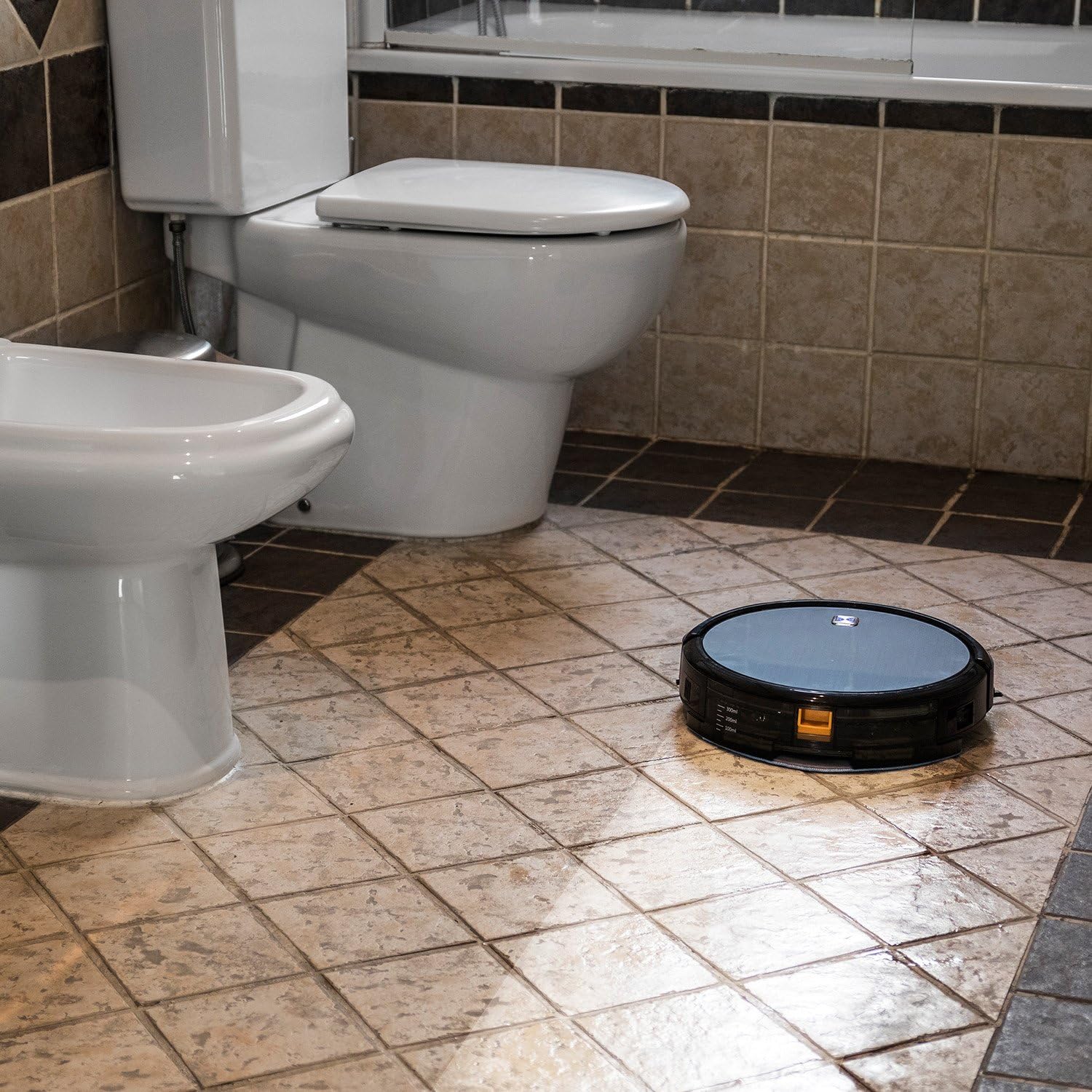
Figure 6.1: The robot vacuum mopping a tiled bathroom floor, demonstrating its wet cleaning capability.
7. Одржавање
Редовно одржавање обезбеђује оптималне перформансе и продужава век трајања вашег роботског усисивача.
7.1 Пражњење канте за прашину
The dustbin should be emptied after each cleaning cycle or when full. Press the release button to remove the dustbin, open it, and discard the collected debris.
7.2 Чишћење филтера
The HEPA filter and primary filter should be cleaned regularly. Tap the HEPA filter to remove dust; do not wash it with water. The primary filter can be rinsed with water and air-dried completely before reinstallation.
7.3 Четке за чишћење
Periodically remove and clean the main brush and side brushes. Use the cleaning tool provided to cut and remove any hair or debris tangled around the brushes.
7.4 Чишћење сензора и контаката за пуњење
Wipe the anti-drop sensors, wall sensors, and charging contacts on both the robot and the charging station with a clean, dry cloth to ensure proper function.
КСНУМКС. Решавање проблема
If your Conga Excellence 990 encounters an issue, refer to the following common problems and solutions:
| Проблем | Могући узрок | Решење |
|---|---|---|
| Робот се не укључује. | Слаба батерија; искључите напајање. | Напуните робота; уверите се да је прекидач за напајање укључен. |
| Робот се не пуни. | Charging contacts dirty; charging station not powered. | Clean charging contacts; check power connection to station. |
| Робот се често заглављује. | Obstacles (cables, rugs); uneven surfaces. | Clear obstacles; use virtual wall if available. |
| Слабе перформансе чишћења. | Пуна канта за прашину; прљави филтери/четке. | Испразните канту за прашину; очистите/замените филтере и четке. |
| Robot does not return to charging station. | Charging station blocked; robot too far. | Ensure clear path to station; manually place robot closer. |
9. Спецификације
| Феатуре | Детаљ |
|---|---|
| Бранд | Цецотец |
| Назив модела | Conga Excellence 990 |
| Број модела | 05050 |
| Димензије производа | 9.06 cm D x 5.43 cm Š x 11.81 cm V |
| Тежина артикла | 3.52 фунти |
| Боја | Греи |
| Тип филтера | ХЕПА филтер |
| Трајање батерије | 1.5 сата |
| Capacity (Dustbin) | 3 литара |
| Контролни метод | Ремоте |
| Укључене компоненте | Battery, Remote Control, mop cushion |
10. Гаранција и подршка
The Cecotec Conga Excellence 990 comes with a standard manufacturer's warranty. Please refer to the warranty card included in your product packaging for specific terms and conditions.
За техничку подршку, резервне делове или рекламације по гаранцији, обратите се корисничкој служби Cecotec-а путем њиховог званичног webсајт или контакт информације наведене у документацији производа. Сачувајте рачун као доказ о куповини.
Трајање доступности резервних делова у ЕУ: 10 године.
Ask a question about this manual
Ask about setup, troubleshooting, compatibility, parts, safety, or missing instructions. Manuals+ will review the question and use this page’s manual context to help answer it.