
1. Увод
This manual provides instructions for the CJ TECH Digital HD TV Antenna, Model 72254. This indoor antenna is designed to receive over-the-air digital television signals, allowing access to free local HD channels. It supports HD 1080P, UHF, VHF, and FM signals, offering a clear picture and a wide selection of channels. Optimal reception depends on the antenna's placement and local broadcast conditions.
2. Садржај пакета
Молимо вас да проверите да ли су све ставке присутне у пакету:
- CJ TECH Digital HD TV Antenna
- Постоље за антену
- Коаксијални кабл
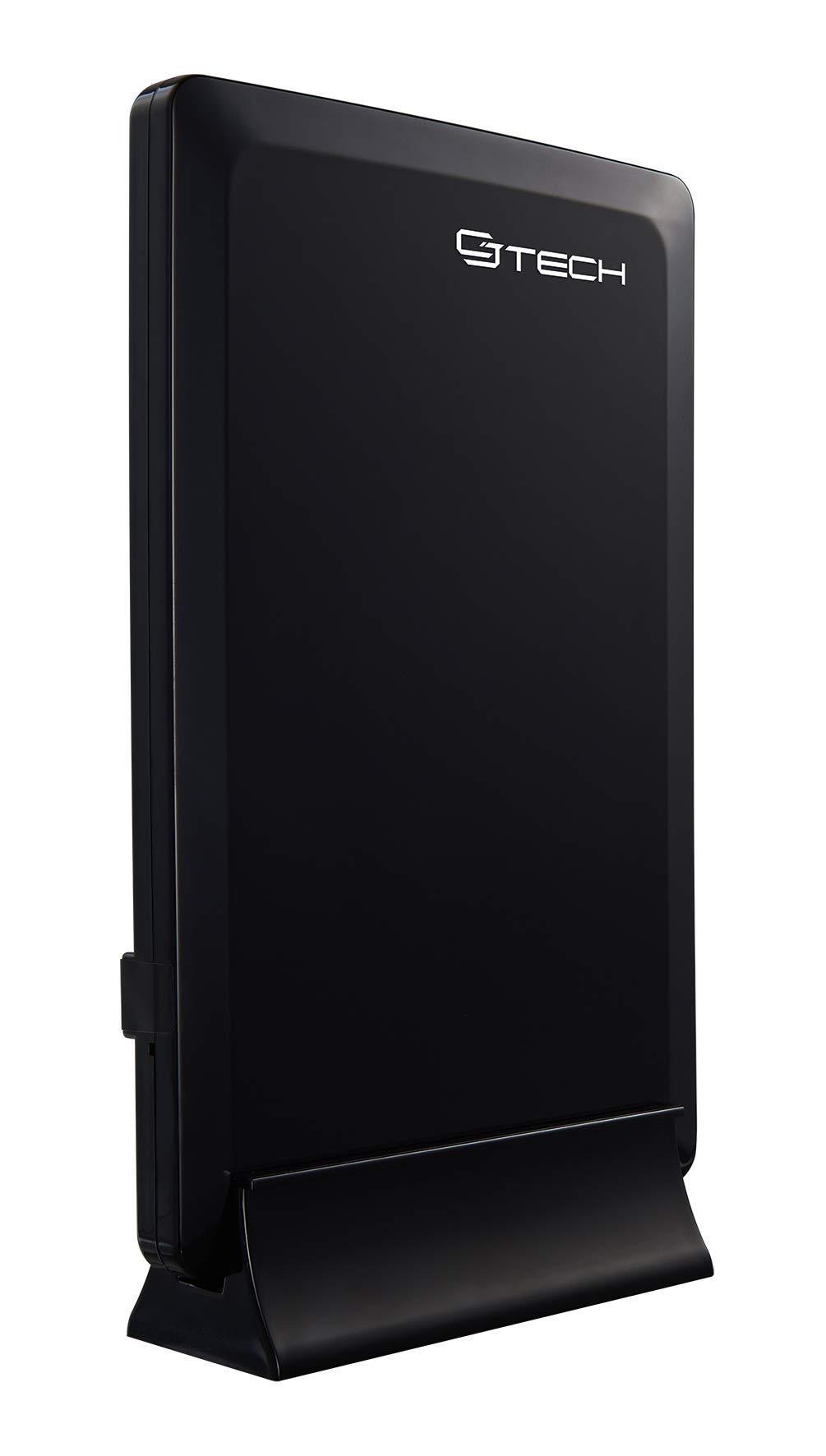
Image 1: The CJ TECH Digital HD TV Antenna, its stand, and the included coaxial cable. The antenna is a black, rectangular unit designed for indoor use.
3. Упутства за подешавање
Follow these steps to set up your CJ TECH Digital HD TV Antenna:
- Assemble the Antenna Stand: If your antenna requires assembly, attach the antenna to its stand according to the provided instructions. The antenna is designed for vertical placement.
- Повежите коаксијални кабл: Connect one end of the coaxial cable to the antenna's coaxial input port. Connect the other end of the coaxial cable to the "Antenna In" or "Cable In" port on the back of your television or digital converter box.
- Поставите антену: Place the antenna in a location that offers the best possible reception.
- For optimal signal reception, position the antenna near a window.
- Avoid placing the antenna near large metal objects or appliances that may cause interference.
- Experiment with different locations and orientations (e.g., higher up, different walls) to find the best signal strength.
- Прикључак за напајање (ако је применљиво): If your antenna model includes an amplifier or signal booster, ensure it is connected to a power source (e.g., a USB port on your TV or a wall adapter, if included). This model is described as "Amplified Powered," so this step is crucial.
4. Упутство за употребу
After completing the setup, follow these steps to scan for channels:
- Turn on your TV: Ensure your television is powered on and set to the correct input source (e.g., TV, Antenna, Air).
- Access TV Menu: Using your TV remote control, navigate to the TV's menu. Look for options like "Settings," "Setup," "Channel," or "Broadcast."
- Perform Channel Scan: Select the "Channel Scan," "Auto Program," or "Auto Tune" option. This process will search for all available over-the-air channels in your area. This may take several minutes.
- Review Канали: Once the scan is complete, your TV should display a list of available channels. You can now browse and watch free local HD programming.
- Rescan if Needed: If you move the antenna or experience changes in reception, perform a channel scan again to update your channel list.
5. Одржавање
The CJ TECH Digital HD TV Antenna requires minimal maintenance:
- Чишћење: Нежно обришите антену меком, сувом крпом да бисте уклонили прашину. Не користите течна средства за чишћење или абразивне материјале.
- Пласман: Ensure the antenna remains in a stable position to prevent accidental falls or damage.
- Кабловске везе: Periodically check that all cable connections are secure.
КСНУМКС. Решавање проблема
If you experience issues with your antenna, try the following troubleshooting steps:
- No Signal or Poor Picture Quality:
- Проверите везе: Уверите се да је коаксијални кабл безбедно повезан и са антеном и са телевизором.
- Преместите антену: Try moving the antenna to a different location, especially closer to a window or higher up. Re-orient the antenna to face the general direction of local broadcast towers.
- Поново скенирајте канале: After repositioning, perform a new channel scan on your TV.
- Провери Ampснага дизалице: If your antenna has an amplifier, ensure it is properly powered.
- Check TV Input: Verify that your TV's input source is set to "Antenna" or "Air."
- Недостајући канали:
- Perform a New Scan: Always perform a channel scan after initial setup or repositioning the antenna.
- Проверите јачину сигнала: Some TVs have a signal strength meter in their settings menu. Use this to optimize antenna placement.
- Local Obstructions: Buildings, trees, or terrain can block signals. Try to find a clear line of sight if possible.
- Повремени губитак сигнала:
- Временски услови: Невреме може привремено утицати на пријем сигнала.
- сметње: Other electronic devices (e.g., microwaves, cordless phones) can cause interference. Try moving the antenna away from such devices.
7. Спецификације
Key specifications for the CJ TECH Digital HD TV Antenna Model 72254:
| Феатуре | Детаљ |
|---|---|
| Број модела | 72254 |
| Антенна Типе | Дигитална унутрашња антена |
| Домет | До 25 миља |
| Подржани сигнали | HD 1080P, UHF, VHF, FM |
| Рецептион Паттерн | 360 степени |
| Димензије (В к Ш к Д) | 7.67 cm x 5.2 cm x 1.77 cm (приближно) |
| Боја | Црно |
| УПЦ | 695087722541 |
| Тежина артикла | 0.72 фунти |