
1. Увод
The Rocketek TFU3R is a compact and portable USB 3.0 card reader designed for Micro SD (TF) cards. It allows for high-speed data transfer between your Micro SD card and USB-enabled devices such as laptops and tablets. This device supports plug-and-play functionality and hot-swapping, making it convenient for various applications.
Кључне карактеристике:
- Мали и преносиви: Designed for easy portability, fitting conveniently in a wallet or pocket.
- Плуг анд Плаи: За већину оперативних система нису потребни драјвери.
- Врућа замена: Allows insertion and removal of the device without restarting the computer.
- УСБ напајање: Operates without external power or batteries.
- Супербрзи USB 3.0: Offers data transfer speeds up to 5 Gbps, backward compatible with USB 2.0/1.1.
- Издржљив дизајн: Constructed with an aluminum case for enhanced durability and efficient heat dissipation.
2. Упутства за подешавање
Follow these steps to set up and begin using your Rocketek TFU3R Micro SD Card Reader.
2.1 Уметање Мицро СД картице
- Locate the Micro SD card slot on the Rocketek TFU3R card reader.
- Gently insert your Micro SD (TF) card into the slot until it clicks into place. Ensure the card is oriented correctly to avoid damage.
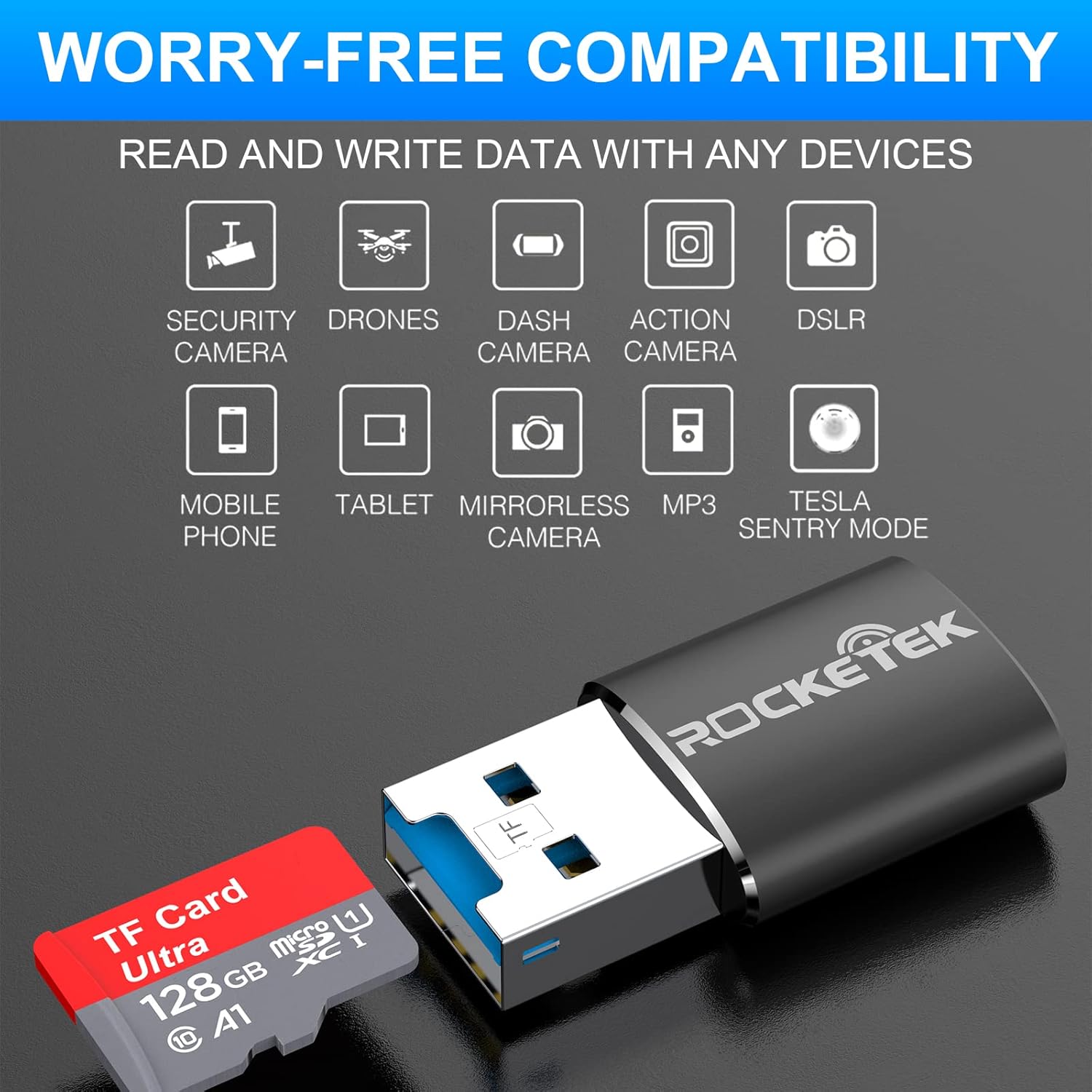
Image: Hands inserting a Micro SD card into the Rocketek TFU3R USB 3.0 card reader.
2.2 Повезивање са вашим уређајем
- Locate an available USB 3.0 or USB 2.0 port on your computer, laptop, or tablet.
- Plug the Rocketek TFU3R card reader, with the Micro SD card inserted, into the USB port.
- The device is plug-and-play; your operating system should automatically detect it and install any necessary generic drivers.
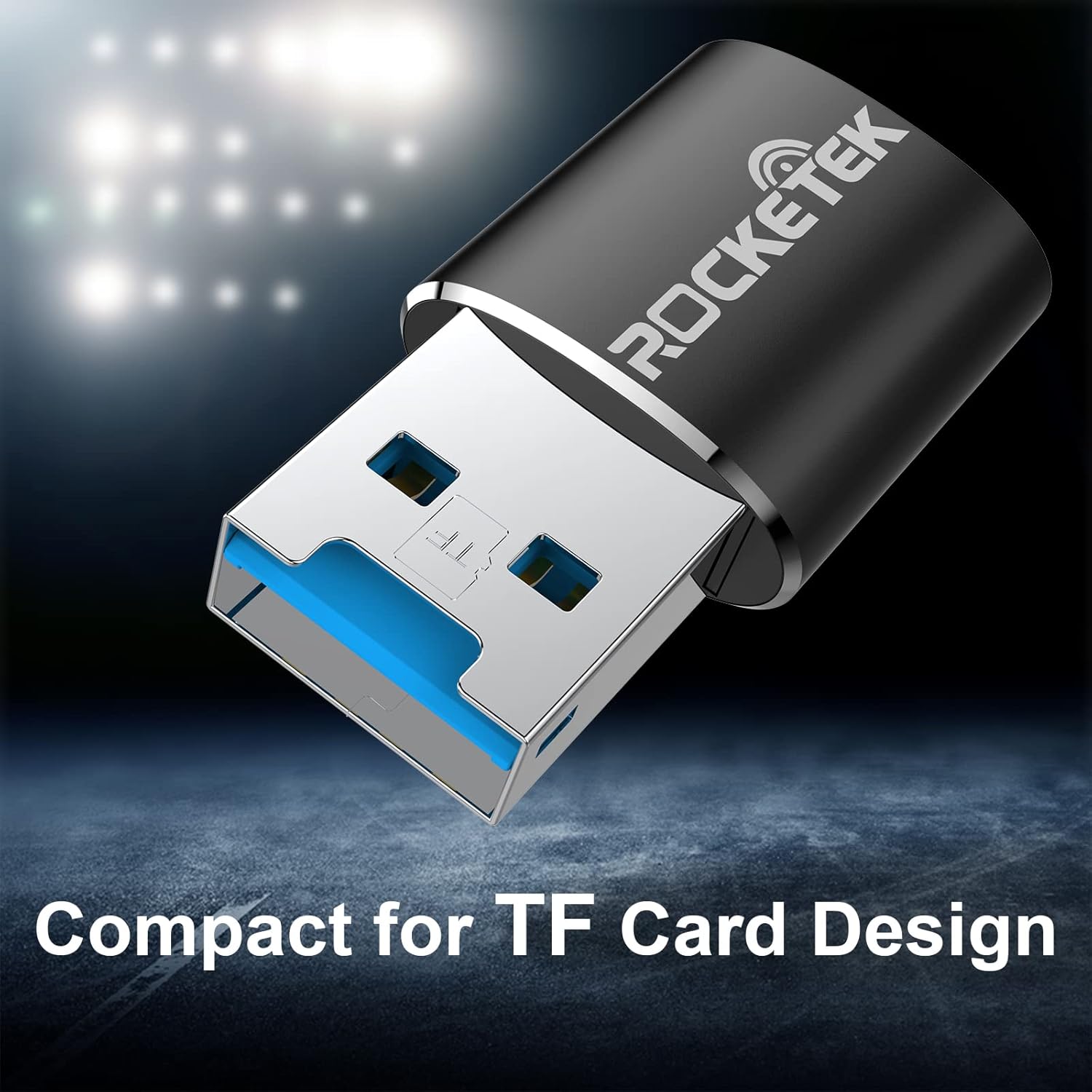
Image: Rocketek TFU3R USB 3.0 card reader plugged into a laptop's USB port, displaying 'Plug & Play'.
Video: A short demonstration showing how to insert a TF card into the Rocketek reader and connect it to a laptop for immediate use, highlighting its portability and plug-and-play functionality.
3. Упутство за употребу
Once connected, the Rocketek TFU3R functions like any standard external storage device.
3.1 Пренос података
- After connecting the card reader to your device, open your computer's file explorer (Windows) or Finder (Mac OS).
- The Micro SD card will appear as a removable drive.
- Сада можете да превлачите и испуштате files to and from the Micro SD card, or use copy/paste functions to transfer data.
- The USB 3.0 interface provides SuperSpeed data transfer up to 5 Gbps, ensuring quick transfers of large files.
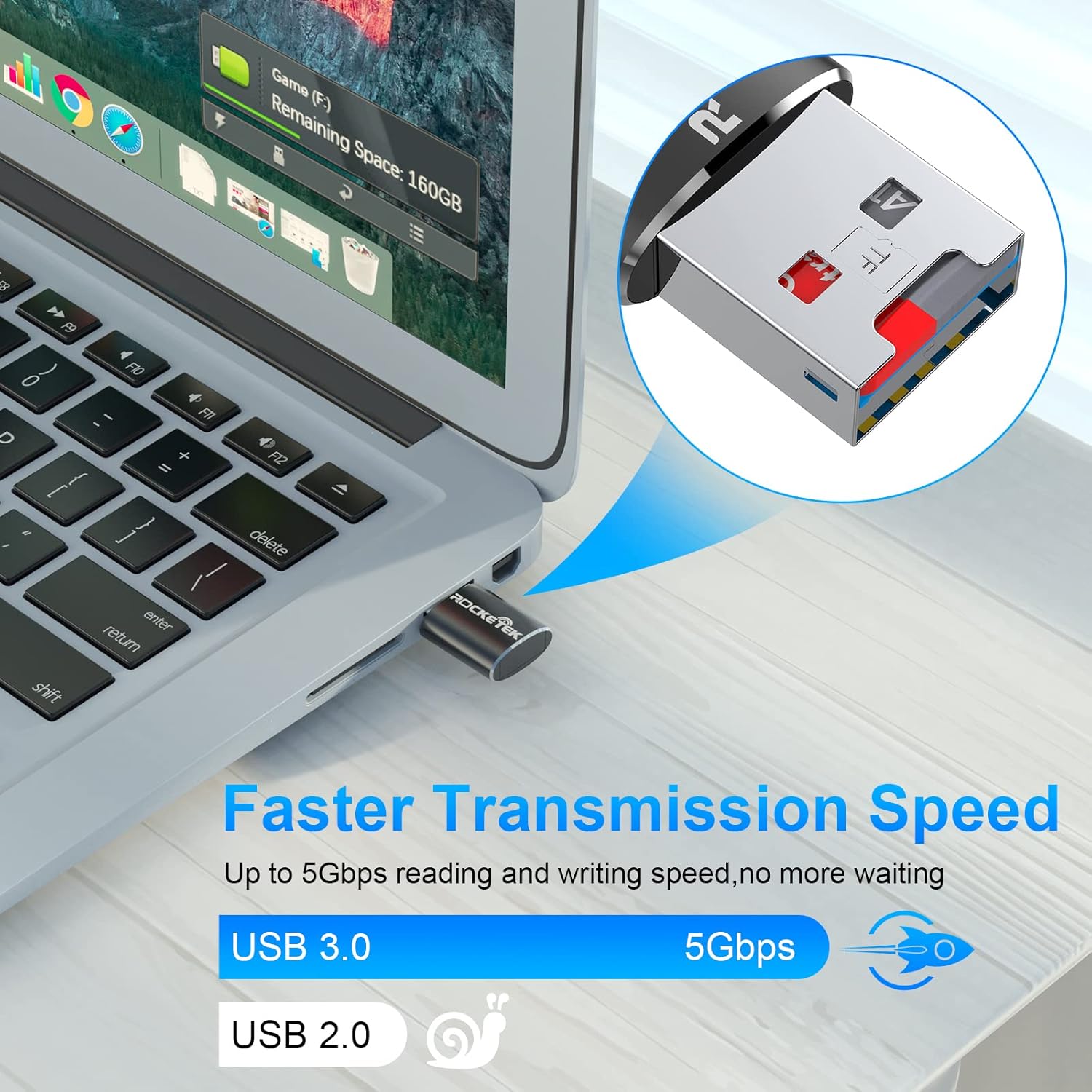
Image: Laptop screen showing file transfer with the Rocketek TFU3R plugged in, indicating 'Faster Transmission Speed' and 'USB 3.0 5Gbps'.
3.2 Безбедно уклањање
To prevent data corruption, always safely remove the card reader before unplugging it from your computer.
- Виндовс: Right-click on the drive icon in 'This PC' or the taskbar's 'Safely Remove Hardware' icon, then select 'Eject'.
- Мац ОС: Превуците икону диска у смеће или кликните на дугме Избаци поред имена диска у програму Finder.
4. Компатибилност
The Rocketek TFU3R card reader offers broad compatibility with various devices and operating systems.
4.1 Подржани уређаји
- Лаптопс
- Таблете
- Стони рачунари
- Other USB-enabled devices

Image: Diagram illustrating the Rocketek TFU3R's compatibility with tablets and laptops, showing a Micro SD card being inserted.
4.2 Подржани оперативни системи
- Windows 7 / 8 / 8.1 / 10+
- Мац ОС
- Линук

Image: The Rocketek TFU3R is compatible with a wide range of devices, including security cameras, drones, dash cameras, action cameras, DSLRs, mobile phones, tablets, mirrorless cameras, MP3 players, and for Tesla Sentry Mode.
5. Спецификације
| Феатуре | Детаљ |
|---|---|
| Број модела | TFU3R (RT-TFU3R-B) |
| Бранд | Rocketek |
| Медиа Типе | Micro SD (TF) |
| Технологија повезивања | УСБ |
| Хардверски интерфејс | USB 3.0 (backward compatible with USB 2.0/1.1) |
| Брзина преноса података | Up to 5 Gigabits Per Second (USB 3.0) |
| Slot Count | 1 (for Micro SD/TF cards) |
| Посебна карактеристика | Portable, Plug & Play, Hot Swapping |
| Материјал | Алуминијумско кућиште |
| Компатибилност оперативног система | Windows 7/8/8.1/10+, Mac OS, Linux |
КСНУМКС. Решавање проблема
If you encounter issues with your Rocketek TFU3R, refer to the following common troubleshooting steps.
6.1 Уређај није препознат
- Проверите везу: Уверите се да је читач картица потпуно уметнут у УСБ порт.
- Пробајте други УСБ порт: Connect the card reader to a different USB port on your computer.
- Пробајте други уређај: Test the card reader on another computer or compatible device to rule out a port issue.
- Check Micro SD Card: Ensure the Micro SD card is properly inserted into the card reader and is not damaged. Test the Micro SD card in another device if possible.
- Поново покрените рачунар: Понекад једноставно поновно покретање може решити проблеме са детекцијом.
6.2 Slow Data Transfer Speed
- Користите USB 3.0 порт: For optimal speeds (up to 5 Gbps), ensure the card reader is plugged into a USB 3.0 port (often identified by a blue interior). Connecting to a USB 2.0 port will result in slower speeds.
- Check Micro SD Card Speed Class: The actual transfer speed is also limited by the speed class of your Micro SD card. Use a high-speed card for better performance.
- Избегавајте друге УСБ уређаје: Disconnect other high-bandwidth USB devices if you are experiencing unusually slow speeds.
6.3 Card Not Reading
- Поново уметните картицу: Remove and reinsert the Micro SD card, ensuring it is seated correctly.
- Очистите контакте: Gently clean the metal contacts on the Micro SD card with a soft, dry cloth.
- Check Card Format: Ensure the Micro SD card is formatted in a file system compatible with your operating system (e.g., FAT32, exFAT, NTFS).
7. Одржавање
Proper care and maintenance will extend the lifespan of your Rocketek TFU3R card reader.
- Одржавајте суво: Избегавајте излагање уређаја влази или течностима.
- Очистите нежно: Користите меку, суву крпу за чишћење спољашњости. Не користите јаке хемикалије или абразивне материјале.
- Чувајте правилно: When not in use, store the card reader in a cool, dry place away from direct sunlight and extreme temperatures.
- Пажљиво рукујте: Избегавајте испуштање или излагање уређаја јаким ударима.
8. Гаранција и подршка
Rocketek stands behind the quality of its products.
8.1 Информације о гаранцији
The Rocketek TFU3R USB 3.0 Micro SD Card Reader comes with a hassle-free 24-month warranty from the date of purchase. This warranty covers manufacturing defects and ensures reliable performance under normal use. Please retain your proof of purchase for warranty claims.
8.2 Корисничка подршка
For technical assistance, warranty claims, or any questions regarding your Rocketek TFU3R, please contact our customer support team:
- Емаил: support@rocketek.com (Прample email, please refer to product packaging for actual contact)
- Webсајт: Visit the official Rocketek webсајт за често постављана питања и додатне ресурсе.