
Увод
This manual provides instructions for the ECHTPower PS4 Controller Charging Station, Model DC889. This device is designed to efficiently charge two Sony PlayStation 4, PS4 Slim, or PS4 Pro wireless controllers simultaneously. It incorporates fast charging technology and intelligent protection features to ensure safe and reliable operation.
Сетуп
Садржај пакета
- ECHTPower PS4 Controller Charging Station (Model DC889)
- УСБ кабл за напајање
Повезивање станице за пуњење
1. Connect the provided USB power cable to the charging station's input port.
2. Connect the other end of the USB cable to a compatible power source. This can be:
- A PS4 console USB port
- A PC USB port
- A standard USB wall adapter (not included)
- A USB hub
3. Ensure the connection is secure. The charging station is equipped with anti-slip feet to maintain stability on surfaces.


Упутство за употребу
Контролори пуњења
To charge a controller, align the controller's EXT port with one of the charging ports on the station. Gently push the controller down until it is securely seated. The station is designed to charge two controllers simultaneously.
Статус ЛЕД индикатора
The charging station features an LED indicator for each charging port to display the charging status:
- Црвено светло: Indicates the controller is currently charging.
- Зелено светло: Indicates the controller is fully charged or in standby mode.
A single controller can be fully charged in approximately 2.5 hours. When charging two controllers simultaneously, the full charge time is approximately 3 hours.


Одржавање
Чишћење
Wipe the charging station with a soft, dry cloth. Do not use abrasive cleaners, solvents, or harsh chemicals, as these may damage the surface or internal components.
Складиштење
Store the charging station in a cool, dry place away from direct sunlight, high humidity, and extreme temperatures. Ensure the anti-slip feet are clean to maintain optimal stability.

Решавање проблема
Controller Not Charging
- Ensure the USB power cable is securely connected to both the charging station and the power source.
- Verify that the power source (PS4 console, PC, or USB adapter) is active and providing power.
- Check if the controller is properly seated in the charging port. The LED indicator for that port should turn red when charging begins.
- If the LED remains green, the controller may already be fully charged, or the charging station's intelligent protection system has detected an issue.
Intelligent Protection Features
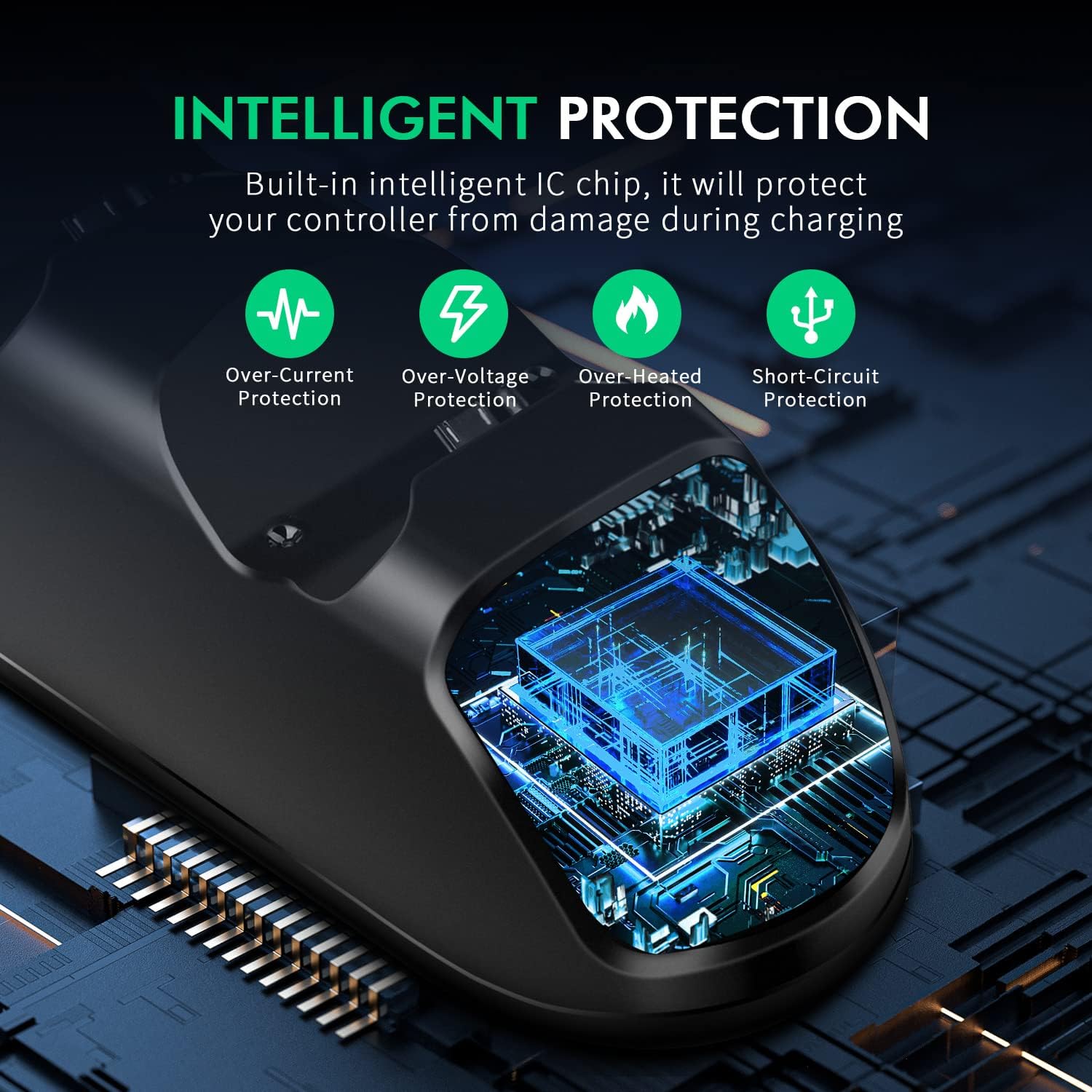
The charging station includes a built-in intelligent IC chip to protect your controllers during charging. This system provides:
- Заштита од прекомерне струје
- Овер-Волtagе Заштита
- Over-Heated Protection
- Заштита од кратког споја
If any of these protections are triggered, the charging process may temporarily stop to prevent damage to your controllers or the charging station. Disconnect and then reconnect the controller to attempt a reset.
Спецификације
| Феатуре | Детаљ |
|---|---|
| Број модела | ДЦ889 |
| Бранд | ECHTPower |
| Компатибилни уређаји | Sony PlayStation 4, PS4 Slim, PS4 Pro Controllers |
| Технологија повезивања | Жичани (УСБ) |
| Улазни извор напајања | УСБ (5В) |
| Charging Time (Single Controller) | Прибл. 2.5 сата |
| Charging Time (Dual Controllers) | Прибл. 3 сата |
| Димензије производа | 12.3 к 6.5 к 7.5 цм |
| Тежина производа | 180 грама |
| Посебне карактеристике | Fast Charging, LED Indicators, Intelligent Protection, Anti-slip Design |
Гаранција и подршка
For warranty information, technical support, or any inquiries regarding your ECHTPower PS4 Controller Charging Station, please refer to the contact details provided with your original purchase. You may also visit the official ECHTPower webсајт за даљу помоћ.
Молимо вас да сачувате рачун као доказ о куповини за евентуалне рекламације у вези са гаранцијом.