1. Увод
The Snakebyte Gamepad S Pro is a wireless controller designed for use with Nintendo Switch, Switch Lite, and Switch OLED consoles. It offers a console-style gaming experience with features such as dual precision analog sticks, dual rumble motors for immersive feedback, and a dedicated Capture button for recording gameplay moments. The controller connects via Bluetooth 3.0, aiming to provide a low-latency gaming experience. It also includes an assignable turbo feature and charges via an included USB-C cable.

Слика 1: Предња страна view of the Snakebyte Gamepad S Pro Controller.
2. Подешавање
2.1 Пуњење контролера
Before initial use, fully charge the controller. Connect the included 5.9 ft (1.8 m) USB-C cable to the controller's charging port and the other end to a USB power source (e.g., Nintendo Switch dock, USB wall adapter, or computer USB port). The charging indicator lights on the controller will provide status feedback.
2.2 Упаривање са Nintendo Switch-ом
To pair the Snakebyte Gamepad S Pro with your Nintendo Switch console:
- Уверите се да је ваша Nintendo Switch конзола укључена и ажурирана на најновији системски софтвер.
- У менију ХОМЕ одаберите „Контролери“, онда "Промени хват/редослед".
- On the Snakebyte Gamepad S Pro, press and hold the Дугме за почетак (house icon) and the И дугме simultaneously for approximately 5 seconds. The indicator lights on the controller will begin to flash rapidly.
- Once the controller is successfully paired, the player indicator light(s) on the bottom of the controller will illuminate solid.
The controller is compatible with Nintendo Switch, Switch OLED, and Switch Lite models.

Figure 2: The Gamepad S Pro is compatible with Nintendo Switch, Switch OLED, and Switch Lite.
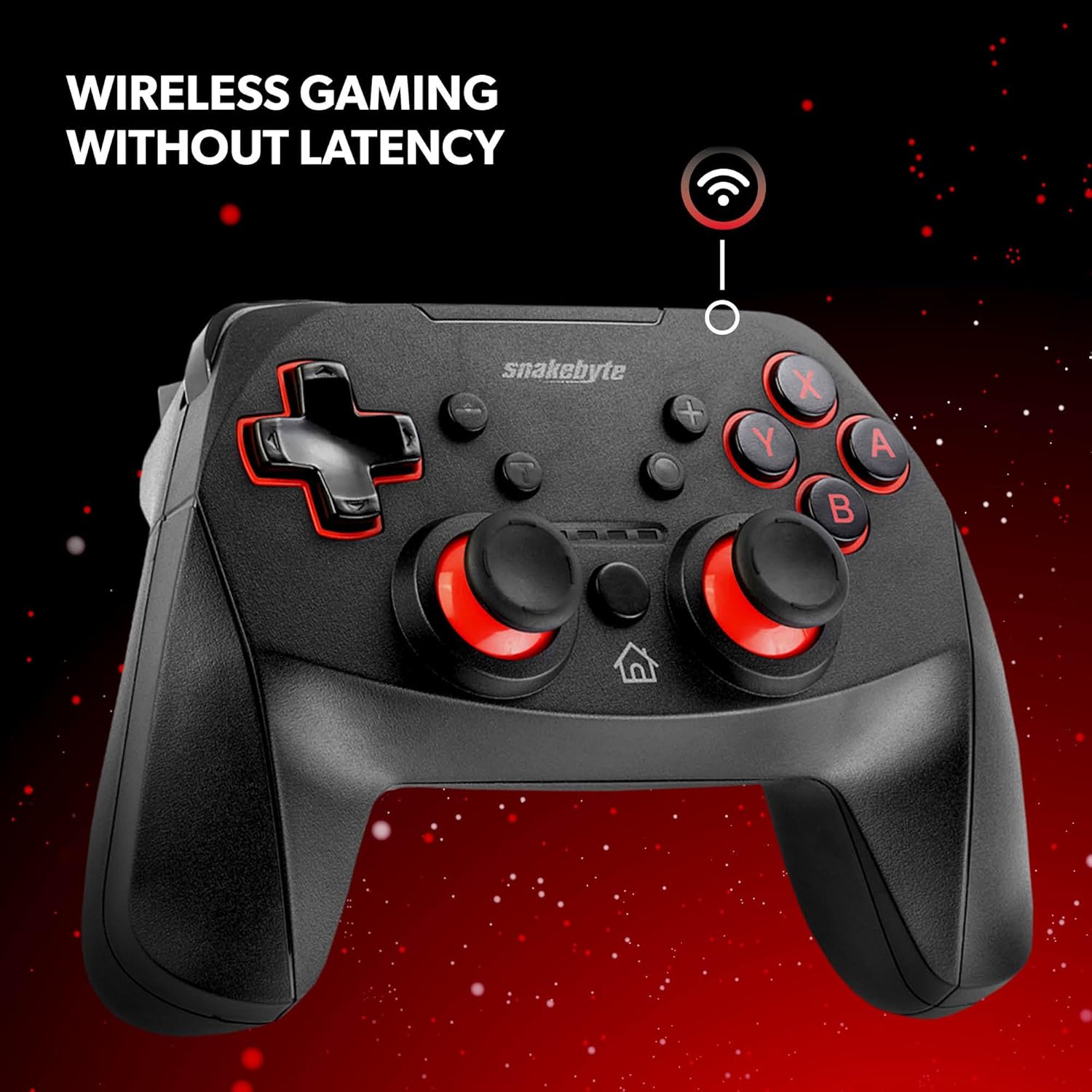
Figure 3: The controller offers wireless connectivity for gaming without latency.
3. Управљање контролером
3.1 Распоред и функције дугмади
- Дугмад A/B/X/Y: Стандардна дугмад за акције.
- Д-Пад: Усмерени унос.
- Леви/десни аналогни штапићи: За прецизно кретање и контролу камере.
- Лево/Десно дугме: Дугмад за рамена.
- Дугмад ZL/ZR: Дугмад за окидање.
- Хоме дугме: Враћа се на ПОЧЕТНИ мени.
- Дугме за снимање: Saves screenshots or video clips of gameplay.
- Дугмад Плус (+) / Минус (-): Equivalent to Start/Select or Menu buttons.
3.2 Dual Rumble Vibration
The controller features dual rumble motors that provide haptic feedback, enhancing immersion during gameplay. The intensity of the vibration is determined by the game.
3.3 Assignable Turbo Feature
The assignable turbo feature allows a button to be pressed repeatedly with a single hold. Consult the controller's specific instructions (often included in the packaging or on the manufacturer's website) for details on how to assign and activate the turbo function for desired buttons.
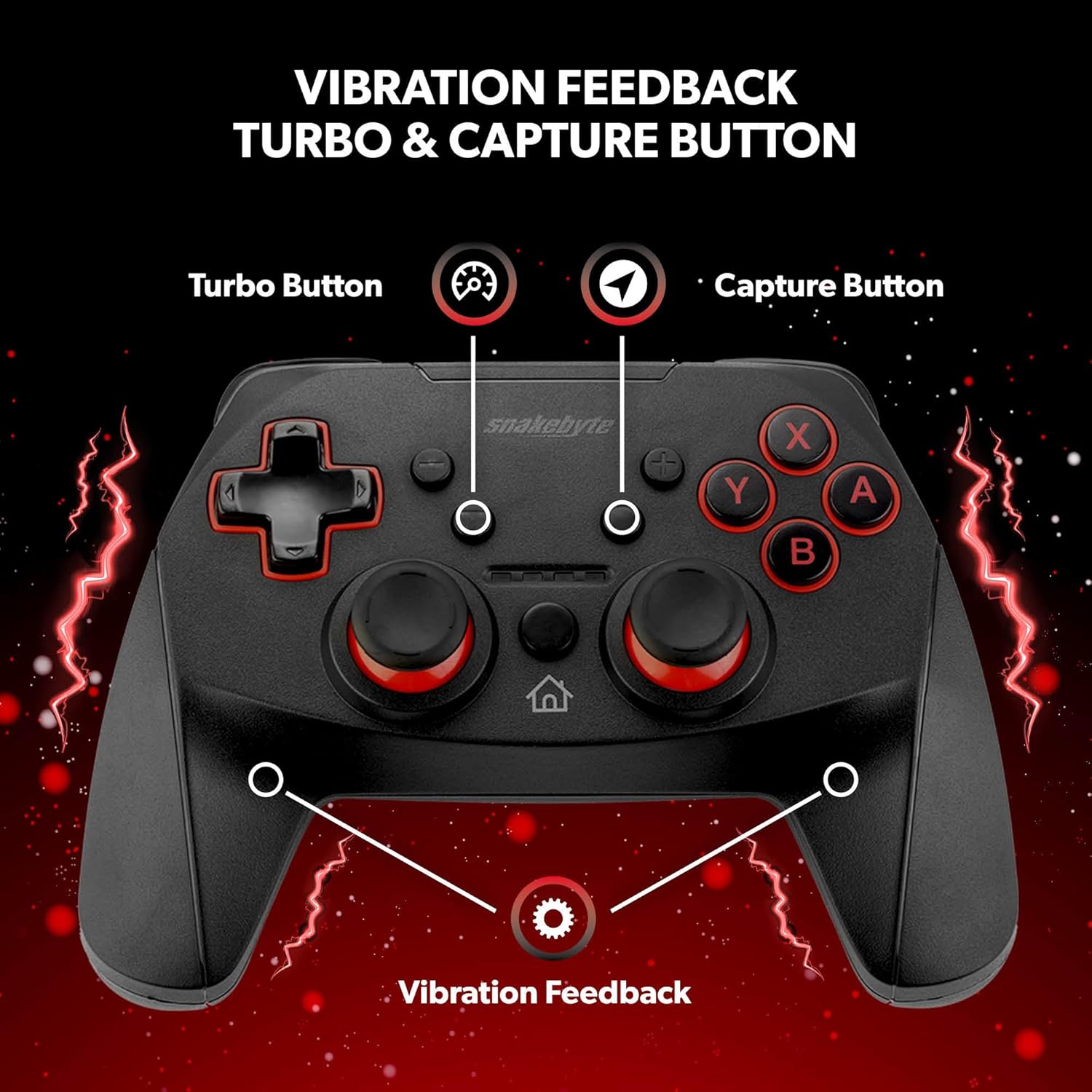
Figure 4: Key features including Turbo Button, Capture Button, and Vibration Feedback.
3.4 Аудио прикључак
The controller is equipped with an audio jack, allowing you to connect a compatible headset for in-game audio and communication (if supported by the game and console settings).

Figure 5: Detail of the controller's audio jack.
4. Одржавање
4.1 Чишћење
За чишћење контролера користите меку, суву крпу. За тврдокорну прљавштину, благо обришитеampen the cloth with water. Avoid using harsh chemicals, abrasive cleaners, or solvents, as these can damage the controller's surface and internal components.
4.2 Одржавање батерије
The controller contains a rechargeable Lithium Metal battery. To prolong battery life:
- Избегавајте често потпуно пражњење батерије.
- Чувајте контролер на хладном и сувом месту када га не користите дуже време.
- Do not expose the controller to extreme temperatures.
КСНУМКС. Решавање проблема
- Контролер се не упарује или се често искључује:
- Уверите се да је контролер потпуно напуњен.
- Verify the pairing steps (Home + Y buttons) are followed correctly.
- Move closer to the Nintendo Switch console to ensure a strong Bluetooth connection.
- Check for any firmware updates for the controller on the official Snakebyte website, as updates can resolve connectivity issues.
- Restart both the Nintendo Switch console and the controller.
- Buttons or joysticks are unresponsive or sticking:
- Power off the controller and then power it back on.
- Ensure no debris is lodged around the buttons or joysticks. Clean as per maintenance instructions.
- Controller does not wake the Nintendo Switch from standby:
- This controller may not support waking the console from standby mode. Power on the console manually using the power button on the console itself.
- No Gyro Sensor:
- Please note that this controller does not include a gyro sensor. Games requiring motion controls or fine aiming adjustments via tilting will not function as intended with this controller.
6. Спецификације
| Број модела | СБ911194 |
| Бранд | Snakebyte |
| Повезивање | Блуетоотх 3.0 |
| Компатибилност | Нинтендо Свитч, Свитч Лајт, Свитч ОЛЕД |
| Димензије (Д к Ш к В) | 3.94 к 2.36 к 5.51 инча |
| Тежина артикла | 8.47 унце (240 грама) |
| Тип батерије | 1 литијум-метална батерија (укључена) |
| Дужина кабла за пуњење | 5.9 стопа (1.8 м) |
| Посебне карактеристике | Dual Motor Vibration, Assignable Turbo, Capture Button, Audio Jack |

Figure 6: The controller is designed for absolute durability.
7. Гаранција и подршка
For detailed warranty information, please refer to the warranty card included with your product packaging or visit the official Snakebyte website. For technical support, product registration, or further inquiries, please contact Snakebyte customer service through their official channels.
Official Snakebyte Webсајт: ввв.снакебите.цом