
1. Увод
This manual provides detailed instructions for the installation and operation of the Idatalink Maestro HRN-RR-SU2 T-Harness. This product is designed to facilitate the integration of an iDatalink-ready aftermarket car stereo into compatible Subaru vehicles, allowing for the retention of various factory features.
2. Производ је готовview
The Maestro HRN-RR-SU2 is a plug-and-play T-harness that simplifies the installation of an iDatalink-ready receiver. When used in conjunction with the Maestro ADS-MRR or ADS-MRR2 module (sold separately), it enables the retention of factory steering wheel audio controls, factory amplifier, and subwoofer. It also provides necessary outputs for navigation-equipped receivers and can display engine performance data on compatible touchscreens.

Слика 1: Готовоview of the Maestro HRN-RR-SU2 T-Harness components, including main wiring harness, auxiliary input cables, and camera input cable.
3. Компатибилност
The HRN-RR-SU2 T-Harness is compatible with select Subaru, Scion, and Toyota vehicles manufactured between 2013 and 2019. It is specifically designed for use with an iDatalink-ready aftermarket car stereo and requires the Maestro ADS-MRR or ADS-MRR2 module for full functionality.
Напомена: For Subaru vehicles manufactured between 2008 and 2015, the Maestro HRN-RR-SU1 T-Harness may be required. Always verify compatibility with the manufacturer's website or your installer before purchase.
4. Садржај пакета
Upon opening the package, ensure all components are present and undamaged. The HRN-RR-SU2 package typically includes:
- Maestro HRN-RR-SU2 Main Wiring Harness
- Auxiliary Input Cables (A, B)
- Backup Camera Input Cable (C)
- Additional accessory harnesses as required for specific vehicle models
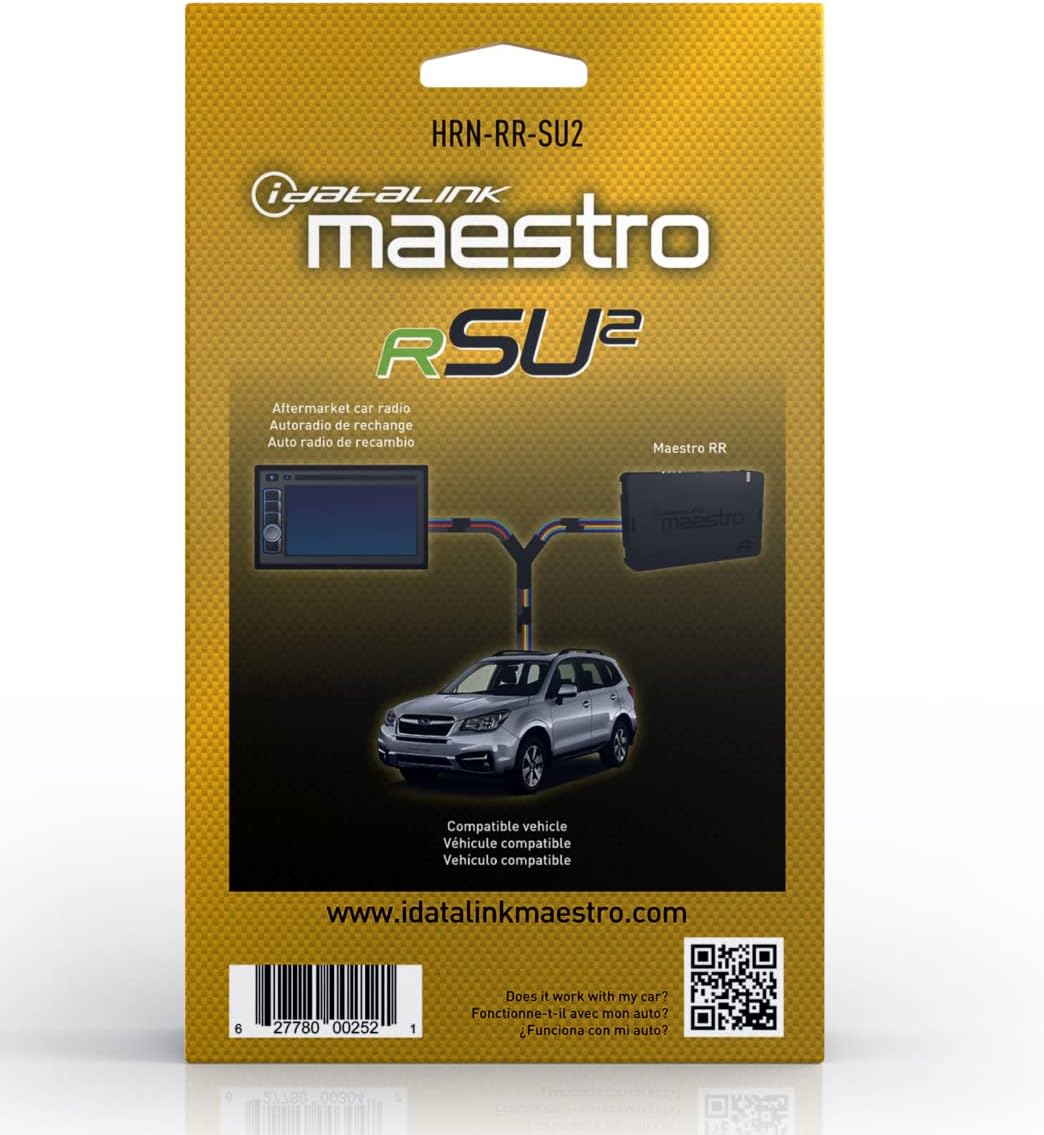

Слика 2: Предње и задње views of the Maestro HRN-RR-SU2 product packaging.
5. Подешавање и инсталација
Installation of the HRN-RR-SU2 T-Harness requires careful attention to detail and basic knowledge of car audio wiring. It is highly recommended that installation be performed by a qualified professional.
5.1. Кораци пре инсталације
- Искључите батерију: Увек искључите негативни терминал акумулатора возила пре почетка било каквих електричних радова.
- Сакупите алате: Ensure you have the necessary tools, including wire strippers, crimpers, electrical tape, and a multimeter.
- Program Maestro Module: Before connecting the HRN-RR-SU2, the Maestro ADS-MRR or ADS-MRR2 module must be programmed using the iDatalink Maestro webсајт (http://q-r.to/banrEO). Follow the instructions provided with your Maestro module for programming.
- Review Дијаграми ожичења: Consult the specific wiring diagrams for your vehicle and aftermarket stereo, available on the iDatalink Maestro webсајту.
5.2. Connecting the Harness
The HRN-RR-SU2 is designed for a plug-and-play connection to your vehicle's factory wiring and your iDatalink-ready aftermarket stereo. However, some connections may still require manual splicing or verification.
- Connect to Maestro Module: Plug the main HRN-RR-SU2 harness into the Maestro ADS-MRR/MRR2 module.
- Connect to Aftermarket Stereo: Connect the appropriate wires from the HRN-RR-SU2 harness to your aftermarket stereo's wiring harness. This typically includes power, ground, speaker outputs, and accessory wires. Ensure all connections are secure and insulated.
- Vehicle Connections: Connect the vehicle-specific connectors from the HRN-RR-SU2 harness to the corresponding factory plugs in your Subaru. These are usually found behind the factory radio.
- Auxiliary and Camera Inputs: If your aftermarket stereo supports them, connect the provided auxiliary input cables (A, B) and the backup camera input cable (C) to the corresponding ports on your stereo.
- Navigation Outputs: If your stereo is navigation-ready, ensure the navigation outputs from the HRN-RR-SU2 are correctly connected to the stereo's navigation input wires (e.g., parking brake, reverse, speed sense).
- Фабрика Amplifier/Subwoofer: The harness is designed to retain the factory amplifier and subwoofer. Verify these connections are properly made to ensure audio output.

Слика 3: Детаљно view of the HRN-RR-SU2 harness, showing various connectors and RCA inputs for auxiliary and camera connections.
6. Упутство за употребу
Once installed, the Maestro HRN-RR-SU2 T-Harness operates in conjunction with your iDatalink-ready aftermarket stereo and the Maestro ADS-MRR module. There are no direct user controls on the harness itself.
- Контроле на волану: Your factory steering wheel audio controls (volume, track, mode, etc.) should now function with your new stereo. Refer to your stereo's manual for customization options.
- Фабрика Amplifier/Subwoofer: Фабрика amplifier and subwoofer will be integrated, providing audio output through your new stereo.
- Navigation Data: If your stereo supports navigation and is connected correctly, it will receive vehicle data (speed, reverse, parking brake) for accurate navigation functionality.
- Vehicle Data Display: On compatible iDatalink-ready stereos, engine performance data and other vehicle information may be displayed on the stereo's touchscreen. Consult your stereo's manual for details on accessing this feature.
7. Одржавање
The Maestro HRN-RR-SU2 T-Harness is a passive electronic component and requires no routine maintenance. Ensure all connections remain secure and free from moisture or physical damage. If the harness needs to be disconnected for any reason, always disconnect the vehicle's battery first.
КСНУМКС. Решавање проблема
If you encounter issues after installation, review следећи уобичајени кораци за решавање проблема:
- Нема напајања за стерео:
- Verify the vehicle's battery is reconnected and fully charged.
- Check all power and ground connections from the HRN-RR-SU2 to the aftermarket stereo and the vehicle.
- Ensure the Maestro ADS-MRR module is correctly programmed and connected.
- Нема аудио излаза:
- Confirm all speaker wires are correctly connected and not shorted.
- Verify the factory amplifier is receiving power and signal.
- If audio is muffled or bass is missing (especially in Subaru BRZ Limited models), ensure RCA cables are properly connected from the amplifier to the head unit, if applicable for your specific setup.
- Контроле на волану не раде:
- Ensure the Maestro ADS-MRR module is correctly programmed for your vehicle and stereo.
- Check the data connections between the HRN-RR-SU2, the Maestro module, and the aftermarket stereo.
- Navigation Features Incorrect:
- Verify connections for parking brake, reverse, and speed sense wires to the navigation-ready stereo.
- Illumination/Dimming Issues:
- Check the illumination wire connection from the HRN-RR-SU2 to the aftermarket stereo.
- Ensure the harness is pinned correctly for your specific vehicle model, as some variations may exist.
For further assistance, consult the iDatalink Maestro website for detailed vehicle-specific wiring diagrams and support resources, or contact a professional installer.
9. Спецификације
| Број модела | HRN-RR-SU2 |
| Димензије производа | 4.7 к 7.8 к 2 инча |
| Тежина артикла | 9.6 унци |
| Произвођач | Maestro (by Idatalink) |
| Компатибилност | Select Subaru, Scion, Toyota vehicles (2013-2019) |
| Required Module | Maestro ADS-MRR or ADS-MRR2 (sold separately) |
10. Гаранција и подршка
For warranty information and technical support, please refer to the official iDatalink Maestro website or contact your authorized iDatalink dealer. Keep your proof of purchase for warranty claims.
иДаталинк Маестро Webсајт: http://q-r.to/banrEO


