
Увод
This manual provides instructions for the setup, operation, maintenance, and troubleshooting of your Rampage KM-RX9 CYPHER Gaming Keyboard and Mouse Set. This set includes a USB wired keyboard with rainbow ground illumination and a wired gaming mouse. Please read this manual thoroughly before using the product to ensure proper functionality and longevity.
Безбедносне информације
- Држите уређај даље од течности и прекомерне влаге.
- Не излажите уређај екстремним температурама.
- Избегавајте испуштање или излагање уређаја јаким ударима.
- Не покушавајте сами да растављате или поправљате уређај. Обратите се квалификованом сервисеру.
- Користите само са компатибилним USB портовима.
Садржај пакета
Молимо вас да проверите садржај пакета након распакивања. Стандардни пакет треба да садржи:
- Rampage KM-RX9 CYPHER Gaming Keyboard
- Rampage KM-RX9 CYPHER Gaming Mouse
- Кориснички приручник (овај документ)
Сетуп
Follow these steps to set up your Rampage KM-RX9 CYPHER Gaming Keyboard and Mouse Set:
- Повежите тастатуру: Locate an available USB port on your computer. Plug the USB connector of the Rampage KM-RX9 keyboard into the USB port.
- Повежите миш: Locate another available USB port on your computer. Plug the USB connector of the Rampage KM-RX9 mouse into the USB port.
- Инсталација драјвера: The keyboard and mouse are typically plug-and-play devices. Your operating system (Windows, macOS, Linux) should automatically detect and install the necessary drivers. This process may take a few moments.
- Верификација: Once drivers are installed, the keyboard and mouse should be ready for use. Test by typing on the keyboard and moving/clicking the mouse. The keyboard's rainbow illumination should activate automatically.
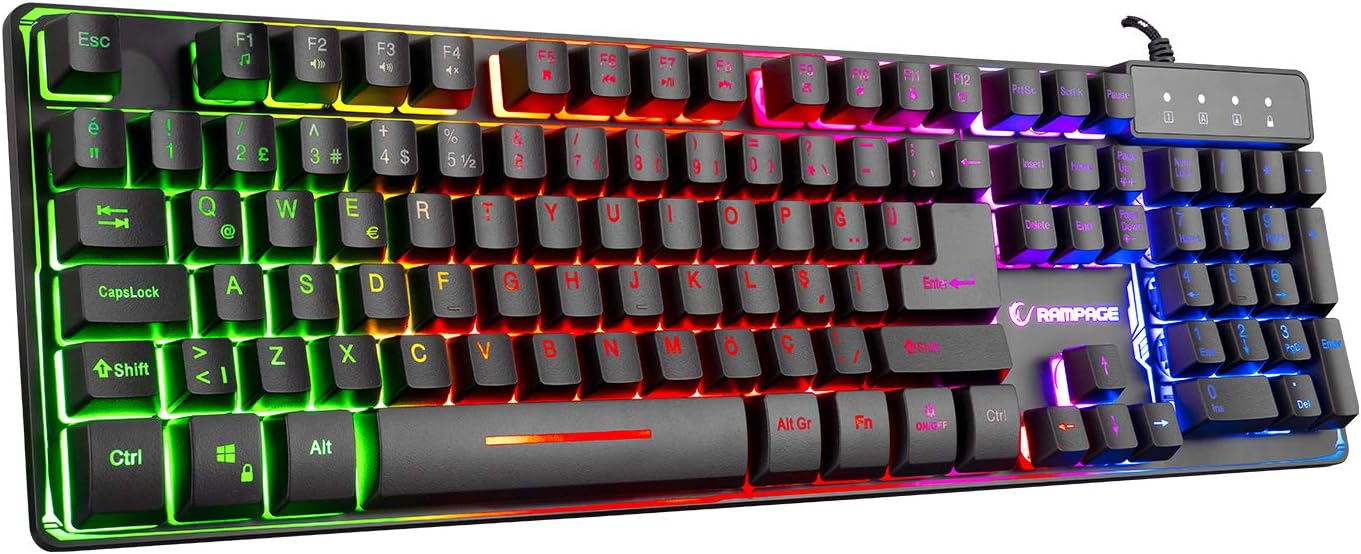
Слика 1: Врх view of the Rampage KM-RX9 CYPHER Gaming Keyboard, showcasing its full QWERTY layout and vibrant rainbow backlighting.
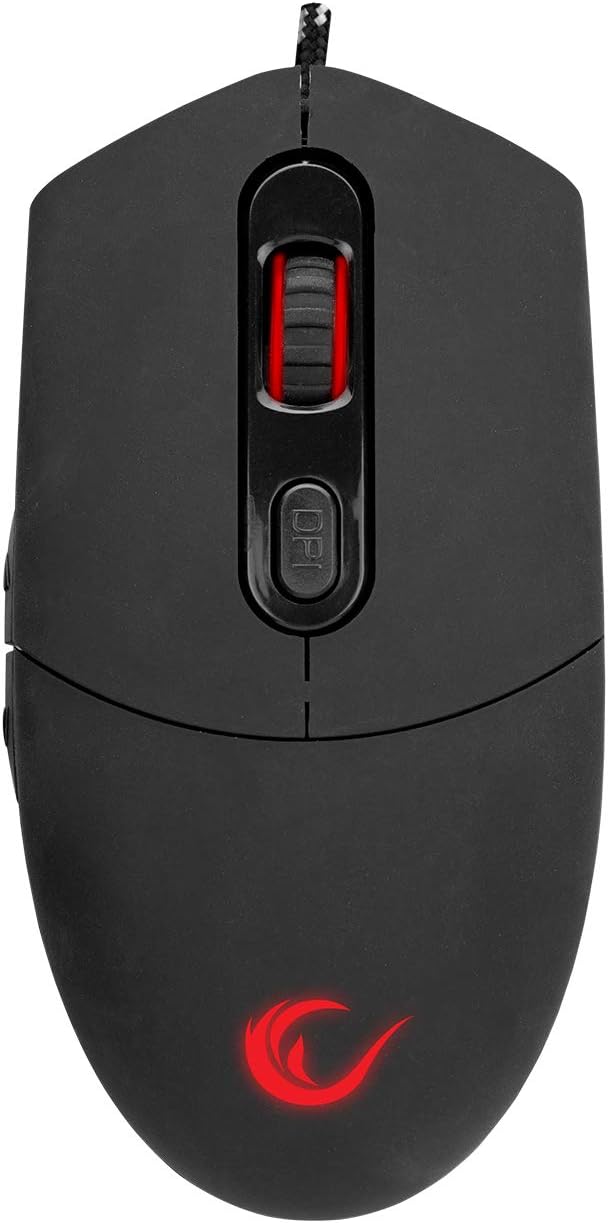
Слика 2: Врх view of the Rampage KM-RX9 CYPHER Gaming Mouse, featuring the scroll wheel and DPI adjustment button.
Управљање тастатуром
Основне функције
- куцање: The keyboard features a standard QWERTY layout for general typing and gaming.
- Функцијски тастери (F1-F12): These keys may have secondary multimedia or system functions when pressed in combination with the Fn key. Refer to the keycap legends for specific functions (e.g., volume control, media playback).
Kontrola osvetljenja
The KM-RX9 keyboard features rainbow ground illumination. Specific controls for lighting modes or brightness are typically managed via dedicated keys or key combinations:
- Look for keys with light bulb icons or specific 'Fn' key combinations (e.g., Фн + Сцролл Лоцк or Fn + Page Up/Down) to cycle through lighting effects or adjust brightness.
- The illumination is designed to provide a consistent rainbow effect across the keyboard's base.
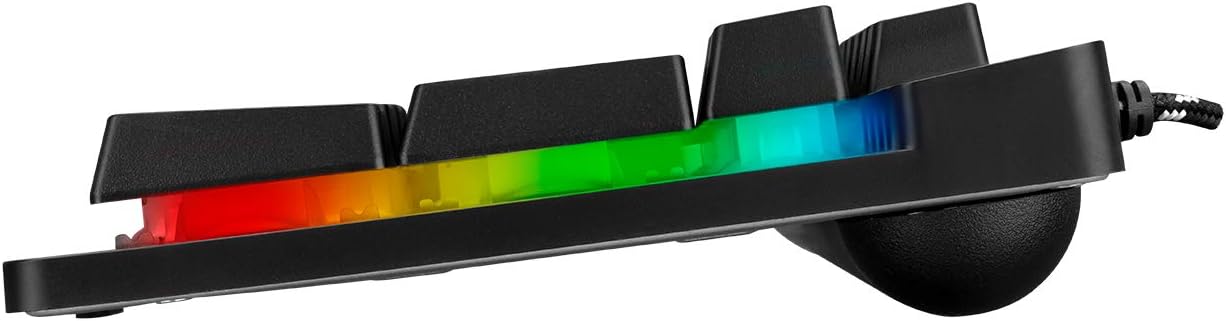
Слика 3: Бочни професионалацfile of the Rampage KM-RX9 keyboard, illustrating the distinct rainbow ground illumination effect.
Управљање мишем
Основне функције
- Леви клик: Примарно дугме за акцију.
- Десни клик: Дугме за секундарну акцију, обично за контекстне меније.
- Точак за померање: Користи се за листање кроз документе и web странице. Може да функционише и као средњи клик.
- Бочна дугмад: The mouse features additional side buttons, commonly used for forward/backward navigation in web browsers or programmable for in-game actions.
ДПИ Адјустмент
The mouse includes a DPI (Dots Per Inch) adjustment button, usually located near the scroll wheel. Pressing this button cycles through different sensitivity levels, allowing you to adjust cursor speed on the fly to suit your preferences or game requirements.
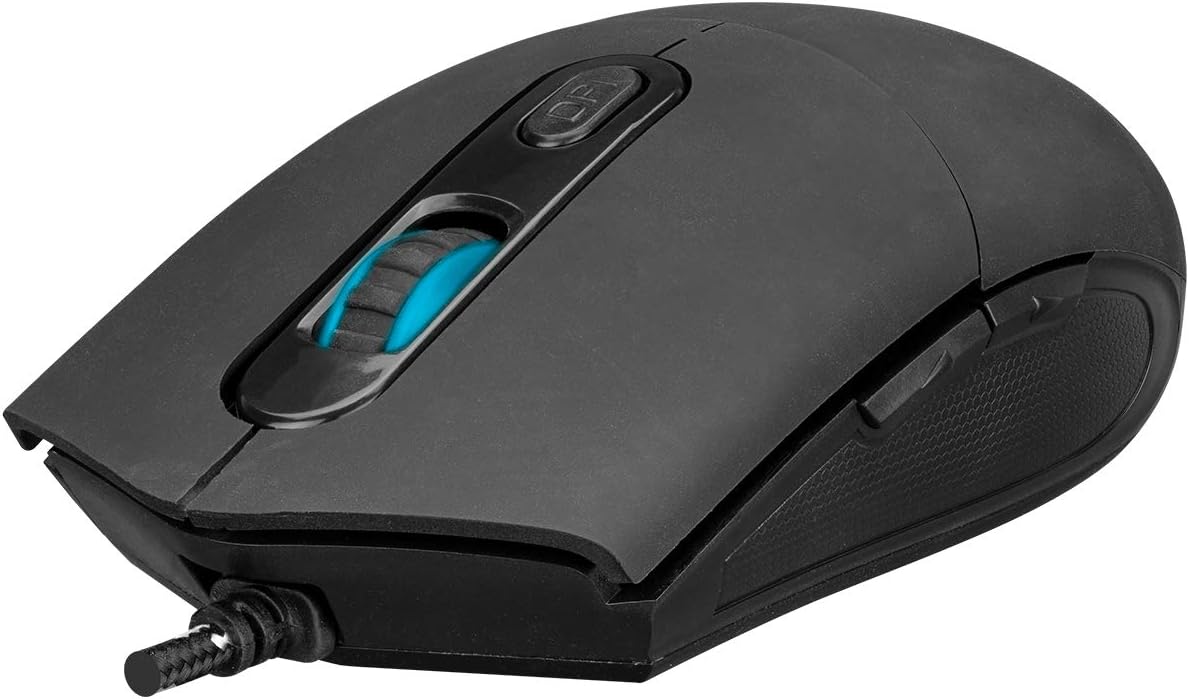
Слика 4: Под углом view of the Rampage KM-RX9 mouse, highlighting the scroll wheel and the DPI adjustment button.

Слика 5: Страна view of the Rampage KM-RX9 mouse, showcasing its ergonomic design and textured grip for enhanced control.
Одржавање
Proper maintenance ensures the longevity and performance of your gaming set:
- Чишћење тастатуре: Use a soft, dry cloth to wipe down the keyboard surface. For dust between keys, use compressed air. Do not use harsh chemicals or abrasive cleaners.
- Чишћење миша: Обришите површину миша меком, благо длакомamp cloth. Ensure no moisture enters the device. Clean the optical sensor area on the bottom of the mouse with a cotton swab if tracking issues occur.
- Складиштење: When not in use for extended periods, store the keyboard and mouse in a clean, dry environment, away from direct sunlight and extreme temperatures.
Решавање проблема
If you encounter issues with your Rampage KM-RX9 set, try the following solutions:
- Тастатура/миш не реагује:
- Уверите се да су USB каблови безбедно прикључени у USB портове вашег рачунара.
- Покушајте да прикључите уређаје на различите УСБ портове.
- Поново покрените рачунар.
- Check your computer's Device Manager (Windows) or System Information (macOS/Linux) to see if the devices are recognized.
- Illumination Not Working (Keyboard):
- Проверите да ли је тастатура правилно повезана.
- Press the dedicated lighting control keys or Fn key combinations to ensure illumination is not turned off or set to a very dim mode.
- Проблеми са праћењем миша:
- Очистите оптички сензор на дну миша.
- Уверите се да користите миш на одговарајућој површини (нпр. подлога за миш, а не рефлектујућа или провидна површина).
- Adjust the DPI settings using the DPI button.
Спецификације
| Модел производа | KM-RX9 |
| Бранд | Rampage (Everest Rampгодине) |
| Технологија повезивања | УСБ Виред |
| Распоред тастатуре | КВЕРТИ |
| Посебне карактеристике | Rainbow Ground Illuminated Keyboard, DPI Adjustable Mouse |
| Компатибилни уређаји | Десктоп, лаптоп, таблет |
| Компатибилност оперативног система | Виндовс, мацОС, Линук |
| Димензије производа | Keyboard: 54 x 17 x 4.2 cm; 830 g |
| Извор напајања | Electric Corded (USB) |
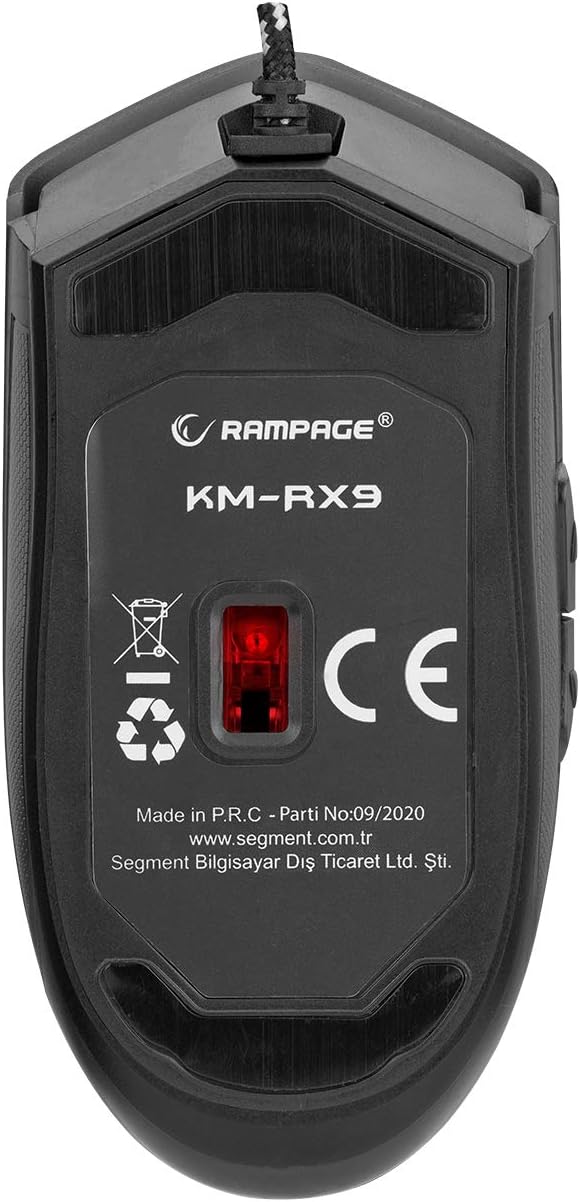
Слика 6: Дно view of the Rampage KM-RX9 mouse, displaying the model number and optical sensor.
Гаранција и подршка
For warranty information and customer support, please refer to the documentation provided at the time of purchase or contact your retailer. You may also visit the official Rampстарости webсајт за даљу помоћ.