
1. Увод
This manual provides comprehensive instructions for the setup, operation, and maintenance of your Youshiko Radio Controlled Wall Clock, Model YK YC8025-W. This clock is designed to display precise time automatically, adjusting for seasonal changes without manual intervention. It features a large LCD screen for clear readability and includes additional information such as date, month, day of the week, indoor temperature, and moon phase.
Кључне карактеристике укључују:
- Radio-controlled time (MSF for UK/Ireland, automatic time checks).
- Automatic adjustment for seasonal time changes.
- Display of date, month, and day of the week.
- Indoor temperature display (Celsius or Fahrenheit).
- Moon phase indicator.
- 12/24-hour time format.
- Аларм са функцијом одлагања.
- Wall-mountable or tabletop placement.
2. Садржај пакета
Молимо вас да проверите садржај пакета како бисте били сигурни да су сви предмети присутни:
- Youshiko Radio Controlled Wall Clock (Model YK YC8025-W)
- Упутство за употребу (овај документ)
3. Производ је готовview
Familiarize yourself with the clock's display and control buttons.

Слика 3.1: Фронт view of the Youshiko Radio Controlled Wall Clock. The display shows the time (10:30 AM), indoor temperature (25.0°C), date (30/12), day (MON), and moon phase. A radio signal icon and alarm icon are also visible.

Слика 3.2: Позади view of the clock, highlighting the battery compartment and control buttons: SET, ALARM, UP, DOWN, SNOOZE, and WAVE. A keyhole for wall mounting and a foldable stand are also visible.
Слика 3.3: Dimensions of the clock. The overall width is 230mm and height is 160mm. Key display element heights are also indicated: main time digits (53mm) and lower information line (18mm).
4. Подешавање
4.1 Инсталација батерије
- Locate the battery compartment on the back of the clock (refer to Figure 3.2).
- Отворите поклопац одељка за батерије.
- Insert two (2) AA batteries, ensuring correct polarity (+ and -). Batteries are not included.
- Затворите поклопац одељка за батерије.
4.2 Initial Power-On and Radio Signal Reception
Upon battery installation, the clock will automatically attempt to receive the radio time signal. This process may take several minutes. Ensure the clock is placed in an area with good signal reception, away from electronic interference.

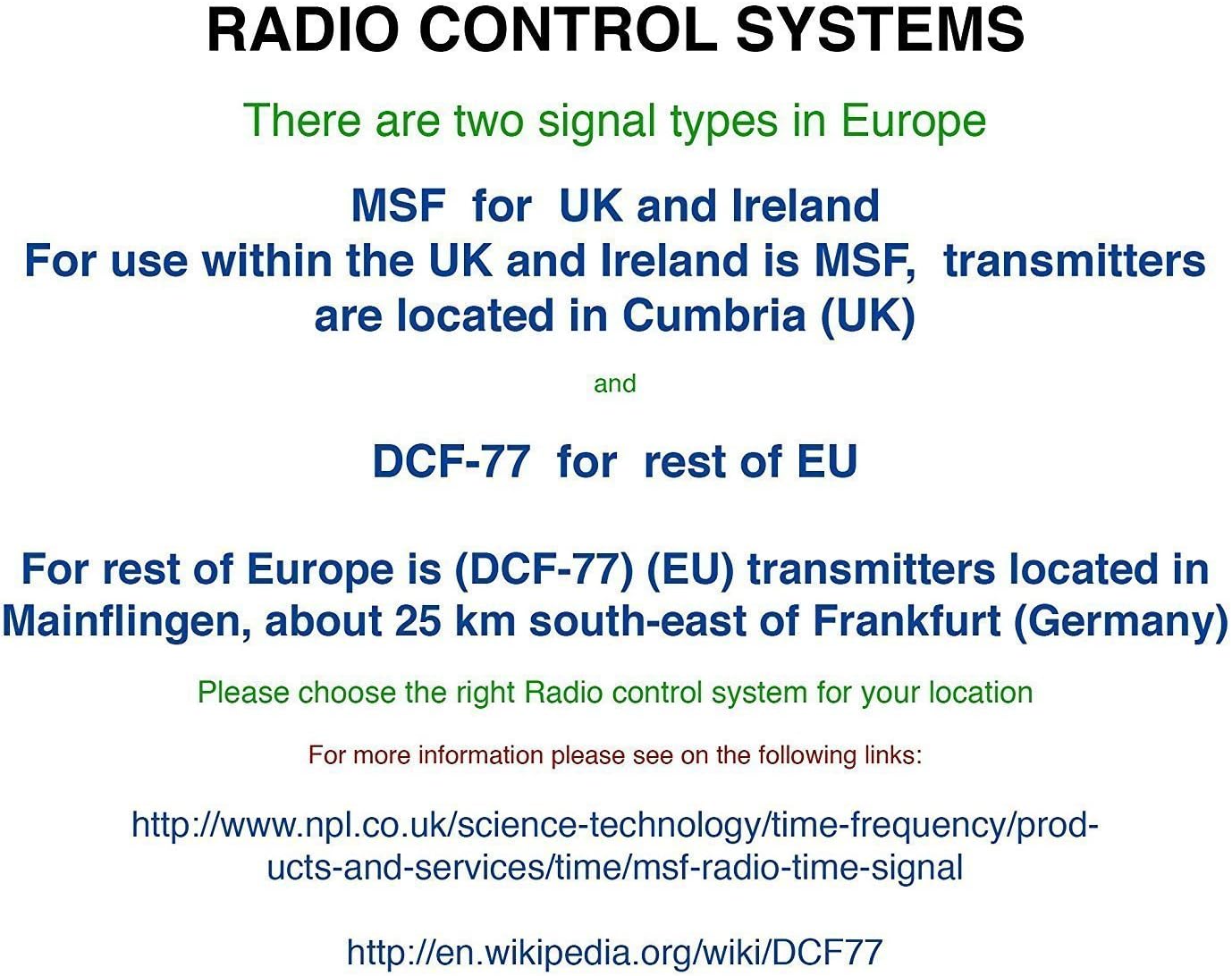
Слика 4.1: Explanation of Radio Control Systems. MSF signal is for the UK and Ireland, transmitted from Cumbria. DCF-77 signal is for the rest of the EU, transmitted from Mainflingen, Germany. Ensure the correct system is selected for your region.
The clock supports two main radio control signal types in Europe:
- MSF: For use within the UK and Ireland. Transmitters are located in Cumbria (UK).
- DCF-77: For the rest of the European Union. Transmitters are located in Mainflingen, Germany.
The clock is designed to automatically detect and synchronize with the appropriate signal for your region. A radio signal icon on the display will indicate successful reception.
4.3 Manual Time Setting (If Required)
If the radio signal is weak or unavailable, you can set the time manually:
- Притисните и држите СЕТ дугме док приказ времена не почне да трепери.
- Користите UP и ДОВН дугмад за подешавање сата.
- Притисните СЕТ поново да бисте потврдили сат и прешли на минуте.
- Користите UP и ДОВН дугмад за подешавање минута.
- Наставите да притискате СЕТ to cycle through and adjust other settings like year, month, date, and 12/24-hour format.
- Притисните СЕТ one last time or wait for a few seconds for the clock to exit manual setting mode.
5. Упутство за употребу
5.1 Режими приказа
The clock displays time, date, day, indoor temperature, and moon phase simultaneously. The time can be displayed in either 12-hour (with AM/PM indicator) or 24-hour format. The temperature can be displayed in Celsius (°C) or Fahrenheit (°F).
5.2 Adjusting Temperature Unit
Да бисте прелазили између Целзијуса и Фаренхајта, притисните тастер ДОВН button briefly when in normal time display mode.
5.3 Функција аларма
- Притисните тастер АЛАРМ дугме једном до view тренутно време аларма.
- Притисните и држите АЛАРМ дугме док време аларма не почне да трепери.
- Користите UP и ДОВН дугмад да бисте подесили жељени сат аларма.
- Притисните АЛАРМ поново да бисте потврдили сат и прешли на минуте.
- Користите UP и ДОВН дугмад за подешавање жељених минута аларма.
- Притисните АЛАРМ one last time to confirm and activate the alarm. An alarm icon will appear on the display.
5.4 Функција одлагања
Када се огласи аларм, притисните СНООЗЕ button to temporarily silence the alarm. The alarm will sound again after a few minutes (typically 5-10 minutes, specific duration may vary). To turn off the alarm completely, press any other button (e.g., АЛАРМ or СЕТ).
5.5 Manual Radio Signal Search
If you wish to manually initiate a radio signal search, press the ТАЛАС button. The clock will attempt to receive the time signal. This is useful if you have moved the clock or suspect a temporary signal loss.
6. Одржавање
6.1 Чишћење
To clean the clock, use a soft, dry cloth. Do not use abrasive cleaners, solvents, or chemical sprays, as these may damage the display or casing.
6.2 Замена батерије
When the display becomes dim or the clock stops functioning, it is time to replace the batteries. Follow the battery installation steps in Section 4.1. Always replace both batteries at the same time with new AA batteries.
6.3 Складиштење
If the clock will not be used for an extended period, remove the batteries to prevent leakage and potential damage to the device.
КСНУМКС. Решавање проблема
- No time display or incorrect display:
Ensure batteries are correctly installed and not depleted. Replace batteries if necessary. - Сат се не подешава аутоматски:
Verify that the clock is within range of the MSF (UK/Ireland) or DCF-77 (EU) radio signal. Place the clock near a window and away from potential sources of interference (e.g., TVs, computers, large metal objects). Initiate a manual signal search using the ТАЛАС button. Allow sufficient time (up to 24 hours) for initial synchronization. - Radio signal icon not showing:
This indicates that the clock is not currently receiving the radio signal. Follow the steps for 'Clock not setting automatically'. - Очитавање температуре делује нетачно:
Ensure the clock is not placed in direct sunlight or near heat sources/vents, which can affect the internal temperature sensor.
8. Спецификације
| Бранд | Иоусхико |
| Број модела | YK YC8025-W |
| Димензије (Д к Ш к В) | 25 x 18 x 3 cm (approximately 230 x 160 x 25 mm) |
| Тежина | 430 грама |
| Извор напајања | 2 к АА батерије (нису укључене) |
| Дисплаи Типе | Дигитални ЛЦД |
| Посебне карактеристике | Temperature Display, Alarm, Radio Controlled, Moon Phase |
9. Гаранција и подршка
Youshiko products are manufactured to high-quality standards. For information regarding warranty coverage and customer support, please refer to the documentation provided with your purchase or visit the official Youshiko webсајт. Молимо вас да сачувате доказ о куповини за потребе гаранције.