
Viotek NB24CW
Viotek NB24CW 24-Inch Curved Monitor User Manual
Model: NB24CW
Увод
This manual provides essential information for the safe and efficient operation of your Viotek NB24CW 24-Inch LED Curved Monitor. Please read this guide thoroughly before using the product and retain it for future reference.
The Viotek NB24CW is a 24-inch curved LED monitor featuring a 1920x1080p Full-HD resolution, 75Hz refresh rate, and FreeSync technology. It includes built-in speakers, VGA and HDMI 1.4 ports, and is VESA mount compatible. Its bezel-less design offers an immersive viewing experience for both work and entertainment.
Безбедносне информације
Да бисте осигурали безбедан рад и спречили оштећења, придржавајте се следећих мера предострожности:
- Не излажите монитор киши, влази или екстремним температурама.
- Избегавајте постављање монитора у близини извора топлоте или на директној сунчевој светлости.
- Користите само адаптер за напајање који се испоручује са монитором.
- Не блокирајте отворе за вентилацију.
- Очистите екран меком крпом која не оставља влакна. Избегавајте абразивна средства за чишћење.
- If any issues arise, disconnect the power cable and contact customer support.
Садржај пакета
Проверите да ли су све ставке присутне у пакету:
- Viotek NB24CW Monitor
- Постоље за монитор (база и врат)
- Повер Адаптер
- ХДМИ кабл
- VESA Adapter (75x75mm)
- Кориснички приручник (овај документ)
Сетуп
1. Састављање постоља
- Пажљиво извадите монитор из амбалаже.
- Причврстите врат постоља на панел монитора помоћу приложених вијака.
- Причврстите основу постоља за врат постоља.
- Поставите састављени монитор на стабилну, равну површину.
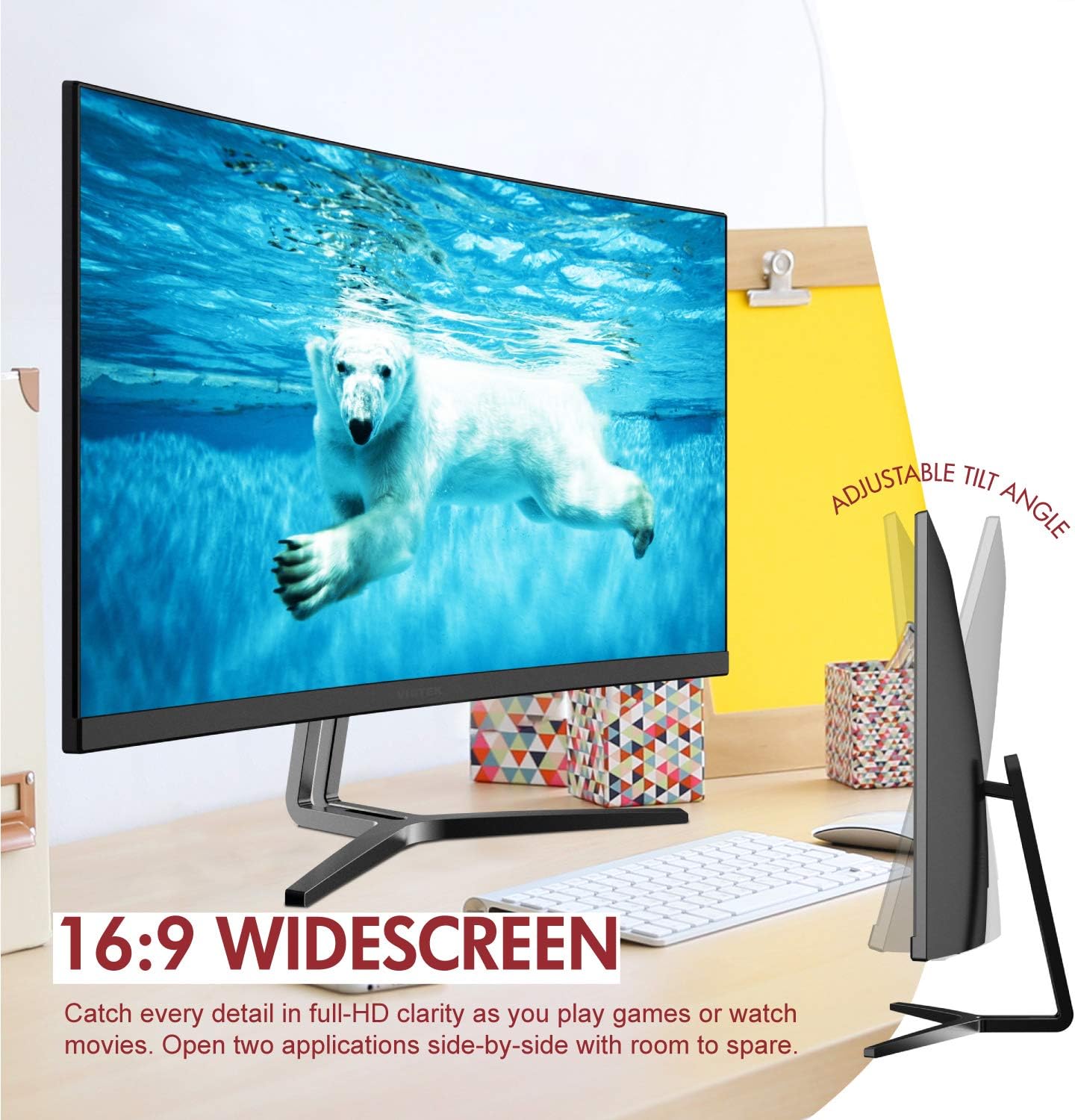
Image: The Viotek NB24CW monitor with its stand, highlighting the 16:9 widescreen aspect ratio and adjustable tilt angle. The monitor is shown displaying a polar bear underwater.
2. Повезивање са уређајем
The monitor supports HDMI and VGA connections.
- ХДМИ веза: Connect one end of the HDMI cable (included) to the HDMI port on your computer or gaming console, and the other end to the HDMI 1.4 port on the monitor.
- ВГА конекција: Connect one end of the VGA cable (not included) to the VGA port on your computer, and the other end to the VGA port on the monitor.

Слика: Детаљна view of the monitor's rear panel, illustrating the HDMI 1.4 and VGA input ports for connecting to various devices.
3. Прикључак за напајање
Прикључите адаптер за напајање на улаз за напајање монитора, а затим укључите адаптер у утичницу.
4. VESA монтажа (опционо)
The monitor is VESA 75x75mm compatible. Use the included VESA adapter to mount the monitor to a wall or compatible monitor arm.

Image: The back of the Viotek NB24CW monitor, highlighting its VESA mounting capability, integrated speakers, and connectivity options including VGA and HDMI.
Упутство за употребу
1. Укључивање/искључивање
Притисните дугме за напајање које се налази у доњем десном углу монитора да бисте га укључили или искључили.
2. Он-Сцреен Дисплаи (ОСД) мени
Use the buttons next to the power button to navigate the OSD menu. This menu allows you to adjust various settings such as brightness, contrast, color temperature, input source, and audio volume.
3. Подешавање подешавања екрана
- Осветљеност/контраст: Прилагодите ова подешавања за оптималну визуелну удобност.
- Подешавања боја: Select from preset color modes or customize RGB values.
- Извор уноса: Manually select between HDMI and VGA inputs if auto-detection fails.
- Слабо плаво светло: Activate this feature to reduce eye strain during prolonged use.
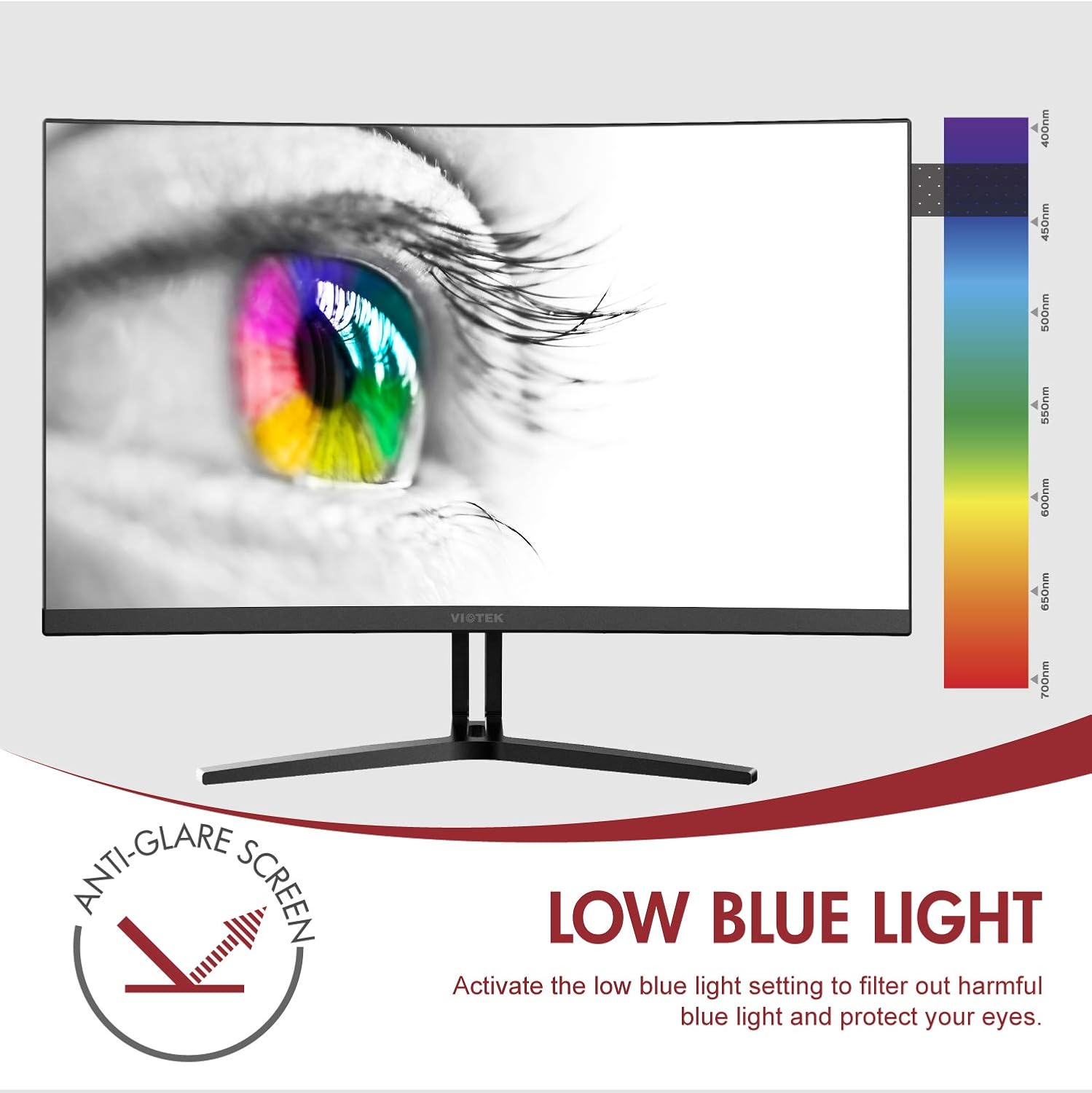
Image: The monitor screen showing an eye with a color spectrum, indicating the Low Blue Light feature designed to protect vision.
4. Функције за игре
The NB24CW monitor includes features optimized for gaming:
- ФрееСинц: Enable FreeSync in the OSD menu and on your compatible graphics card to eliminate screen tearing and stuttering.
- ГамеПлус: Access GamePlus features like integrated crosshairs for improved aiming in FPS/RTS games.
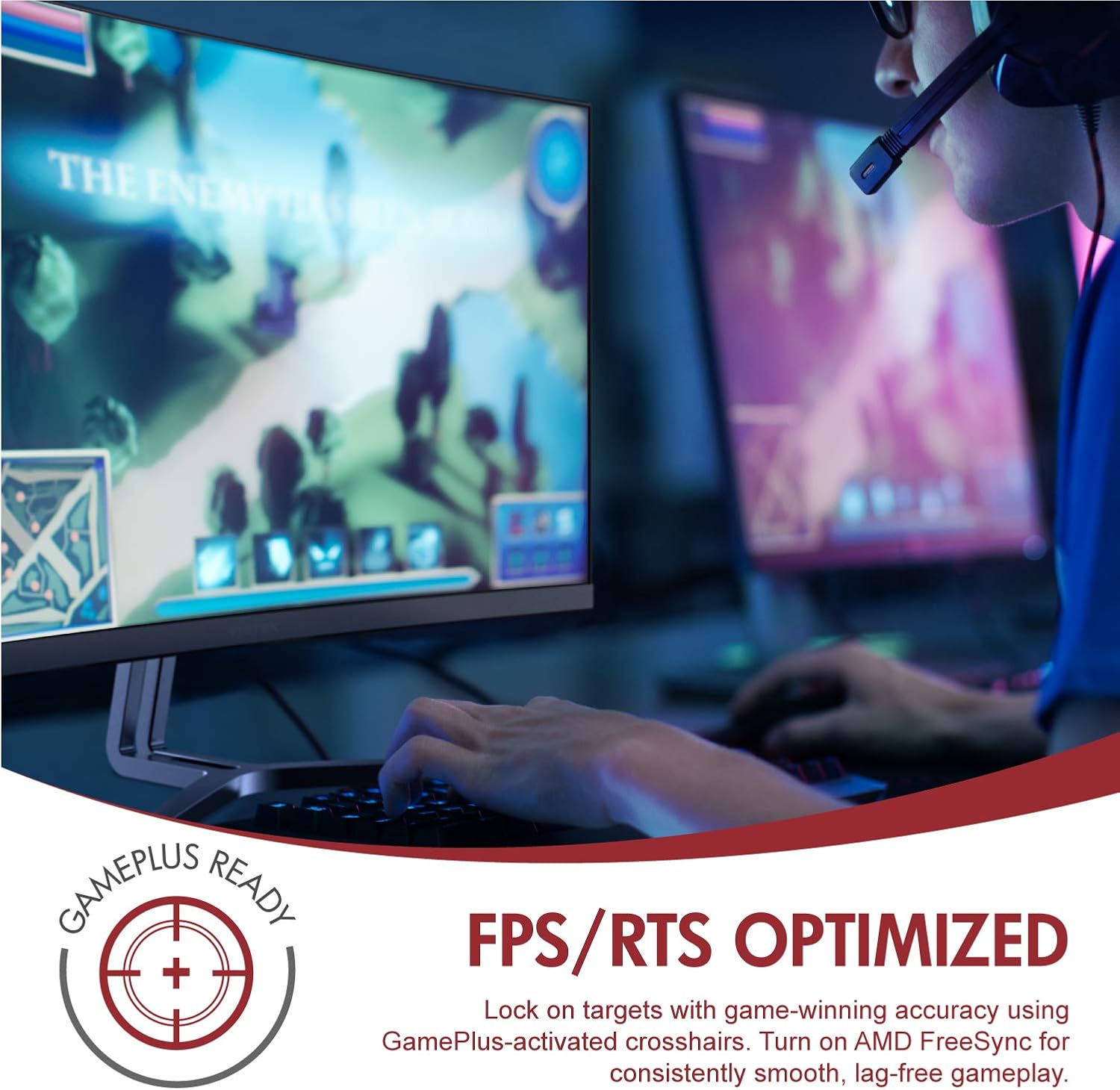
Image: A user engaged in gaming on the Viotek NB24CW monitor, highlighting its FPS/RTS optimized features and GamePlus functionality for enhanced gameplay.
Одржавање
- Чишћење екрана: Нежно обришите екран меком, сувом крпом која не оставља влакна. За тврдокорне мрље, лагано дampОчистите крпу водом или средством за чишћење екрана. Не прскајте течност директно на екран.
- Чишћење Цasing: Користите меку, суву крпу за чишћење површине монитораasinг. Избегавајте употребу јаких хемикалија или абразивних материјала.
- Складиштење: If storing the monitor for an extended period, disconnect it from power, pack it in its original packaging, and store in a cool, dry place.
Решавање проблема
| Проблем | Могући узрок | Решење |
|---|---|---|
| Нема слике на екрану | Power cable disconnected, incorrect input source, video cable loose. | Check power connections, select correct input source via OSD, ensure video cable is securely connected. |
| Слика је мутна или искривљена | Incorrect resolution, faulty video cable. | Set display resolution to 1920x1080p, try a different HDMI cable. |
| Нема звука из звучника | Volume too low, audio source not selected, external speakers connected. | Increase volume in OSD and computer settings, ensure audio is routed to monitor, disconnect external speakers if not needed. |
| Екран трепери | Refresh rate mismatch, faulty cable, FreeSync issue. | Ensure refresh rate is set to 75Hz, try a different video cable, disable FreeSync temporarily to diagnose. |
Спецификације
| Феатуре | Детаљ |
|---|---|
| Модел | NB24CW |
| Величина екрана | 24 инча |
| Панел Типе | LED Curved |
| Закривљеност | 1800Р |
| Резолуција | 1920 к 1080 (Фулл ХД) |
| Аспецт Ратио | 16:9 |
| Рефресх Рате | 75 Хз |
| Време одговора | 5мс |
| Viewинг Англе | 178° |
| Однос контраста | 1,000,000:1 (динамички) |
| Подршка боја | 16.7 милиона боја, 96% sRGB |
| Повезивање | 1x HDMI 1.4, 1x VGA |
| Аудио | Built-in Speakers (2x4Ω/3W) |
| ВЕСА компатибилност | 75x75mm (Adapter Included) |
| Адаптиве Синц | ФрееСинц |
| Подешавање нагиба | -5° до 15° |
| Посебне карактеристике | Bezel-less design, GamePlus, FPS/RTS modes, Low Blue Light, Anti-glare screen |

Image: The Viotek NB24CW monitor showcasing its key performance specifications: 1080p resolution, 1800R curvature, 75Hz refresh rate, and 5ms response time.
Информације о гаранцији
Your Viotek NB24CW monitor is covered by a Двогодишња ограничена гаранција произвођача. This warranty covers defects in materials and workmanship under normal use. Additionally, Viotek offers an industry-leading Zero-Tolerance Dead Pixel Policy, ensuring your display is free from dead pixels.
For full warranty terms and conditions, please refer to the official Viotek webсајту или контактирајте корисничку подршку.

Image: A visual representation of Viotek's commitment to quality, featuring a "3 Year Warranty" and "Zero Dead Pixel - Parts & Labor" guarantee.
Корисничка подршка
For technical assistance, warranty claims, or general inquiries, please contact our 100% U.S.-based Customer Support Team. They are available 7 days a week via live-chat, email, and social media support.
- Webсајт: ввв.виотек.цом
- Емаил: Refer to the Viotek website for specific email contact.
- Ћаскање уживо: Available on the official Viotek webсајту.
Производ је завршенview Видео
Видео: Званични производ је завршенview video for the Viotek NB24CB (similar model to NB24CW) monitor, showcasing its curved display, thin design, connectivity ports, and key features like 75Hz refresh rate, FreeSync, and built-in speakers. This video provides a visual guide to the monitor's design and capabilities.
Ask a question about this manual
Ask about setup, troubleshooting, compatibility, parts, safety, or missing instructions. Manuals+ will review the question and use this page’s manual context to help answer it.