
1. Увод
The FOINNEX HDMI to DisplayPort Cable (Model H-DP) is designed to transmit high-definition video and audio signals from an HDMI output source to a DisplayPort input display. This cable supports resolutions up to 4K at 60Hz, providing a clear and stable visual experience for various applications, including dual monitor setups and gaming.
Важна напомена: Овај кабл је једносмерни. It converts signals only from HDMI to DisplayPort. It does not support DisplayPort to HDMI conversion.

Image 1.1: The FOINNEX HDMI to DisplayPort Cable, featuring an HDMI connector, a DisplayPort connector, and an integrated USB power cable.
2. Безбедносне информације
- Avoid bending the cable sharply, as this can damage internal wires.
- Keep the cable away from water and other liquids.
- Ensure proper ventilation around connected devices to prevent overheating.
- For low-power HDMI source devices (e.g., PS3, PS4, MacBook Pro, Mac mini), the integrated USB power cable мора be connected to a USB power source for stable operation.
3. Садржај пакета
- 1 x FOINNEX HDMI to DisplayPort Cable (Model H-DP)

Image 3.1: The FOINNEX HDMI to DisplayPort Cable as packaged, showing the cable coiled inside a clear bag with product information.
4. Упутства за подешавање
Follow these steps to connect your HDMI source device to a DisplayPort monitor:
- Повежите ХДМИ: Plug the HDMI connector of the FOINNEX cable into the HDMI output port of your source device (e.g., computer, game console).
- Повежите УСБ напајање: Plug the USB connector of the FOINNEX cable into a USB port on your source device or a USB power adapter. This step is crucial for stable operation, especially with low-voltage HDMI devices.
- Повежите DisplayPort: Plug the DisplayPort connector of the FOINNEX cable into the DisplayPort input port of your monitor or display.
- Уређаји за укључење: Ensure both your source device and display are powered on.
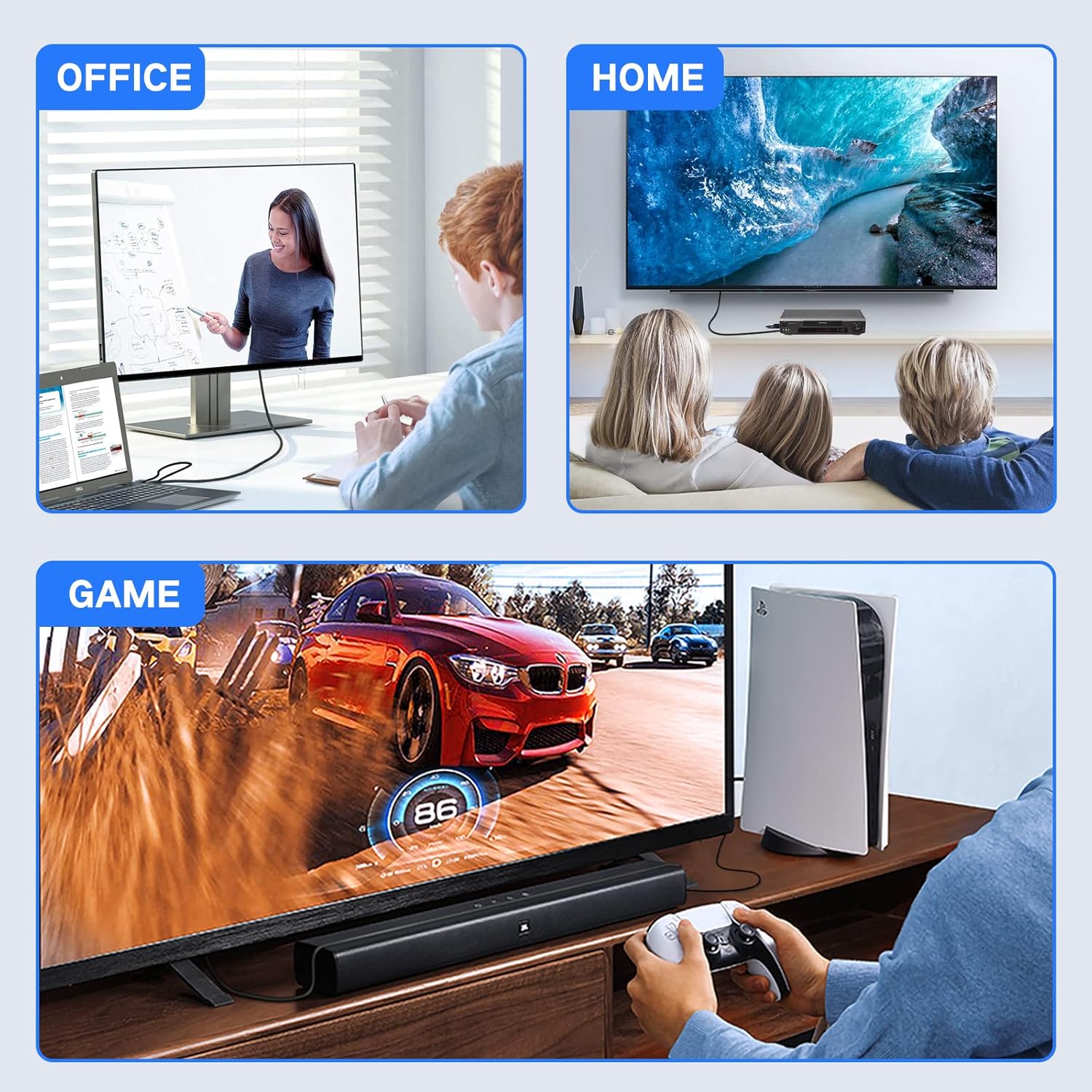
Image 4.1: Visual guide demonstrating the four connection steps: 1. Plug HDMI to source, 2. Plug in USB for power supply, 3. Plug in an extra DP cable, 4. Connect to the monitor/HDTV.
5. Упутство за употребу
5.1 Режими приказа
The cable supports both Mirror Mode and Extended Mode, allowing you to configure your display setup according to your needs:
- Режим огледала: Duplicates the content of your primary display onto the connected DisplayPort monitor.
- Проширени режим: Extends your desktop across both displays, providing additional screen real estate for multitasking.

Image 5.1: A laptop connected to an external monitor, illustrating both Mirror Mode (displaying the same content) and Extended Mode (displaying different content across screens).
5.2 Gaming Applications
Connect your gaming console (e.g., PS3, Xbox, Nintendo Switch) to a DisplayPort monitor for an enhanced gaming experience. While the cable supports 4K@60Hz, it does not improve the native resolution of games. Consoles that support 4K@60Hz (such as Xbox One S) will display games at their native resolution on a compatible DP monitor.
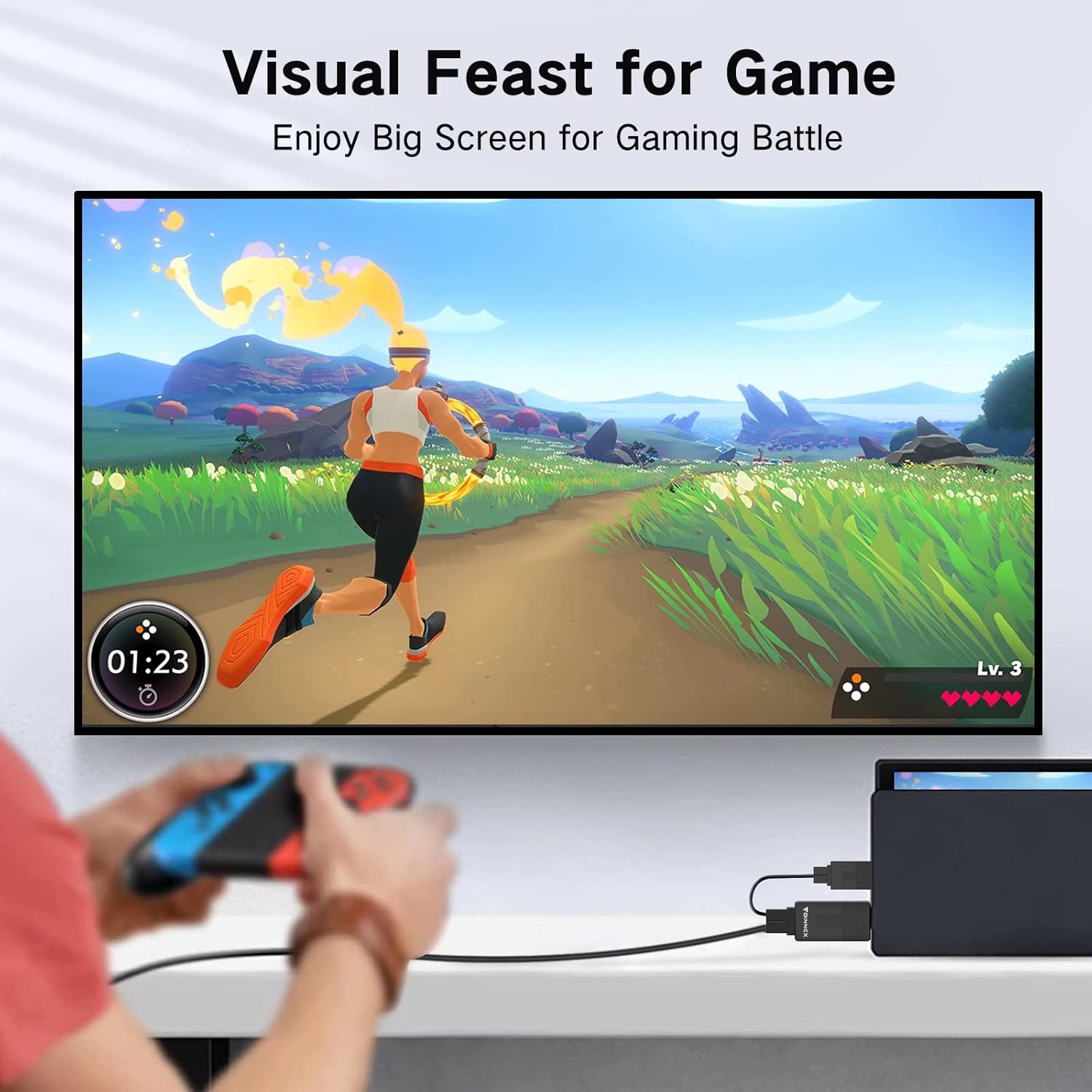
Image 5.2: A Nintendo Switch connected via the FOINNEX cable to a large display, showing a game being played.

Image 5.3: Three panels illustrating different usage scenarios: an office setup with a laptop and external monitor, a home setup with a TV and media player, and a gaming setup with a console and large screen.
6. Компатибилност
This adapter is compatible with a wide range of devices:
6.1 HDMI Output Devices (Source)
- Personal Computers (PC), Desktops, Notebooks, Chromebooks
- Gaming Consoles: PlayStation 3 (PS3), PlayStation 4 (PS4), PlayStation 5 (PS5), Xbox One, Xbox 360, Nintendo Switch, Wii U
- Media Players: Blu-ray players, TV Boxes
- Other devices with HDMI output ports, including Raspberry Pi, MacBook Pro with Retina Display, Mac mini, and certain TVs.
6.2 DisplayPort Input Devices (Display)
- Монитори
- ХДТВ
- Пројектори
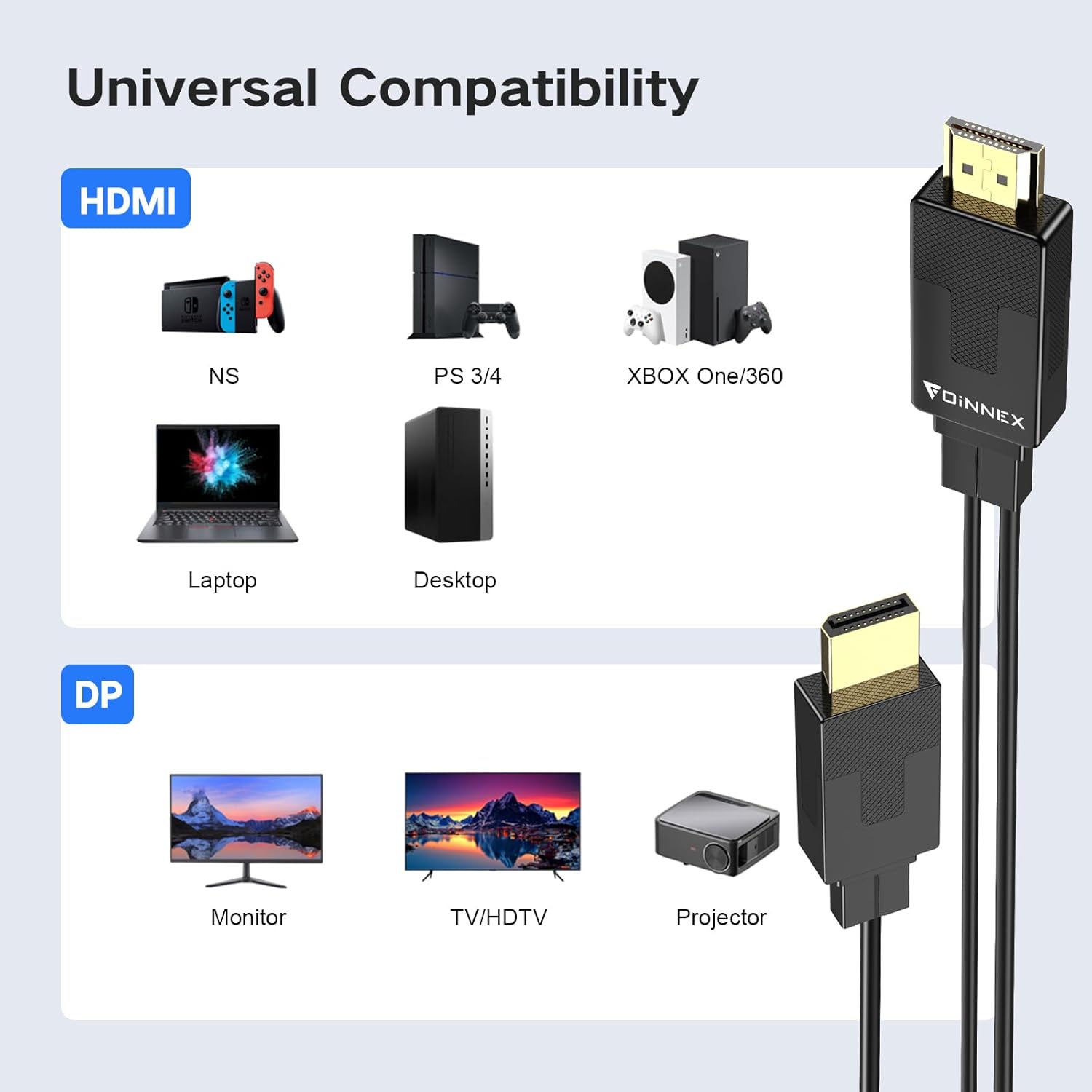
Image 6.1: A diagram illustrating universal compatibility, showing various HDMI source devices (Nintendo Switch, PS3/4, Xbox One/360, Laptop, Desktop) and DisplayPort sink devices (Monitor, TV/HDTV, Projector).
КСНУМКС. Решавање проблема
7.1 Нема сигнала / Црни екран
- Проверите везе: Ensure all connectors (HDMI, USB, DisplayPort) are securely plugged into their respective ports.
- Verify Unidirectional Flow: Confirm that the signal flow is from HDMI (source) to DisplayPort (display). This cable does not work in the reverse direction.

Image 7.1: An illustration clarifying that the cable supports HDMI to DP conversion only, not DP to HDMI.
- УСБ Снага: For devices like PS3/PS4, MacBook Pro, or Mac mini, the USB power cable мора be connected to a power source. Without it, the cable may not receive sufficient power to function.

Image 7.2: A laptop connected to an external monitor via the cable, with a clear label indicating that the USB cable must be connected for power, especially for low-voltagе уређаје.
- Нинтендо Свитцх: When connecting a Nintendo Switch, ensure you are using the original AC adapter for the Switch dock to provide adequate power.

Image 7.3: A Nintendo Switch dock connected to a TV, with a note emphasizing the requirement of the original AC adapter for the Switch.
- Избор улаза за приказ: On your monitor, ensure the correct DisplayPort input is selected.
- Подешавања резолуције: Verify that your source device's output resolution and refresh rate are supported by your DisplayPort monitor. While the cable supports 4K@60Hz, both your source and display must also support this resolution.
7.2 Проблеми са звуком
- Подешавања аудио излаза: Check your source device's audio output settings to ensure audio is directed to the DisplayPort output.
- Monitor Speakers: Confirm your DisplayPort monitor has built-in speakers or is connected to external audio output devices.
8. Спецификације
| Феатуре | Спецификација |
|---|---|
| Број модела | H-DP |
| Тип конектора | HDMI to DisplayPort |
| Максимална резолуција | 3840x2160 @60Hz (4K@60Hz) |
| Цабле Ленгтх | 6.6 ФТ (2 М) |
| Боја | Црно |
| Тежина артикла | 3.2 унци |
| Димензије пакета | 7.87 к 6.54 к 0.87 инча |
| Подршка за ХДЦП | HDCP2.2 (Note: Does not support HDR) |
9. Гаранција и подршка
FOINNEX offers a Политика повраћаја новца у року од 30 дана и а 24-месечна гаранција for this product. If you encounter any issues or have questions regarding the FOINNEX HDMI to DisplayPort Cable, please contact FOINNEX customer support for assistance.
For further support, please visit the official FOINNEX webсајту или контактирајте свог продавца.