
Увод
The Lumie Sunrise Alarm (Model NSRAE-0000) is designed to enhance your sleep and wake cycles naturally. It simulates a gradual sunrise to gently wake you and a sunset to help you fall asleep. This manual provides detailed instructions for its setup, operation, and maintenance, ensuring you get the most out of your device.
Кључне карактеристике:
- Sunrise and Sunset Simulation: Gradually brightens to wake you and dims to help you fall asleep.
- Optional Wake-up Sounds: Six natural sounds including blackbirds, kittens, and tree frogs.
- Осветљење расположења: Six color options: green, red, blue, pink, orange, and light blue.
- Додатне карактеристике: Manually dimmable display (bright-dim-off), snooze button, and 10 light levels for use as a dimmable bedside lamp.
Сетуп
Follow these steps to set up your Lumie Sunrise Alarm:
- Распакивање: Carefully remove the Lumie Sunrise Alarm and all accessories from its packaging. Ensure all components, including the power cable, are present.
- Прикључак за напајање: Connect the provided power cable to the DC input port on the back of the alarm. Plug the adapter into a standard wall outlet. The display will illuminate.
- Пласман: Place the alarm on a stable, flat surface, such as a bedside table, ensuring it is within reach and the light can illuminate your sleeping area effectively.
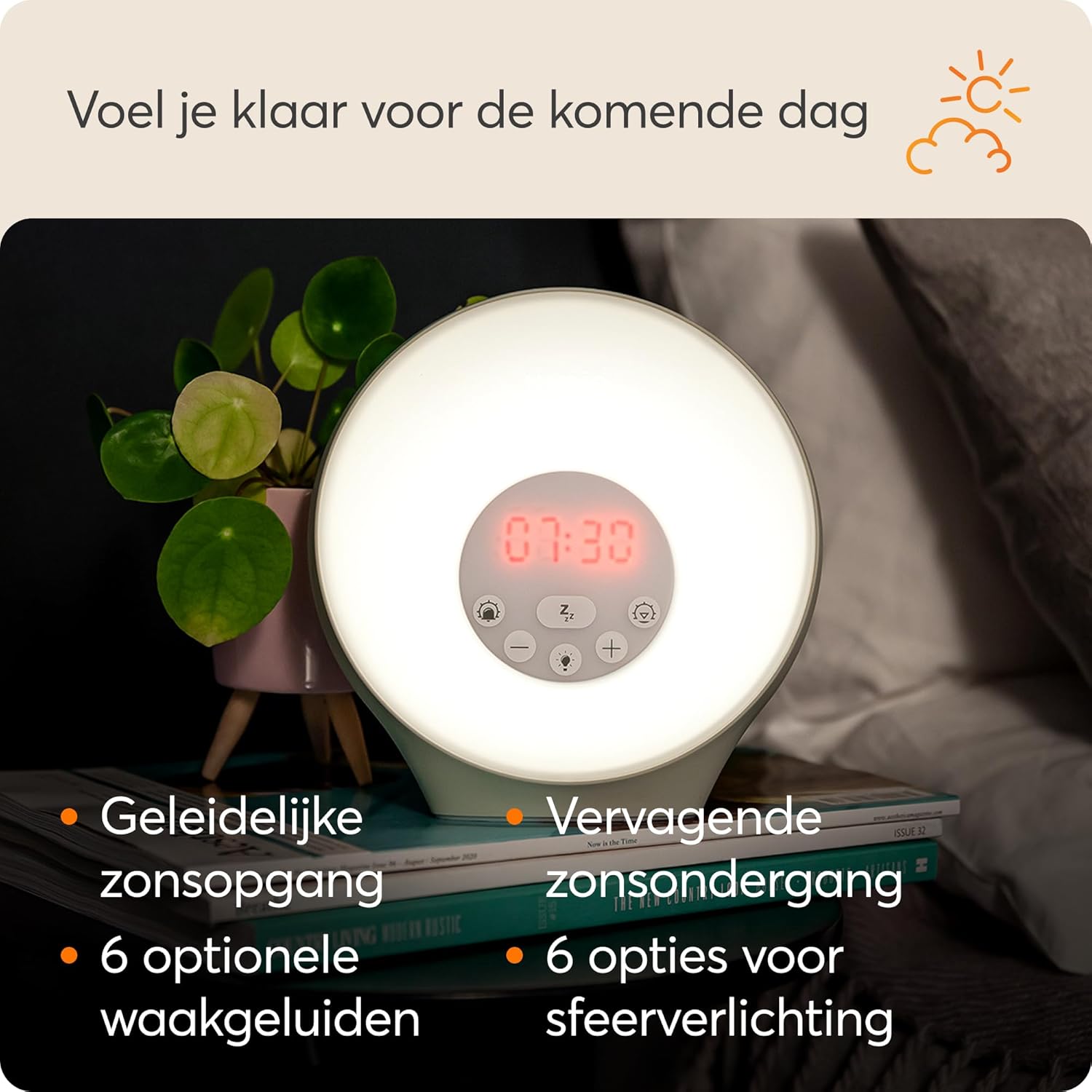
Image: Lumie Sunrise Alarm with its packaging, showing the product and its box.

Слика: Позади view of the Lumie Sunrise Alarm, highlighting the power input and speaker grille.
Упутство за употребу
This section details how to use the various functions of your Lumie Sunrise Alarm.
1. Подешавање тренутног времена
- Press and hold the 'Time Set' button (often represented by a clock icon) until the hour display flashes.
- Use the '+' and '-' buttons to adjust the hour.
- Press the 'Time Set' button again to switch to minute adjustment. Use '+' and '-' to set the minutes.
- Press 'Time Set' once more to confirm and exit.
2. Setting the Sunrise Alarm
The sunrise alarm simulates a natural dawn, gradually brightening over 30 minutes before your set alarm time.
- Press and hold the 'Alarm Set' button (often represented by an alarm clock icon) until the alarm time display flashes.
- Use the '+' and '-' buttons to adjust the desired wake-up hour.
- Press 'Alarm Set' again to switch to minute adjustment. Use '+' and '-' to set the minutes.
- Press 'Alarm Set' to confirm the time.
- Next, select your desired wake-up sound (see section 4) and light intensity using the respective buttons.
- Press 'Alarm Set' one last time to activate the alarm. An alarm icon will appear on the display.
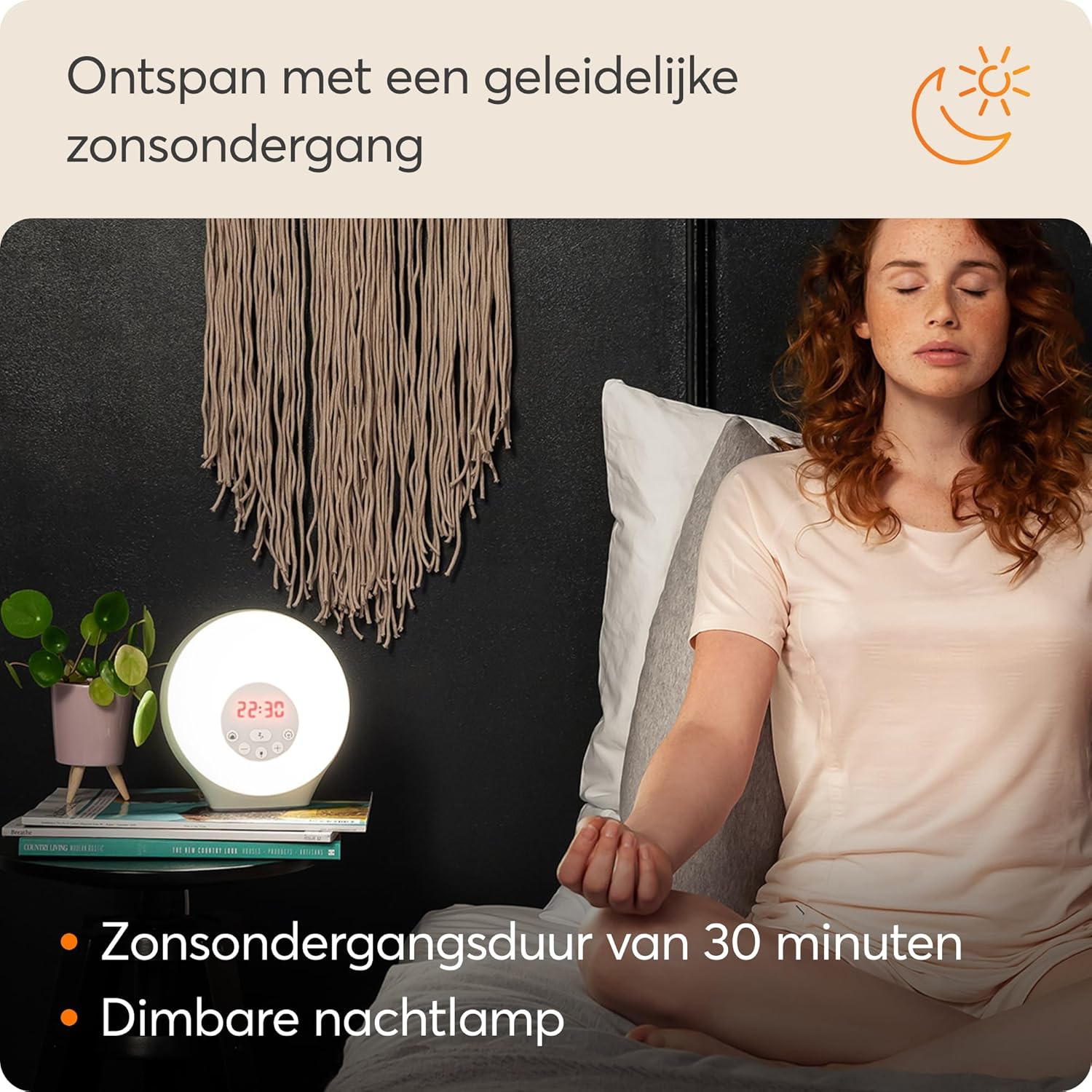
Image: Lumie Sunrise Alarm displaying 07:00 AM, simulating a bright morning light on a bedside table.
3. Activating Sunset Simulation
The sunset feature gradually dims the light over 30 minutes to help you relax and fall asleep.
- Press the 'Sunset' button (often represented by a moon icon). The light will begin to dim gradually.
- You can adjust the initial brightness level before the dimming sequence begins using the light intensity buttons.
- To turn off the sunset simulation before it completes, press the 'Sunset' button again.

Image: A person relaxing in bed with the Lumie Sunrise Alarm emitting a warm, dimming light, simulating a sunset.
4. Selecting Wake-up Sounds
Choose from six natural sounds to accompany your sunrise alarm.
- Press the 'Sound' button (often represented by a music note icon) to cycle through the available sounds: Blackbirds, Kittens, Tree Frogs, and others.
- Adjust the volume using the '+' and '-' buttons when a sound is playing.
5. Using Mood Lighting
The Lumie Sunrise Alarm offers six mood lighting options to create a desired ambiance.
- Press the 'Mood Light' button (often represented by a light bulb icon) to cycle through the colors: green, red, blue, pink, orange, and light blue.
- Adjust the brightness of the mood light using the '+' and '-' buttons.
6. Функција одлагања
To get a few extra minutes of sleep:
- When the alarm sounds, press the 'Snooze' button (often represented by a 'Zz' icon). The alarm will pause and sound again after a short interval (typically 5-9 minutes).
- To turn off the alarm completely, press any other button or let the snooze cycles complete.
7. Подешавање осветљености екрана
The display brightness can be adjusted for comfort, especially in a dark room.
- Press the 'Display Brightness' button (often represented by a sun icon with an arrow) to cycle through bright, dim, and off settings.
Video: A demonstration of the Lumie Sunrise Alarm's features, including how to adjust light intensity, cycle through mood lighting colors, and interact with the control panel. This video provides a visual guide to the alarm's operational functions.
Одржавање
Proper care will ensure the longevity of your Lumie Sunrise Alarm.
- Чишћење: Wipe the device with a soft, dry, lint-free cloth. Do not use abrasive cleaners, solvents, or spray directly onto the unit.
- Складиштење: If storing the device for an extended period, disconnect it from power and store it in a cool, dry place away from direct sunlight.
- Отпорност на воду: The device is NOT water-resistant. Keep it away from water and high humidity.
Решавање проблема
If you encounter issues with your Lumie Sunrise Alarm, refer to the following common problems and solutions:
- Уређај се не укључује:
Ensure the power adapter is securely plugged into both the device and a working wall outlet. Check if the outlet is functional by plugging in another device. - Alarm not sounding/light not brightening:
Verify that the alarm time is correctly set and activated (alarm icon visible on display). Check the volume level for sounds and ensure the light intensity is not set to zero. - Екран није видљив:
Check the display brightness setting. It might be set to 'off'. Press the 'Display Brightness' button to cycle through settings. - Дугмад не реагују:
Try unplugging the device from the power source for a few minutes, then plug it back in to perform a soft reset.
If problems persist after attempting these solutions, please contact Lumie customer support for further assistance.
Спецификације
Detailed technical specifications for the Lumie Sunrise Alarm (Model NSRAE-0000):
| Бранд | Лумие |
| Број модела | NSRAE-0000 |
| Назив типа ставке | Светло за буђење |
| Димензије производа (Д к Ш к В) | 9Д к 17В к 18Х центиметара |
| Lamp Тип | ЛЕД |
| Извор светлости | ЛЕД |
| Ватtage | 5 вати |
| Извор напајања | Dual power (AC adapter) |
| Контролни метод | Додирните |
| Посебне карактеристике | Промена боје |
| Боја | Бела, зелена |
| Материјал | Metal (Base), Plastic (LampСена) |
| Унутрашња/спољна употреба | Индоор |
| Земља порекла | Кина |

Image: Lumie Sunrise Alarm with its physical dimensions (height, width, depth) clearly marked.
Гаранција и подршка
For warranty information, please refer to the documentation provided with your purchase or visit the official Lumie website. If you require technical support or have questions not covered in this manual, please contact Lumie customer service through their official channels.
Произвођач: Лумие