
1. Увод
Thank you for choosing the Comfee Mobile Air Conditioner MPPH-09CRN7. This manual provides essential information for the safe and efficient operation of your appliance. Please read it thoroughly before use and retain it for future reference.
This 3-in-1 unit offers cooling, dehumidification, and fan modes, designed for rooms up to 33m² (88m³).

Слика: Фронт view of the Comfee Mobile Air Conditioner MPPH-09CRN7.
2. Безбедносне информације
Увек се придржавајте основних мера безбедности када користите електричне уређаје како бисте смањили ризик од пожара, струјног удара или повреда.
- Уверите се да напајање одговара запреминиtagе наведен на етикети са рејтингом.
- Немојте користити уређај са оштећеним каблом или утикачем.
- Држите јединицу даље од извора топлоте и директне сунчеве светлости.
- Не блокирајте улазе или излазе ваздуха.
- Овај уређај користи расхладно средство R290. Не бушите расхладно коло.
3. Компоненте производа и прибор
The Comfee Mobile Air Conditioner MPPH-09CRN7 comes with the following components:

Image: Diagram showing all included accessories for the mobile air conditioner.
- Издувно црево
- Адаптер за апарате
- Комплет клизача за прозоре
- Foam Seal (non-adhesive)
- Адаптер за издувно црево
- Wall Outlet Adapter
- Foam Seal (adhesive)
- Screws, Bolts, Anchors
- Ремоте Цонтрол
- Клизач прозора
- Одводна цев
The unit also features four castor wheels for easy mobility.
Слика: Крупни план view of the castor wheels on the base of the air conditioner, highlighting its mobility.
4. Подешавање и инсталација
Proper installation is crucial for optimal performance. Follow these steps for setting up your mobile air conditioner:
4.1 Уградња издувног црева
The exhaust hose expels hot air from the room. Ensure it is installed correctly to prevent hot air recirculation.

Image: Three options for installing the exhaust hose: through a wall air outlet, a window adapter, or a window with a "Hot Air Stop" cover.
- Option 1: Wall Air Outlet: Drill and install the hose in a dedicated air outlet.
- Option 2: Window Adapter: Assemble and install the hose in the provided window adapter.
- Option 3: Window with "Hot Air Stop" Cover: Assemble and install the hose in the window using a "Hot Air Stop" cover (not included).
4.2 Window Slider Kit Installation
For window installation, use the provided window slider kit to seal the opening and maximize cooling efficiency.

Image: Step-by-step guide for installing the window slider kit: 1. Open the window. 2. Install the window slider adapter. 3. Seal and secure the adapter. 4. Install the exhaust hose to the adapter. 5. Attach the exhaust hose to the unit. 6. Power on and activate the device.
- Отвори прозор.
- Install the window slider adapter into the window opening.
- Seal and secure the adapter to prevent air leakage.
- Install the exhaust hose to the adapter.
- Attach the exhaust hose to the air conditioner unit.
- Plug in the unit and activate it.
5. Упутство за употребу
5.1 Контролна табла и даљински управљач
Уређај се може управљати преко контролне табле на врху уређаја или приложеног даљинског управљача.

Image: Layout of the remote control and the top control panel of the air conditioner, indicating various buttons and their functions.
Функције даљинског управљача:
- Укључивање/искључивање
- Modes Control (Cooling, Fan, Dehumidification)
- Контрола брзине вентилатора
- Контрола режима спавања
- Temperature Control (Up/Down)
- DIY Mode Control
- Timer Control (Timer On/Timer Off)
- Контрола ЛЕД светла
- "Follow Me" Function (on remote)
The "Follow Me" function on the remote control helps monitor and control the temperature around you, providing more precise cooling.

Image: A person using the remote control to operate the Comfee mobile air conditioner, demonstrating the "Smart Cooling" feature.
5.2 Режими рада
Уређај има три основна режима рада:

Image: Visual representation of the three functional modes: Cooling Mode, Fan Mode, and Dehumidification Mode. Note: For dehumidification, a hose for water drainage is required.
- Режим хлађења: Обезбеђује снажно хлађење за вашу собу.
- Режим вентилатора: Circulates air without cooling, offering ventilation.
- Режим одвлаживања: Removes excess moisture from the air. A drain hose must be connected for continuous drainage in this mode.
5.3 Функција тајмера
The 24-hour timer function allows you to set the unit to turn on or off automatically at a desired time.

Image: A visual representation of the 24-hour timer function, showing a clock face around the air conditioner unit.
5.4 Аутоматско поновно покретање
У случају напајањаtagе, уређај ће се аутоматски поново покренути са претходним подешавањима када се напајање врати.

Image: A stylized image of a microchip with the Comfee logo, illustrating the automatic restart function.
5.5 Noise Level and Sleep Mode
The unit is designed for lower noise operation, especially in Sleep Mode, where the sound pressure level can be reduced to 46.9 dB(A).

Image: A person sleeping peacefully next to the air conditioner, with a decibel meter graphic showing noise levels, emphasizing the low noise operation.
6. Одржавање
Редовно одржавање осигурава дуготрајност и ефикасност вашег клима уређаја.
6.1 Чишћење филтера
The washable filter should be cleaned regularly to maintain air quality and cooling performance.
- Искључите и искључите јединицу пре чишћења.
- Уклоните ваздушни филтер са задње стране уређаја.
- Оперите филтер топлом водом са сапуном.
- Добро исперите и оставите да се потпуно осуши на ваздуху пре поновног уметања.
6.2 Одводњавање воде
The unit has a self-evaporative system, but in high humidity or dehumidification mode, manual drainage may be required.
- Пронађите отвор за одвод на доњој задњој страни уређаја.
- Place a shallow pan or connect the drain hose to the port.
- Уклоните чеп за одвод како бисте омогућили да вода истекне.
- Replace the plug securely after drainage.
КСНУМКС. Решавање проблема
Пре него што контактирате корисничку подршку, погледајте следеће уобичајене проблеме и решења:
| Проблем | Могући узрок | Решење |
|---|---|---|
| Јединица се не укључује. | Нема напајања; кабл за напајање је искључен из струје; осигурач је прегорео. | Check power connection; check circuit breaker/fuse. |
| Уређај се не хлади ефикасно. | Windows/doors open; air filter dirty; exhaust hose not properly installed; room too large. | Close windows/doors; clean air filter; ensure exhaust hose is sealed; verify room size is within specifications. |
| Вода цурење. | Drain plug loose; unit tilted; drain hose clogged. | Secure drain plug; place unit on a level surface; clear drain hose. |
| Необична бука. | Unit not on a level surface; internal component issue. | Place unit on a flat, stable surface. If noise persists, contact support. |
8. Техничке спецификације
| Феатуре | Спецификација |
|---|---|
| Број модела | MPPH-09CRN7 |
| Капацитет хлађења | 9000 BTU/h (2.6 kW/h) |
| Препоручена величина собе | Up to 33m² (88m³) |
| Потрошња енергије | 1000 Ваттс |
| Волtage | 230 Волтс |
| Ниво буке | 47 дБ |
| Расхладно средство | R290 (Climate Neutral) |
| Димензије (Д к Ш к В) | 34.49 к 35.51 к 70.31 цм |
| Тежина | 25.3 килограма |
| Класа енергетске ефикасности | A |
| Посебне карактеристике | Dehumidifier, Automatic Restart, 24-hour Timer, Sleep Mode, Smart Cooling with "Follow Me" function |

Image: Diagram showing the dimensions of the Comfee Mobile Air Conditioner: 70.3cm height, 35.5cm width, 34.5cm depth.
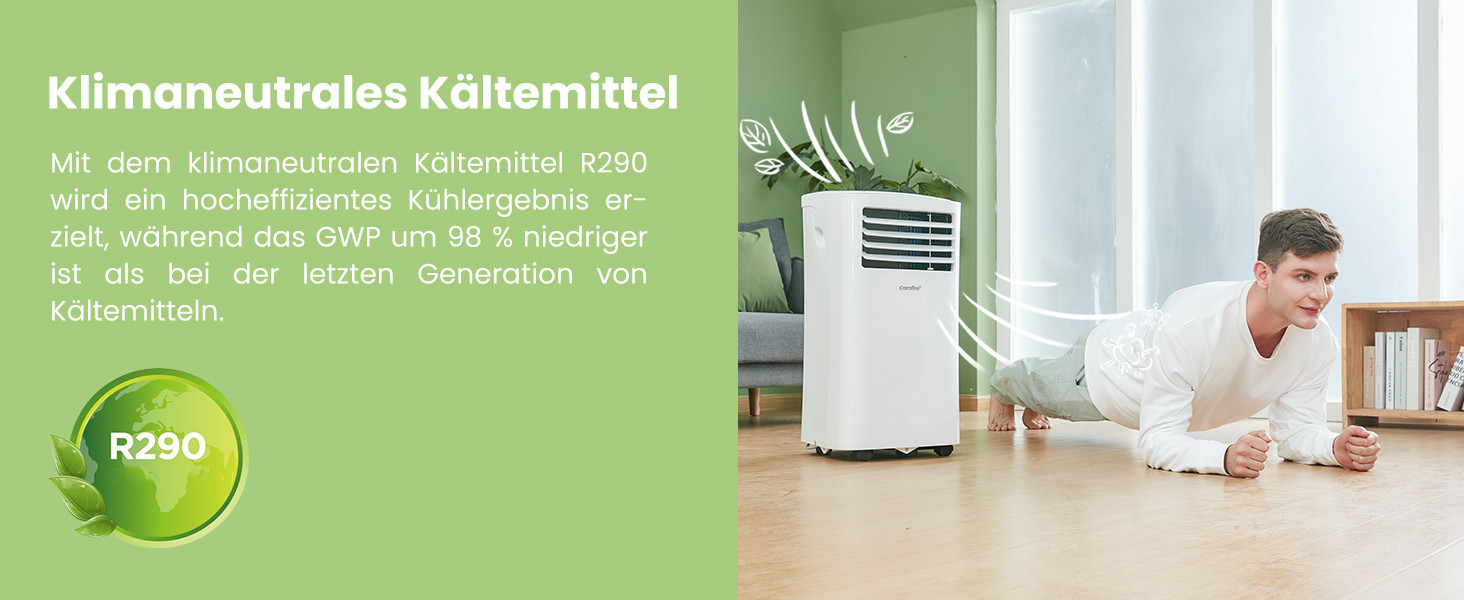
The unit uses R290, a climate-neutral refrigerant with significantly lower Global Warming Potential (GWP) compared to previous generations of refrigerants.

Image: Illustration highlighting the use of R290 climate-neutral refrigerant, with a person doing a plank exercise next to the unit.
9. Информације о гаранцији
This product is covered by a manufacturer's warranty. Please refer to the warranty card included in your product packaging for specific terms and conditions, including warranty period and coverage details. Retain your proof of purchase for warranty claims.
10. Корисничка подршка
For technical assistance, troubleshooting beyond this manual, or warranty inquiries, please contact Comfee customer support. Contact details can typically be found on the manufacturer's webсајту или у паковању производа.
You can also visit the official Comfee store on Amazon for more information and support: Comfee Store