
1. Увод
Thank you for choosing the Cshidworld G33Pro-W Wireless Earbuds. This manual provides detailed instructions on how to set up, operate, and maintain your earbuds to ensure optimal performance and longevity. Please read this manual carefully before using the product and keep it for future reference.
2. Садржај пакета
- Cshidworld G33Pro-W Wireless Earbuds (Left and Right)
- Преносива торбица за пуњење
- УСБ кабл за пуњење
- Упутство за употребу
3. Производ је готовview

Image: The Cshidworld G33Pro-W Wireless Earbuds resting inside their open charging case, showcasing their compact design and white finish.
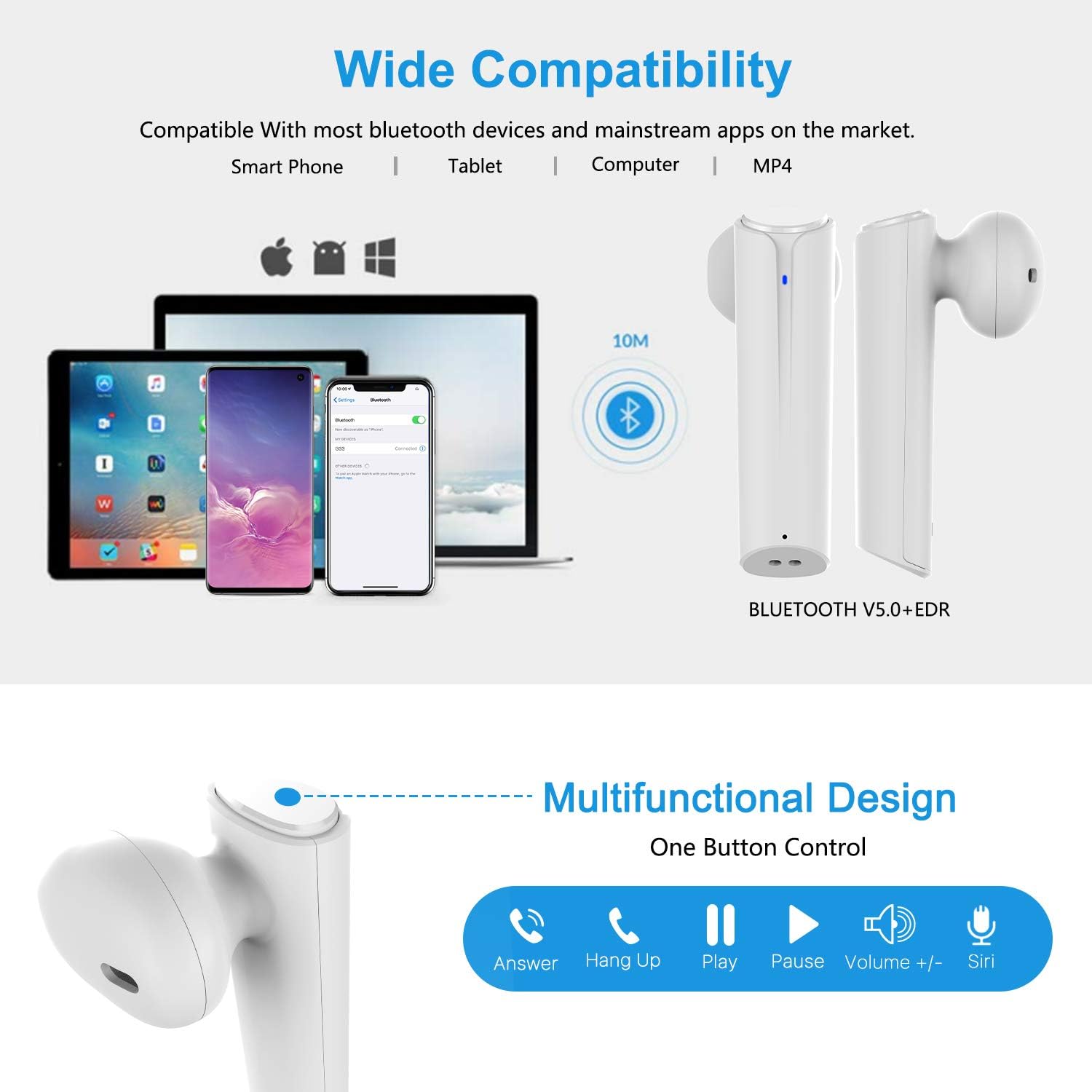
Image: A visual representation of the multi-function button on the earbud, detailing its various controls for answering calls, playing music, and activating voice assistants.
Компоненте слушалица:
- Вишенаменско дугме: Контролише репродукцију, позиве и гласовни помоћник.
- ЛЕД индикатор: Приказује статус упаривања и ниво батерије.
- микрофон: За хандс-фрее позиве.
Компоненте кућишта за пуњење:
- Портови за пуњење: For charging the case and earbuds.
- ЛЕД индикатори: Show charging status of the case.
4. Подешавање
4.1 Пуњење слушалица и футроле
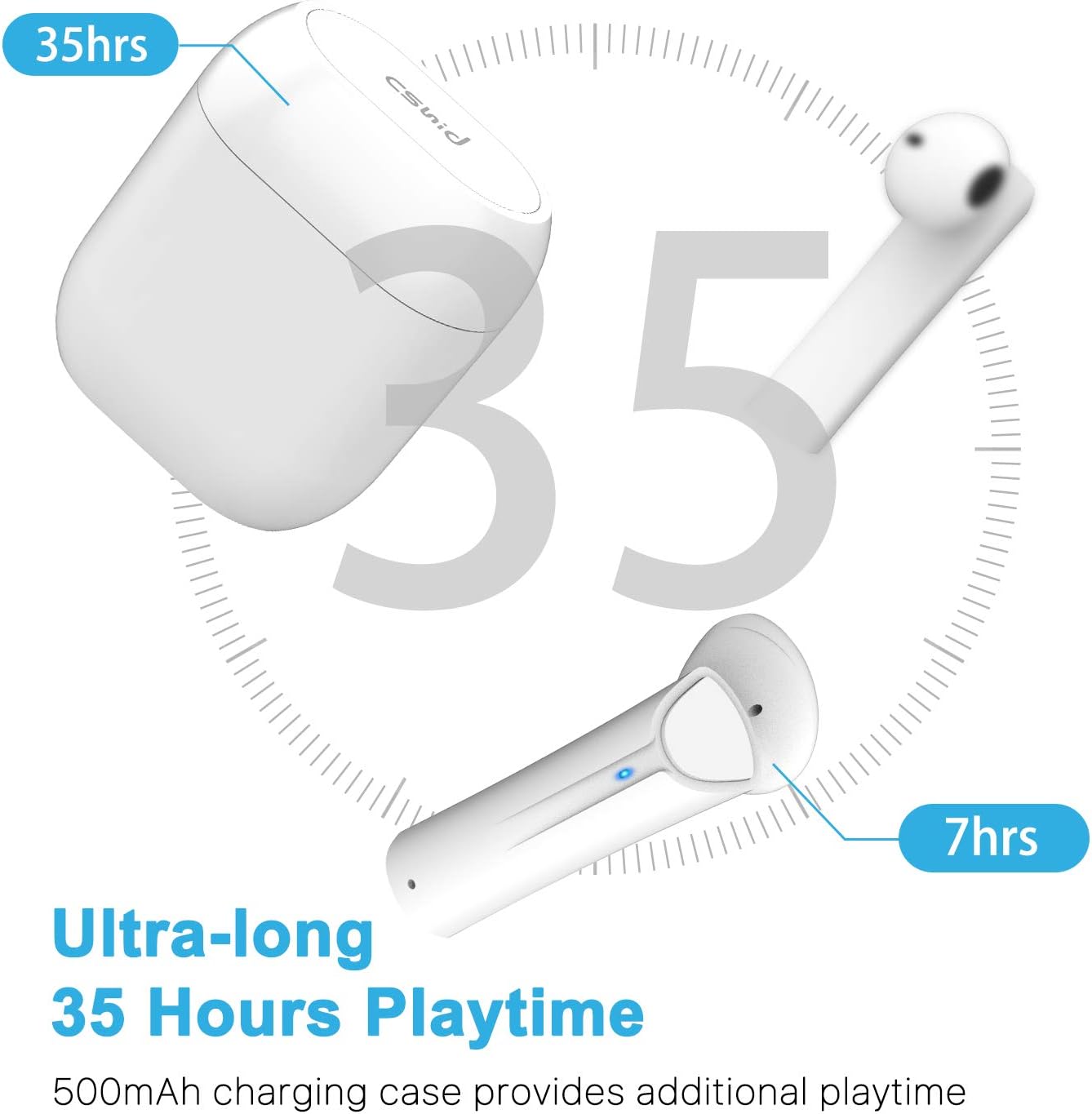
Image: An illustration highlighting the ultra-long 35 hours of total playtime, with 7 hours from a single earbud charge and additional charges from the case.
Before first use, ensure both the earbuds and the charging case are fully charged. The earbuds provide up to 7 hours of playtime on a single charge, and the charging case can provide an additional 5 full charges, extending the total playtime to up to 35 hours.
- Ставите слушалице у кутијицу за пуњење. Уверите се да су правилно постављене.
- Повежите УСБ кабл за пуњење са портом за пуњење на кућишту и са извором напајања.
- The LED indicators on the case will show the charging status. Once fully charged, the indicators will change or turn off.
4.2 Initial Pairing (One-Step Pairing)

Image: A step-by-step guide showing how to pair the earbuds: simply take them out of the case and select 'G33' on your device's Bluetooth settings.
The G33Pro-W earbuds feature one-step pairing technology for quick and easy connection.
- Take both earbuds out of the charging case. They will automatically power on and enter pairing mode. The LED indicator on one earbud will flash, indicating it's ready to pair.
- На свом уређају (паметном телефону, таблету итд.) омогућите Блутут.
- Тражи "G33" in the list of available Bluetooth devices and select it to connect.
- Once connected, the LED indicators on both earbuds will stop flashing. You are now ready to use your earbuds.
4.3 Употреба једне слушалице
You can use either the left or right earbud independently. Simply take one earbud out of the charging case, and it will automatically enter pairing mode. Connect to "G33" on your device. To use both again, take the second earbud out, and they will automatically reconnect.
5. Упутство за употребу
The G33Pro-W earbuds are controlled via a multi-function button on each earbud.
| Функција | Акција |
|---|---|
| Повер Он | Take earbuds out of charging case (automatic) |
| Повер Офф | Place earbuds back into charging case (automatic) |
| Пусти/паузирај музику | Press the multi-function button once on either earbud |
| Нект Трацк | Double-press the multi-function button on the Right earbud |
| Превиоус Трацк | Double-press the multi-function button on the Left earbud |
| Одговори/Заврши позив | Press the multi-function button once on either earbud |
| Одбаци позив | Press and hold the multi-function button for 2 seconds on either earbud |
| Активирајте гласовног асистента (Siri/Google Assistant) | Трипут притисните вишенаменско дугме на обе слушалице |
| Волуме Уп | Press and hold the multi-function button on the Right earbud |
| Утишавање звука | Press and hold the multi-function button on the Left earbud |
6. Одржавање

Image: Two scenarios demonstrating earbud use: one person driving safely with hands-free calling, and another person working out, highlighting the sweat-proof and cable-free design.
6.1 Чишћење
Редовно чишћење помаже у одржавању квалитета звука и хигијене.
- Користите меку, суву крпу која не оставља влакна да бисте обрисали слушалице и кућиште за пуњење.
- За тврдокорну прљавштину, благо дampи крпу са водом или благим, неабразивним средством за чишћење.
- Немојте користити јаке хемикалије или абразивне материјале.
- Ensure the charging contacts on both the earbuds and case are clean and dry.
6.2 Складиштење
Када се не користе, чувајте слушалице у њиховој футроли за пуњење како бисте их заштитили и одржали напуњеним. Чувајте их на хладном и сувом месту, даље од екстремних температура.
6.3 Отпорност на воду
The earbuds are designed to be waterproof, making them suitable for workouts and light rain. However, they are not intended for swimming or submersion in water. Ensure earbuds are dry before placing them back into the charging case to prevent damage.
КСНУМКС. Решавање проблема
Ако имате проблема са слушалицама, погледајте следеће уобичајене проблеме и решења:
- Слушалице се не упарују са уређајем:
Ensure Bluetooth is enabled on your device. Place earbuds back in the case, then take them out again to re-enter pairing mode. Try forgetting "G33" from your device's Bluetooth list and re-pairing. - Само једна слушалица ради:
Place both earbuds back into the charging case. Close the lid for a few seconds, then open it and take both earbuds out simultaneously. They should automatically connect to each other. - Нема звука:
Check the volume level on both your device and the earbuds. Ensure the earbuds are properly connected to your device. Try playing different audio sources. - Слушалице се не пуне:
Уверите се да је кабл за пуњење безбедно повезан и са кућиштем и са извором напајања. Проверите да ли су контакти за пуњење на слушалицама и унутар кућишта чисти и без прљавштине. - Лош квалитет звука:
Ensure the earbuds are properly seated in your ears. Check for any obstructions in the earbud speakers. Move closer to your connected device to avoid signal interference.
8. Спецификације
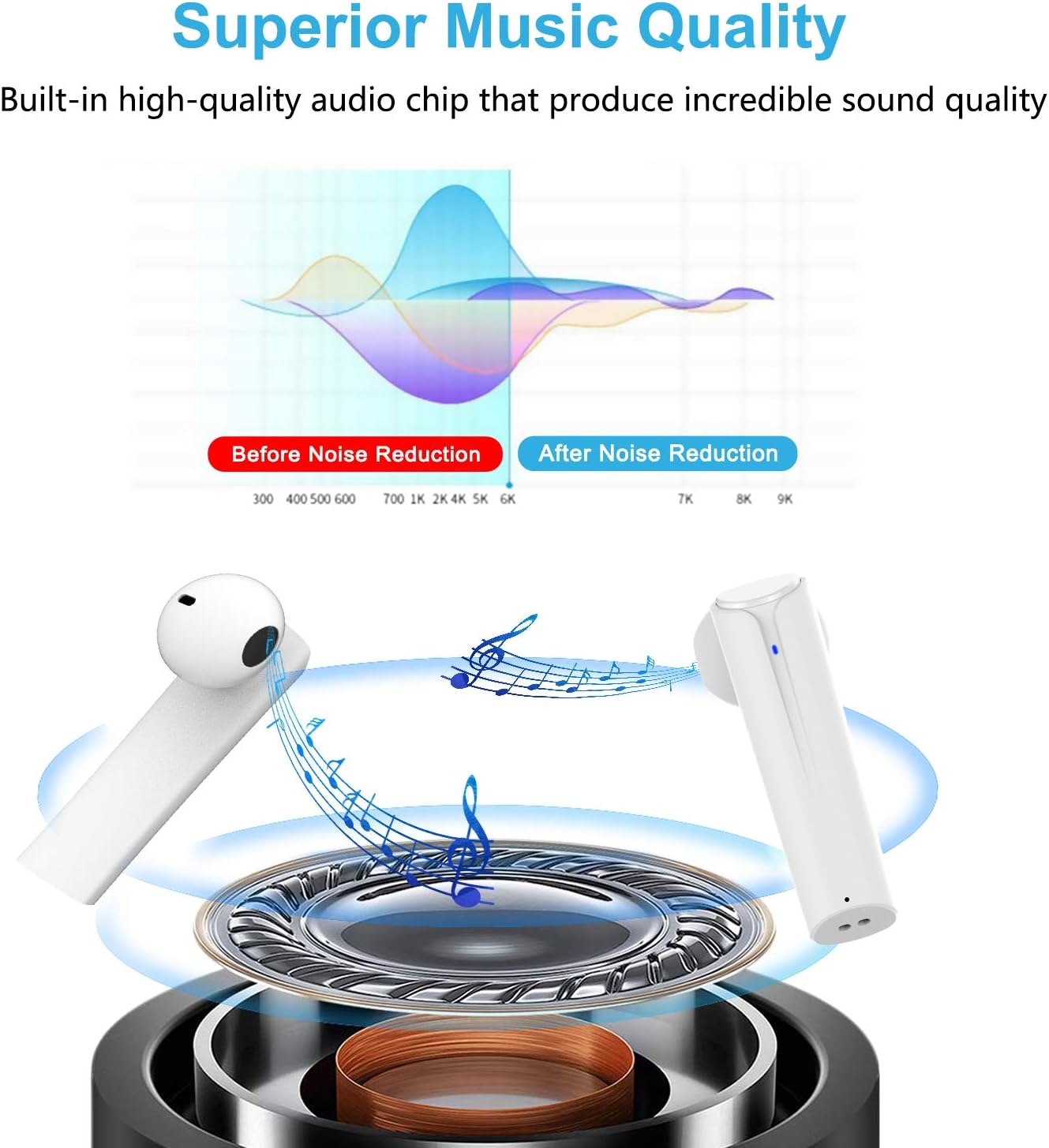
Image: A graph illustrating the effect of noise reduction on sound quality, accompanied by a detailed diagram of the earbud's internal audio components.
- Модел: G33Pro-W
- Повезивање: Блуетоотх 5.0
- Playtime (Earbuds): До 7 сата по пуњењу
- Total Playtime (with Charging Case): До 35 сати
- микрофон: Built-In Dual Microphones
- Тип контроле: Мултифункционално дугме
- Материјал: Пластика
- Отпорност на воду: Водоотпоран
- Боја: Бела
9. Безбедносне информације
Please observe the following safety guidelines for safe and proper use of your earbuds:
- Не излажите слушалице или кућиште за пуњење екстремним температурама, директној сунчевој светлости или високој влажности.
- Avoid dropping, hitting, or disassembling the product.
- Не користите слушалице на претерано јаким звукима током дужег временског периода, јер то може проузроковати оштећење слуха.
- Држите производ даље од деце и кућних љубимаца.
- Dispose of the product and its components responsibly according to local regulations.
10. Гаранција и подршка
Cshidworld provides a 30-day hassle-free return policy и а једногодишња гаранција for the G33Pro-W Wireless Earbuds. For any product-related inquiries, technical support, or warranty claims, please contact Cshidworld customer service through the platform where you purchased the product or refer to the contact information provided with your purchase.