
1. Увод
Thank you for choosing the iGear Ensemble 20W Wooden Portable Soundbar. This manual provides essential information for setting up, operating, and maintaining your soundbar to ensure optimal performance and longevity. The iGear Ensemble is designed to deliver rich audio with extra bass, featuring versatile connectivity options and a portable design crafted from recycled wood.

Слика 1.1: Предња страна view of the iGear Ensemble 20W Wooden Portable Soundbar.
2. Шта је у кутији
Пажљиво проверите садржај пакета. Ако неке ставке недостају или су оштећене, контактирајте корисничку подршку.
- 1 x iGear Ensemble Soundbar
- 1 к кабл за пуњење
- 1 к Упутство за употребу

Image 2.1: The iGear Ensemble Soundbar and its included charging cable.
3. Карактеристике
- 20W Extra Bass Speaker: Enjoy powerful and clear audio with enhanced bass.
- Bluetooth v5.0 повезивање: Seamless wireless connection to compatible devices.
- Вишеканална повезаност: Supports USB drives and TF/SD cards for diverse audio sources.
- In-Built FM Radio: Укључите се у своје омиљене радио станице.
- Пуњива батерија од 2400мАх: Provides 3-5 hours of music playback on a single charge.
- Уграђени вуфер: Delivers deeper and richer bass performance.
- Лаган и преносив: Easy to carry for music on the go.
- Wooden Material: Crafted from recycled wood for an elegant aesthetic.
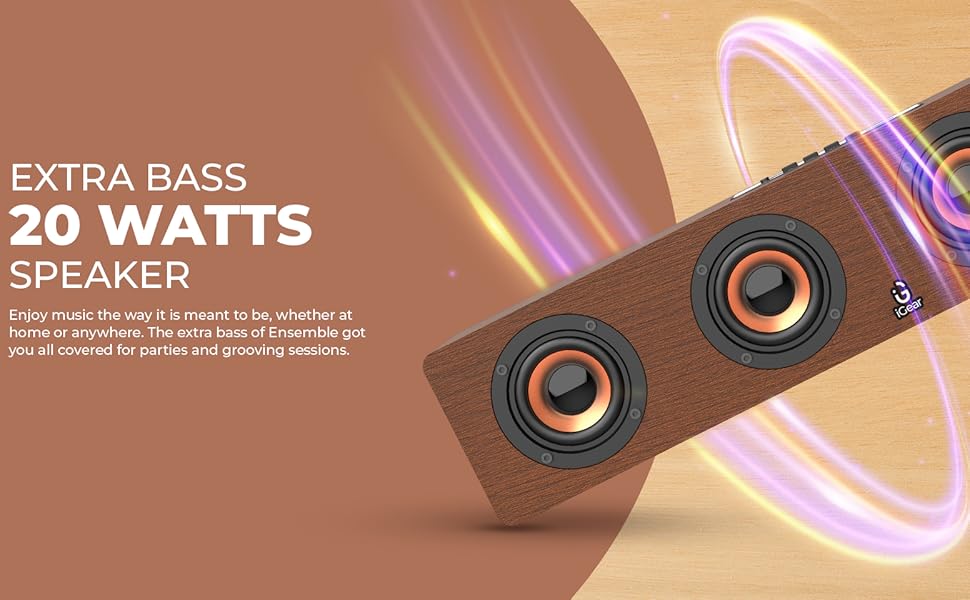
Image 3.1: The soundbar's 20 Watts output for extra bass.
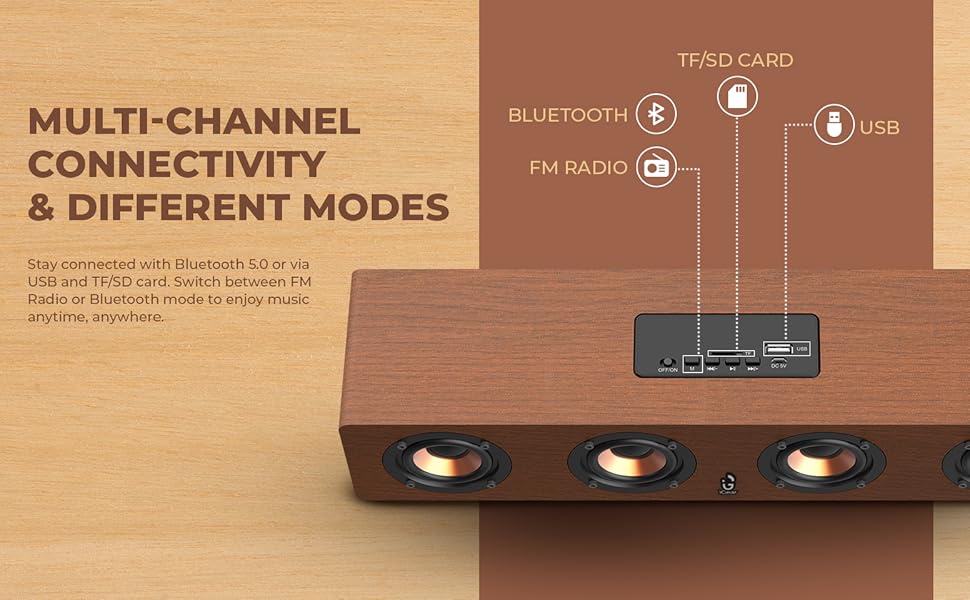
Image 3.2: The soundbar features a 2400 mAh battery for extended playtime.
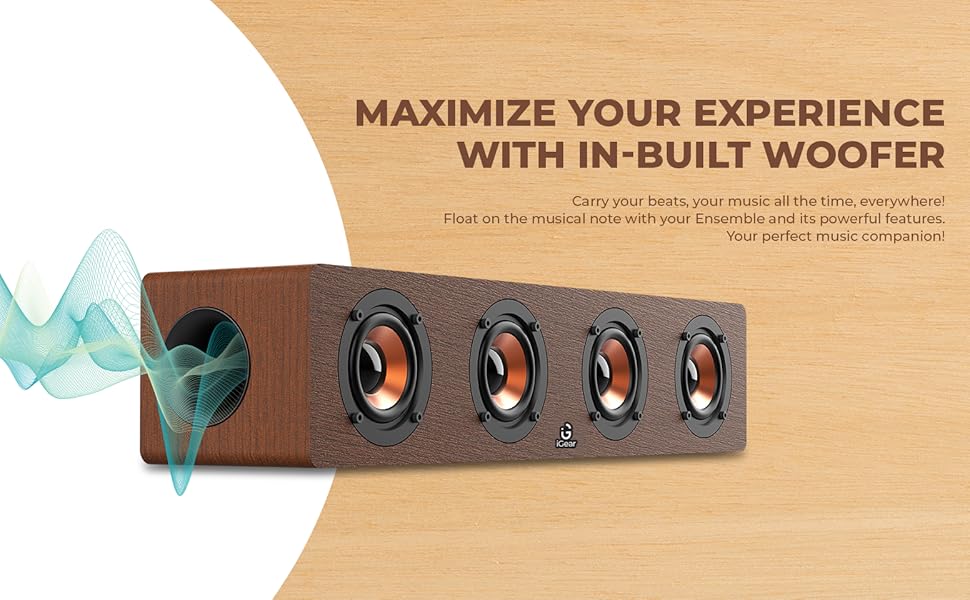
Image 3.3: The soundbar's in-built woofer for enhanced audio experience.
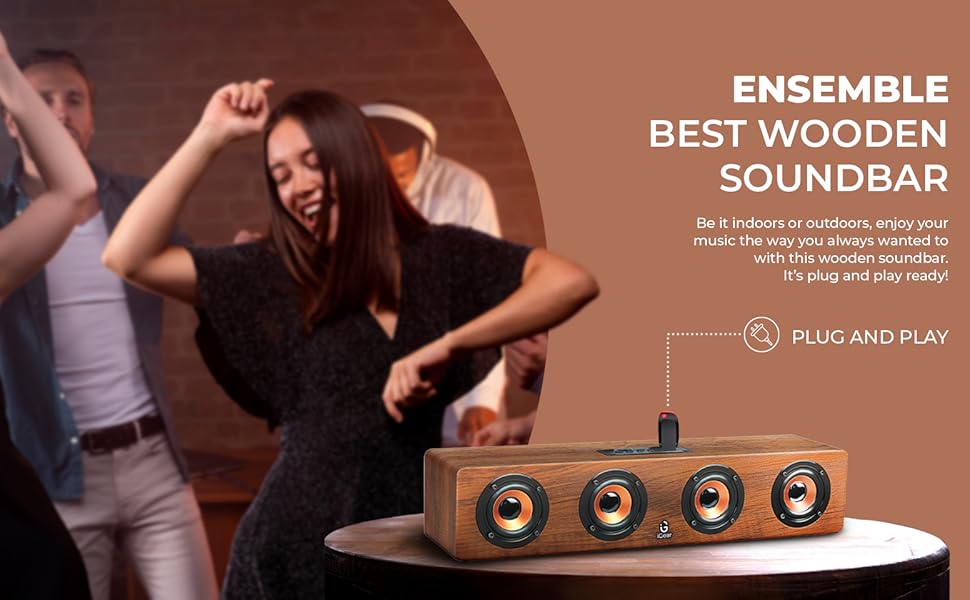
Слика 3.4: Готовоview of the soundbar's multi-channel connectivity options.
4. Подешавање
4.1 Charging the Soundbar
- Connect the provided charging cable to the DC 5V port on the soundbar.
- Повежите други крај кабла за пуњење са УСБ адаптером за напајање (није укључен) или УСБ портом рачунара.
- Индикаторска лампица пуњења ће се упалити. Сачекајте отприлике 5 сата да се потпуно напуни.
- Када се потпуно напуни, индикаторска лампица се може променити или искључити, у зависности од модела. Искључите кабл за пуњење.
4.2 Укључивање/искључивање
- To power on, slide the ON/OFF switch to the 'ON' position. You will hear an audible prompt.
- To power off, slide the ON/OFF switch to the 'OFF' position.
4.3 Блуетоотх упаривање
- Ensure the soundbar is powered on and in Bluetooth mode (indicated by a blue LED light or audible prompt). If not, press the 'M' (Mode) button to switch to Bluetooth mode.
- На свом уређају (паметном телефону, таблету, лаптопу) омогућите Блутут и потражите доступне уређаје.
- Select "iGear Ensemble" from the list of found devices.
- Once paired, you will hear a confirmation sound, and the Bluetooth indicator light will remain steady.
5. Упутство за употребу
5.1 Избор режима
Press the 'M' (Mode) button repeatedly to cycle through available modes: Bluetooth, FM Radio, USB, and TF/SD Card.
5.2 Контрола јачине звука
- Press and hold the 'Volume Down (-)' button to decrease the volume.
- Press and hold the 'Volume Up (+)' button to increase the volume.
5.3 Контрола репродукције
- Press the 'Play/Pause' button to play or pause audio.
- In Bluetooth/USB/TF/SD mode, short press 'Previous Track (-)' to go to the previous track.
- In Bluetooth/USB/TF/SD mode, short press 'Next Track (+)' to go to the next track.
Рад са 5.4 FM радиом
- Switch to FM Radio mode using the 'M' button.
- Притисните и држите дугме „Пусти/Паузирај“ да бисте аутоматски скенирали и сачували доступне ФМ станице.
- Use the 'Previous Track (-)' and 'Next Track (+)' buttons to navigate between saved stations.
5.5 USB/TF/SD Card Playback
- Insert a USB drive or TF/SD card (with audio fileс) у одговарајући порт.
- The soundbar will automatically switch to USB or TF/SD mode and begin playback. If not, press the 'M' button to select the correct mode.
- Use the playback control buttons (Play/Pause, Previous/Next Track) as described above.
6. Одржавање
- Чишћење: Use a soft, dry cloth to clean the surface of the soundbar. Do not use abrasive cleaners or solvents.
- Складиштење: Чувајте саундбар на хладном и сувом месту, даље од директне сунчеве светлости и екстремних температура.
- Одржавање батерије: To prolong battery life, avoid fully discharging the battery frequently. Charge the soundbar regularly, even if not in use for extended periods.
- Избегавајте воду: This product is not waterproof. Keep it away from water and high humidity.
КСНУМКС. Решавање проблема
| Проблем | Могући узрок | Решење |
|---|---|---|
| Нема струје | Battery is drained; Power switch is OFF. | Charge the soundbar; Slide the power switch to 'ON'. |
| Нема звука | Јачина звука је прениска; изабран је погрешан режим; уређај није повезан. | Increase volume; Press 'M' to select correct mode; Re-pair Bluetooth or re-insert USB/TF/SD card. |
| Блуетоотх се не упарује | Soundbar not in pairing mode; Device Bluetooth is off; Too far from device. | Ensure soundbar is in Bluetooth mode; Enable Bluetooth on your device; Move device closer to soundbar (within 10 meters). |
| Статични FM радио | Слаб сигнал. | Move the soundbar to a location with better reception; Re-scan for stations. |
8. Спецификације
| Феатуре | Детаљ |
|---|---|
| Назив модела | Ансамбл |
| Број модела | иГ-1130 |
| Спеакер Типе | Сурроунд Соунд |
| Тип монтаже | Таблетоп Моунт |
| Материјал | Wood (recycled) |
| Бежична комуникација | Блуетоотх в5.0 |
| Технологија повезивања | Bluetooth, USB, Wireless |
| Максимална излазна снага звучника | 20 Ваттс |
| Капацитет батерије | 2400 мАх литијум-јонски |
| Просечан век трајања батерије | 3-5 сати |
| Време пуњења | 5 сата |
| Димензије производа (Д x Ш x В) | 10.2 Д x 40.6 Ш x 10.2 В центиметара |
| Тежина артикла | 1.1 килограма |
| Контролни метод | Додирните |
| Посебне карактеристике | Bass Boost, In-Built FM Radio, In-Built Subwoofer, Supports TF/SD cards and USB Drives |

Image 8.1: Dimensions of the iGear Ensemble Soundbar.
9. Гаранција и подршка
The iGear Ensemble Soundbar comes with a Ограничена гаранција. Please refer to the warranty card included in your package for specific terms and conditions. For any product-related queries, technical support, or warranty claims, please contact:
- Произвођач: Corporate Gifting Solutions, iGear Tech Private Limited
- Адреса: 204 Sai Corporate Park, Laxmi Nagar, Off Link Road, Goregaon West, Mumbai 400104
- Бесплатан број: 1800 22 8495
10. Производ је готовview Видео
Погледајте овај званични видео производа за визуелни прегледview of the iGear Ensemble Soundbar's features and design.
Видео 10.1: Оверview of the iGear Ensemble 20W Wooden Portable Soundbar, showcasing its design, features, and connectivity options.