
Divoom Ditoo
Divoom Ditoo Pixel Art Gaming Portable Bluetooth Speaker User Manual
Model: Ditoo
Увод
The Divoom Ditoo is a versatile portable Bluetooth speaker featuring a 16x16 LED front panel for pixel art display, a smart alarm, and various app-controlled functions. This manual provides detailed instructions for setting up, operating, and maintaining your Ditoo speaker.

Image: The Divoom Ditoo speaker, showcasing its pixel art display and retro design.
Шта је у кутији
Upon unboxing your Divoom Ditoo, please ensure all the following components are present:
- Divoom Ditoo Speaker
- УСБ-Ц кабл за пуњење
- Кориснички приручник (овај документ)
- Mini Wireless Microphone (if included with your specific package)
- Водич за брзи почетак
- Cute Sticker

Image: A visual representation of the Divoom Ditoo speaker and its included accessories, such as the USB-C cable and quick start guide.
Производ је завршенview и контроле
Familiarize yourself with the Ditoo's physical components and controls for optimal use.
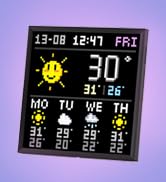
Image: Detailed diagram of the Divoom Ditoo speaker, highlighting its various buttons, ports, and features.
| бр. | Дугме/порт | Функција |
|---|---|---|
| 1 | "m" button | Press: Enter/Exit menu system. Hold: Turn On/Off the keyboard backlight. |
| 2 | "+" button | Press: Increase volume. Hold: Increase brightness. |
| 3 | "*" Lighting button | Press: Change light function. Hold: Change light effects. |
| 4 | "<" button | Press: Previous song. Hold: Last light effect. |
| 5 | "-" Lower key | Press: Decrease volume. Hold: Lower brightness. |
| 6 | ">" button | Press: Next song. Hold: Next light effect. |
| 7 | Полуга | Short pull: Play/Pause. Long pull: Start voice memo recording. |
| 8 | Дугме извора звука | Short pull: Switch between different audio sources. Double press: Disconnect Bluetooth connection. |
| 9 | Индикатор батерије | Press any button to check the battery status. |
| 10 | Бас порт | Enhances low-frequency sound output. |
| 11 | Поклопац задњег порта | Protects the charging and TF card slots. |
| 12 | Ресетујте отвор за иглу | Used to reset the device if it becomes unresponsive. |
| 13 | УСБ Типе-Ц порт за пуњење | За пуњење уређаја. |
| 14 | Дугме ОН/ОФФ | Hold: Power ON/OFF speaker. |
| 15 | Утор за ТФ картицу | Playback music from a TF (microSD) card. |
Сетуп
1. Charging the Ditoo
Before first use, fully charge your Divoom Ditoo speaker. Connect the provided USB-C cable to the charging port (13) on the back of the device and the other end to a USB power adapter (not included).
- The battery indicator (9) will show charging status.
- A full charge provides approximately 8 hours of playback. Playback time may vary depending on image complexity and brightness.
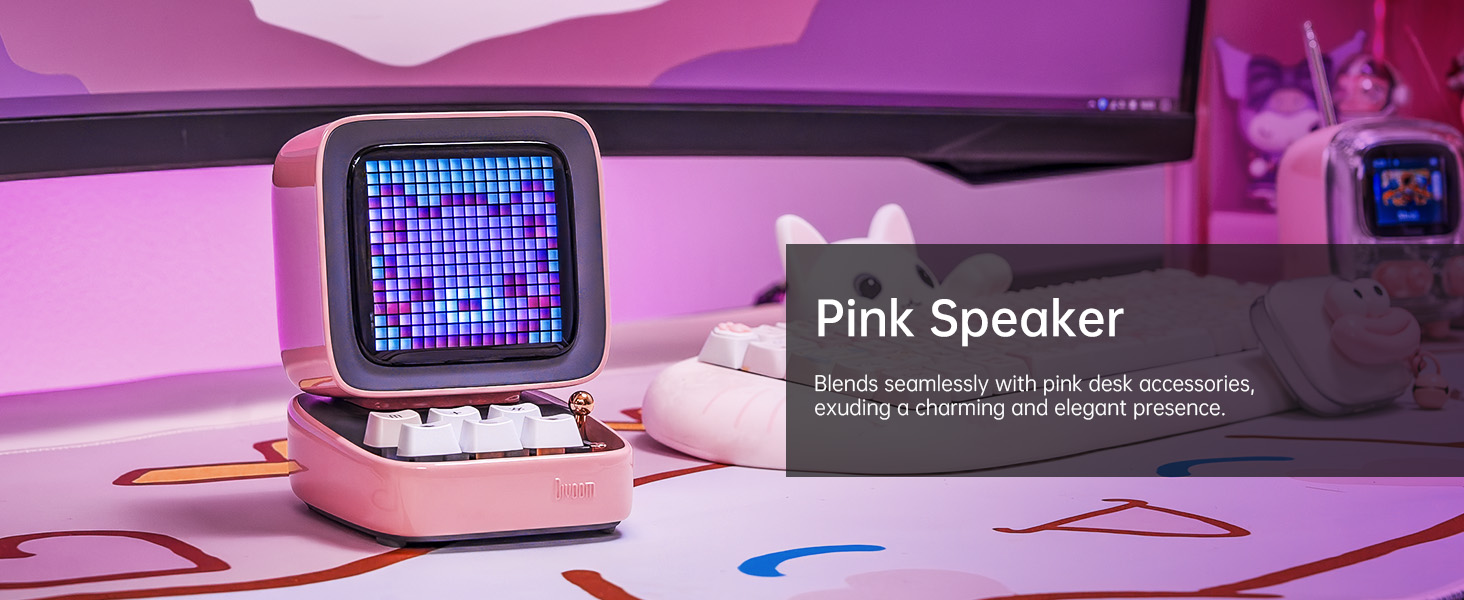
Image: The Divoom Ditoo speaker connected to a USB-C charging cable, illustrating the charging process.
2. Downloading the Divoom App
To unlock the full potential of your Ditoo speaker, download the official Divoom app. The app is available for both iOS and Android devices.
- Scan the QR code on the product packaging or visit www.divoom.com/AppDownLoad за преузимање.
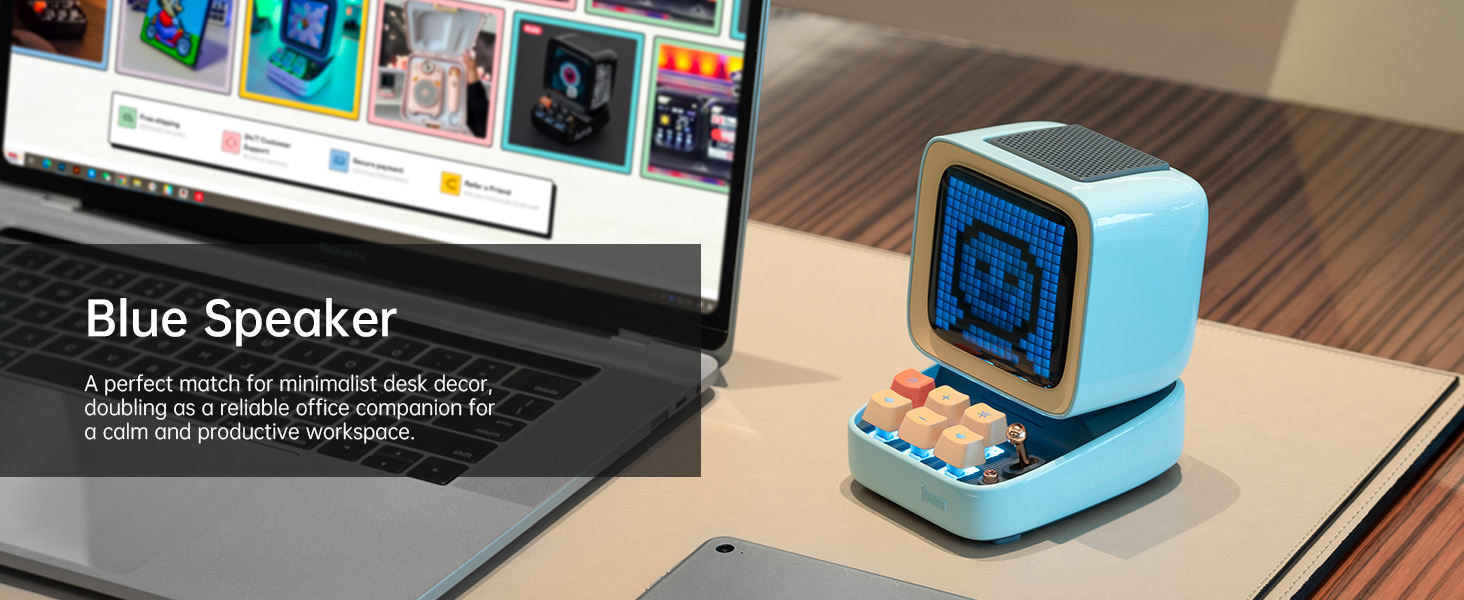
Image: A smartphone displaying the Divoom app, demonstrating its pixel art creation and gallery functionalities.
3. Блуетоотх упаривање
Once the Ditoo is charged and the app is installed:
- Hold the ON/OFF button (14) to power on the speaker.
- Омогућите Блуетоотх на паметном телефону или таблету.
- Open the Divoom app and follow the on-screen instructions to connect to "Ditoo-Audio".
- Alternatively, you can pair directly through your device's Bluetooth settings.
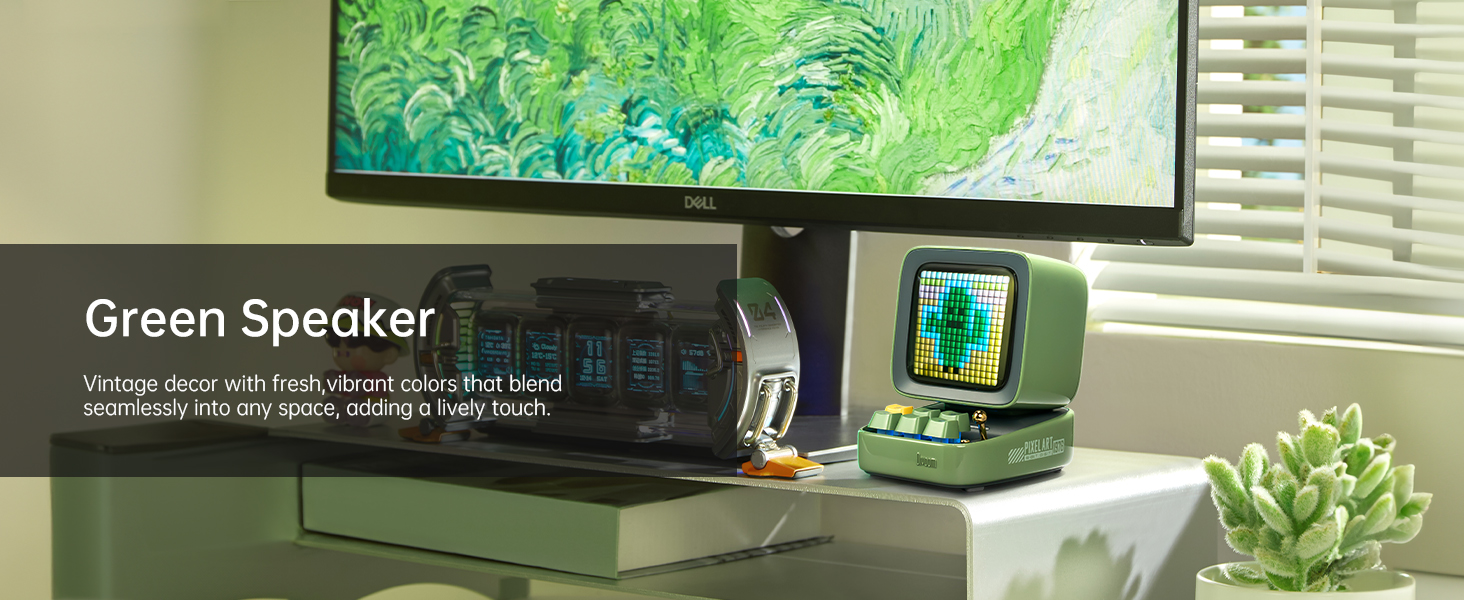
Image: A smartphone wirelessly connected to the Divoom Ditoo speaker, illustrating the Bluetooth pairing process and real-time pixel art display.
Упутство за употребу
Basic Audio Playback
- Контрола јачине звука: Use the "+" (2) and "-" (5) buttons on the keyboard to adjust volume.
- Навигација стаза: Use the "<" (4) and ">" (6) buttons to skip between songs.
- Пусти/паузирај: Short pull the Lever (7) to play or pause audio.
- Извор звука: Short pull the Audio source button (8) to switch between Bluetooth and TF card playback.
Pixel Art and Lighting Functions
- Change Light Function: Press the "*" Lighting button (3) to cycle through different lighting modes.
- Промените светлосне ефекте: Hold the "*" Lighting button (3) to change specific light effects within a mode.
- Позадинско осветљење тастатуре: Hold the "m" button (1) to turn the keyboard backlight on or off.
- Подешавање осветљености: Hold the "+" (2) or "-" (5) buttons to adjust the screen brightness.

Image: The Divoom Ditoo speaker showcasing its vibrant pixel art display capabilities, including dynamic animations and color variations.
Using the Divoom App Features
The Divoom app provides extensive customization and functionality for your Ditoo speaker:
- Креација пиксел арта: Design your own pixel art or import images to display on the screen.
- Online Gallery: Access a vast community gallery of pixel art designs created by other users.
- Паметни аларм: Set alarms with customizable sounds and pixel art animations.
- Обавештења: Receive social media and app notifications directly on the Ditoo's screen.
- игре: Play built-in pixel games using the joystick and keyboard buttons.
- Алати: Access various tools like a stopwatch, timer, and scorekeeper.
- Music Visualizer: Display dynamic pixel art visualizations that react to your music.
- Бели шум: Choose from 24 soothing sounds for relaxation or sleep aid.

Image: Multiple screenshots of the Divoom mobile application, demonstrating its diverse features including pixel art design, clock face selection, and scheduling tools.
Voice Memo Recording
Long pull the Lever (7) to start recording a voice memo. Pull again to stop recording. Memos can be managed through the Divoom app.
Одржавање
- Чишћење: Use a soft, dry cloth to clean the speaker's surface. Do not use liquid cleaners or aerosols.
- Складиштење: Store the Ditoo in a cool, dry place away from direct sunlight and extreme temperatures.
- Одржавање батерије: Да бисте продужили век трајања батерије, избегавајте често потпуно пражњење батерије. Редовно је пуните.
- Отпорност на воду: The Divoom Ditoo is NOT waterproof. Avoid exposure to water or high humidity.
Решавање проблема
| Иссуе | Могући узрок | Решење |
|---|---|---|
| Уређај се не укључује. | Ниска батерија. | Пуните уређај помоћу USB-C кабла. |
| Не могу се повезати преко Bluetooth-а. | Bluetooth not enabled on device; Ditoo not in pairing mode; interference. | Ensure Bluetooth is on. Double press the Audio source button (8) to disconnect and re-enter pairing mode. Move closer to the speaker. |
| Pixel art display is dim or unresponsive. | Brightness setting too low; software glitch. | Hold the "+" button (2) to increase brightness. If unresponsive, use a pin to press the Reset pin hole (12). |
| Изобличење звука при великој јачини звука. | Јачина звука је превелика. | Decrease the volume using the "-" button (5). |
| App features not syncing with speaker. | App not connected or outdated. | Ensure the app is connected to "Ditoo-Audio". Update the Divoom app to the latest version. |
Спецификације
| Феатуре | Детаљ |
|---|---|
| Назив модела | Дитоо |
| Димензије (Д к Ш к В) | 90 mm x 114.2 mm x 121.2 mm |
| Тежина артикла | 533 грама (1.18 фунте) |
| Величина звучника | 48 мм |
| Излазна снага | 15 Ваттс |
| Капацитет батерије | 5000 мАх |
| Време репродукције | До 8 сати |
| Блуетоотх верзија | 5.0 |
| Домет | 10 метара |
| Фреквенцијски одзив | 80 Hz (lower bound provided) |
| Однос сигнала и шума | 80 дБ |
| Контролни метод | Апликација, Дугмад |
| Повезивање | Bluetooth, TF Card, USB Type-C |
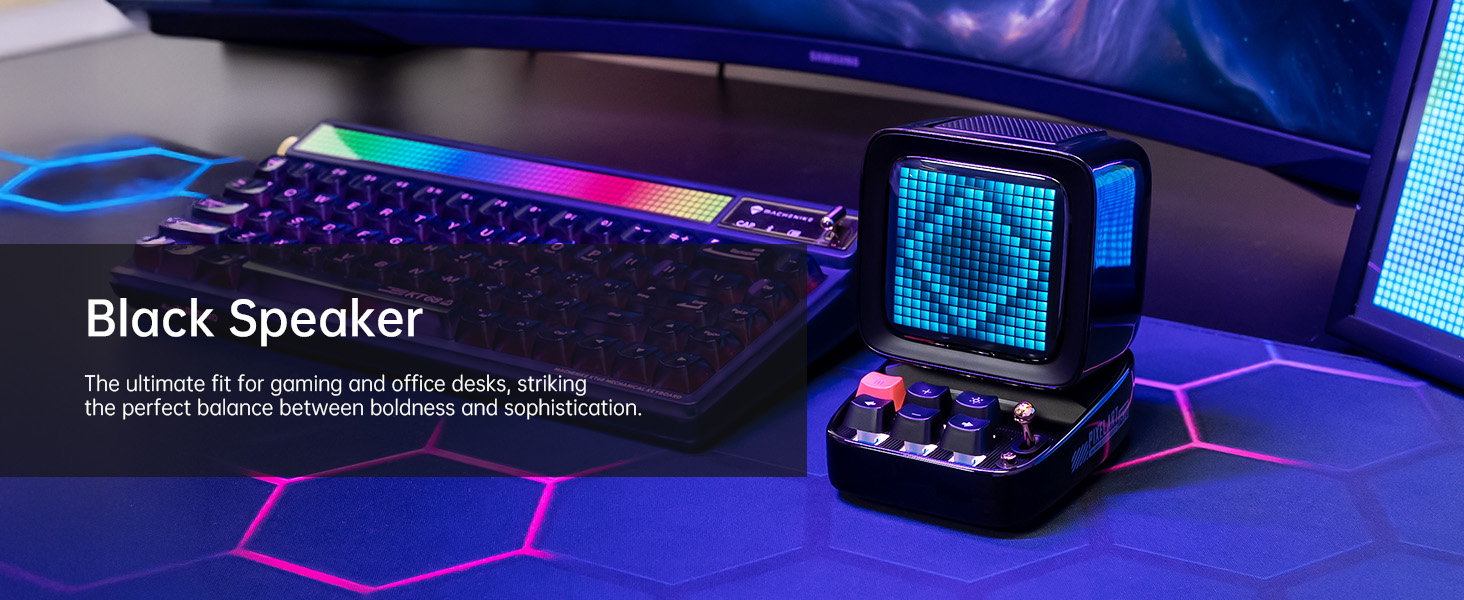
Image: A technical diagram illustrating the physical dimensions and key product parameters of the Divoom Ditoo speaker.
Гаранција и подршка
Divoom products typically come with a standard manufacturer's warranty. For specific warranty details, please refer to the warranty card included in your product packaging or visit the official Divoom website. For technical support, troubleshooting assistance, or any product-related inquiries, please contact Divoom customer service through their official channels.
Official Divoom Webсајт: ввв.дивоом.цом
Такође можете погледати званични кориснички приручник (PDF) доступан на: Divoom Ditoo User Manual PDF
Ask a question about this manual
Ask about setup, troubleshooting, compatibility, parts, safety, or missing instructions. Manuals+ will review the question and use this page’s manual context to help answer it.