
ЕЛЕПХАС БЛ128
ELEPHAS Mini Projector User Manual
Модел: BL128
1. Увод
Thank you for choosing the ELEPHAS Mini Projector. This manual provides essential information for setting up, operating, and maintaining your projector. Please read it thoroughly before use to ensure optimal performance and longevity of the device.
The ELEPHAS Mini Projector is a compact and portable device designed for versatile entertainment and presentation needs. It supports 1080P HD resolution and offers a large projection screen size, making it suitable for both indoor and outdoor use.
2. Садржај пакета
Молимо вас да проверите да ли су све ставке присутне у пакету:
- 1 x ELEPHAS Mini Projector
- КСНУМКС к Мини статив
- 1 к даљински управљач
- 1 x Упутство за употребу (овај документ)
- 1 к ХДМИ кабл
3. Производ је готовview
Familiarize yourself with the components of your ELEPHAS Mini Projector.

The ELEPHAS Mini Projector is designed to be highly portable, easily fitting in the palm of your hand.
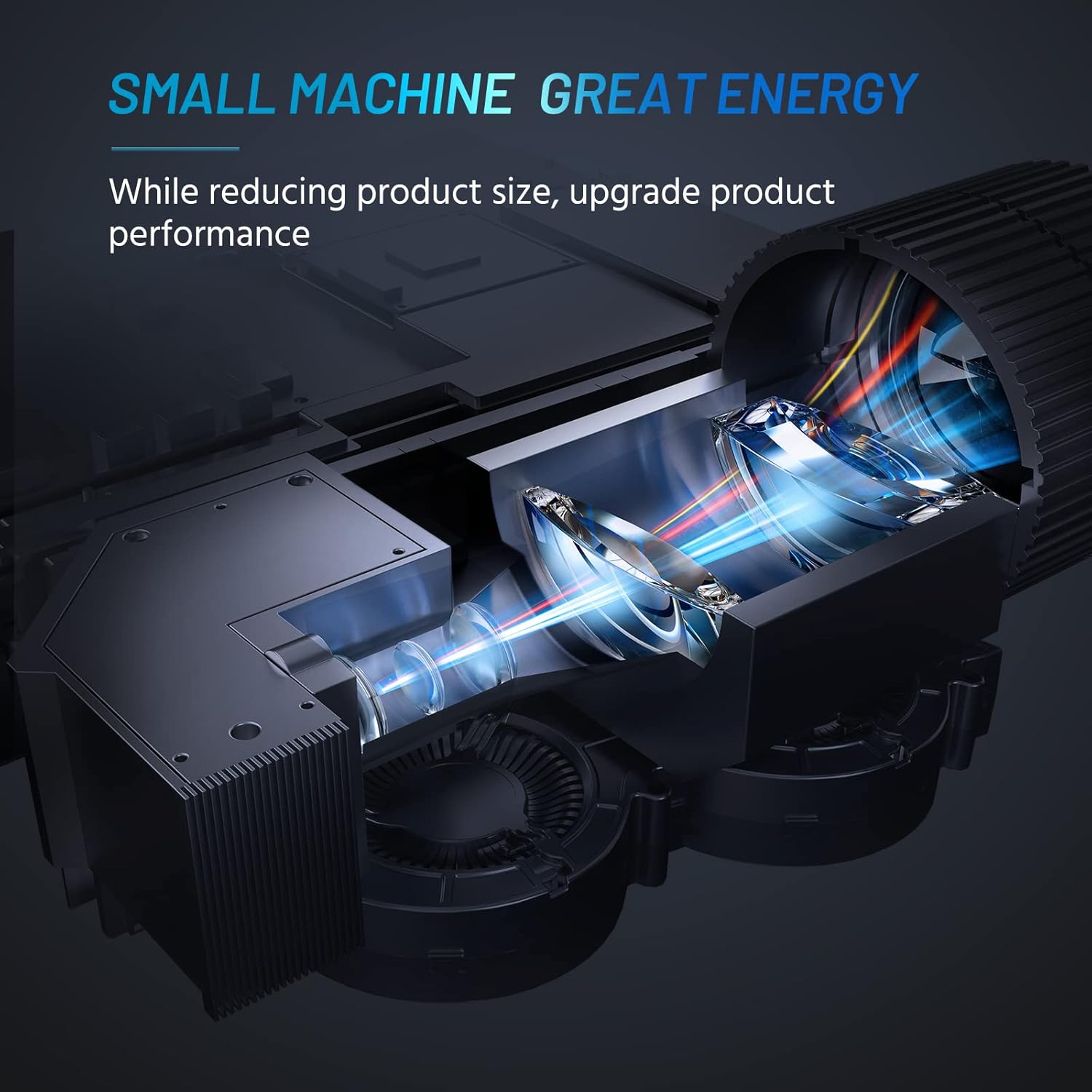
Internal design of the projector, highlighting its compact yet powerful light engine.

Детаљно view of the German LED light source and emerald glass lens, designed for enhanced picture quality.
4. Подешавање
4.1 Basic Placement
Поставите пројектор на стабилну, равну површину. За оптимално viewing, ensure the projection surface (wall or screen) is clean and smooth. The included mini tripod can be used for minor height and angle adjustments.

Various setup options for the projector, including table placement, mini tripod installation, and ceiling mount, showing potential screen sizes.
4.2 Прикључак за напајање
- Прикључите адаптер за напајање на улазни порт за напајање пројектора.
- Укључите адаптер за напајање у одговарајућу електричну утичницу.
4.3 Повезивање уређаја
The projector supports multiple input sources. Ensure your device is powered on before connecting.
- ДВИ: Connect your laptop, PC, TV Box, TV Stick, or gaming console using the provided HDMI cable.
- УСБ: Insert a USB flash drive for direct media playback.
- АВ: Use an AV cable (not included) to connect older devices.
- Аудио излаз: Connect external speakers or headphones via the 3.5mm audio jack for enhanced sound.
- Повезивање паметног телефона: For iOS/Android/Windows smartphones, a compatible HDMI adapter (e.g., Lightning to HDMI, Micro USB/Type-C to HDMI) is required and not included.
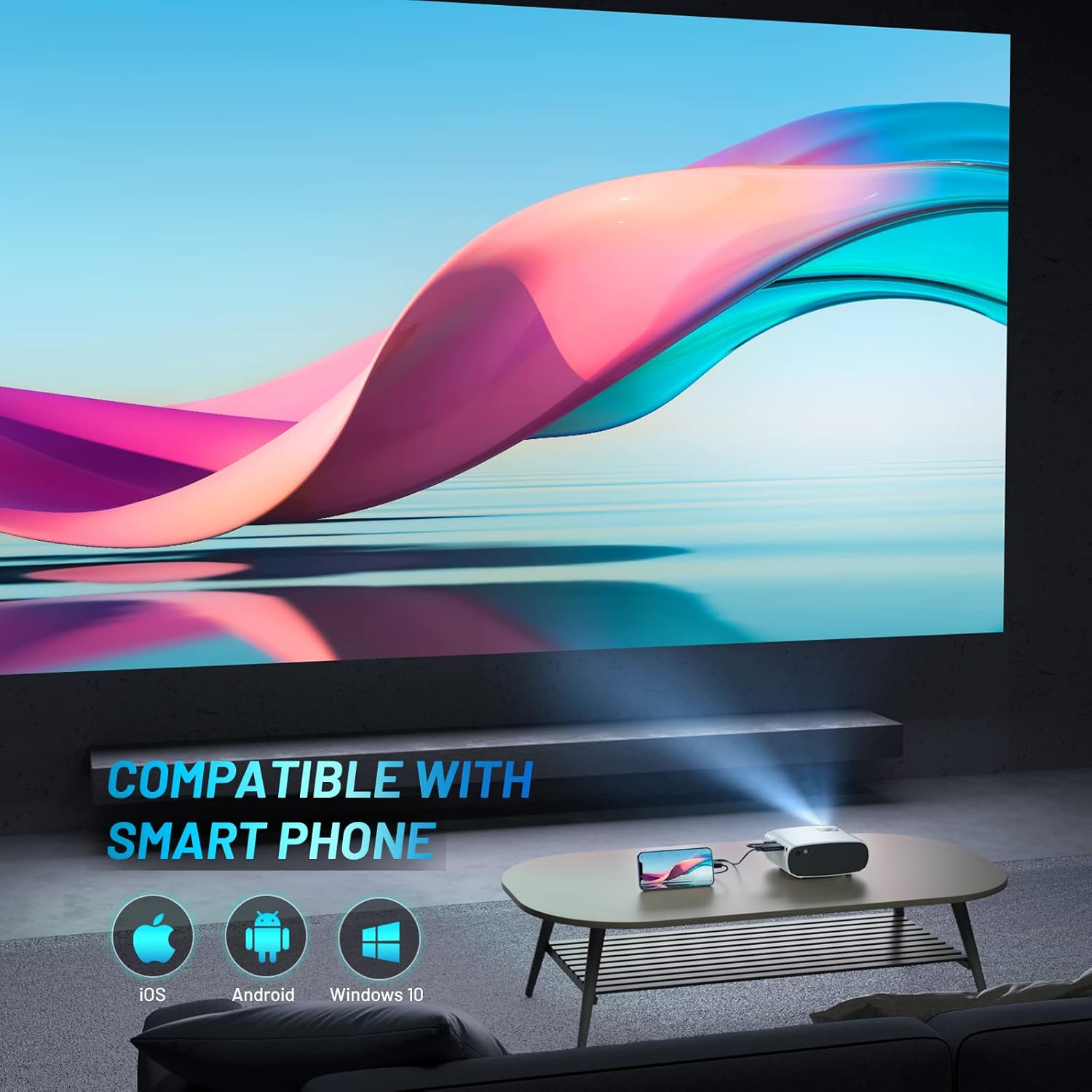
The projector is compatible with various smartphone operating systems, requiring an appropriate adapter for connection.

Connecting smartphones to the projector for outdoor movie nights. Adapters are sold separately.
Official video demonstrating the features and portability of the ELEPHAS Mini Projector, including setup and usage scenarios.
5. Упутство за употребу
5.1 Укључивање/искључивање
- Укључено: Press the power button on the projector or the remote control. The indicator light will turn on.
- Искључивање: Press the power button again. The projector will shut down.
5.2 Подешавање фокуса и трапезоидног искривљења
- Фокус: Rotate the focus ring on the projector lens until the projected image is clear and sharp.
- Кеистоне Цоррецтион: Use the keystone adjustment dial (if available) or the remote control to correct trapezoidal distortion if the projector is not perfectly perpendicular to the screen.

The projector offers an adjustable angle for flexible projection setup.
5.3 Избор улазног извора
Press the 'Source' button on the remote control or projector to cycle through available input sources (HDMI, USB, AV).
5.4 Аудио излаз
The projector has a built-in HIFI speaker. For a more immersive audio experience, connect external speakers or headphones to the 3.5mm audio output port.
The projector features a dual-band sound system designed for reduced noise and clear audio.
6. Одржавање
6.1 Чишћење
- Објектив: Користите меку крпу без влакана, посебно дизајнирану за оптичка сочива. Не користите абразивна средства за чишћење или раствараче.
- Casing: Обришите спољашњост пројектора меком, сувом крпом. Избегавајте употребу течних средстава за чишћење директно на уређају.
- вентилација: Ensure the ventilation vents are clear of dust and obstructions to prevent overheating.
6.2 Складиштење
When not in use, store the projector in a cool, dry place, away from direct sunlight and extreme temperatures. Use the lens cap to protect the lens from dust and scratches.
КСНУМКС. Решавање проблема
| Проблем | Могући узрок | Решење |
|---|---|---|
| Нема пројектоване слике | Power not connected; Incorrect input source; Loose cable connection | Check power cable; Select correct input source; Reconnect HDMI/USB cable securely |
| Слика мутна | Out of focus; Incorrect projection distance | Adjust focus ring; Adjust projector distance from screen |
| Нема звука | Volume too low; Muted; External speakers not connected properly | Increase volume; Unmute; Check external speaker connection |
| Даљински управљач не ради | Dead batteries; Obstruction between remote and projector | Replace batteries; Remove obstructions; Point remote directly at projector's IR receiver |
| Cannot play Netflix/Amazon Prime/Hulu | HDCP copyright restrictions | Use an Amazon Fire Stick or Roku Stick for these services. |
8. Спецификације
- Број модела: БЛ128
- Резолуција екрана: 1920 x 1080 (1080P HD Support)
- Осветљеност: 8000L (лумена)
- Однос контраста: 6000:1
- Технологија повезивања: HDMI, USB, AV, аудио излаз
- Димензије производа: 6 к 4.4 к 2.4 инча
- Тежина артикла: 1 фунта
- Произвођач: ЕЛЕПХАС
- Земља порекла: Кина
- Посебне карактеристике: Portable, HDMI Connectivity, Built-in HIFI Speaker, Efficient Heat Dissipation System, Emerald Glass Lens, 24-bit True Color Support
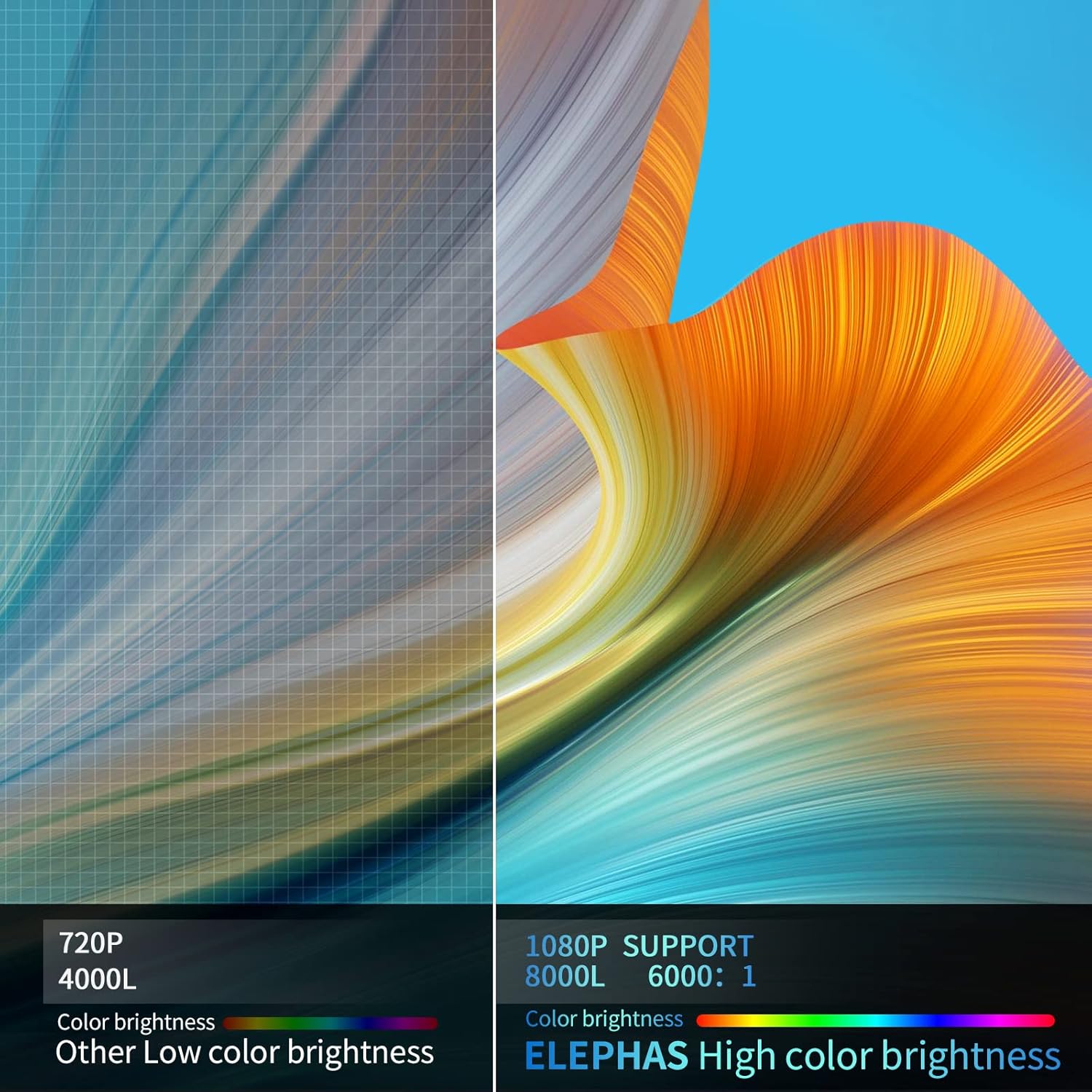
Visual comparison demonstrating the enhanced brightness and color quality of the ELEPHAS projector.

Illustrates the progression of brightness and clarity from lower resolution projectors to the 8000L 1080P ELEPHAS model.
9. Гаранција и подршка
ELEPHAS projectors come with a 3-year factory support warranty. For any issues or inquiries, please contact ELEPHAS customer service. Refer to the contact information provided on the product packaging or the official ELEPHAS webсајту.
The product holds CE, FCC, RoHS, and PSE certificates, ensuring compliance with relevant safety and quality standards.