
Увод
Thank you for choosing the NUARL N6 Pro True Wireless Stereo Earphones. These earphones are designed to deliver high-quality audio with advanced features for an exceptional listening experience. The N6 Pro features the unique NUARL DRIVER [N6] v5 with an SWCNT composite vibrating plate, combined with HDSS technology for clear sound and a wide soundstage. Equipped with Qualcomm's Bluetooth SoC QCC3020, they offer stable connectivity and support Qualcomm aptX audio for superior sound quality with compatible devices. Enjoy up to 11 hours of continuous playback, extended to 55 hours with the included USB Type-C charging case. The earphones are also IPX4 water-resistant, making them suitable for various activities.
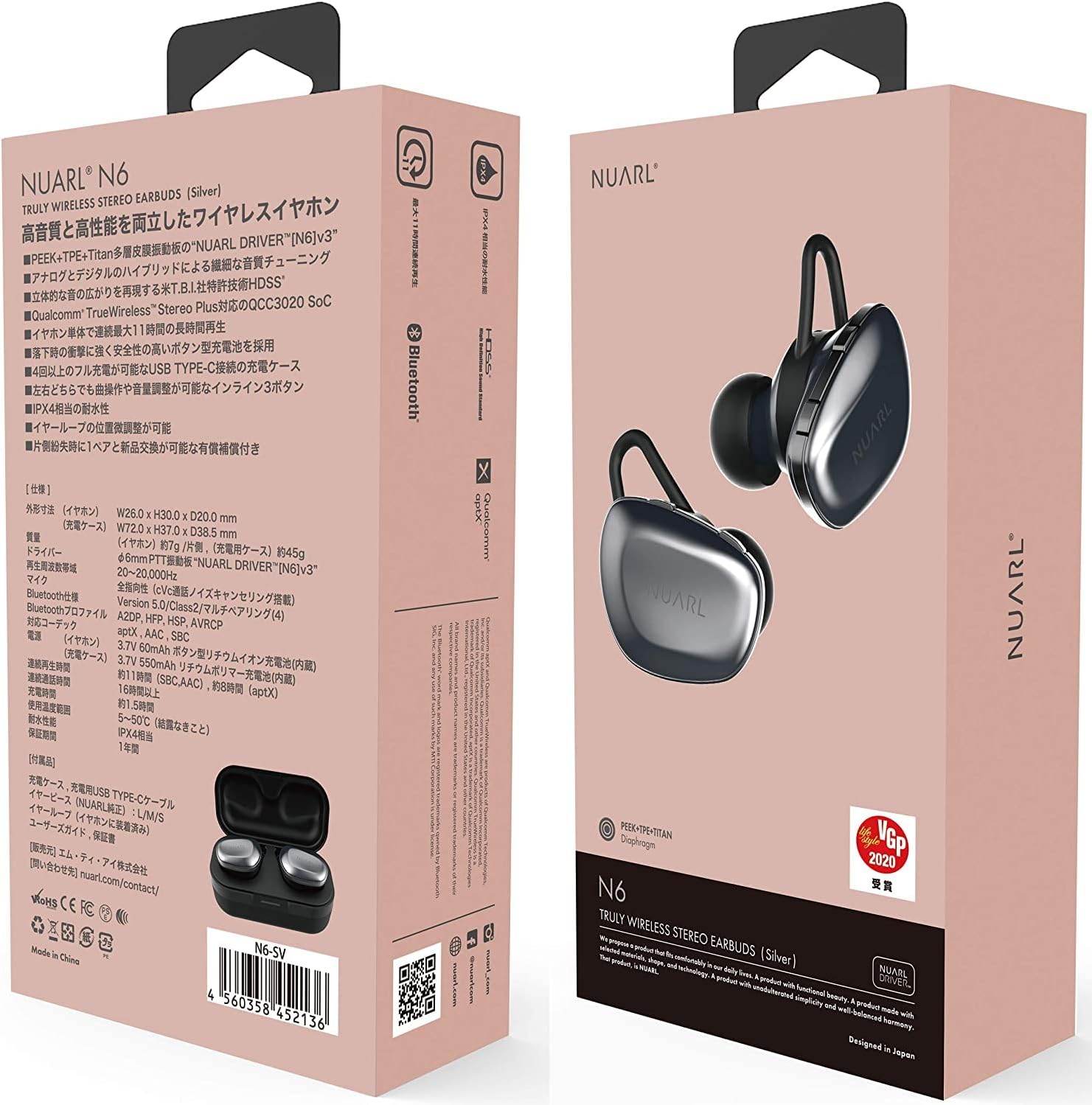
Image: NUARL N6 Pro Earphones packaging.
1. Подешавање
1.1 Садржај пакета
- NUARL N6 Pro True Wireless Earphones (Left and Right)
- Футрола за пуњење
- УСБ кабл за пуњење типа Ц
- SpinFit CP360 Eartips (S/M/L sizes)
- Кориснички приручник (овај документ)
1.2 Пуњење слушалица и футроле
Пре прве употребе, потпуно напуните слушалице и кућиште за пуњење.
- Place the earphones into their respective slots in the charging case. The magnetic contacts will secure them in place.
- Connect the USB Type-C charging cable to the charging port on the case and to a USB power source.
- The front LED on the charging case will indicate the charging status. Once fully charged, the LED indicator will change or turn off depending on the model.

Image: NUARL N6 Pro Earphones inside the charging case.
The charging case can fully recharge the earphones approximately 4 times, providing up to 55 hours of total music playback.
1.3 Почетно упаривање путем Bluetooth-а
To pair your NUARL N6 Pro earphones with your device:
- Уверите се да су слушалице напуњене и стављене у кућиште за пуњење.
- Отворите поклопац кућишта за пуњење. Слушалице ће се аутоматски укључити и ући у режим упаривања.
- На паметном телефону или уређају који подржава Bluetooth, идите на подешавања Bluetooth-а и омогућите Bluetooth.
- Тражи available devices and select "NUARL N6 Pro" from the list.
- Once connected, you will hear an audible confirmation, and the LED indicator on the earphones may change.
For subsequent use, the earphones will automatically reconnect to the last paired device when removed from the case.
2. Употреба слушалица
2.1 Ношење слушалица
For optimal sound quality and comfort, ensure the earphones are properly seated in your ears. The N6 Pro features an asymmetric design to help distinguish the left and right earphones.
- Идентификујте леву (Л) и десну (Р) слушалицу.
- Gently insert each earphone into your ear canal and twist slightly to secure a snug fit.
- Experiment with the included SpinFit CP360 eartips to find the size that provides the best seal and comfort for your ears.

Image: Proper handling of an earphone before wearing.
2.2 Контроле слушалица
The N6 Pro earphones feature three physical buttons on each earbud for easy control of music playback and calls. Both sides have the same functions.
- Пусти/паузирај: Single press the main button.
- Следећа нумера: Double press the main button.
- Претходни запис: Triple press the main button.
- Појачавање/утишавање: Користите посебна дугмад за јачину звука.
- Одговори/заврши позив: Single press the main button during an incoming call or active call.
- Одбиј позив: Press and hold the main button during an incoming call.
- Активирање гласовног помоћника: Press and hold a specific button (refer to quick start guide for exact button).
2.3 Automatic Reconnection and Sleep Mode
The earphones are designed for convenience:
- Аутоматско поновно повезивање: When the earphones are placed in the charging case and the lid is opened, they will automatically power on and attempt to reconnect to the last paired device.
- Режим спавања: When the earphones are placed in the charging case and fully recharged, they will automatically enter sleep mode to conserve the charging case's battery.
3. Одржавање
3.1 Чишћење
Редовно чишћење помаже у одржавању квалитета звука и хигијене:
- Обришите слушалице и кућиште за пуњење меком, сувом крпом која не оставља влакна.
- Уклоните врхове за уши и очистите их благим сапуном и водом, а затим их добро осушите пре него што их поново ставите.
- Gently clean any debris from the earphone nozzles using a small, soft brush or cotton swab.
3.2 Замена врхова за уши
The NUARL N6 Pro comes with SpinFit CP360 eartips in multiple sizes (S/M/L). These eartips are made from medical-grade silicone for comfort and hygiene. Replace them if they become worn or if you prefer a different size for a better fit.
- Gently pull off the existing ear tip from the earphone nozzle.
- Select a new ear tip of the desired size.
- Carefully push the new ear tip onto the earphone nozzle until it is securely attached.

Image: Earphone with a silicone ear tip.
КСНУМКС. Решавање проблема
If you encounter issues with your NUARL N6 Pro earphones, try the following solutions:
- Нема звука:
- Ensure earphones are charged and connected to your device.
- Проверите нивое јачине звука и на слушалицама и на повезаном уређају.
- Покушајте да поново покренете уређај и поново упарите слушалице.
- Неуспешно упаривање:
- Уверите се да је Bluetooth омогућен на вашем уређају и да су слушалице у режиму упаривања.
- Ensure the earphones are not connected to another device. Turn off Bluetooth on other nearby devices.
- Try resetting the earphones (refer to the quick start guide for specific reset instructions if available).
- Intermittent Connection/Sound Dropouts:
- Приближите се повезаном уређају да бисте смањили сметње.
- Избегавајте физичке препреке између слушалица и уређаја.
- Уверите се да нема других јаких бежичних сигнала који би ометали рад.
- Проблеми са наплатом:
- Проверите да ли је кабл за пуњење безбедно повезан и са кућиштем и са извором напајања.
- Проверите да ли су контакти за пуњење на слушалицама и унутар кућишта чисти и без прљавштине.
- Покушајте са другим УСБ каблом или адаптером за напајање.
5. Спецификације
| Феатуре | Детаљ |
|---|---|
| Бранд | НУАРЛ |
| Број модела | N6PRO-MB |
| Постављање уха | Ин Еар |
| Контрола буке | Активно поништавање буке |
| Технологија повезивања | бежични (Блуетоотх) |
| Блуетоотх верзија | 5 |
| Тип аудио драјвера | Dynamic Driver (NUARL DRIVER [N6] v5) |
| Подржани кодеци | аптКс |
| Време репродукције | Up to 11 hours (8 hours with aptX audio) |
| Укупно време репродукције (са футролом) | До 55 сати |
| Порт за пуњење | УСБ Типе-Ц |
| Ниво отпорности на воду | ИПКС4 |
| Тежина артикла | 7 Grams (per earphone) |
| Посебне карактеристике | HDSS, TrueWireless Stereo Plus, Button-type battery, SpinFit CP360 eartips |
6. Информације о гаранцији
NUARL products are manufactured to the highest quality standards. This product is covered by a limited warranty against defects in materials and workmanship. Please refer to the warranty card included in your package or visit the official NUARL webсајт за детаљне услове гаранције.
7. Корисничка подршка
For further assistance, technical support, or inquiries regarding your NUARL N6 Pro earphones, please contact NUARL customer service. Contact information can typically be found on the official NUARL webсајту или у паковању производа.
Службено Webсајт: нуарл.цом