
Amazon B085WTYQ4X
Амазон Ецхо Будс упутство за употребу
Model: B085WTYQ4X
Увод
This manual provides comprehensive instructions for the setup, operation, maintenance, and troubleshooting of your Amazon Echo Buds with Active Noise Cancellation. Please read this manual carefully to ensure proper use and to maximize the performance of your device.
Производ је завршенview
The Amazon Echo Buds are wireless earbuds designed to deliver dynamic audio with active noise cancellation. They feature hands-free Alexa integration, a compact and comfortable design, and a long-lasting battery.

Image: Amazon Echo Buds (black) with their charging case open, showing the earbuds nestled inside. The case is compact and dark-colored.

Слика: Крупни план view of two black Amazon Echo Buds, highlighting their sleek design and the Amazon smile logo on each earbud.
Шта је укључено
Your Amazon Echo Buds package includes:
- Ецхо Будс (2. Ген)
- Футрола за пуњење
- 4 пара врхова за уши
- 2 пара врхова крила
- УСБ-Ц кабл
- Водич за брзи почетак
Сетуп
1. Charging Your Echo Buds
Before first use, fully charge your Echo Buds and the charging case. Connect the USB-C cable to the charging case and a power source. The LED indicator on the case will show charging status.
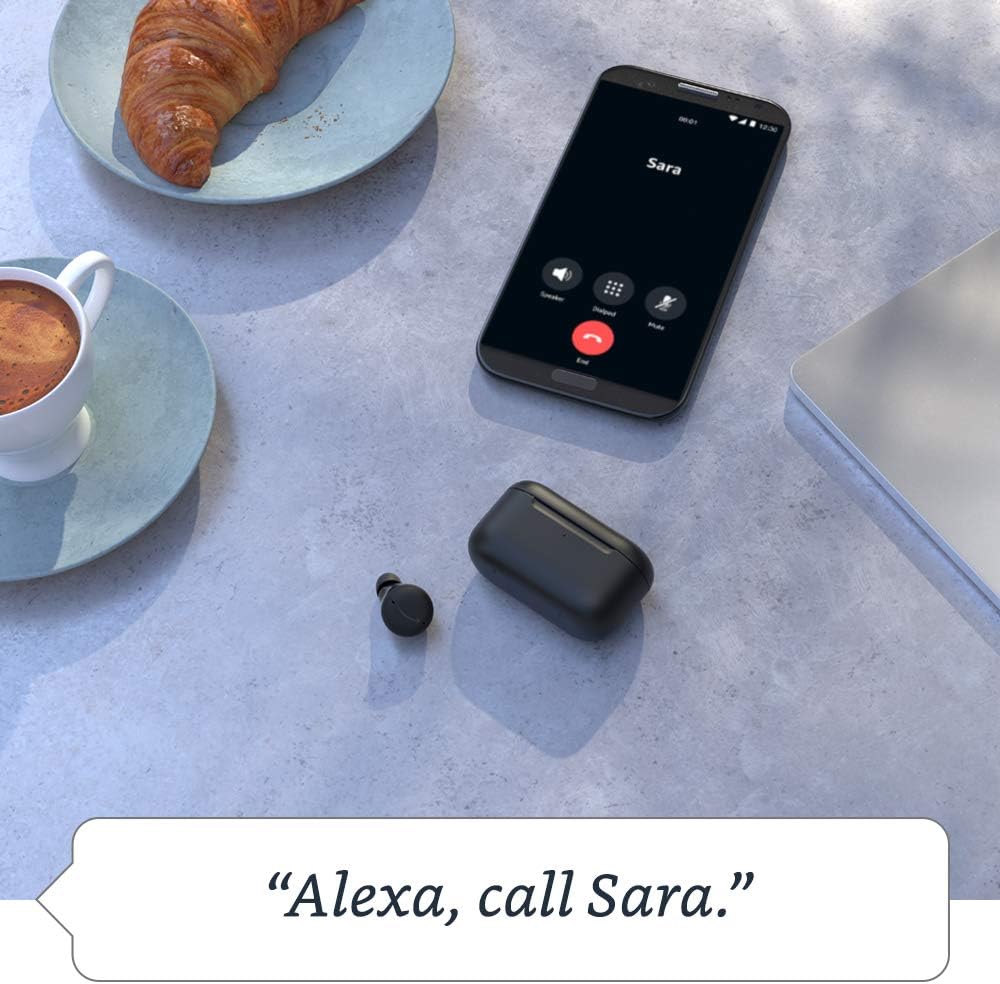
Image: The Echo Buds charging case resting on a wooden table next to a pair of glasses and a notebook, illustrating its compact size and portability.
2. Упаривање са вашим уређајем
- Open the charging case with the Echo Buds inside.
- Уверите се да је Блутут омогућен на вашем паметном телефону или таблету.
- Open the Alexa app. If you don't have it, download it from your device's app store.
- Follow the on-screen instructions in the Alexa app to complete the pairing process.
3. Finding Your Fit
Proper fit is crucial for optimal sound quality and Active Noise Cancellation (ANC) performance. Experiment with the included ear tips and wing tips to find the most secure and comfortable fit for your ears.
- Уметните слушалицу у ушни канал.
- Gently twist the earbud until it feels secure and forms a good seal.
- Use the "Ear Tip Fit Test" in the Alexa app to verify your fit.
Operating Your Echo Buds
Отказивање активне буке (АНЦ)
The Echo Buds feature Active Noise Cancellation to reduce background noise. You can toggle ANC on/off or adjust its intensity via the Alexa app.

Image: A single black Echo Bud shown with a visual representation of sound waves, illustrating the concept of active noise cancellation.
Алекса без употребе руку
Access Alexa by simply saying "Alexa" followed by your command. You can use Alexa to:
- Stream music, podcasts, and Audible audiobooks.
- Упућујте позиве и шаљите поруке.
- Set reminders and add items to your shopping list.
- Контролишите паметне кућне уређаје.
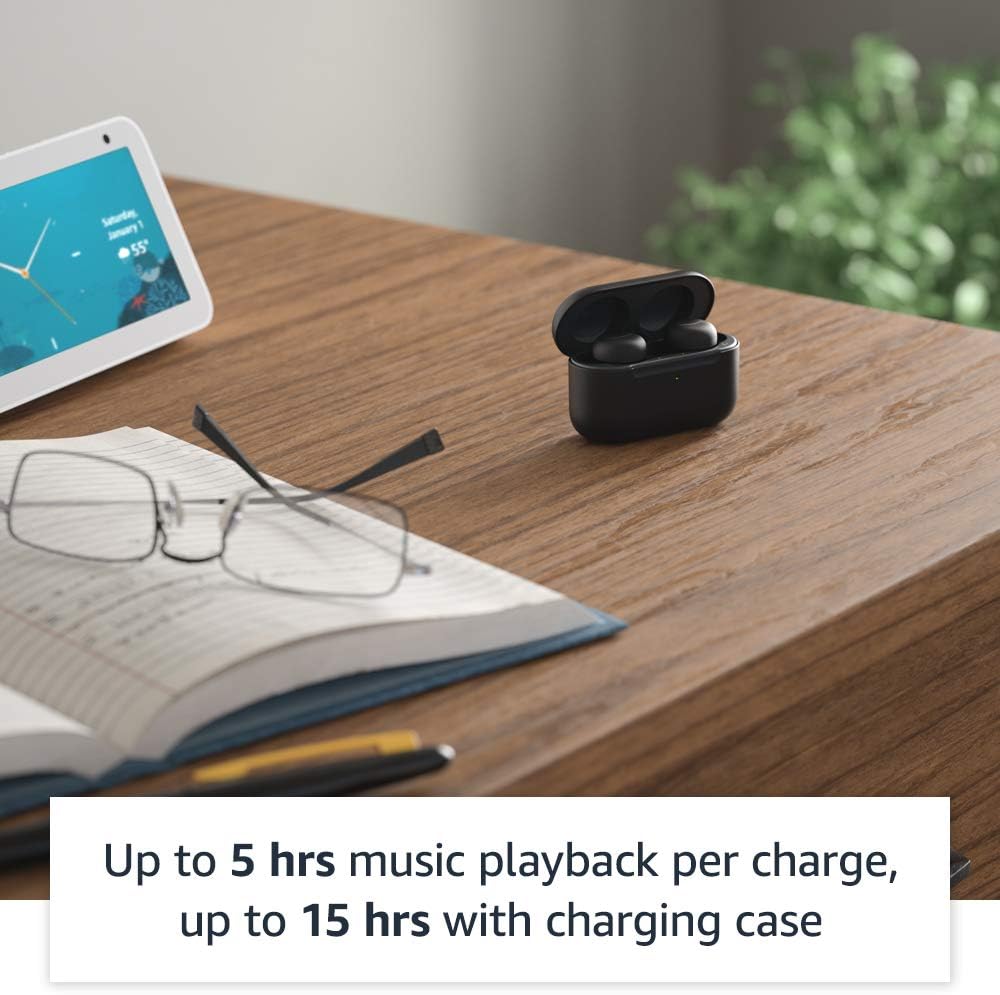
Image: A smartphone screen displaying a call interface with the text "Alexa, call Sara." below it, demonstrating the voice command feature of the Echo Buds.
Додирните контроле
The Echo Buds feature customizable touch controls for playback, calls, and activating voice assistants. You can configure these settings within the Alexa app.
Упаривање у више тачака
The Echo Buds support multipoint pairing, allowing them to connect to two devices simultaneously and seamlessly switch between them.
Одржавање
Чишћење ваших Echo Buds слушалица
Regularly clean your Echo Buds and charging case to maintain optimal performance and hygiene.
- Use a soft, dry, lint-free cloth to wipe the earbuds and case.
- Уклоните врхове за уши и очистите их благим сапуном и водом, а затим их добро осушите пре него што их поново ставите.
- Do not use abrasive cleaners or submerge the earbuds or case in water.
Трајање батерије
Да бисте максимално продужили век трајања батерије:
- Store the earbuds in the charging case when not in use.
- Charge the case regularly.
- A 15-minute quick charge provides up to 2 hours of music playback.
Решавање проблема
Уобичајени проблеми и решења
| Иссуе | Могући узрок | Решење |
|---|---|---|
| Нема звука из слушалица | Low battery, not paired, incorrect audio output selected. | Charge earbuds, re-pair with device, check device's audio settings. |
| АНК није ефикасан | Poor earbud fit, ANC disabled. | Adjust earbud fit, perform Ear Tip Fit Test in Alexa app, enable ANC in Alexa app. |
| Алека не одговара | Microphones muted, no internet connection, app issue. | Ensure mics are not muted in Alexa app, check Wi-Fi/data connection, restart Alexa app or phone. |
| Слушалице се не пуне | Improper placement in case, dirty charging contacts, faulty cable/charger. | Ensure earbuds are seated correctly, clean charging contacts, try a different USB-C cable/charger. |
Resetting Your Echo Buds
If issues persist, you may need to reset your Echo Buds. Refer to the Alexa app for specific instructions on performing a factory reset.
Спецификације
- Величина (ушице): 20.0 x 19.1 x 19.1 mm (without ear tip or wing tip)
- Size (Case): 66.8 к 28.6 к 39.1 мм
- Weight (Earbud): 5.7 g (without ear tip or wing tip)
- Weight (Case): 44.4 g (47.6 g for wireless charging case)
- Повезивање: Bluetooth 5.0, Wi-Fi or mobile data connection (via Alexa app)
- говорници: 5.7 мм динамички драјвер
- микрофони: 3 per earbud (2 external beamforming + 1 internal)
- ИПКС оцена: IPX4 (earbuds only) - tested to withstand water splashing
- Трајање батерије: Up to 5 hours music playback with ANC/Hands-Free Alexa; up to 15 hours total with charging case. Up to 2 hours with 15-minute quick charge.
- Процесори: Realtek RTL8763C Bluetooth System on Chip, NXP Digital Signal Processor
Гаранција и подршка
Your Amazon Echo Buds come with a 1-year limited warranty and service. Extended warranties may be available for purchase separately.
За даљу помоћ, посетите Подршка за Амазон уређаје page or contact Amazon Customer Service.
Функције приватности
Amazon Echo Buds are designed with multiple layers of privacy controls, including wake word technology, a streaming indicator, a mute button in the Alexa app, and the ability to view and delete your voice recordings. For more details, visit the Алека центар за приватност.
Ask a question about this manual
Ask about setup, troubleshooting, compatibility, parts, safety, or missing instructions. Manuals+ will review the question and use this page’s manual context to help answer it.