
Увод
This manual provides comprehensive instructions for the safe and efficient use of your TUINYO TP19 Bluetooth Wireless Over-Ear Headphones. Please read this manual thoroughly before operating the device and retain it for future reference.

Image: TUINYO TP19 Bluetooth Wireless Over-Ear Headphones, showcasing the sleek design in black and blue.
Безбедносне информације
- Избегавајте продужено излагање високим нивоима јачине звука да бисте спречили оштећење слуха.
- Не користите слушалице док возите аутомобил, бицикл или у ситуацијама где би немогућност чувања амбијенталних звукова могла бити опасна.
- Држите уређај даље од воде, влаге и екстремних температура.
- Do not attempt to disassemble or modify the headphones. This may void the warranty and cause damage.
- Clean the headphones with a soft, dry cloth. Avoid using harsh chemicals.
Садржај пакета
- TUINYO TP19 Bluetooth Wireless Over-Ear Headphones
- Мицро УСБ кабл за пуњење
- 3.5 мм аудио кабл
- Протецтиве Цасе
- Кориснички приручник (овај документ)

Image: All items included in the TUINYO TP19 headphone package: the headphones, a protective case, a micro USB charging cable, and a 3.5mm audio cable.
Производ је завршенview
The TUINYO TP19 headphones feature a comfortable over-ear design with soft memory-protein earmuffs and an adjustable stainless steel headband for a perfect fit. Controls are intuitively placed on the earcup.

Слика: Детаљна view of the headphone's ergonomic features: leather-padded headband, adjustable headband mechanism, soft memory-protein earmuffs, and the equalizer (EQ) button.
Кључне карактеристике:
- High Fidelity Stereo Sound: Powered by 40mm neodymium drivers for immersive audio.
- Удобан дизајн: Memory-protein ear cushions and adjustable headband for extended wear.
- Двоструки режим: Supports both wireless Bluetooth and wired 3.5mm audio connections.
- Дуг век трајања батерије: До 40 сати играња са једним пуњењем.
- Уграђени микрофон: For hands-free calls and voice commands.
- Преклопни дизајн: За лаку преносивост и складиштење.
Сетуп
1. Пуњење слушалица
- Connect the micro USB charging cable to the charging port on the headphones.
- Повежите други крај кабла са УСБ адаптером за напајање (није укључен) или УСБ портом рачунара.
- The LED indicator will show charging status (typically red while charging, off or blue when fully charged).
- A full charge takes approximately 2-2.5 hours and provides up to 40 hours of music playtime.

Image: Graphic illustrating the impressive battery duration, highlighting up to 35 hours of battery life and a quick charge feature where 15 minutes of charging provides 3 hours of playtime.
2. Укључивање/искључивање
- Укључено: Press and hold the Power button (usually the multi-function button) for a few seconds until the LED indicator lights up and you hear a power-on prompt.
- Искључивање: Press and hold the Power button again for a few seconds until the LED indicator turns off and you hear a power-off prompt.
3. Блуетоотх упаривање
- Уверите се да су слушалице искључене.
- Притисните и држите дугме за напајање отприлике 5-7 секунди док ЛЕД индикатор не почне наизменично да трепери црвено и плаво, што указује на режим упаривања.
- На свом уређају (паметном телефону, таблету, рачунару) омогућите Блутут и потражите доступне уређаје.
- Select "TP 19" from the list of devices.
- Once paired, the LED indicator will flash blue slowly, and you will hear a connection confirmation.
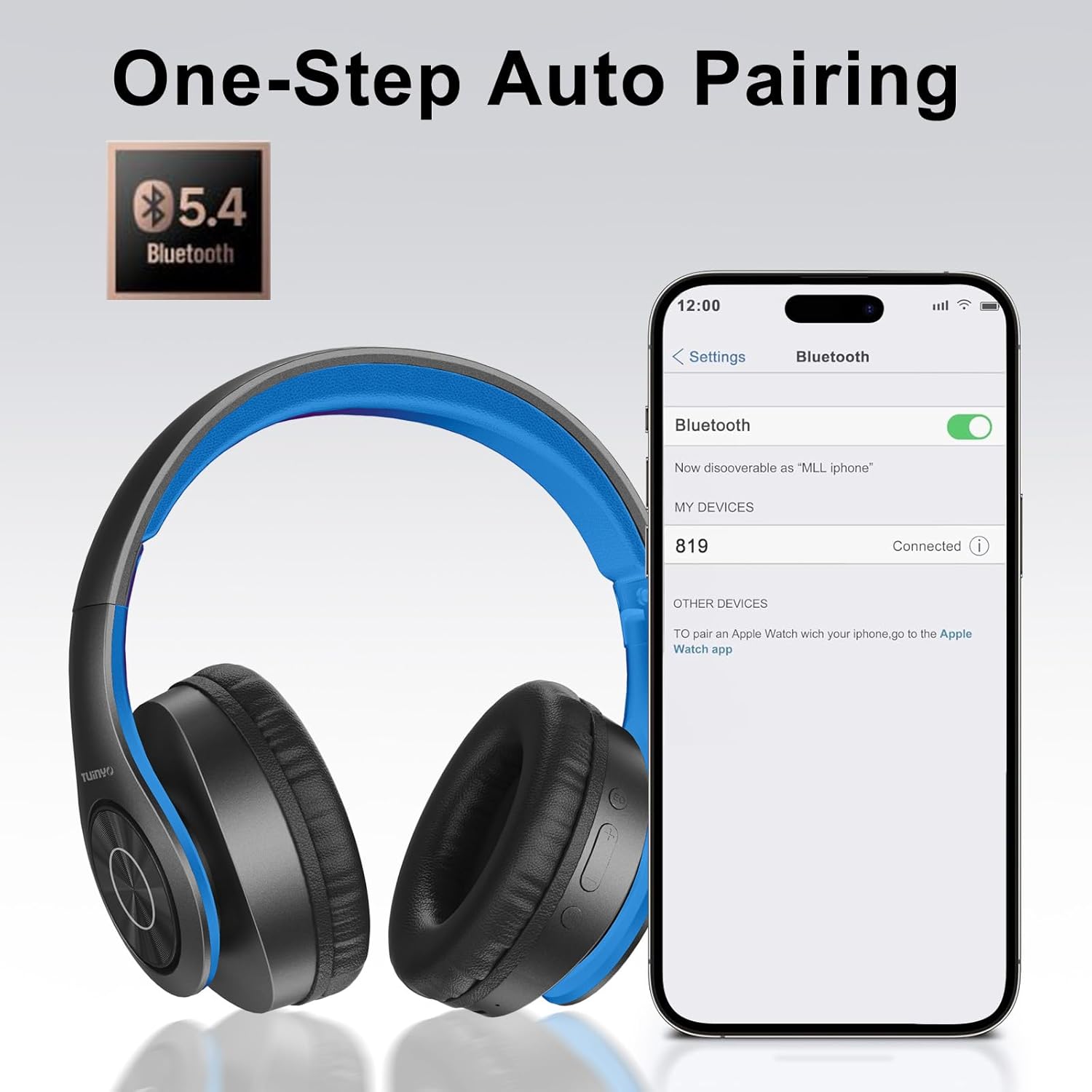
Image: A smartphone screen displaying the Bluetooth settings, showing the "819" (representing the TP19 headphones) successfully connected, illustrating the one-step auto pairing feature.
Video: An official TUINYO video demonstrating the Bluetooth pairing process and showing the headphones in use. This video highlights the ease of connecting the headphones to a device.
Упутство за употребу
1. Wireless Mode
- Пусти/паузирај: Притисните вишенаменско дугме једном.
- Појачавање звука: Притисните дугме „+“.
- Смањивање јачине звука: Притисните дугме „-“.
- Следећа нумера: Притисните и држите дугме „+“.
- Претходни запис: Притисните и држите дугме „-“.
2. Жични режим
When the battery is low or if you prefer a wired connection, you can use the included 3.5mm audio cable.
- Повежите један крај 3.5 мм аудио кабла са аудио улазом на слушалицама.
- Connect the other end to your audio device's 3.5mm jack.
- In wired mode, controls on the headphones may be limited, and playback will be controlled by your connected device.
3. Позовите функције
- Одговори/заврши позив: Притисните вишенаменско дугме једном.
- Одбиј позив: Притисните и држите вишенаменско дугме 2 секунди.
- Поновно бирање последњег броја: Двапут притисните вишенаменско дугме.
4. Гласовни асистент
The headphones support voice-enabled assistants like Siri. Press the Multi-function button twice to activate your device's voice assistant.
5. Sound Effects (EQ Mode)
The headphones feature multiple sound effects (EQ modes) to customize your listening experience. Press the EQ button (often labeled "EQ" or a similar icon) to cycle through available modes such as Normal, Rock, Pop, Classic, Jazz, and Country.
Video: An official TUINYO video showcasing the various sound modes and controls on the headphones, demonstrating how to switch between different equalizer settings.
Одржавање
- Store the headphones in the protective case when not in use to prevent damage.
- Држите порт за пуњење и аудио прикључак чистим од прашине и прљавштине.
- Avoid exposing the headphones to direct sunlight or extreme heat for extended periods.
- Do not use abrasive cleaners or solvents on the headphones.
Решавање проблема
| Проблем | Решење |
|---|---|
| Слушалице се неће укључити. | Уверите се да су слушалице потпуно напуњене. Прикључите их на извор напајања и покушајте поново. |
| Упаривање са уређајем није могуће. |
|
| Нема звука у бежичном режиму. |
|
| Нема звука у жичном режиму. |
|
Спецификације
| Феатуре | Детаљ |
|---|---|
| Назив модела | ТП 19 |
| Технологија повезивања | бежични (Блуетоотх) |
| Бежична комуникациона технологија | Блуетоотх 5.1 |
| Блуетоотх домет | 10 метара |
| Тип аудио драјвера | Динамички возач |
| Величина аудио драјвера | 40 милиметара |
| Фреквенцијски одзив | 20 КХз |
| Импеданса | 32 Охмс |
| Трајање батерије | 40 сата |
| Време пуњења | 2.5 сата |
| Јацк за слушалице | 3.5 мм прикључак |
| Тип контроле | Гласовна контрола, додир |
| Посебна карактеристика | Фолдабле |
| Тежина артикла | 8.9 унци (251 грама) |
| Димензије производа | 6.85 к 3.9 к 9.72 инча |
| Материјал | Пластика |
| Укључене компоненте | Cable, Protective Case, micro usb cable |
Гаранција и подршка
By choosing TUINYO, you are covered by a 30-day hassle-free return policy and a one-year warranty. For any inquiries or assistance, please contact our prompt and friendly customer service, available 24/7.
For further support, visit the official TUINYO store: TUINYO Store