
1. Увод
Thank you for choosing the Tribit FlyBuds C1 True Wireless Earbuds (Model BTH91). This manual provides essential information for setting up, operating, and maintaining your new earbuds. Please read it thoroughly to ensure optimal performance and longevity of your device.

Image: Tribit FlyBuds C1 Wireless Earbuds and Charging Case.
2. Безбедносне информације
To prevent damage to your earbuds or injury to yourself, please observe the following safety precautions:
- Не растављајте или модификујте слушалице или кућиште за пуњење.
- Држите уређај даље од екстремних температура, директне сунчеве светлости и отвореног пламена.
- Avoid exposing the earbuds to water for prolonged periods, despite their IPX8 rating. Ensure the charging port cover is securely closed before exposure to liquids.
- Не користите абразивна средства за чишћење или јаке хемикалије за чишћење уређаја.
- Слушајте на умереним нивоима јачине звука како бисте спречили оштећење слуха.
- Чувати ван домашаја деце и кућних љубимаца.
3. Садржај пакета
The Tribit FlyBuds C1 package includes:
- Tribit FlyBuds C1 Earbuds (Model BTH91)
- Футрола за пуњење
- УСБ-Ц кабл за пуњење
- Ланиард
- 6 Pairs of Silicone Ear Tips (various sizes)
- Упутство за употребу
- 18-месечна гаранција
Image: All items included in the Tribit FlyBuds C1 retail package.
4. Подешавање
4.1. Пуњење слушалица и футроле
Пре прве употребе, потпуно напуните слушалице и кућиште за пуњење.
- Ставите слушалице у кутијицу за пуњење. Уверите се да су правилно постављене у одговарајуће отворе.
- Connect the USB-C charging cable to the charging port on the case and to a power source. The LED indicators on the case will show charging status. A full charge takes approximately 1.5 hours.
- The charging case also supports wireless charging. Simply place the case on a compatible wireless charging pad.
The earbuds provide up to 5 hours of playback on a single charge, and the charging case extends total playtime to up to 100 hours.
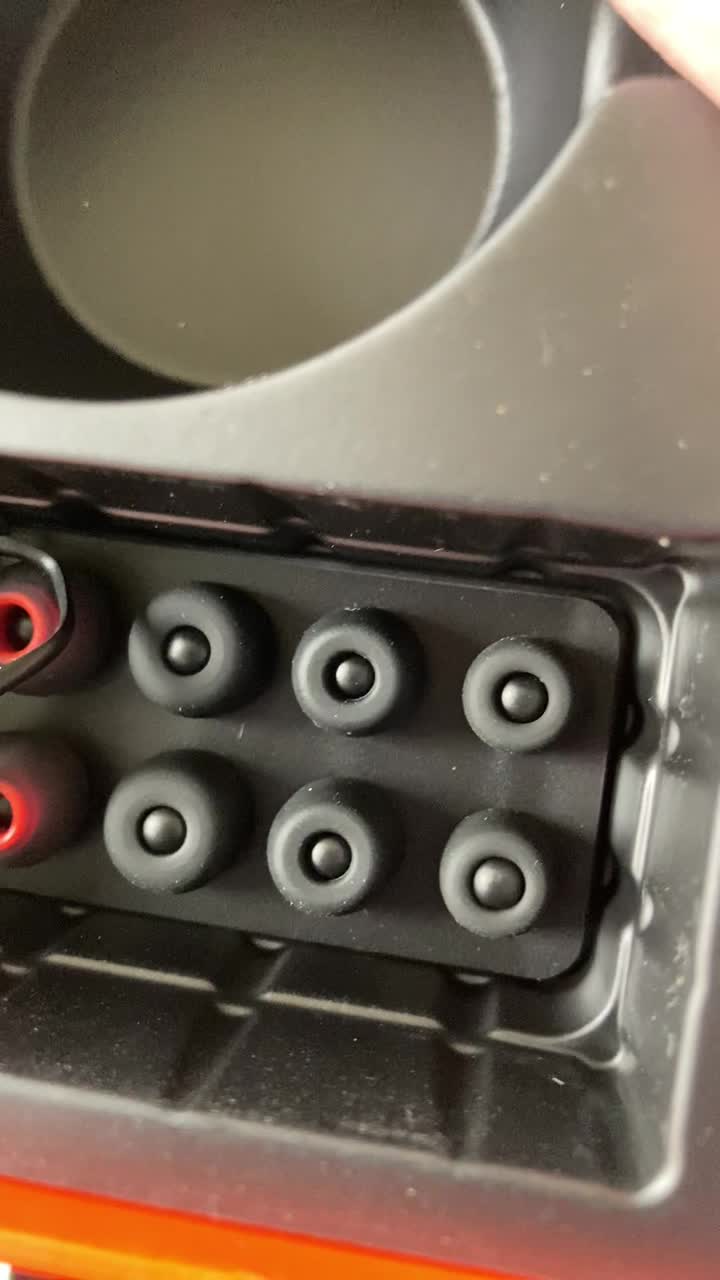
Image: Tribit FlyBuds C1 earbuds charging inside their case, with battery indicator lights visible.
4.2. Упаривање са вашим уређајем
The Tribit FlyBuds C1 feature one-step pairing for convenience.
- Отворите кућиште за пуњење. Слушалице ће аутоматски ући у режим упаривања.
- На свом уређају (паметном телефону, таблету, лаптопу) омогућите Блутут и потражите доступне уређаје.
- Select "Tribit FlyBuds C1" from the list of devices. Once connected, a voice prompt will confirm successful pairing.
- The earbuds will automatically connect to the last paired device when the case is opened. To unpair, press and hold the button on the charging case.
4.3. Постављање слушалица
За оптималан квалитет звука и удобност, изаберите одговарајућу величину врхова за уши.
- Experiment with the 6 included pairs of silicone ear tips to find the best fit for your ears. A snug fit ensures better bass response and noise isolation.
- Пажљиво уметните слушалице у ушни канал и лагано их окрените да бисте их причврстили.
Image: Selection of silicone ear tips for personalized fit.
5. Упутство за употребу
5.1. Укључивање/искључивање
- Укључено: Отворите кућиште за пуњење и слушалице ће се аутоматски укључити.
- Искључивање: Вратите слушалице у кутијицу за пуњење и затворите поклопац. Аутоматски ће се искључити и почети са пуњењем.
5.2. Репродукција музике
The Tribit FlyBuds C1 feature physical buttons for control:
- Пусти/паузирај: Притисните дугме на било којој слушалици једном.
- Следећа нумера: Double-press the button on the right earbud.
- Претходни запис: Double-press the button on the left earbud.
Note: Volume control is not directly available on the earbuds. Please adjust volume via your connected device.
5.3. Управљање позивима
- Одговори/заврши позив: Притисните дугме на било којој слушалици једном.
- Одбиј позив: Press and hold the button on either earbud for 2 seconds.
- Активирајте гласовног асистента (Сири, Гугл асистент): Triple-press the button on either earbud.
The earbuds feature 4 microphones with CVC 8.0 Call Noise Reduction for clear calls.
5.4. Режим једне слушалице
Either earbud can be used independently. Simply take one earbud out of the case, and it will automatically connect to your device. The other earbud can remain in the case or be used later.
5.5. IPX8 водоотпорност
The Tribit FlyBuds C1 are IPX8 rated, offering protection against sweat, splashes, and submersion in water up to 1 meter for 30 minutes. This makes them suitable for sports and exercise in various weather conditions.
- Ensure the USB-C charging port cover is securely closed before exposing the earbuds to water.
- Do not charge the earbuds if they are wet. Dry them thoroughly before placing them back in the charging case.
6. Одржавање
Proper maintenance ensures the longevity and performance of your Tribit FlyBuds C1.
- Чишћење: Regularly clean the earbuds and charging case with a soft, dry, lint-free cloth. For ear tips, remove them and wash with mild soap and water, then dry completely before reattaching.
- Складиштење: Када се не користе, чувајте слушалице у њиховој футроли за пуњење како бисте их заштитили и одржали напуњеним. Чувајте их на хладном и сувом месту, даље од екстремних температура.
- Избегните штету: Do not drop, puncture, or expose the device to strong impacts.
КСНУМКС. Решавање проблема
If you encounter issues with your Tribit FlyBuds C1, try the following solutions:
| Проблем | Решење |
|---|---|
| Слушалице се не упарују |
|
| Нема звука или је тиха |
|
| Слушалице се не пуне |
|
| Интермитентна веза |
|
8. Спецификације
| Феатуре | Детаљ |
|---|---|
| Назив модела | BTH91 (FlyBuds C1) |
| Технологија повезивања | бежични (Блуетоотх) |
| Блуетоотх верзија | 5.2 |
| Блуетоотх домет | 10 метара |
| Трајање батерије (слушалице) | До 5 сата по пуњењу |
| Укупно време репродукције (са кућиштем за пуњење) | До 100 сати |
| Време пуњења | Приближно 1.5 сати (кутија) |
| Ниво отпорности на воду | ИПКС8 (водоотпоран) |
| Функције контроле буке | CVC 8.0 Call Noise Reduction, Sound Isolation |
| Контролни метод | Физичко дугме |
| Порт за пуњење | USB-C, Wireless Charging (Qi-compatible) |
| Тежина артикла | 2.4 унци |
| Димензије производа | 2.4 к 2.4 к 1.2 инча |
9. Гаранција и подршка
Tribit provides an 18-month warranty for the FlyBuds C1 (Model BTH91) from the date of purchase. This warranty covers manufacturing defects and ensures your product is free from material and workmanship flaws under normal use.
For warranty claims, technical support, or any questions regarding your product, please contact Tribit customer service:
- Емаил: суппорт@трибитаудио.цом
- Карта за подршку: Посетите tribitaudio.com/support
- Телефон: 1-888-232-3138 (Mon-Fri, 9:00-6:00 PST [US])
Please have your purchase receipt and product model number (BTH91) ready when contacting support.