
1. Увод
Thank you for choosing the Glorious Model O- (Minus) Gaming Mouse. This manual provides essential information for setting up, operating, and maintaining your new gaming mouse. The Model O- (Minus) is engineered for competitive e-sports, featuring an ultralight design, a flexible Ascended Cord, and customizable RGB lighting to enhance your gaming experience.
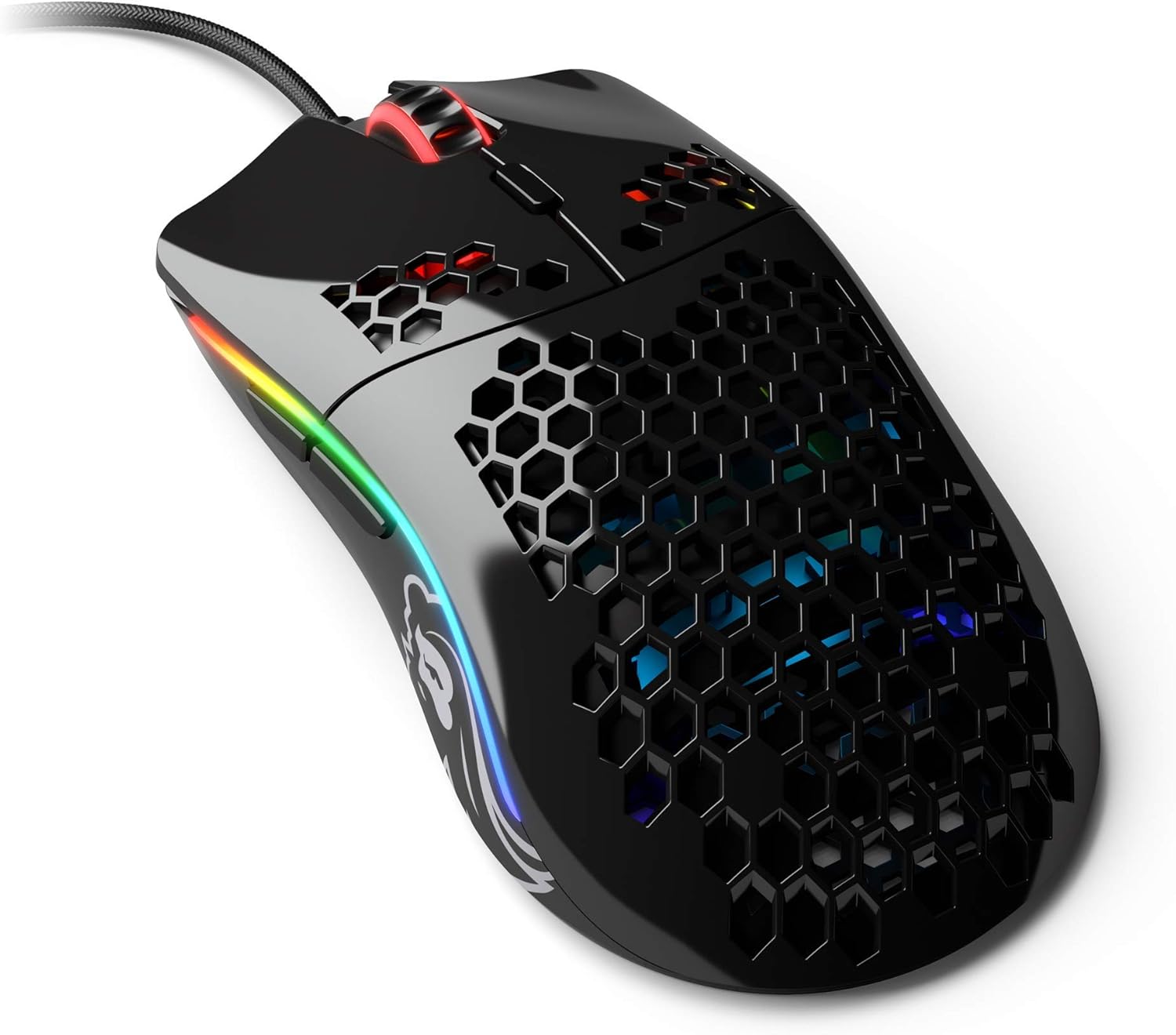
Image: The Glorious Model O- (Minus) Gaming Mouse in Glossy Black, showcasinг његов дизајн шкољке у облику саћа и RGB осветљење.
2. Подешавање
2.1 Садржај пакета
Before proceeding, please ensure all components are present:
- Glorious Model O- (Minus) Gaming Mouse
- Ascended Cord (attached)
- Водич за брзи почетак (овај документ)
2.2 Повезивање миша
- Пронађите слободан УСБ порт на рачунару.
- Plug the USB connector of the Glorious Model O- (Minus) into the USB port.
- The mouse is plug-and-play and should be recognized automatically by your operating system.

Image: The Glorious Ascended Cord, a lightweight and flexible USB cable designed to minimize drag.
2.3 Software Installation (Glorious Core)
For advanced customization of DPI settings, button assignments, and RGB lighting, download the Glorious Core software from the official Glorious webсајт (www.gloriousgaming.com/pages/glorious-core). Пратите упутства на екрану за инсталацију.

Image: Screenshot of the Glorious Core software interface, demonstrating options for lighting and key binding customization for the mouse.
3. Упутство за употребу
3.1 Основне функције миша
- Леви клик: Примарно дугме за акцију.
- Десни клик: Дугме за секундарну акцију, обично за контекстне меније.
- Точак за померање: Помера садржај горе/доле. Такође се може кликнути за функционалност средњег клика.
- Бочна дугмад: Programmable buttons, typically for forward/back navigation in browsers or in-game actions.
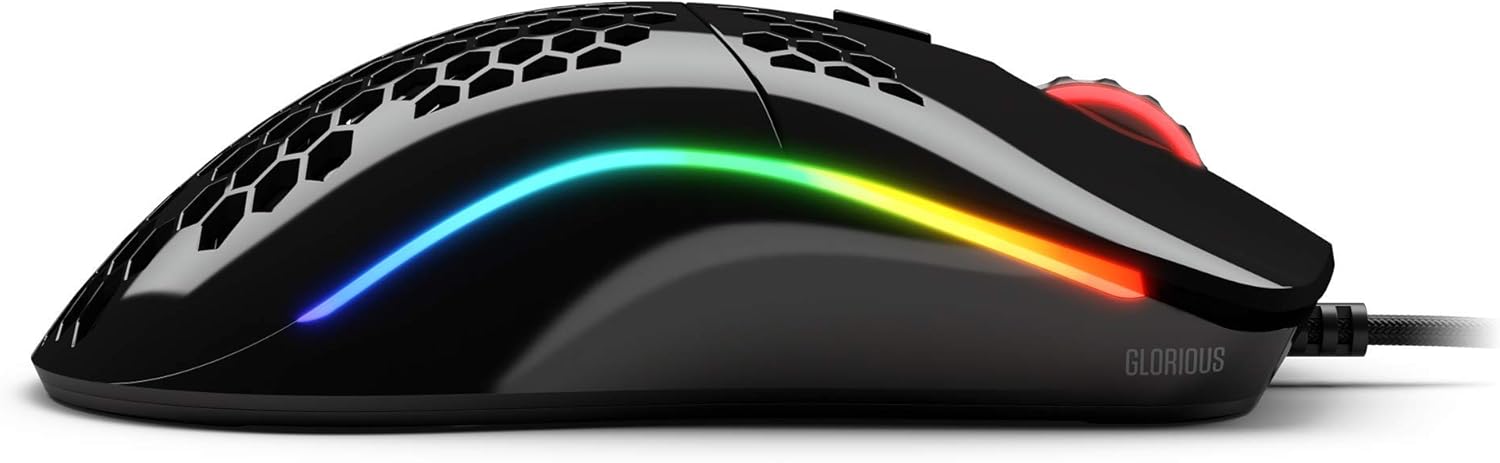
Слика: Са стране view of the Glorious Model O- (Minus) mouse, highlighting the two programmable side buttons and the vibrant RGB lighting strip.
3.2 ДПИ подешавање
The Model O- (Minus) features a dedicated DPI button on the underside of the mouse. Press this button to cycle through pre-set DPI stages. The default DPI stages can be customized using the Glorious Core software.
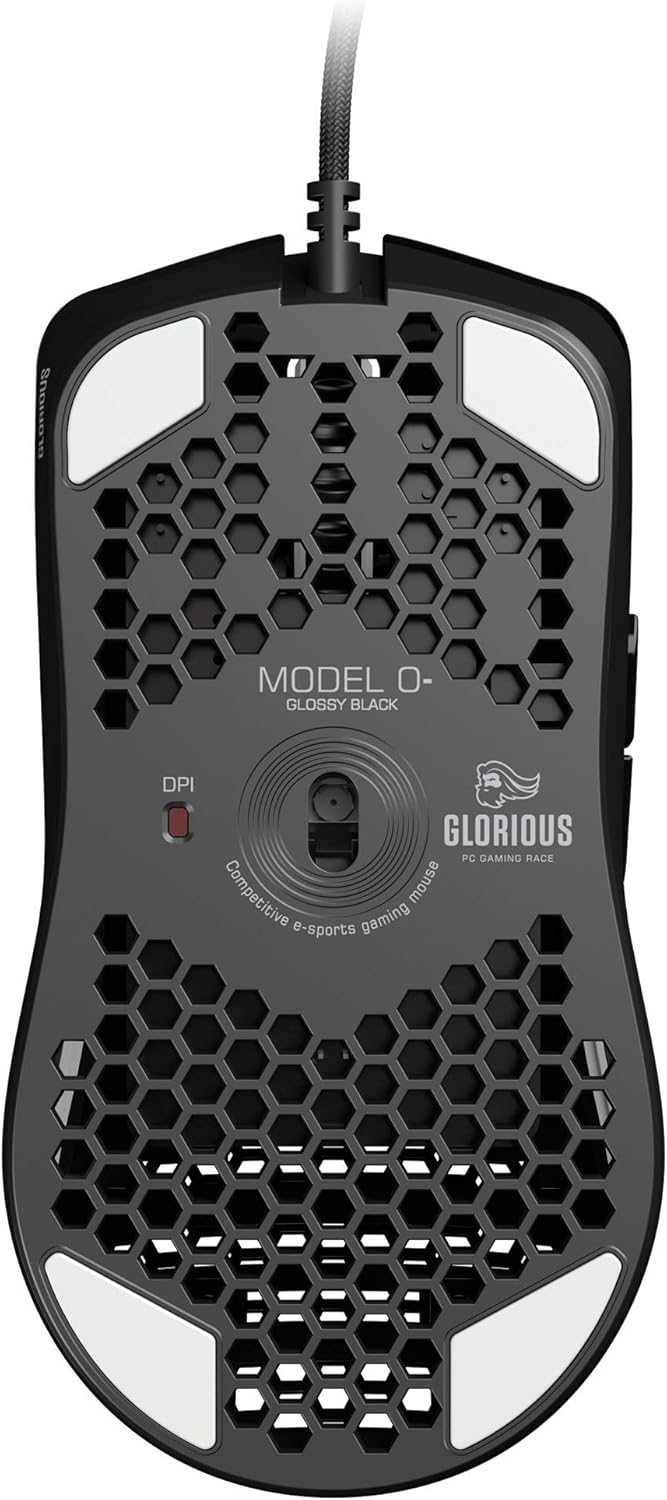
Image: The underside of the Glorious Model O- (Minus) mouse, clearly showing the DPI switch button and the optical sensor.
3.3 Прилагођавање RGB осветљења
The RGB lighting on your Glorious Model O- (Minus) can be fully customized using the Glorious Core software. You can select from various effects, colors, and brightness levels to match your setup or mood.
4. Одржавање
4.1 Чишћење миша
- Ensure the mouse is disconnected from your computer before cleaning.
- Лагано користите меку крпу која не оставља длачице дampводом или благим раствором за чишћење обришите површину миша.
- За оптички сензор, користите памучни штапић лагано дampened with isopropyl alcohol to gently clean the lens. Avoid excessive moisture.
- Do not use harsh chemicals or abrasive materials, as these can damage the mouse's finish or internal components.
4.2 Одржавање каблова
The Ascended Cord is designed to be lightweight and flexible. Avoid sharp bends or excessive pulling on the cable to prevent damage. Use a cable tie or management system to keep the cable tidy and prevent tangles.
КСНУМКС. Решавање проблема
5.1 Миш не реагује
- Уверите се да је USB кабл безбедно прикључен у исправан USB порт на рачунару.
- Покушајте да прикључите миш на други УСБ порт.
- Поново покрените рачунар.
- Тестирајте миш на другом рачунару да бисте утврдили да ли је проблем са мишем или вашим системом.
5.2 Inconsistent Tracking or Cursor Movement
- Clean the optical sensor as described in the Maintenance section.
- Уверите се да користите миш на чистој, равномерној површини (нпр. подлога за миш). Избегавајте површине са високим рефлектујућим својствима или провидне површине.
- Check DPI settings using the DPI button or Glorious Core software.
- Update your mouse drivers or Glorious Core software to the latest version.
5.3 RGB Lighting Not Working Correctly
- Ensure Glorious Core software is installed and up to date.
- Check the lighting settings within Glorious Core to ensure RGB is enabled and configured as desired.
- Поново покрените рачунар.
6. Спецификације
| Феатуре | Детаљ |
|---|---|
| Димензије производа | 4.72 к 2.48 к 1.42 инча |
| Тежина артикла | 2.08 унци |
| Технологија повезивања | УСБ (жични) |
| Технологија детекције покрета | Оптицал |
| Боја | Глосси Блацк |
| Посебна карактеристика | Амбидекстросан дизајн |
| Произвођач | Glorious PC Gaming Race |
7. Гаранција и подршка
7.1 Информације о гаранцији
The Glorious Model O- (Minus) Gaming Mouse comes with a 2-годишња гаранција. This warranty covers manufacturing defects and ensures hassle-free return and replacement on all Glorious electronic devices. Please retain your proof of purchase for warranty claims.
7.2 Корисничка подршка
If you encounter any issues not covered in this manual or require further assistance, please contact Glorious customer support through their official webсајт:
- Webсајт: www.gloriousgaming.com/pages/support
- Our dedicated support team is available to assist with any questions or concerns you may have.