
1. Увод
Хвала вам на куповиниasing the HOMPOW Mini Projector. This projector is designed to provide a high-quality viewing experience with its 1080P Full HD support and 6500 lumens brightness. It includes a 100-inch projection screen for immediate use. This manual will guide you through the setup, operation, and maintenance of your new projector.
Садржај пакета
- HOMPOW Mini Projector
- 100-inch Projection Screen
- Ремоте Цонтрол
- ХДМИ кабл
- Повер Адаптер
- Упутство за употребу
2. Безбедносна упутства
Please read all safety instructions carefully before using the projector. Failure to follow these instructions may result in fire, electric shock, or other injuries.
- Не гледајте директно у сочиво пројектора када је укљученоamp је укључено. Јако светло може изазвати оштећење ока.
- Не блокирајте вентилационе отворе. Правилан проток ваздуха је неопходан да би се спречило прегревање.
- Keep the projector away from water or other liquids. Do not operate in wet environments.
- Place the projector on a stable, flat surface to prevent it from falling.
- Користите само адаптер за напајање који је испоручени уз пројектор.
- Unplug the projector during lightning storms or when unused for long periods.
- Не покушавајте сами да поправите пројектор. Све сервисирање препустите квалификованом особљу.
3. Производ је готовview
Компоненте пројектора
Familiarize yourself with the main parts of your HOMPOW Mini Projector.


Улазно/излазни портови
- ХДМИ порт: Connect to devices like laptops, gaming consoles (PS3/PS4), Fire TV Stick, and TV boxes.
- УСБ порт: Connect USB drives for media playback or power for streaming devices.
- Слот за СД картицу: Insert SD cards for direct media playback.
- AV порт: Connect to older devices using an AV cable.
- ВГА порт: Connect to computers with VGA output.
- Аудио излаз (3.5 мм прикључак): Повежите екстерне звучнике или слушалице.
- ДЦ улаз: Power input for the projector.
4. Подешавање
Почетно пласман
Place the projector on a stable surface. For optimal viewing, ensure the projector is positioned directly in front of the projection surface (wall or screen). The recommended projection distance is approximately 3 meters for a clear image.
Повер Цоннецтион
- Connect the power adapter to the DC In port on the projector.
- Укључите адаптер за напајање у утичницу.
- Притисните дугме за напајање на пројектору или даљинском управљачу да бисте га укључили.
Повезивање уређаја
The projector supports various input sources. Below are common connection methods:
HDMI Connection (e.g., Fire TV Stick, Laptop, Gaming Console)
- Connect the HDMI output cable from your device (e.g., Fire TV Stick) to the HDMI input port on the projector.
- If using a streaming stick like Fire TV Stick, connect its USB power cable to the projector's USB port for power.
- On the projector's main menu, select the "HDMI" input source.
Smartphone/Tablet Connection
To connect a smartphone or tablet, an HDMI conversion adapter (not included) is required. Connect your device to the adapter, then connect the adapter to the projector's HDMI port.

USB Drive/SD Card Playback
Insert a USB drive into the USB port or an SD card into the SD card slot. Select the corresponding input source from the main menu to browse and play media files.
5. Упутство за употребу
Подешавање фокуса
Rotate the focus ring on the projector lens until the image appears clear and sharp on the screen.
Кеистоне Цоррецтион
The projector features a ±15-degree keystone correction function. Adjust the keystone dial to correct distorted images (trapezoidal shape) if the projector is not perfectly perpendicular to the screen.
Одабир извора
Use the remote control or the buttons on the projector to navigate the main menu and select your desired input source (HDMI, USB, SD, AV, VGA).
Аудио излаз
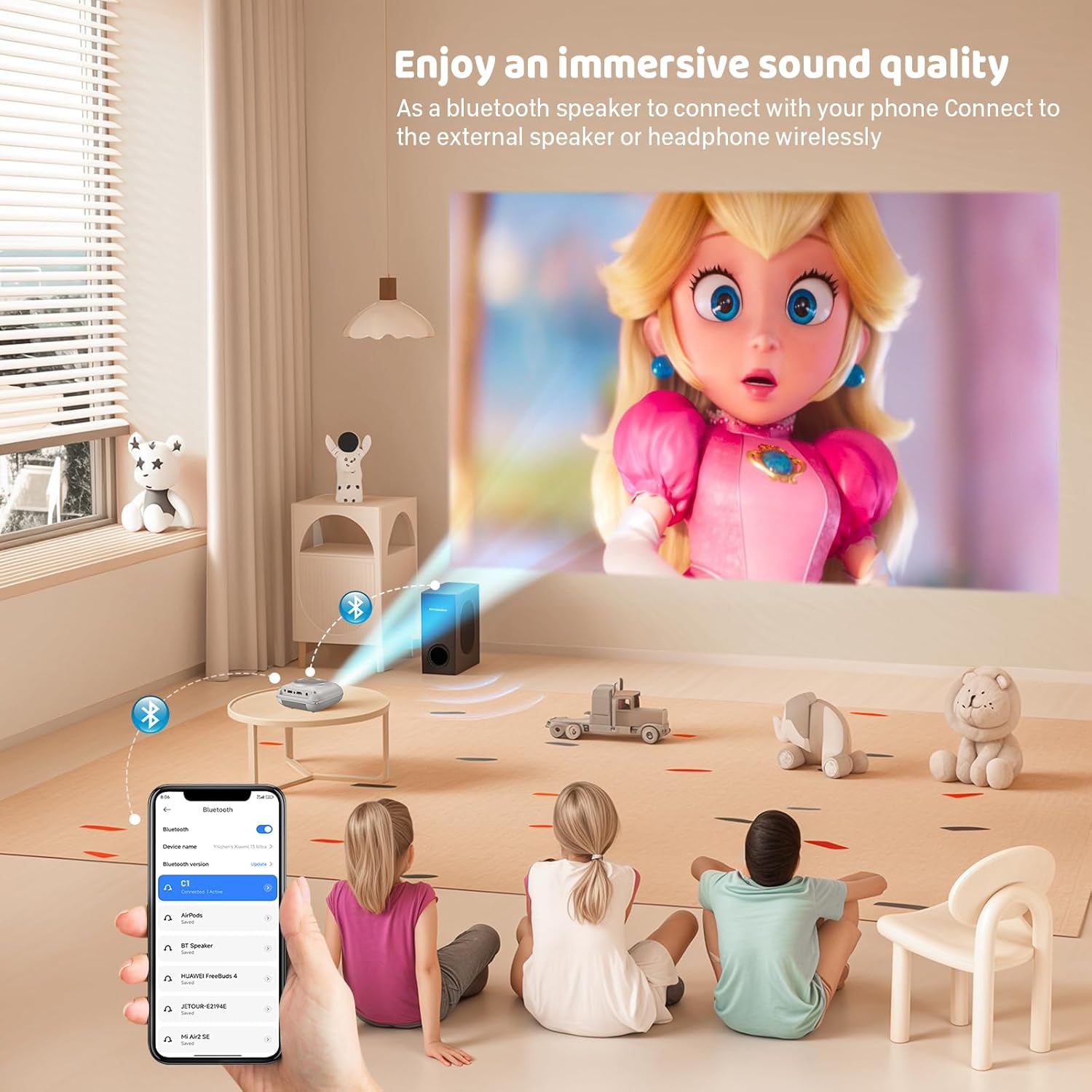
The projector has two built-in speakers for immersive sound. For a different audio experience, you can connect external speakers or headphones via the 3.5mm audio jack.
Сцреен Мирроринг
The projector supports screen mirroring for compatible devices. Refer to the on-screen instructions or the projector's menu for specific steps to enable screen mirroring from your smartphone or tablet.
6. Одржавање
Чишћење сочива
Use a soft, lint-free cloth specifically designed for optical lenses to gently wipe the projector lens. Avoid using abrasive cleaners or cloths that could scratch the lens.
Cleaning the Projector Body
Wipe the exterior of the projector with a soft, dry cloth. Do not use liquid cleaners or solvents.
Вентилација
Ensure the ventilation openings are clear of dust and debris. The projector features a dual-fan cooling system to maintain optimal operating temperature and extend lamp life. Do not obstruct these vents.
Lamp Живот
ЛЕД лamp in your HOMPOW projector has a lifespan of approximately 60,000 hours, providing long-term use without frequent lamp замена.
КСНУМКС. Решавање проблема
| Проблем | Могући узрок | Решење |
|---|---|---|
| Нема слике или је слика замућена | Focus not adjusted; incorrect input source; cable not connected properly. | Adjust the focus ring; select the correct input source; check all cable connections. |
| Нема звука | Volume too low; audio cable not connected; device audio settings. | Increase projector volume; ensure audio cables are connected; check audio output settings on the connected device. |
| Слика је трапезоидног облика | Пројектор није нормалан у односу на платно. | Adjust the keystone correction dial or reposition the projector. |
| Даљински управљач не ради | Batteries low or dead; obstruction between remote and projector. | Replace batteries; ensure clear line of sight to the projector's IR receiver. |
| Пројектор се прегрева | Ventilation ports blocked. | Ensure all ventilation ports are clear and unobstructed. |
8. Спецификације
- Технологија приказа: ЛЦД
- Изворна резолуција: 1280 к 720 пиксела
- Подржана резолуција: До 1080П Фулл ХД
- Осветљеност: 6500 лумена
- Однос контраста: 3000:1
- Lamp живот: 60,000 сата
- Величина пројекције: 32-176 inches (Recommended: 100 inches)
- Удаљеност пројекције: 1m - 5.2m (Recommended: 3m)
- Кеистоне Цоррецтион: ±15 degrees manual
- Повезивање: HDMI, USB, SD, AV, VGA
- аудио: Built-in dual speakers, 3.5mm audio out
- Потрошња енергије: 48В
- Димензије производа: 19 к 15 к 8 цм
- Тежина производа: 1.71 кг
9. Гаранција и подршка
The HOMPOW Mini Projector comes with a manufacturer's warranty. Please refer to the warranty card included in your package for specific terms and conditions. For any product inquiries, technical support, or warranty claims, please contact HOMPOW customer service through the contact page on their official website or the platform where you purchased the product. Our customer support team aims to respond promptly during business hours.