
1. Увод
Thank you for choosing the LAXIHUB 1080P Full HD Outdoor Security Camera. This device is designed to provide reliable surveillance for your outdoor spaces, featuring high-definition video, two-way audio, motion and noise detection, and robust weatherproofing. Please read this manual thoroughly before installation and use to ensure proper operation and safety.
2. Производ је готовview
2.1 Садржај пакета
- LAXIHUB Outdoor Security Camera
- Повер Адаптер
- Монтажни завртњи и анкери
- Упутство за употребу
- Микро СД картица од 32 ГБ (унапред инсталирана или укључена засебно)
2.2 Кључне карактеристике
- 1080P Full HD видео: Снима јасне и детаљне снимке хранеtage.
- 2.4Г ВиФи конекција: Повезује се са вашом кућном мрежом за даљински приступ.
- IP65 Отпоран на временске услове: Designed to withstand outdoor conditions (operating temperature -20°C to 50°C / -4°F to 122°F).
- Побољшани ноћни вид: Provides clear monitoring in low-light conditions up to 15 feet.
- Двосмерни аудио: Омогућава комуникацију у реалном времену путем камере.
- Детекција покрета и буке: Alerts you to activity and sound.
- Локално и складиштење у облаку: Supports Micro SD card (up to 128GB, 32GB included) and optional cloud storage.
- Интеграција паметне куће: Компатибилан са Амазон Алека и Гоогле Ассистант-ом.
2.3 Компоненте камере
Упознајте се са физичким компонентама камере:
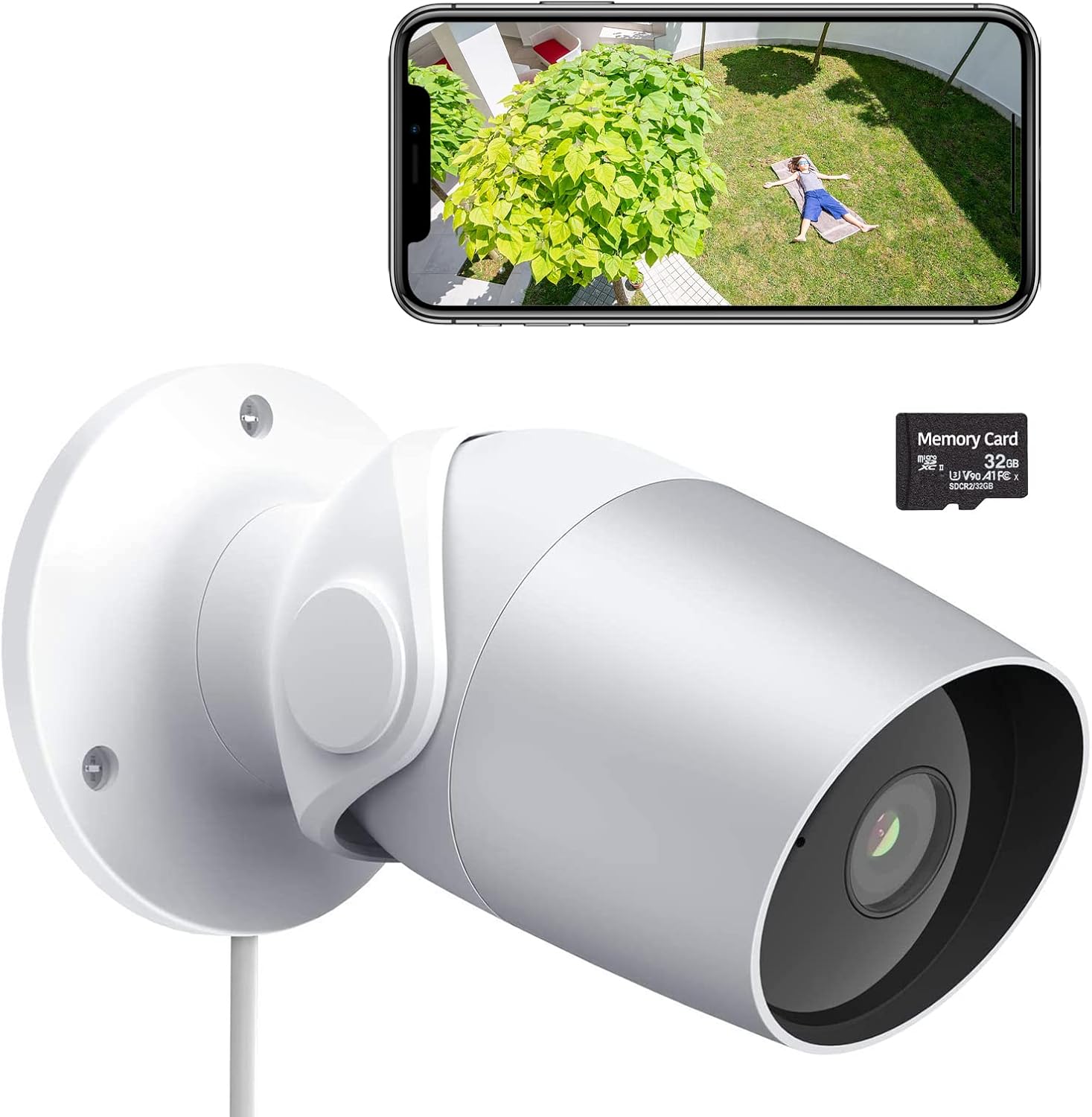
Figure 1: LAXIHUB Outdoor Security Camera with included 32GB Micro SD card and a smartphone displaying live feed.

Figure 2: Visual representation of the camera's main features.
3. Подешавање
3.1 Преузимање апликације и креирање налога
- Download the 'Arenti' app from the App Store (iOS) or Google Play Store (Android).
- Отворите апликацију и региструјте се за нови налог или се пријавите ако га већ имате.
3.2 Укључивање камере
- Прикључите адаптер за напајање на улазни порт за напајање камере.
- Укључите адаптер за напајање у стандардну електричну утичницу.
- Сачекајте да индикаторска лампица камере трепери, што указује да је спремна за упаривање.
3.3 Повезивање на Ви-Фи
- In the Arenti app, tap the '+' icon to add a new device.
- Изаберите модел камере са листе.
- Follow the on-screen instructions to connect the camera to your 2.4GHz Wi-Fi network. Ensure your phone is connected to the same 2.4GHz network during setup.
- Scan the QR code displayed on your phone with the camera lens when prompted.
- Једном када се повеже, индикаторска лампица ће почети да светли континуирано.
3.4 Инсталација микро СД картице
The camera supports a Micro SD card up to 128GB for local storage. A 32GB card is typically included.
- Locate the Micro SD card slot on the camera (refer to the product diagram if needed).
- Gently insert the Micro SD card into the slot with the gold contacts facing down until it clicks into place.
- In the app, navigate to camera settings and format the SD card for optimal performance.
3.5 Монтирање камере
The camera is designed for wall mounting.
- Изаберите одговарајуће место за монтажу, осигуравајући јасно поље view и приступ електричној утичници.
- Use the included mounting template (if provided) or mark the screw holes on the wall.
- Избушите пробне рупе и уметните зидне анкере ако монтирате у гипсане плоче или зид.
- Secure the camera's mounting base to the wall using the provided screws.
- Подесите угао камере по потреби за оптималну покривеност.
4. Руковање камером
4.1 Уживо View и репродукцију
- Open the Arenti app and select your camera to view живи феед.
- Користите функцију репродукције да бисте поновоview снимљено фооtage stored on the SD card or cloud.
4.2 Motion and Noise Detection

Figure 3: The camera's AI-powered human motion and sound detection capabilities.
- In the app settings, enable and configure motion and noise detection sensitivity.
- Set up detection zones to focus on specific areas.
- Receive push notifications on your smartphone when activity is detected.
4.3 Двосмерни аудио

Слика 4: Прample of two-way audio functionality for communication.
- Док је у живо view, tap the microphone icon to speak through the camera.
- Додирните икону звучника да бисте чули звук са локације камере.
4.4 Ноћни вид
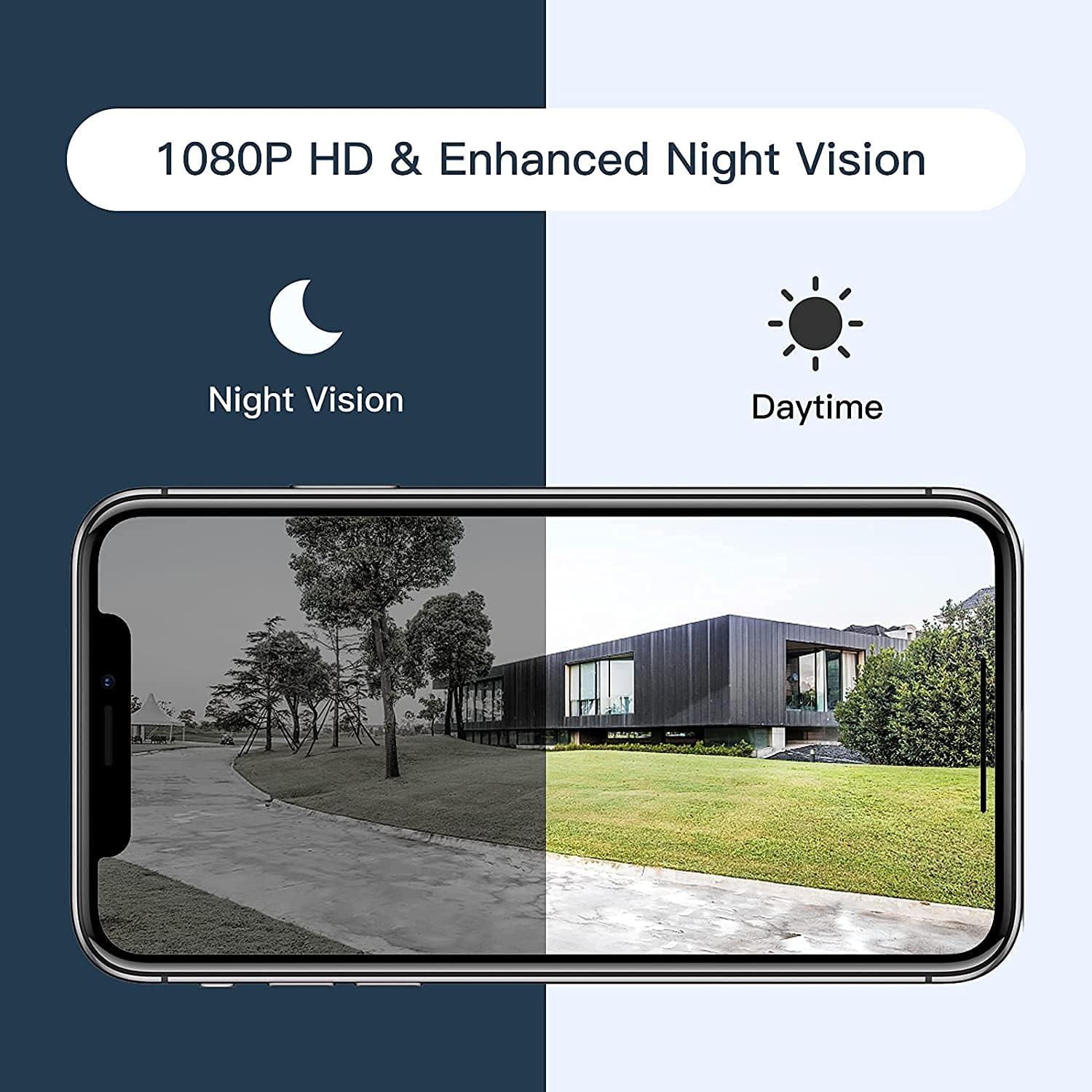
Figure 5: Comparison of daytime and night vision footage.
Камера се аутоматски пребацује у режим ноћног вида у условима слабог осветљења, пружајући јасан црно-бели видео.
4.5 Интеграција паметног дома

Figure 6: The camera's compatibility with Amazon Alexa for voice control and viewинг.
- To connect with Amazon Alexa or Google Assistant, follow the instructions in the Arenti app's integration section.
- Once linked, you can use voice commands to view пренос података са камере на компатибилним паметним екранима.
4.6 Sharing Access

Figure 7: The camera supports sharing live view access with multiple family members.
You can share access to your camera's live feed with family members through the Arenti app. Navigate to the camera settings and select the sharing option to invite others.
5. Одржавање
- Чишћење: Regularly wipe the camera lens with a soft, dry cloth to ensure clear image quality. Do not use harsh chemicals.
- Ажурирања фирмвера: Check the Arenti app periodically for available firmware updates. Keeping your camera's firmware updated ensures optimal performance and security.
- Прикључак за напајање: Ensure the power cable and adapter are securely connected and free from damage.
- Заштита од временских прилика: While IP65 rated, avoid directing high-pressure water jets directly at the camera. Ensure the power connection point is protected from excessive moisture.
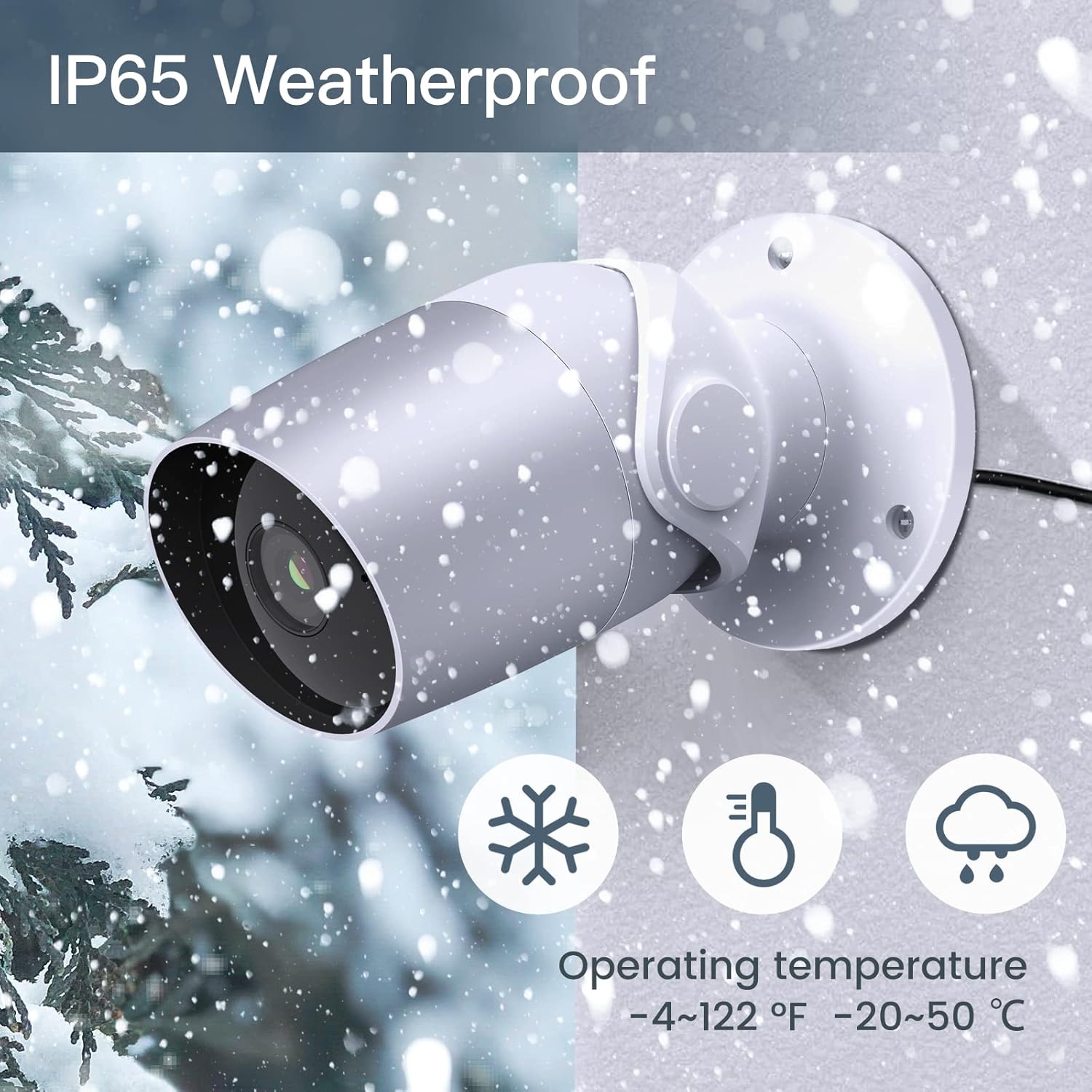
Figure 8: The camera's IP65 weatherproof rating ensures durability in various outdoor conditions.
КСНУМКС. Решавање проблема
- Камера се не укључује: Ensure the power adapter is correctly connected to the camera and a working power outlet. Try a different outlet or adapter if available.
- Не могу да се повежем на Ви-Фи:
- Уверите се да ваша Wi-Fi мрежа користи фреквенцију од 2.4 GHz. Камера не подржава Wi-Fi од 5 GHz.
- Проверите да ли је лозинка за Wi-Fi исправна.
- Move the camera closer to your Wi-Fi router during setup.
- Reset the camera (refer to the app or product for reset button location) and try pairing again.
- Лош квалитет видеа:
- Check your Wi-Fi signal strength. A weak signal can affect video streaming.
- Очистите сочиво камере.
- Motion/Noise detection not working:
- Ensure detection is enabled in the app settings.
- Подесите нивое осетљивости.
- Verify notification permissions for the Arenti app on your smartphone.
- Проблеми са двосмерним звуком:
- Проверите подешавања јачине звука на телефону и у апликацији.
- Ensure your phone's microphone is enabled for the Arenti app.
7. Спецификације
| Феатуре | Спецификација |
|---|---|
| Резолуција снимања видео записа | 1080п Фулл ХД |
| Цоннецтивити Протоцол | Wi-Fi (само 2.4 GHz) |
| Оцена међународне заштите | ИП65 отпоран на временске услове |
| Viewинг Англе | 110 степени |
| Ноћни вид | 15 стопа |
| Фраме Рате | 25 ФПС |
| Извор напајања | Corded Electric (12 Volts DC, 4.5 Watts) |
| Складиштење | Micro SD Card (up to 128GB, 32GB included), Cloud Storage |
| Тип упозорења | Audio and Motion Detection |
| Компатибилни уређаји | Паметни телефон, Амазон Алекса, Гугл асистент |
| Радна температура | -20°Ц до 50°Ц (-4°Ф до 122°Ф) |
| Димензије производа | 8 к 3.66 к 6 инча |
| Тежина артикла | 14.1 унци |
8. Информације о гаранцији
Specific warranty details for your LAXIHUB Security Camera may vary by region and retailer. Please refer to the warranty card included with your product or contact LAXIHUB customer support directly for detailed information regarding warranty coverage and terms.
9. Корисничка подршка
If you encounter any issues or have questions not covered in this manual, please contact LAXIHUB customer support through the Arenti app or visit the official LAXIHUB website for assistance. You may also refer to the seller's support channels if purchased through a third-party retailer.