
Увод
The Lexon City USB Key is a compact and portable 32 GB flash drive designed for convenient data storage and transfer. This manual provides essential information for the proper use and care of your device.
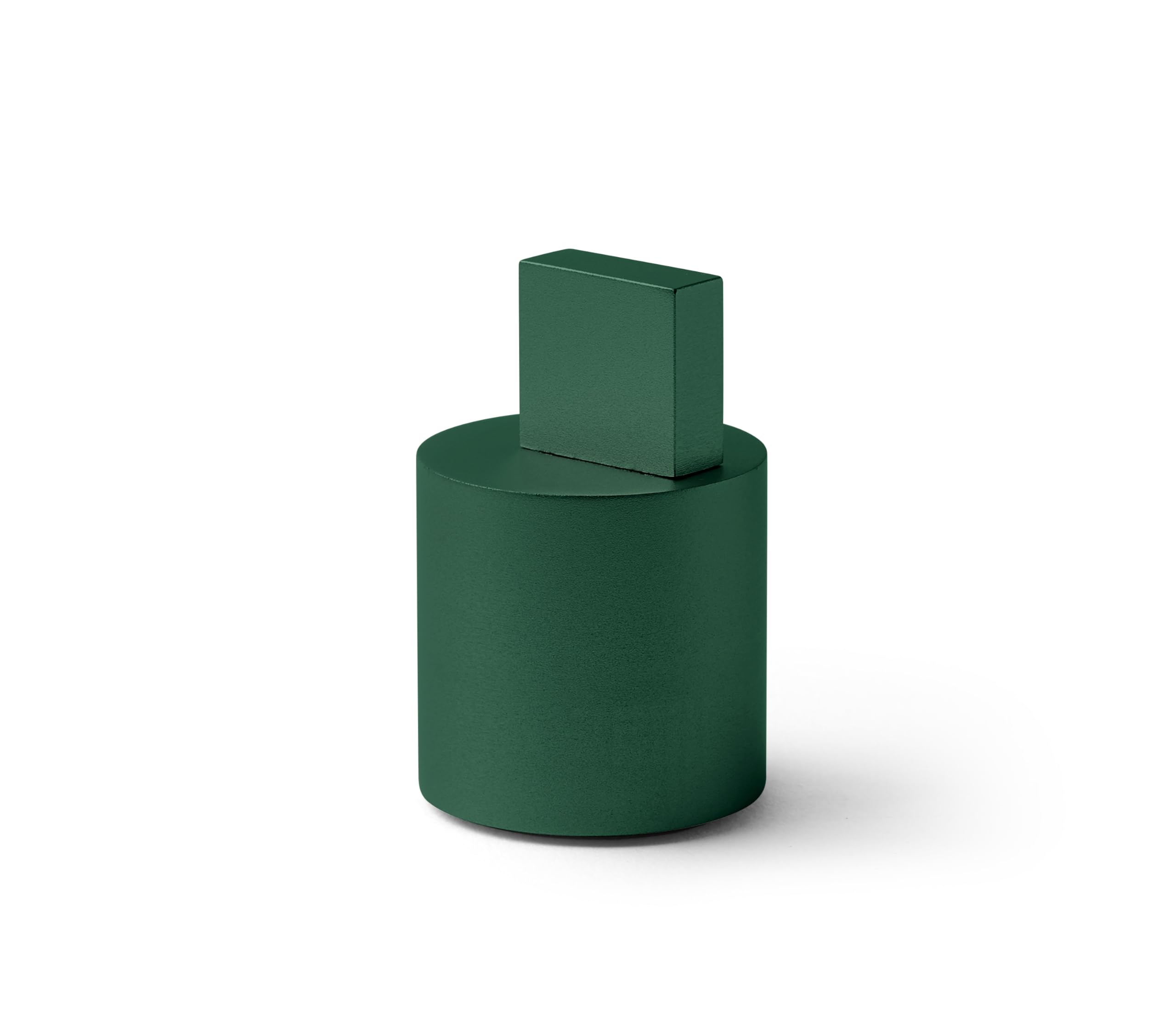
Image: The Lexon City USB Key in Soft Green, showing its compact design.
Производ је завршенview
The Lexon City USB Key consists of two main parts: the USB flash drive and its protective cap. The cap is designed to protect the USB connector when not in use.
- УСБ конектор: Standard USB Type-A for connecting to computers and other devices.
- Фласх меморија: 32 GB capacity for storing digital files.
- Заштитна капа: Covers the USB connector to prevent damage and dust accumulation.

Image: The Lexon City USB Key with its cap removed, inserted into a laptop's USB port. The cap rests beside it.
Сетуп
- Уклоните поклопац: Gently pull the protective cap off the USB key to expose the USB connector.
- Insert into USB Port: Insert the USB key into an available USB Type-A port on your computer or compatible device. Ensure the connector is oriented correctly to avoid damage.
- Препознавање уређаја: Your operating system should automatically detect the USB key. A new drive letter or device icon will appear in your file истраживач или десктоп.

Слика: Крупни план view of the Lexon City USB Key, in green, fully inserted into the USB port of a silver laptop. The cylindrical cap is placed next to the laptop.
Упутство за употребу
Once the USB key is recognized by your device, you can begin transferring files.
Трансферинг Files to the USB Key:
- Отворите свој рачунар file explorer (e.g., Windows Explorer, Finder).
- Лоцирајте files or folders you wish to transfer.
- Превуците и испустите изабрано files/folders to the Lexon City USB Key drive icon, or copy and paste them into the drive.
- Wait for the transfer process to complete. Do not remove the USB key during file пренос.
Трансферинг Files from the USB Key:
- Open the Lexon City USB Key drive in your file истраживач.
- Лоцирајте files or folders you wish to transfer.
- Превуците и испустите изабрано files/folders to your desired location on your computer, or copy and paste them.
- Сачекајте да се процес преноса заврши.
Safely Removing the USB Key:
Always safely eject the USB key before physically removing it to prevent data corruption.
- Виндовс: Click the "Safely Remove Hardware and Eject Media" icon in the system tray, then select the USB key.
- мацОС: Drag the USB key icon from your desktop or Finder sidebar to the Trash, or right-click (Control-click) the icon and select "Eject."
Одржавање
- Заштита: Always keep the protective cap on the USB key when not in use to shield the connector from dust, dirt, and physical damage.
- Чишћење: If necessary, gently wipe the exterior of the USB key with a soft, dry, lint-free cloth. Do not use liquid cleaners or solvents.
- Складиштење: Store the USB key in a cool, dry place, away from extreme temperatures, direct sunlight, and strong magnetic fields.
- Избегавајте физички стрес: Do not bend, drop, or apply excessive force to the USB key.
Решавање проблема
| Проблем | Могући узрок | Решење |
|---|---|---|
| USB key not recognized. | Incorrect insertion, faulty USB port, driver issue. |
|
| Није могуће пренети files. | Insufficient space, file system limitations, write protection. |
|
| Опција „Безбедно уклањање хардвера“ није доступна. | Files are still in use by an application. |
|
Спецификације
| Бранд | Лекон |
| Назив модела | CITY USB KEY |
| Број модела ставке | ЛД136В9 |
| Капацитет меморије | 32 ГБ |
| Тип флеш меморије | ЦомпацтФласх (Note: This is likely a generic category, actual internal memory type is NAND Flash) |
| Хардверски интерфејс | УСБ |
| Hardware Connectivity Technology | УСБ тип А |
| Димензије производа | 1.22"Д к 1.22"Ш к 0.28"В |
| Тежина артикла | 2.46 унци |
| Боја | ГРЕЕН |
| Посебна карактеристика | Лагана |
Гаранција и подршка
The Lexon City USB Key typically comes with a 1-year international warranty. For specific warranty details and to register your product, please refer to the documentation included with your purchase or visit the official Lexon webсајту.
For technical support or further assistance, please contact Lexon customer service through their official webсајт: лекон-десигн.цом.

Image: The back of the Lexon City USB Key packaging, displaying regulatory compliance symbols (CE, FC, recycling) and the official website address: lexon-design.com.