
MIATONE BOOMBOX
MIATONE Boombox Portable Bluetooth Speaker User Manual
Model: BOOMBOX
Увод
The MIATONE Boombox Portable Bluetooth Speaker (Model: BOOMBOX) is designed to deliver high-quality audio in a durable, portable package. Featuring advanced Bluetooth 5.3 technology, it offers seamless connectivity and a wide range, making it ideal for both indoor and outdoor use. Its rugged, waterproof design ensures reliability in various environments, while the option for TWS stereo pairing allows for an enhanced audio experience.

Figure 1: MIATONE Boombox Portable Bluetooth Speaker (Green)
Шта је у кутији
- MIATONE Boombox Portable Bluetooth Speaker
- Кабл за пуњење
- Аук-ин кабл
Сетуп
1. Пуњење звучника
Before first use, fully charge the speaker. Connect the provided charging cable to the speaker's charging port and the other end to a compatible USB power adapter (not included). The charging indicator light will show charging status.
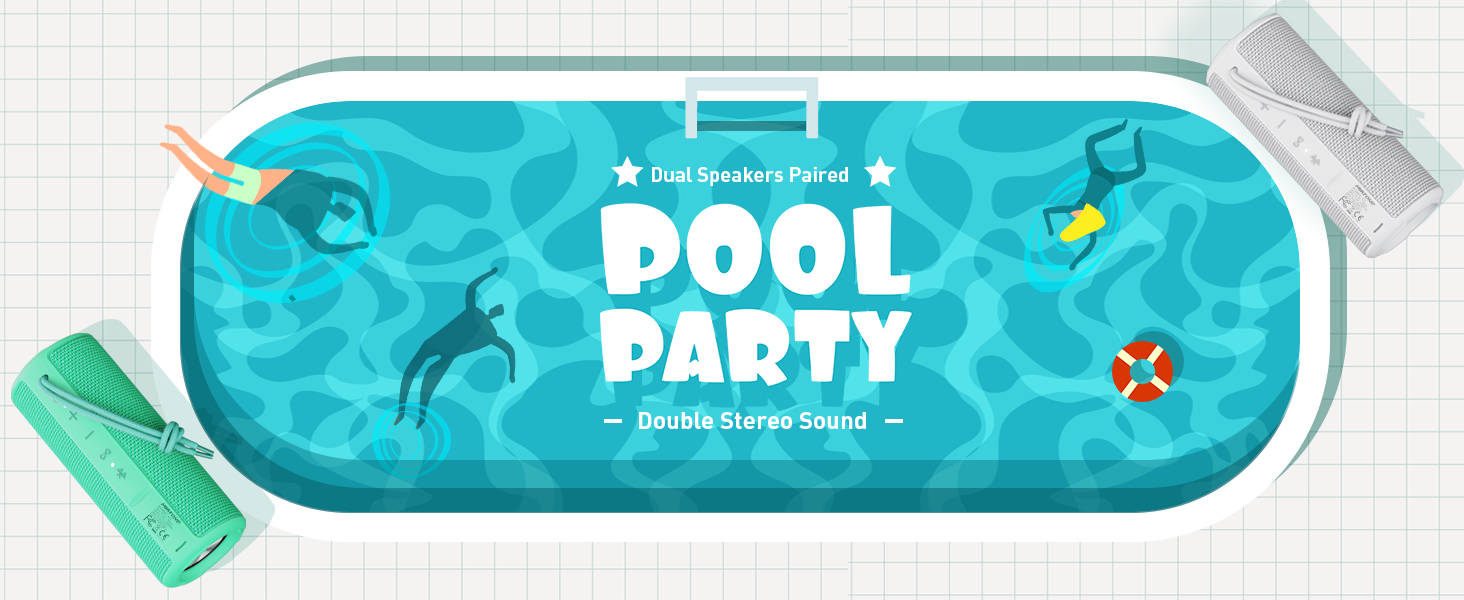
Figure 2: Speaker back view with charging and aux-in ports.
2. Укључивање/искључивање
Press and hold the power button located on the side of the speaker to turn it on or off. An English voice prompt will confirm "Power On" or "Power Off".
Упутство за употребу
1. Блуетоотх упаривање
- Ensure the speaker is powered on and in Bluetooth pairing mode (indicated by a flashing Bluetooth indicator light).
- На свом уређају (паметном телефону, таблету, лаптопу) омогућите Блутут и потражите доступне уређаје.
- Select "MIATONE BOOMBOX" from the list.
- Once connected, an English voice prompt will confirm "Bluetooth Connected".
The speaker maintains a stable Bluetooth connection up to 100 feet (30 meters) from your device.
2. Контрола јачине звука
Користите дугмад „+“ и „-“ на звучнику да бисте подесили јачину звука. Јачину звука можете контролисати и са повезаног уређаја.
3. TWS (Прави бежични стерео) упаривање
To achieve a true stereo sound experience, you can pair two identical MIATONE Boombox speakers together:
- Уверите се да су оба звучника укључена и да нису повезана ни са једним Bluetooth уређајем.
- On one speaker, press and hold the TWS button (often indicated by an infinity symbol or two interlocking circles). The speaker will enter TWS pairing mode.
- The two speakers will automatically connect to each other. A voice prompt will confirm successful TWS pairing.
- Once paired, connect your device to one of the speakers via Bluetooth as described in the "Bluetooth Pairing" section. Both speakers will now play audio in stereo.

Figure 3: Two speakers paired for enhanced stereo sound.
4. Аудио репродукција
Control playback (play/pause, skip tracks) directly from your connected Bluetooth device. The speaker's buttons may also offer basic playback controls (e.g., single press for play/pause, long press for next/previous track, refer to specific button icons on the device).

Figure 4: Speaker delivering high-resolution audio in an outdoor setting.
Одржавање
1. Чишћење
Обришите звучник меком, дamp крпа. Не користите јаке хемикалије или абразивна средства за чишћење. Уверите се да је поклопац порта за пуњење добро затворен пре чишћења или излагања води.
2. Складиштење
Чувајте звучник на хладном и сувом месту, даље од директне сунчеве светлости и екстремних температура када се не користи дуже време.
3. Хидроизолација
The speaker is IPX6 waterproof, meaning it can withstand powerful water jets. Do not submerge the speaker for extended periods or expose it to high-pressure water streams. Always ensure the port cover is sealed tightly to maintain water resistance.

Figure 5: Speaker floating in water, highlighting its waterproof capability.
4. Трајност
The speaker features a rugged, anti-slip design with soft silicone end caps to absorb shock from drops. While durable, avoid excessive force or dropping from significant heights to prevent damage.

Figure 6: Speaker on sand, showcasing its shockproof and dustproof design.
Решавање проблема
| Проблем | Могући узрок | Решење |
|---|---|---|
| Звучник се не укључује. | Слаба батерија или нема пуњења. | У потпуности напуните звучник помоћу приложеног кабла. |
| Нема звука из звучника. | Volume too low, not paired, or incorrect audio source. | Increase volume on speaker and device. Ensure proper Bluetooth pairing. Check if audio is playing on the source device. |
| Блутут веза је нестабилна или се прекида. | Device too far, interference, or low speaker battery. | Move device closer to speaker (within 100 ft). Avoid obstacles. Charge speaker. Re-pair if necessary. |
| Cannot TWS pair two speakers. | Speakers already connected to another device, or not in TWS pairing mode. | Ensure both speakers are disconnected from other devices. Follow TWS pairing instructions carefully. |
Спецификације
| Феатуре | Детаљ |
|---|---|
| Назив модела | БООМБОКС |
| Бранд | МИАТОНЕ |
| Спеакер Типе | Сурроунд Соунд |
| Посебне карактеристике | Portable, Stereo Pairing (TWS) |
| Технологија повезивања | Блуетоотх 5.3 |
| Блуетоотх домет | До 100 стопе (30 метара) |
| Излазна снага звучника | 16 В (врх од 20 В) |
| TWS Paired Output Power | 32 В (врх од 40 В) |
| Ниво отпорности на воду | ИПКС6 водоотпоран |
| Трајање батерије | До 17 сати (при 50% запремине) |
| Димензије производа | 2.87"Д к 2.87"Ш к 7.3"В |
| Тежина артикла | 14.88 унци |
| Укључене компоненте | Charging Cable, Aux-in Cable |
Гаранција и подршка
The MIATONE Boombox Portable Bluetooth Speaker comes with a Limited Warranty. For detailed warranty information, product support, or to contact customer service, please visit the official MIATONE Store on Amazon:
Ask a question about this manual
Ask about setup, troubleshooting, compatibility, parts, safety, or missing instructions. Manuals+ will review the question and use this page’s manual context to help answer it.