
Увод
The Globe Electric 50200 Smart Wi-Fi Light Switch allows you to automate and control your home lighting using the GLOBE SUITE™ App, voice commands, or directly from the switch. This manual provides essential information for installation, operation, and maintenance to ensure safe and efficient use of your smart switch.

Image: The Globe Electric Smart Switch, highlighting its compatibility with various smart home platforms.
Безбедносне информације
Before installing or operating the Globe Electric 50200 Smart Wi-Fi Light Switch, please read and understand all safety instructions. Failure to follow these instructions may result in electric shock, fire, or property damage.
- УПОЗОРЕЊЕ: Risk of Electric Shock. Installation requires working with high voltage wiring. Always turn off power at the circuit breaker before installation.
- Консултујте се са квалификованим електричаром ако нисте сигурни у вези са било којим делом процеса инсталације.
- Овај уређај је само за унутрашњу употребу.
- Ensure the switch is installed in a standard wall box.
- Немојте прекорачити максималну снагуtagе оцена од 100 вата.
Садржај пакета
Пре почетка инсталације проверите да ли су све компоненте присутне:
- Globe Electric 50200 Smart Wi-Fi Light Switch
- Screwless Faceplate
- Wires and Backplate
- шрафови (2)
- Жичане матице (4)
- Налепнице за жичане етикете
Подешавање и инсталација
Follow these steps for proper installation of your smart switch. This switch is designed for single-pole indoor use only.
- Искључите напајање: Пронађите осигурач и искључите напајање прекидача који замењујете. Проверите да ли је напајање искључено помоћу јачине звука.tagе тестер.
- Уклоните стари прекидач: Carefully remove the existing wall plate and unscrew the old switch from the wall box. Disconnect the wires, noting their connections (e.g., Line, Load, Neutral, Ground). Use the provided wire label stickers if needed.
- Повежите паметни прекидач: Connect the wires from your wall box to the corresponding wires on the Globe Electric 50200 Smart Switch using the provided wire nuts.
- Повежите Линија wire (usually black, coming from the breaker) to the Line wire on the smart switch.
- Повежите Учитај wire (usually black, going to the light fixture) to the Load wire on the smart switch.
- Повежите Неутрално wire (usually white) to the Neutral wire on the smart switch. A neutral wire is required for this smart switch.
- Повежите Гроунд wire (usually bare copper or green) to the Ground wire on the smart switch.
- Монтирајте прекидач: Gently push the wired smart switch into the wall box. Secure it with the provided screws. Attach the screwless faceplate.
- Врати снагу: Turn the power back on at the circuit breaker. The indicator light on the smart switch should illuminate.
- Веза са апликацијом:
- Преузмите бесплатно GLOBE SUITE™ App из продавнице апликација на вашем паметном телефону.
- Отворите апликацију и креирајте налог или се пријавите.
- Press the restart button located on the right side below the on/off rocker after installation.
- Follow the in-app instructions to add your new smart switch. Ensure your phone is connected to a 2.4 GHz Wi-Fi network during the initial setup. You can switch back to a 5 GHz network afterward if preferred.
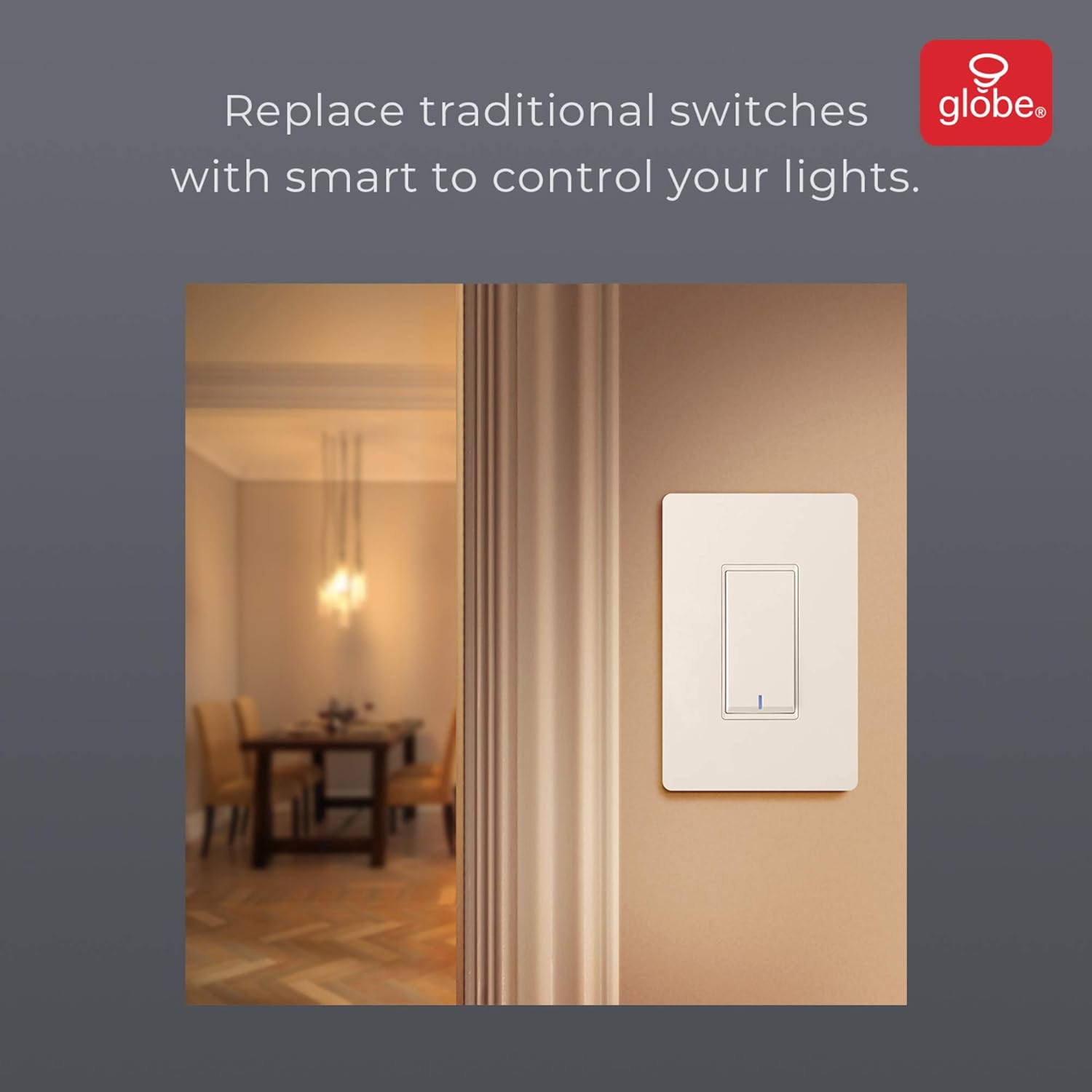
Image: The smart switch installed in a wall, demonstrating its integration into a home environment.
Упутство за употребу
Once installed and connected to the GLOBE SUITE™ App, you can operate your smart switch in several ways:
- Ручна контрола: Press the rocker switch directly to turn connected lights on or off.
- Контрола апликације: Use the GLOBE SUITE™ App on your smartphone to turn lights on/off from anywhere with an internet connection.
- Контрола гласом: Integrate with Amazon Alexa, Google Assistant, or Siri for hands-free control.
- Exampле команде: "Alexa, turn on the living room light," "Hey Google, turn off the kitchen switch," "Siri, activate evening scene."
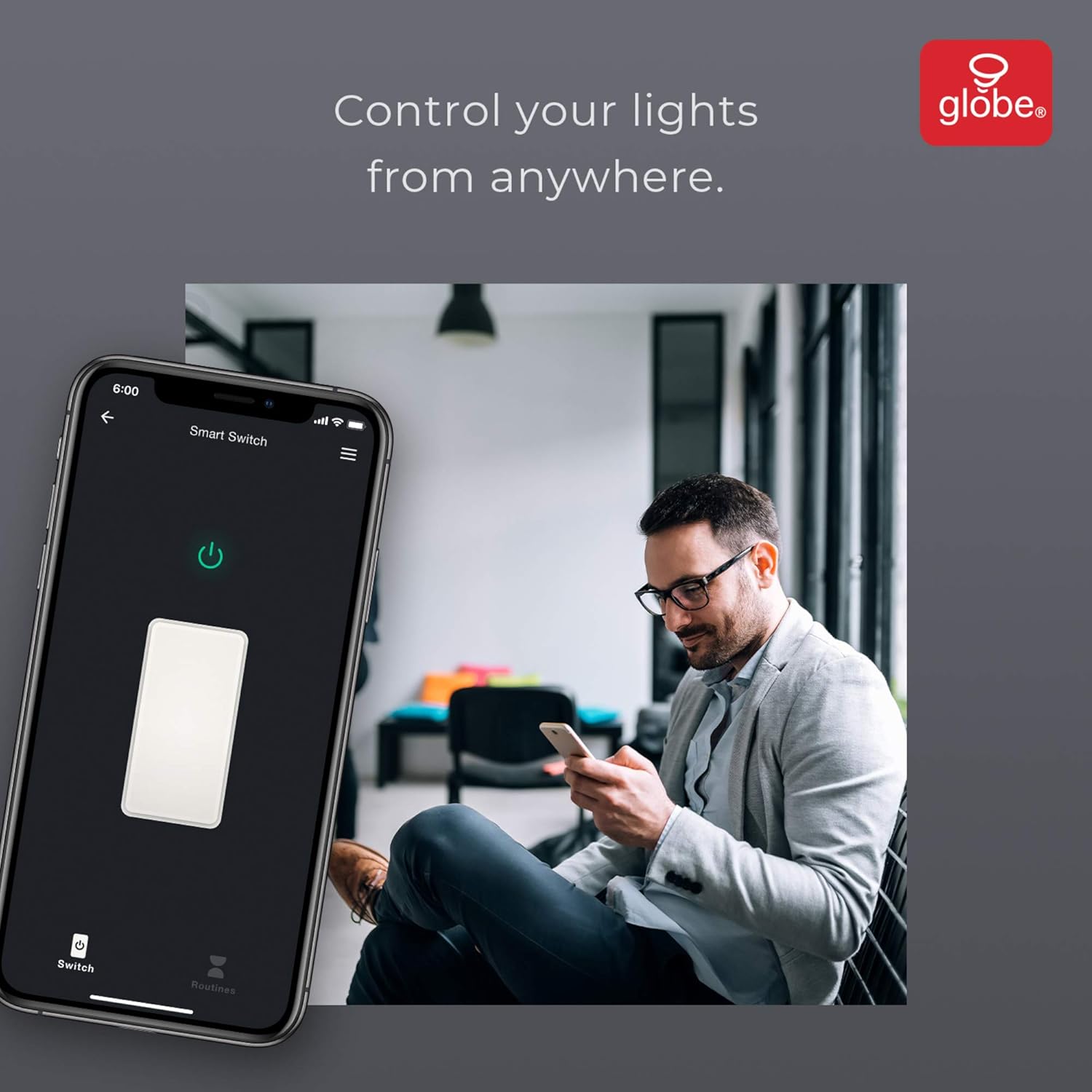
Image: A user controlling the smart switch remotely via the GLOBE SUITE™ mobile application.
Интеграција апликација и паметне функције
The GLOBE SUITE™ App unlocks the full potential of your smart switch:
- Заказивање: Create custom schedules to automatically turn lights on or off at specific times, days of the week, or based on sunrise/sunset.
- сцене: Combine multiple smart devices into custom scenes. For example, a "Movie Night" scene could dim lights and turn on entertainment devices simultaneously.
- аутоматизација: Set up automations based on conditions like presence detection, temperature, or other smart device triggers.

Image: The GLOBE SUITE™ app interface demonstrating the scheduling feature for automated lighting control.
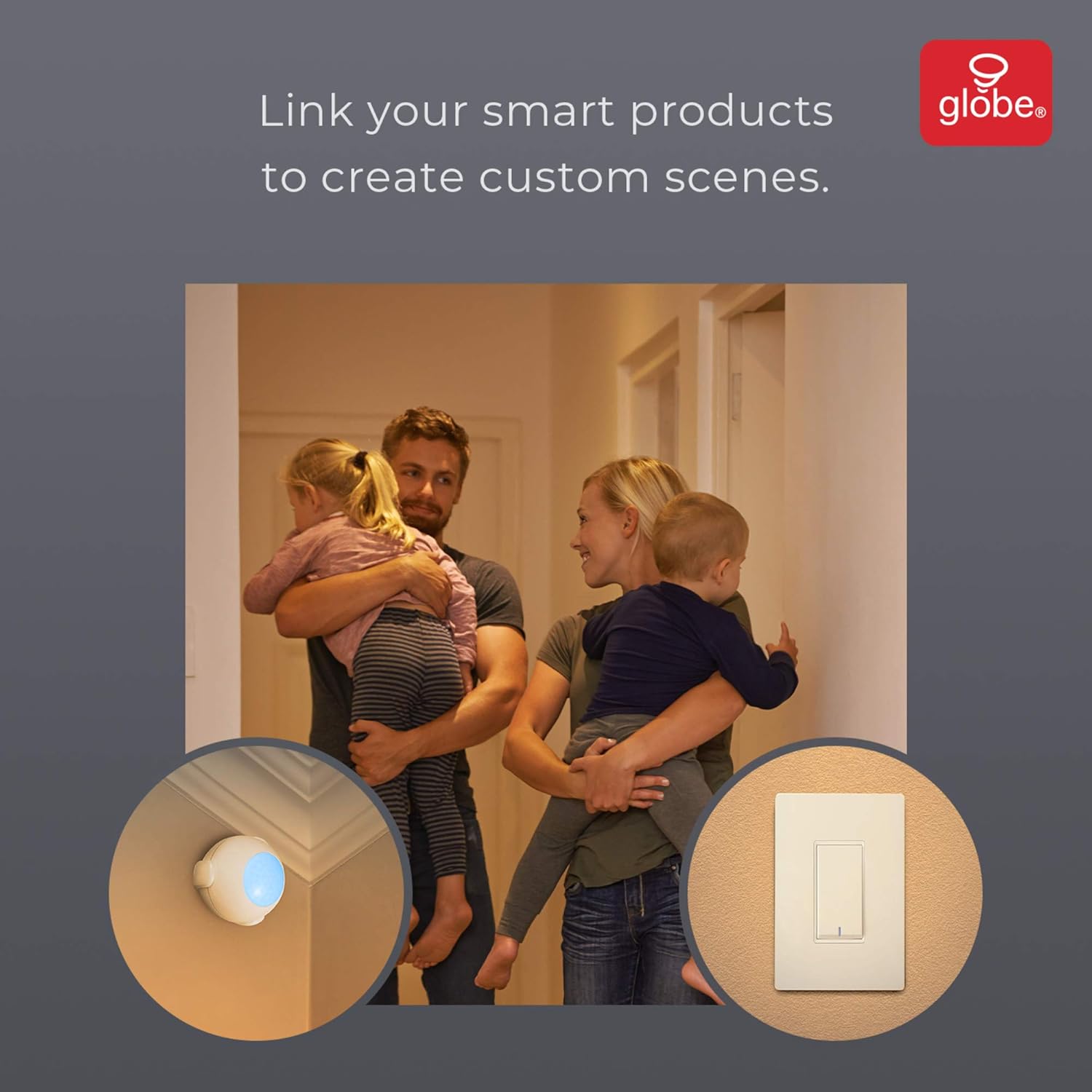
Image: Demonstrates how to link multiple Globe Electric smart products to create custom scenes for various home activities.
Одржавање
The Globe Electric 50200 Smart Wi-Fi Light Switch requires minimal maintenance.
- Чишћење: Disconnect power at the circuit breaker before cleaning. Wipe the switch and faceplate with a soft, damp тканина. Немојте користити јаке хемикалије или абразивна средства за чишћење.
- Ажурирања фирмвера: Periodically check the GLOBE SUITE™ App for available firmware updates to ensure optimal performance and security.
Решавање проблема
If you encounter issues with your Globe Electric 50200 Smart Wi-Fi Light Switch, refer to the following common solutions:
| Проблем | Могући узрок | Решење |
|---|---|---|
| Switch does not turn on/off lights. | No power, incorrect wiring, or bulb issue. | Check circuit breaker. Verify wiring connections (Line, Load, Neutral, Ground). Test the light bulb. |
| Повезивање на Ви-Фи није могуће. | Incorrect Wi-Fi band, weak signal, or incorrect password. | Ensure your router is broadcasting a 2.4 GHz network. Move closer to the router. Double-check Wi-Fi password. Press the restart button on the switch and try pairing again. |
| Гласовна контрола не ради. | Incorrect integration with voice assistant or device naming. | Ensure the GLOBE SUITE™ App is correctly linked to your Amazon Alexa, Google Assistant, or Siri account. Verify the device name in the app matches what you are saying. |
| Switch frequently disconnects. | Weak Wi-Fi signal or network interference. | Ensure the switch is within good range of your 2.4 GHz Wi-Fi router. Consider a Wi-Fi extender if necessary. |
Спецификације
| Феатуре | Детаљ |
|---|---|
| Модел | 50200 |
| Бранд | Глобе Елецтриц |
| Цоннецтивити Протоцол | Ви-Фи (КСНУМКС ГХз) |
| Контролни метод | App, Voice, Manual |
| Тип контролера | Амазон Алекса, Гугл асистент, Сири |
| Ватtage | 100 вати (макс.) |
| Оперативни режим | ON-NONE-ON or ON-ON-OFF |
| Тип прекидача | Роцкер |
| Тип монтаже | Валл Моунт |
| Димензије артикла (Д к Ш к В) | 1.96 к 2.05 к 4.13 инча |
| Материјал | Метал, Пластика |
| Тежина артикла | 0.28 фунти |
| УПЦ | 058219502006 |
Информације о гаранцији
The Globe Electric 50200 Smart Wi-Fi Light Switch comes with a Двогодишња ограничена гаранција произвођача. This warranty covers defects in materials and workmanship under normal use. For specific terms and conditions, please refer to the official Globe Electric webсајту или контактирајте корисничку подршку.
Подршка
For further assistance, technical support, or warranty claims, please contact Globe Electric customer service. You can find contact information on the official Globe Electric webсајт: ввв.глобе-елецтриц.цом.
You can also visit the Globe Electric Store on Amazon for more products and information: Globe Electric Amazon Store.