
1. Производ је готовview
The FosPower Emergency Weather Radio Model A3 is a versatile device designed for emergency preparedness and outdoor activities. It features NOAA/AM/FM radio reception, a powerful 14800mWh (4000mAh) internal power bank, and multiple charging options including USB-C, solar, and hand crank. Additional functions include an SOS alarm, a bright flashlight, and a reading light.
Кључне карактеристике:
- 14800mWh (4000mAh) Power Bank: Provides extended radio operation and can charge external USB devices.
- Више извора напајања: Rechargeable via USB-C, hand crank, and solar panel.
- СОС аларм: Активира гласну сирену и трепћуће светло за сигнализацију у случају нужде.
- Двоструки извори светлости: Includes a flashlight and a reading light with motion sensor functionality.
- NOAA Emergency Weather Broadcast Access: Receives local weather information and hazard alerts.
- АМ/ФМ радио: Full access to standard AM and FM radio broadcasts.

Figure 1: FosPower Emergency Weather Radio Model A3. This image displays the radio with its solar panel open, hand crank visible, flashlight illuminated, and a smartphone connected for charging.
2. Садржај и компоненте пакета
Садржај пакета:
- FosPower Emergency Weather Radio (Model A3)
- УСБ-Ц кабл за пуњење
- Упутство за употребу
Кључне компоненте:
- Антена: Extendable for improved radio reception.
- Соларни панел: For supplementary charging in sunlight.
- ручна ручица: За ручно стварање енергије.
- Лампа: Интегрисани извор светлости.
- Светло за читање: Panel light, often with motion sensor.
- СОС дугме: Activates emergency alarm.
- Дугме за јачину звука: Controls audio output and powers the unit on/off.
- Дугме за подешавање: Подешава радио фреквенцију.
- Селектор бенда: Switches between AM, FM, and WB (Weather Band).
- УСБ-Ц улазни порт: За пуњење радија.
- УСБ-А излазни порт: За пуњење екстерних уређаја.
- Слушалице: За приватно слушање.
3. Почетно подешавање
3.1 Пуњење радија
Before first use, it is recommended to fully charge the radio's internal 14800mWh (4000mAh) battery using the USB-C port.
- УСБ-Ц пуњење: Connect the provided USB-C cable to the radio's USB-C input port and the other end to a standard USB power adapter (not included) or a computer USB port. The charging indicator will illuminate.
- Ручно пуњење: Rotate the hand crank clockwise or counter-clockwise at a steady pace (approximately 130-150 RPM) for 3-5 minutes to generate sufficient power for initial operation or to extend battery life.
- Пуњење соларног панела: Place the radio with the solar panel facing direct sunlight. This method is primarily for maintaining battery charge or for emergency power generation, and is slower than USB-C charging.

Figure 2: Multiple Power Sources. This diagram highlights the USB, hand crank, and solar panel charging options for the radio.
4. Упутство за употребу
4.1 Powering On/Off and Volume Control
Да бисте укључили радио, окрените Волуме Квачица clockwise from the 'OFF' position. Continue rotating to increase the volume. To power off, rotate the Волуме Квачица counter-clockwise until it clicks into the 'OFF' position.
4.2 Radio Tuning (AM/FM/NOAA)
- Продужна антена: За оптималан пријем, потпуно извуците телескопску антену.
- Изаберите бенд: Користите Банд Селецтор switch to choose between 'AM', 'FM', or 'WB' (Weather Band).
- Станица за подешавање: Ротирајте Тунинг Кноб to scan for desired radio stations or NOAA weather channels. The tuning indicator light will illuminate when a strong signal is detected.
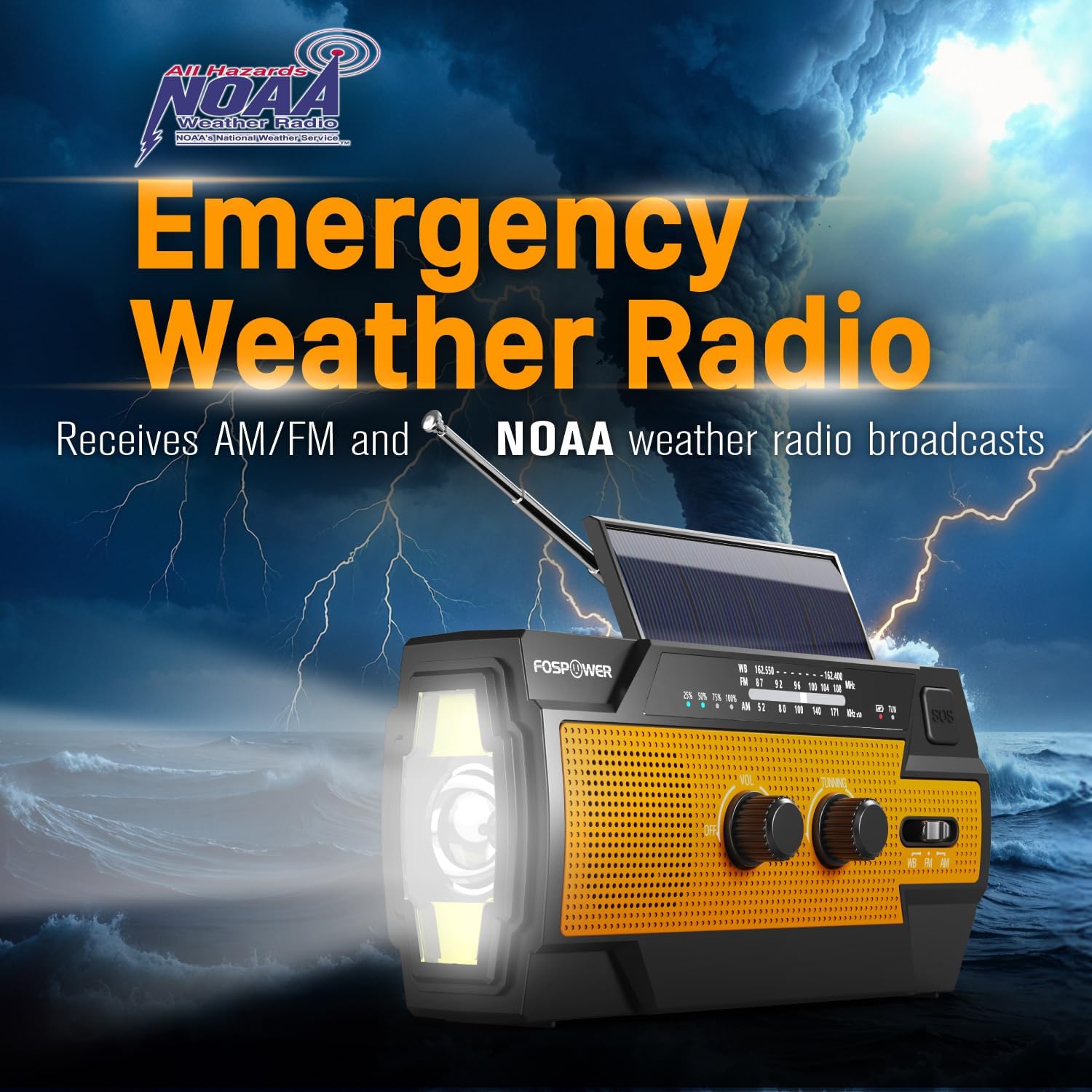
Figure 3: Emergency Weather Radio Function. This image shows the radio against a stormy background, emphasizing its ability to receive AM/FM and NOAA weather broadcasts.
4.3 Рад батеријске лампе
The integrated flashlight offers multiple modes:
- Press the flashlight button once for Фулл Моде (максимална осветљеност).
- Притисните поново за Far Mode (focused beam).
- Притисните трећи пут за Широки режим (broader illumination).
- Press a fourth time to turn the flashlight off.

Figure 4: Flashlight Settings. This image illustrates the three distinct flashlight modes available on the radio.
4.4 Reading Light Operation
The reading light provides illumination for close-range tasks:
- Slide the reading light switch to the 'LIGHT' position for constant illumination.
- Slide the switch to the 'AUTO' position to activate the motion sensor. The light will turn on when motion is detected and turn off after approximately 30 seconds of no motion.

Figure 5: Reading Light Modes. This image shows the reading light in operation, highlighting its constant and motion-activated settings.
4.5 Функција SOS аларма
In an emergency, activate the SOS alarm to attract attention:
- Притисните и држите СОС дугме to activate a loud siren and a flashing light.
- Release the button to deactivate the alarm.
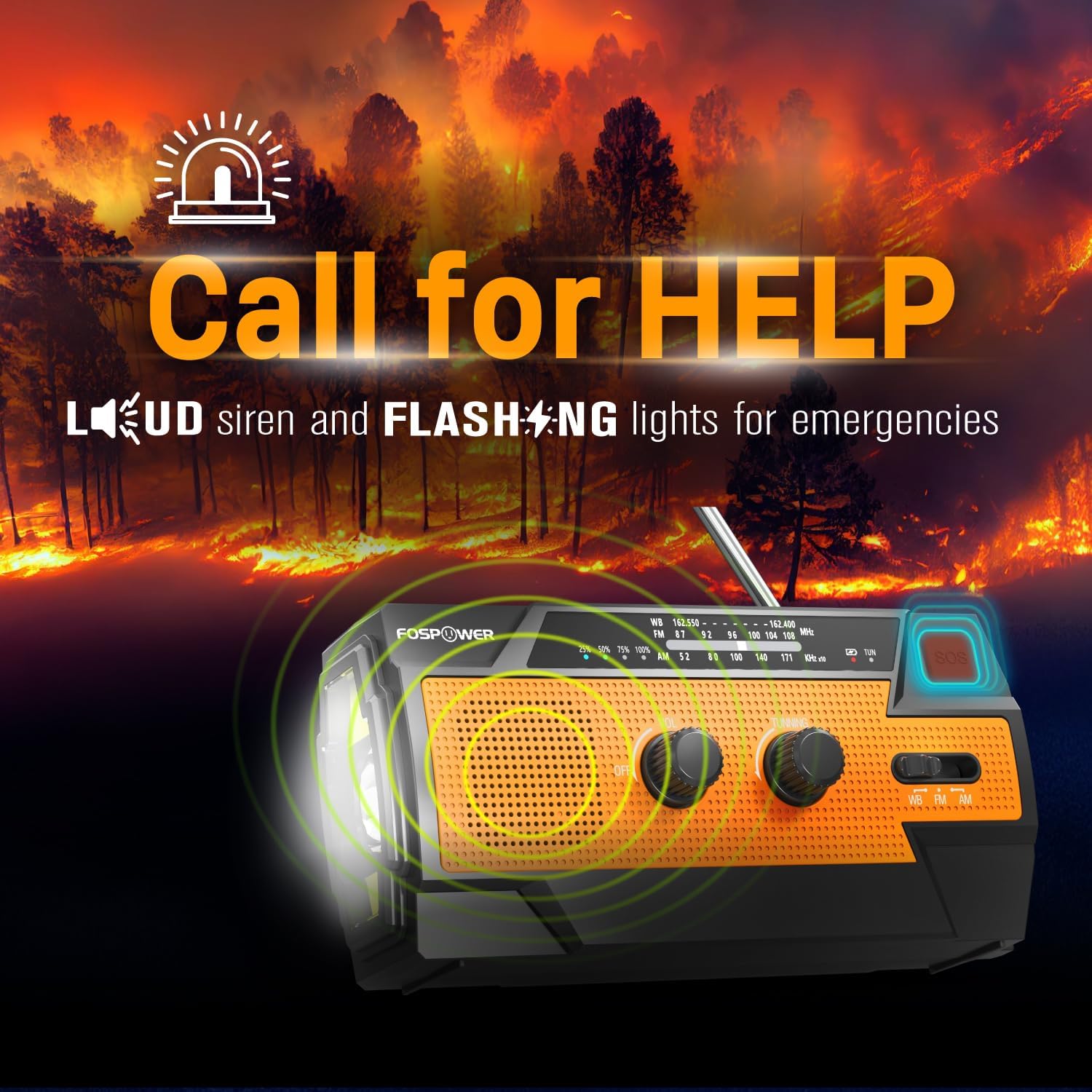
Figure 6: SOS Alarm Activation. This image depicts the radio emitting a loud siren and flashing lights, indicating the SOS function is active.
4.6 Коришћење као преносне батерије
The radio's internal battery can be used to charge external USB devices:
- Connect your smartphone, tablet, or other USB-powered device to the radio's УСБ-А излазни порт using your device's charging cable.
- The radio will begin charging the connected device. Monitor the radio's battery indicator to ensure sufficient charge remains for its own operation.

Figure 7: Power Bank Function. This image shows the radio charging a smartphone on a wooden table outdoors, demonstrating its 14800mWh power bank capability.
5. Нега и одржавање
- Чишћење: Обришите радио меком, дamp тканина. Немојте користити јаке хемикалије или абразивна средства за чишћење.
- Складиштење: Store the radio in a cool, dry place away from direct sunlight and extreme temperatures. For long-term storage, ensure the battery is partially charged (around 50%) and recharge every 3-6 months to prevent deep discharge.
- Отпорност на воду: The radio is IPX3 water resistant, meaning it can withstand spraying water. Do not submerge the radio in water.

Figure 8: IPX3 Water Resistance. This image shows the radio in a light rain shower, illustrating its IPX3 water-resistant design suitable for harsh environments.
КСНУМКС. Решавање проблема
| Проблем | Могући узрок | Решење |
|---|---|---|
| Радио се не укључује. | Батерија је празна. | Charge the radio via USB-C, hand crank, or solar panel. |
| Лош радио пријем. | Antenna not extended, weak signal, interference. | Fully extend the telescopic antenna. Move to an open area away from obstructions. Fine-tune the tuning knob. |
| Flashlight/Reading light not working. | Battery is low, incorrect mode selected. | Charge the radio. Ensure the correct light mode (Full, Far, Wide for flashlight; Light, Auto for reading light) is selected. |
| External device not charging from radio. | Radio battery is low, cable issue, device incompatibility. | Ensure the radio has sufficient charge. Check the USB cable connection. Try a different USB cable or device. |
| Hand crank is stiff or difficult to turn. | Possible obstruction or internal issue. | Ensure there are no physical obstructions. Turn the crank smoothly and avoid excessive force. If problem persists, contact customer support. |
| Соларно пуњење је споро или неефикасно. | Insufficient sunlight, dirty solar panel. | Place the radio in direct, strong sunlight. Clean the solar panel surface with a soft cloth. Note that solar charging is supplementary. |
7. Спецификације производа
| Феатуре | Спецификација |
|---|---|
| Број модела | FOSPWB-2402 |
| Димензије производа | 15.82 x 6.30 x 8.10 цм |
| Тежина артикла | 1.06 фунте (0.48 кг) |
| Извор напајања | Solar, Battery (14800mWh internal), Handcrank |
| Капацитет батерије | 14800mWh (4000mAh) |
| Подржани радио бендови | AM, FM, WB (Weather Band) |
| Технологија повезивања | USB C (Input), USB A (Output) |
| Посебна карактеристика | Portable, Power Bank, SOS Alarm, Flashlight, Reading Light |
| Отпорност на воду | ИПКС3 |

Figure 9: Product Dimensions. This diagram provides the exact measurements of the FosPower Emergency Weather Radio.
8. Гаранција и корисничка подршка
Ограничена доживотна гаранција
FosPower products are backed by a limited lifetime warranty. This warranty covers defects in materials and workmanship under normal use. Please refer to the official FosPower webвеб-сајт или вашу документацију о куповини за комплетне услове гаранције.
Корисничка подршка
For any questions, technical assistance, or warranty claims, please contact FosPower's dedicated USA-based customer service team. Contact information can typically be found on the product packaging or the official FosPower webсајту.
Такође можете посетити FosPower Store on Amazon за више информација и ажурирања производа.