
1. Увод
Thank you for choosing the Rampage KB-R95 X-TITAN Gaming Mechanical Keyboard. This manual provides essential information for setting up, operating, maintaining, and troubleshooting your new keyboard. Please read this manual thoroughly before use to ensure optimal performance and longevity of your device.
2. Садржај пакета
- Rampage KB-R95 X-TITAN Gaming Mechanical Keyboard
- Упутство за употребу
3. Производ је готовview
Рampage KB-R95 X-TITAN is a full-size mechanical gaming keyboard designed for performance and durability. It features responsive Red mechanical switches and customizable Full RGB LED backlighting, providing a dynamic gaming experience.
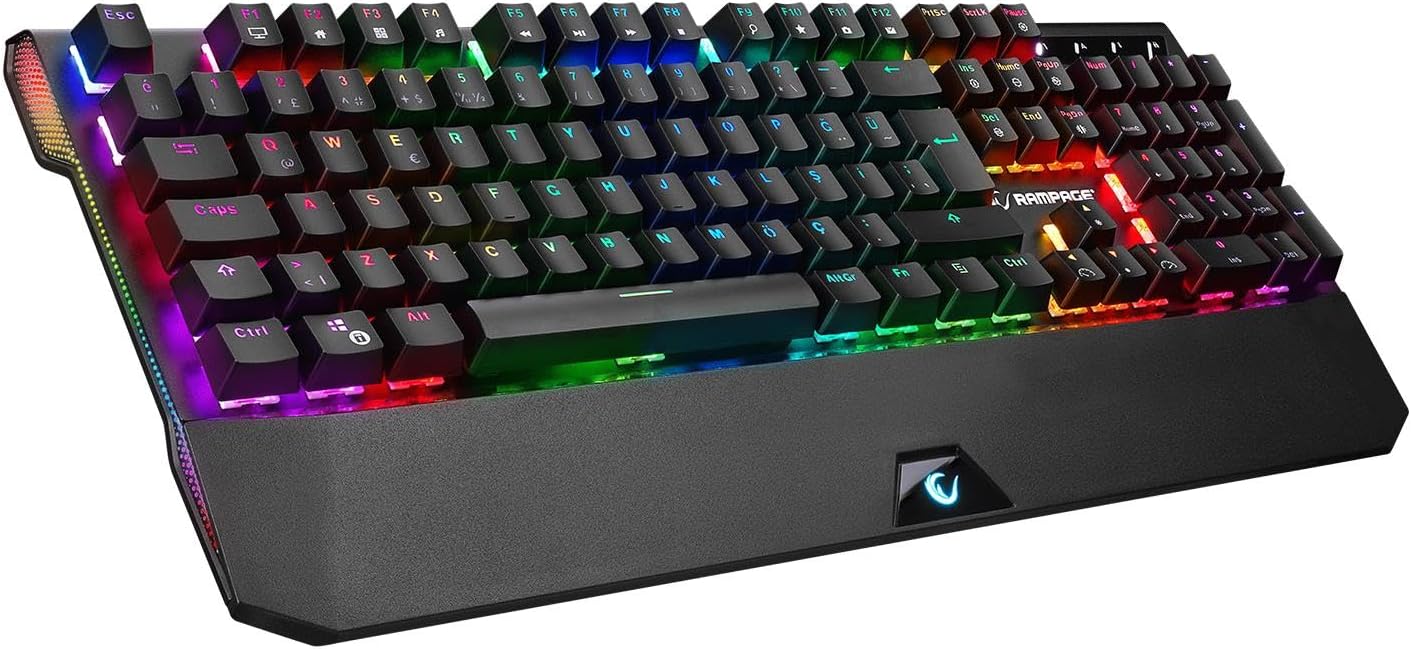
Figure 3.1: The Rampage KB-R95 X-TITAN Gaming Mechanical Keyboard showcasing its full RGB backlighting.
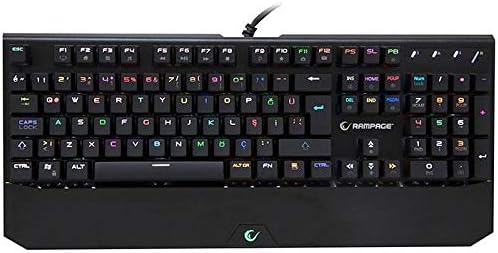
Слика 3.2: Одозго надоле view illustrating the standard QWERTY layout of the KB-R95 X-TITAN keyboard.
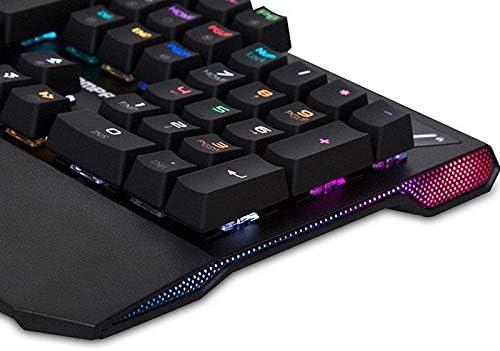
Figure 3.3: Detail of the integrated RGB lighting strip along the side of the keyboard, enhancing its aesthetic appeal.
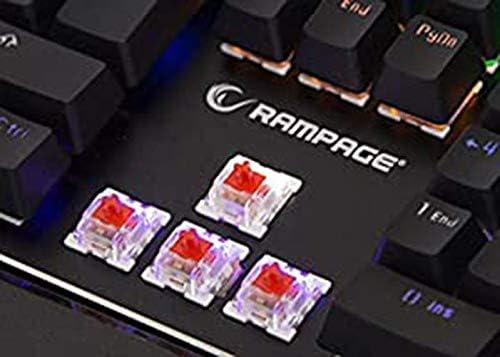
Слика 3.4: Крупни план view of the Red mechanical switches, known for their linear feel and quick response.
4. Подешавање
- Распакујте тастатуру: Пажљиво извадите тастатуру из паковања.
- Повежите се са рачунаром: Plug the USB connector of the keyboard into an available USB port on your computer (desktop or laptop).
- Инсталација драјвера: Your operating system (Windows, macOS, Linux) should automatically detect and install the necessary drivers. No additional software installation is typically required for basic functionality.
- Спреман за употребу: Once the drivers are installed, the keyboard is ready for use.
5. Упутство за употребу
5.1 Основне функције тастатуре
The KB-R95 X-TITAN functions as a standard QWERTY keyboard for typing and general computer use.
5.2 RGB контрола осветљења
The keyboard features various RGB lighting modes and customization options. Use the Function (Fn) key in combination with specific keys to adjust the lighting:
- Fn + PrtSc (Print Screen): Cycle through different RGB lighting effects.
- Fn + Scroll Lock: Adjust the brightness of the backlighting (typically 5 levels).
- Fn + Пауза: Change the speed of dynamic lighting effects.
- Fn + стрелица горе/доле: Adjust backlight brightness (alternative).
- Fn + стрелица лево/десно: Adjust lighting effect direction or color.
5.3 Мултимедијални и функционални тастери
Utilize the Function (Fn) key in conjunction with the F-keys for multimedia control and other shortcuts:
- Фн + Ф1: Мој рачунар
- Фн + Ф2: Pretraga
- Фн + Ф3: Калкулатор
- Фн + Ф4: Медиа Плаиер
- Фн + Ф5: Превиоус Трацк
- Фн + Ф6: Нект Трацк
- Фн + Ф7: Пусти/Паузирај
- Фн + Ф8: Стани
- Фн + Ф9: Муте
- Фн + Ф10: Утишавање звука
- Фн + Ф11: Волуме Уп
- Фн + Ф12: тастатура лоцк
- Fn + Win тастер: Закључај/откључај Windows тастер (спречава случајно притискање током играња).
6. Одржавање
Правилно одржавање осигурава дуготрајност и перформансе ваше тастатуре.
- Чишћење: Use a soft, dry cloth to wipe the surface of the keyboard. For dust and debris between keycaps, use compressed air. Avoid using harsh chemicals or abrasive materials.
- Просипање: In case of a liquid spill, immediately unplug the keyboard from your computer. Turn it upside down to drain as much liquid as possible. Allow it to dry completely for at least 24-48 hours before plugging it back in. Do not use a hairdryer as excessive heat can damage components.
- Складиштење: Чувајте тастатуру на хладном и сувом месту, даље од директне сунчеве светлости и екстремних температура.
КСНУМКС. Решавање проблема
If you encounter issues with your Rampage KB-R95 X-TITAN keyboard, refer to the following common solutions:
- Тастатура не реагује:
- Уверите се да је УСБ кабл безбедно прикључен и на тастатуру и на рачунар.
- Покушајте да прикључите тастатуру на други УСБ порт.
- Поново покрените рачунар.
- Тестирајте тастатуру на другом рачунару да бисте утврдили да ли је проблем са тастатуром или са рачунаром.
- RGB lighting not working or stuck:
- Уверите се да је тастатура правилно повезана.
- Покушајте да мењате режиме осветљења користећи Фн + ПртСц.
- Подесите осветљеност помоћу Фн + Сцролл Лоцк or Fn + стрелица горе/доле.
- Unplug and replug the keyboard to reset its lighting controller.
- Кључеви се не региструју:
- Очистите погођено подручје кључа компримованим ваздухом да бисте уклонили све остатке.
- If a specific key is consistently failing, it might indicate a hardware issue.
8. Спецификације
| Феатуре | Спецификација |
|---|---|
| Бранд | Rampстарости |
| Модел | KB-R95 X-TITAN |
| Повезивање | УСБ |
| Тип прекидача | Црвени механички прекидачи |
| Осветљење | Full RGB LED |
| Компатибилни уређаји | Лаптоп, ПЦ |
| Распоред тастатуре | Gaming (QWERTY) |
9. Гаранција и подршка
For warranty information and technical support, please refer to the warranty card included with your product or visit the official Rampстарости webсајт. Сачувајте рачун као доказ о куповини за потребе гаранције.