1. Увод и крајview
The Saramonic SmartMic Di Mini is an ultra-compact omnidirectional condenser microphone that plugs directly into the Lightning port of your iPhone or iPad. Weighing less than an ounce, the SmartMic Di Mini delivers dynamic broadcast-quality sound, significantly improving the audio quality of your videos and recordings.

Image: The Saramonic SmartMic Di Mini microphone connected to the Lightning port of an iPhone.
2. Шта је у кутији
- SmartMic Di Mini Microphone
- Пена ветробран
- Торбица за ношење
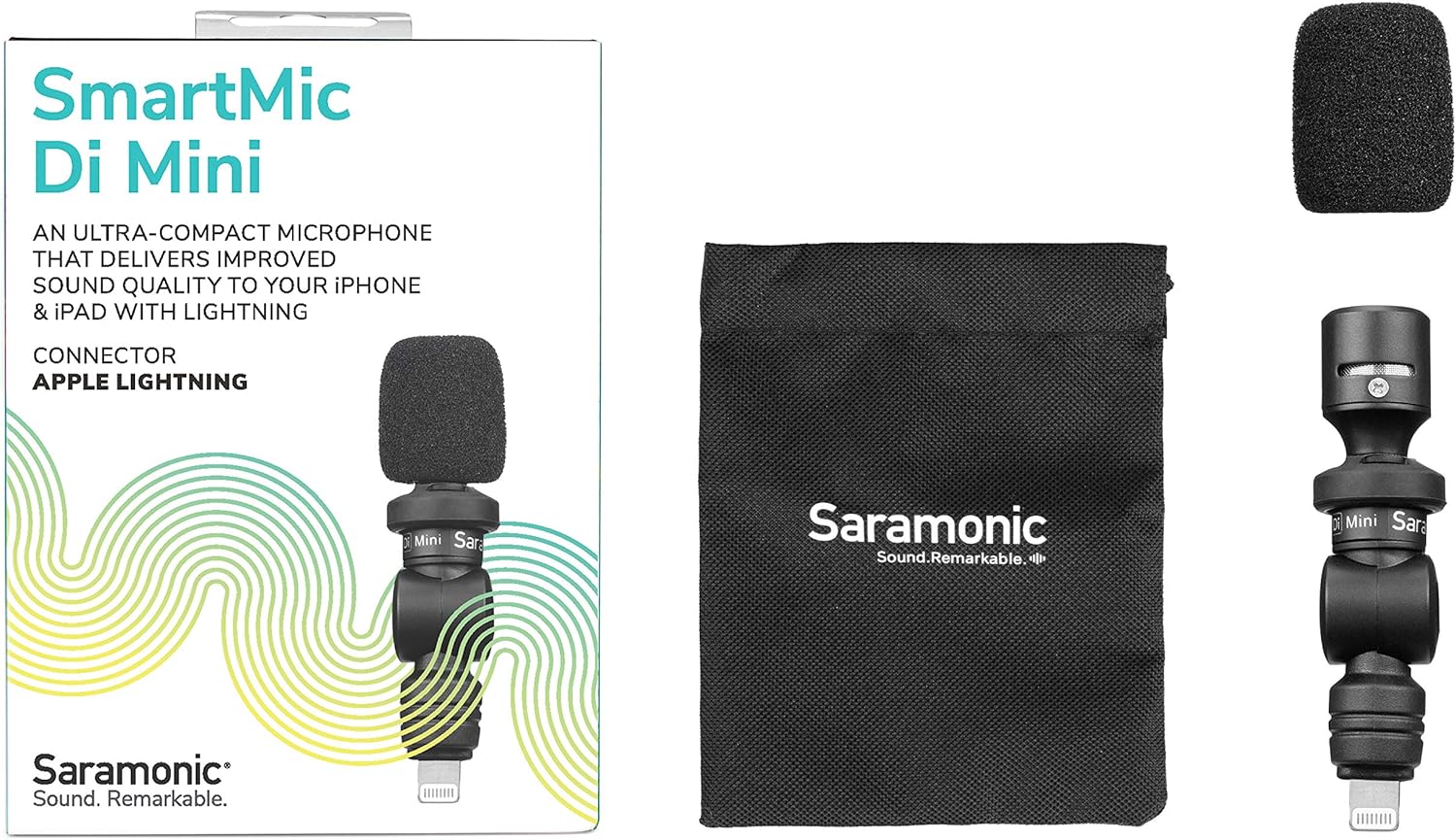
Image: The retail box displaying the SmartMic Di Mini, a foam windscreen, and a carrying pouch.
3. Карактеристике производа
- Delivers high-quality, dynamic sound to iPhones & iPads with Lightning.
- Ideal microphone for Vlogging, Video Apps, Audio Recording Apps, Livestreaming, YouTube, and Social Media Videos.
- Compact capsule, built-in shock mount, and flexible angle-free design allow precise sound focus.
- Simple plug-and-play usage that never requires batteries or charging.
- Ultra-lightweight and compact form-factor for effortless portability.
4. Подешавање
- Attach the Foam Windscreen: Gently slide the included foam windscreen over the microphone capsule until it is fully seated. This helps reduce plosives and light wind noise.
- Повежите се са уређајем: Plug the SmartMic Di Mini directly into the Lightning port of your iPhone or iPad. Ensure it is firmly connected.
- Remove Phone Case (if necessary): For optimal connection and to ensure the microphone sits flush, it may be necessary to remove your phone's protective case before plugging in the microphone.
- Подесите угао: The microphone features a flexible design, allowing you to adjust its angle to point towards the sound source.

Image: The SmartMic Di Mini with its foam windscreen attached, ready for use.

Image: The microphone connected to the bottom Lightning port of an iPhone.
5. Упутство за употребу
- Започни снимање: Open your preferred audio or video recording application on your iPhone or iPad. The device should automatically recognize the external microphone.
- Поставите микрофон: Utilize the flexible design to point the microphone directly at your subject for optimal sound capture. For selfie-style recording, point it towards yourself. For recording others, point it away from you.
- Аудио монитора: If your recording app allows, monitor the audio levels to ensure clear sound without clipping or distortion.
- Сачувај снимак: After recording, save your audio or video file within your application.

Image: A close-up of the SmartMic Di Mini demonstrating its flexible, adjustable head for directional audio capture.
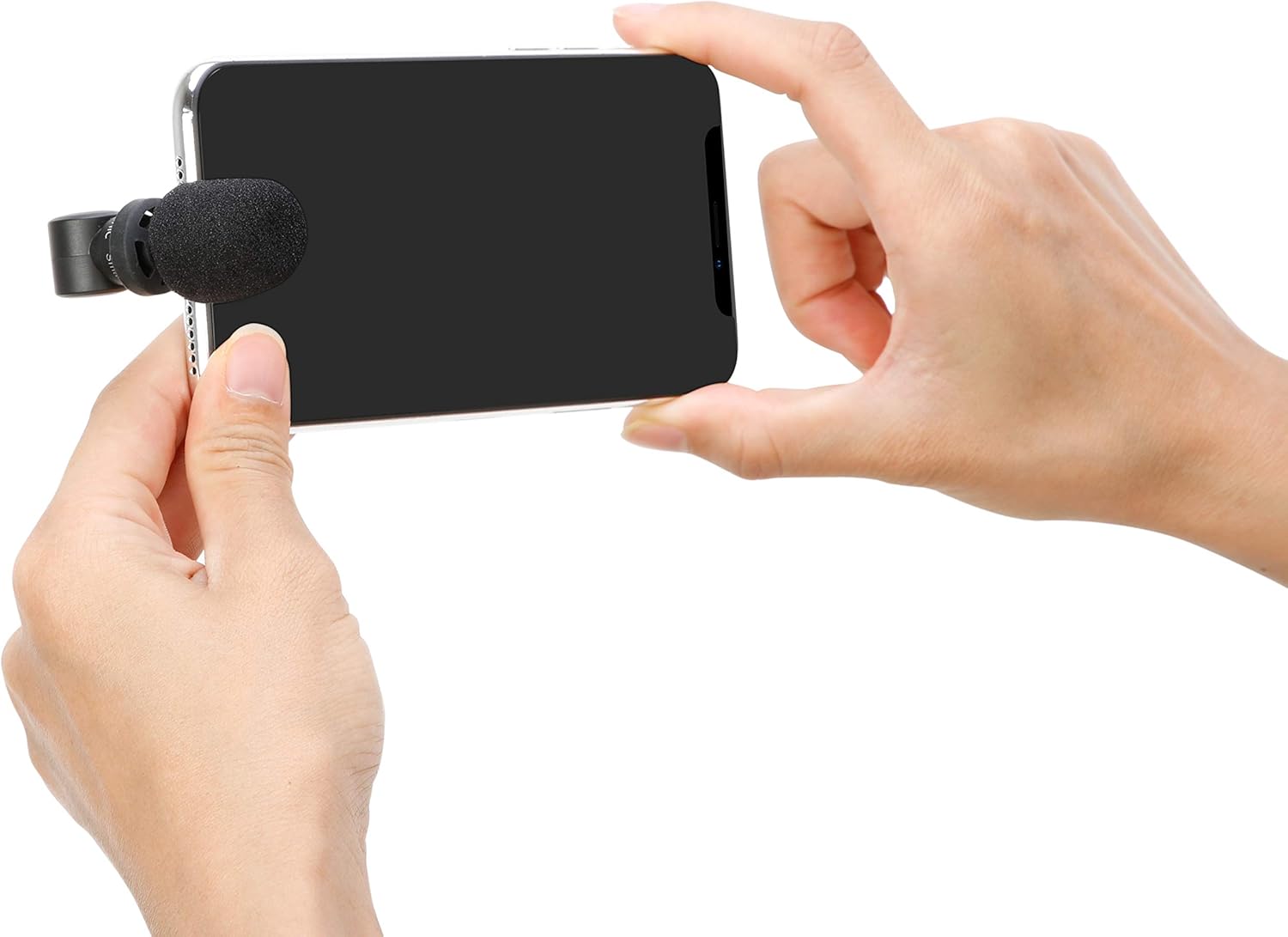
Image: A user holding an iPhone horizontally with the SmartMic Di Mini attached, indicating readiness for video recording.
6. Одржавање
- Чишћење: Користите меку, суву крпу за чишћење кућишта микрофона. Не користите течна средства за чишћење или раствараче.
- Нега ветробрана: The foam windscreen can be gently removed and cleaned with mild soap and water if necessary. Allow it to air dry completely before reattaching.
- Складиштење: When not in use, store the microphone in its provided carrying pouch to protect it from dust and damage.
- Optional Furry Windscreen: For outdoor recording or in windy conditions, consider purchasing and attaching a furry windscreen (e.g., Saramonic XM1-WS, sold separately) for superior wind noise reduction.

Image: A furry windscreen, an optional accessory for enhanced wind noise reduction, shown separately.

Image: The black carrying pouch with the Saramonic logo, designed to protect the microphone.
КСНУМКС. Решавање проблема
- Нема аудио улаза: Ensure the microphone is fully inserted into the Lightning port. If using a phone case, remove it to ensure a complete connection.
- Poor Audio Quality (Wind Noise): If recording outdoors or in windy environments, attach a furry windscreen (sold separately) to significantly reduce wind interference.
- Audio Too Low/High: Check your recording application's settings for microphone input levels. The SmartMic Di Mini is plug-and-play and does not have physical gain controls.
- Device Not Recognizing Microphone: Restart your iPhone or iPad and re-insert the microphone. Ensure your device's operating system is up to date.
8. Спецификације
| Феатуре | Спецификација |
|---|---|
| Бранд | Сарамониц |
| Назив модела | SmartMicDiMini |
| Технологија повезивања | Муња |
| Тип конектора | Муња |
| Полар Паттерн | Омнидирецтионал |
| Фактор форме микрофона | Мини |
| Извор напајања | Battery Powered (from device) |
| Однос сигнала и шума | 60 дБ |
| Компатибилни уређаји | Tablet, Smartphone (iPhone, iPad with Lightning) |
| Тежина артикла | 0.02 фунти |
| Димензије артикла | 2.74 к 0.75 к 0.75 инча |
9. Гаранција и подршка
The Saramonic SmartMic Di Mini comes with a 2-годишња ограничена гаранција. For warranty claims, technical support, or further assistance, please contact Saramonic customer service through their official webсајт или продавницу где је производ купљен.
За додатне ресурсе и информације о производу, посетите Сарамоник продавница на Амазону.