
Увод
This manual provides detailed instructions for the installation, operation, and maintenance of the HANWHA TECHWIN SND-3082P Network Dome Camera. The SND-3082P is a high-performance 4CIF resolution network camera designed for surveillance applications, featuring Wide Dynamic Range (WDR) technology, Day/Night functionality, and Power over Ethernet (PoE) support. Please read this manual thoroughly before using the product to ensure correct and safe operation.
Кључне карактеристике
- висока резолуција: Delivers 30(25)fps at 4CIF resolution for clear images.
- Advanced Codecs: Supports H.264, MPEG-4, and MJPEG multiple codecs for flexible streaming.
- Мулти-стриминг: Enables simultaneous transmission of various streams for real-time monitoring, high-quality recording, and mobile access.
- Day and Night Function (ICR): Provides clear images in varying light conditions using an Infrared Cut-filter Removable mechanism.
- Широки динамички опсег (ВДР): Optimizes image quality in challenging lighting conditions with strong light/dark contrasts.
- Напајање преко Етхернета (ПоЕ): Simplifies installation by providing power and data over a single Ethernet cable.
- Мицро СД слот: Supports local recording to a Micro SD card.
- Bi-Directional Audio: Allows for two-way audio communication.
- Mobile Monitoring & E-mail Notifications: Facilitates remote viewing and alert notifications.
Садржај пакета
Please check that all components are present and in good condition. If any items are missing or damaged, contact your supplier immediately.
- HANWHA TECHWIN SND-3082P Network Dome Camera Unit
- Монтажни образац
- Монтажни завртњи и анкери
- Водич за брзи почетак
- Software CD or Download Information
- Ethernet Cable (may be sold separately)
Сетуп
1. Распакивање и преглед
Carefully remove the camera from its packaging. Inspect the camera and all accessories for any signs of damage.
2. Монтажа камере
The SND-3082P is designed for ceiling mount installation.
- Choose a suitable mounting location on a ceiling, ensuring it is sturdy enough to support the camera's weight.
- Use the provided mounting template to mark the drill holes on the ceiling.
- Drill pilot holes and insert the wall anchors if necessary.
- Secure the camera's mounting plate to the ceiling using the provided screws.
- Attach the camera body to the mounting plate, ensuring it is firmly locked in place.
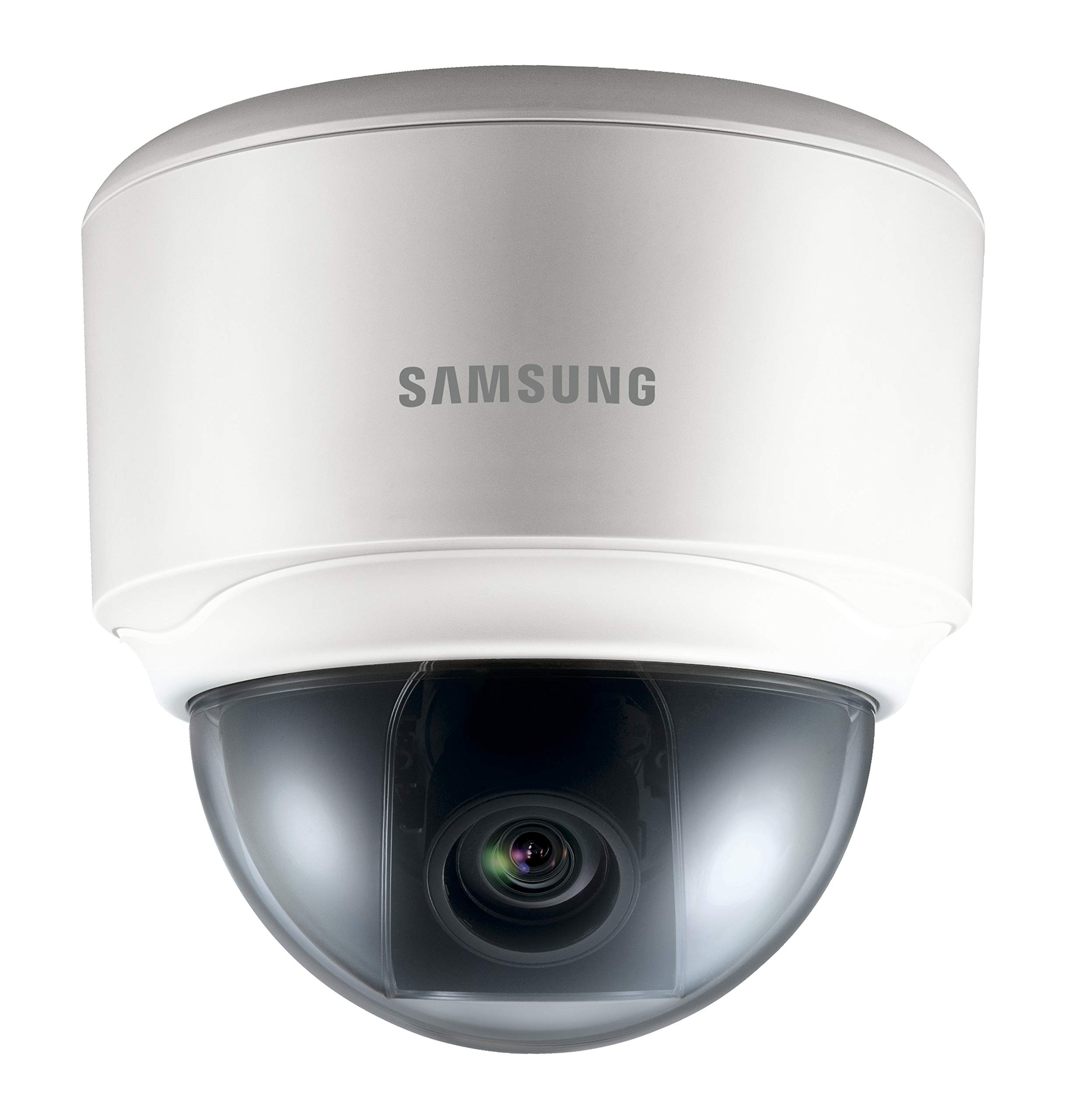
Image: The HANWHA TECHWIN SND-3082P Network Dome Camera, typically mounted on a ceiling for surveillance. This image illustrates the compact dome design.
3. Напајање и мрежна веза
The camera supports Power over Ethernet (PoE) for simplified installation.
- ПоЕ веза: Connect an Ethernet cable from a PoE-enabled switch or injector to the camera's Ethernet port. This will provide both power and network connectivity.
- Standard Power (Optional): If PoE is not used, connect a 12V DC power adapter (not included) to the camera's power input port. Then, connect an Ethernet cable from your network switch/router to the camera's Ethernet port.
Ensure the network connection is active and the camera receives power. The camera will typically perform a self-test upon power-up.
4. Почетни приступ и конфигурација
To access the camera's web interface for initial configuration:
- Install the provided IP Installer software (or similar discovery tool) on a computer connected to the same network as the camera.
- Run the software to discover the camera's IP address.
- Отвори а web прегледач (нпр. Chrome, Firefox) и унесите IP адресу камере у адресну траку.
- Пријавите се користећи подразумевано корисничко име и лозинку (погледајте Водич за брзи почетак за подразумеване акредитиве). Препоручује се да одмах промените подразумевану лозинку ради безбедности.
- Follow the on-screen prompts to configure basic settings such as network parameters, date/time, and video streaming options.
Управљање камером
1. Ливе View
Након пријављивања у web interface, you can access the live video feed. Adjust the camera's pan, tilt, and zoom (if applicable) to achieve the desired viewугао уласка.
2. Видео Сеттингс
Navigate to the video settings section to configure:
- Резолуција и брзина кадрова: Set the desired resolution (up to 4CIF) and frame rate.
- Компресија: Choose between H.264, MPEG-4, or MJPEG codecs.
- ВДР: Enable or disable Wide Dynamic Range for improved image quality in high-contrast scenes.
- Дан/ноћ режим: Configure automatic switching between color (day) and black & white (night) modes.
3. Снимање и складиштење
The camera supports various recording options:
- Мицро СД картица: Insert a compatible Micro SD card into the camera's slot for local storage. Configure recording schedules and event-triggered recording (e.g., motion detection).
- Мрежни видео рекордер (NVR): Connect the camera to a compatible NVR for centralized recording and management.
- ФТП/НАС: Configure the camera to upload recordings or snapshots to an FTP server or Network Attached Storage.
4. Event Management
Configure event triggers and actions:
- Детекција покрета: Set up detection zones and sensitivity.
- Излаз аларма: Trigger external devices upon event detection.
- И-мејл обавештење: Receive email alerts with snapshots when an event occurs.
Одржавање
- Чишћење: Редовно чистите поклопац куполе камере меком крпомamp тканина. Избегавајте абразивна средства за чишћење.
- Ажурирања фирмвера: Проверите произвођача website periodically for firmware updates. Updating firmware can improve performance, add features, and enhance security. Follow the provided instructions carefully when performing updates.
- Безбедност мреже: Ensure your network is secure and change camera passwords regularly.
Решавање проблема
| Проблем | Могући узрок | Решење |
|---|---|---|
| Нема видео фида | No power; Network cable disconnected; Incorrect IP address; Firewall blocking access. | Check power supply/PoE connection; Verify network cable connection; Confirm camera's IP address; Adjust firewall settings. |
| Лош квалитет слике | Dirty lens/dome; Incorrect video settings (resolution, compression); Insufficient lighting; WDR not enabled in high-contrast scenes. | Clean the dome cover; Adjust resolution and compression settings; Ensure adequate lighting or enable Day/Night mode; Activate WDR. |
| Није могуће приступити web интерфејс | Incorrect IP address; Network connectivity issue; Browser compatibility; Incorrect login credentials. | Use IP Installer to find IP; Check network cables; Try a different browser; Verify username/password (reset if necessary). |
| Снимање не ради | SD card full or faulty; Recording schedule not configured; NVR not connected or configured correctly. | Check SD card status, format or replace; Configure recording schedules; Verify NVR connection and settings. |
Спецификације
| Феатуре | Детаљ |
|---|---|
| Бранд | HANWHA |
| Модел | SND-3082P |
| Резолуција | Up to 4CIF (704x480) at 30(25)fps |
| видео кодеци | Х.264, МПЕГ-4, МЈПЕГ |
| Дан/Ноћ | True Day/Night (ICR) |
| Широки динамички распон (ВДР) | Да |
| Извор напајања | PoE (Power over Ethernet), 12V DC |
| Технологија повезивања | Виред |
| Складиштење | Мицро СД слот |
| Аудио | Bi-Directional Audio |
| Тип монтаже | Плафонски носач |
| Форм Фацтор | Доме |
| Боја | Бела |
| Тежина артикла | 1.27 фунте (0.57 кг) |
| Димензије пакета | 5.24 к 5.24 к 5.09 инча (13.3 к 13.3 к 12.9 цм) |
| Оцена међународне заштите | ИП65 |
| Унутрашња/спољна употреба | Индоор |
Гаранција и подршка
For warranty information and technical support, please refer to the documentation included with your product or visit the official HANWHA TECHWIN webсајт. Сачувајте рачун као доказ о куповини за потребе гаранције.